
This page is not an official page of the app or its developer, but an independent editorial publication created for informational and commentary purposes. Unless expressly stated otherwise, neither the app nor its developer is affiliated with, endorsed by, sponsored by, authorized by, or otherwise officially connected with MWM, Apple, Google Play, the app publisher, or the app's developer, and nothing on this page implies that the app was developed using MWM's services. Any trademarks, logos, screenshots, and other content remain the property of their respective owners.

PDF Merger | Merge & Split It
Effortlessly combine, split, and scan documents with 100% on-device privacy. No internet required, no subscriptions—just powerful tools for your mobile workflow.
Downloads
36K+User Rating
Total Ratings
1K+Publisher
Category
ProductivityLocales
13Latest Version
4.6.3Size
14.7 MBFirst Released
Jun 16, 2020Master Your Documents on the Go
A powerful, secure, and subscription-free toolkit designed for students and professionals who need professional PDF results without the privacy risks of cloud-based tools.
Private On-Device Processing
Your sensitive contracts and assignments never leave your iPhone. Work entirely offline to ensure your data stays 100% private and secure from cloud breaches.
One-Tap Merge & Split
Effortlessly combine multiple scans into one document or extract specific pages for sharing. A streamlined workflow for organizing receipts, reports, and lecture notes.
The following screenshots and description are sourced directly from the app's official store listing and are the property of the app developer.
App Store
Screenshots
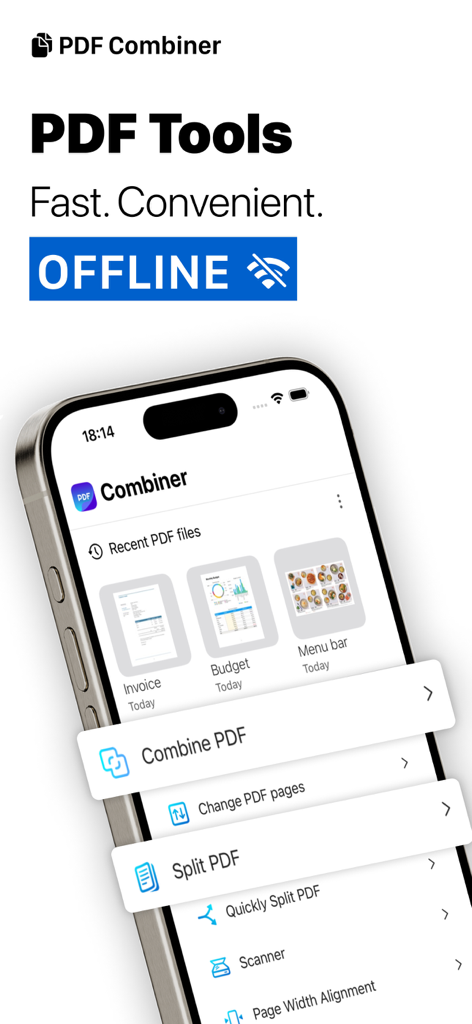
iPhone screen displaying the PDF Combiner app interface with options to merge, split, and scan documents offline.
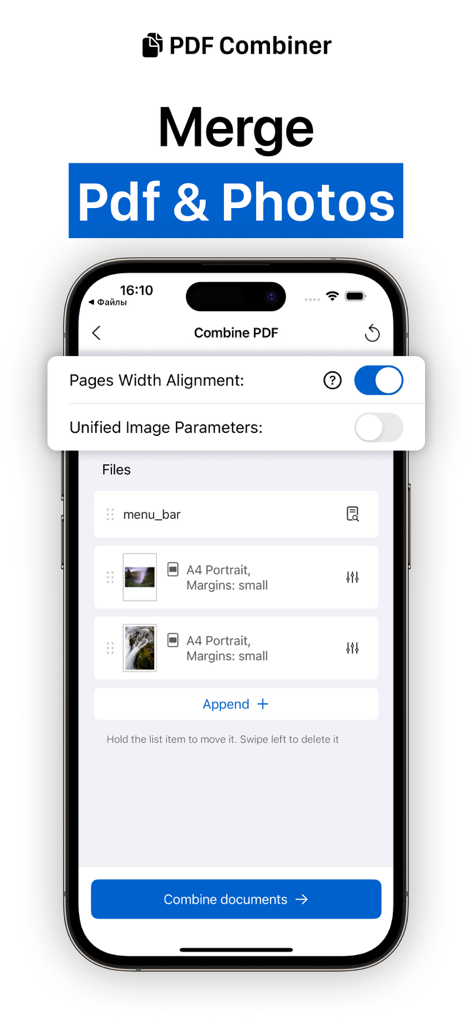
A mobile app interface for merging PDF documents and photos into a single file with alignment options
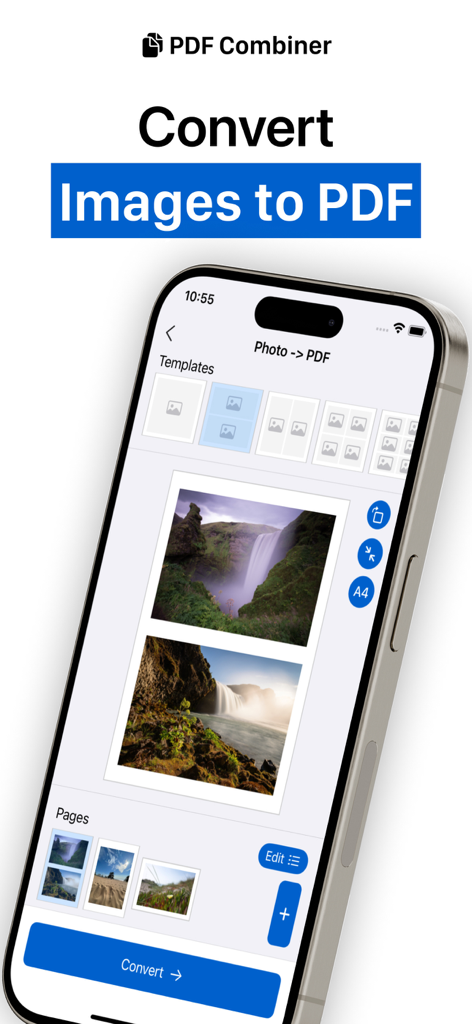
iPhone screen displaying the PDF Merger app interface for converting multiple images into a single PDF document using various layout templates
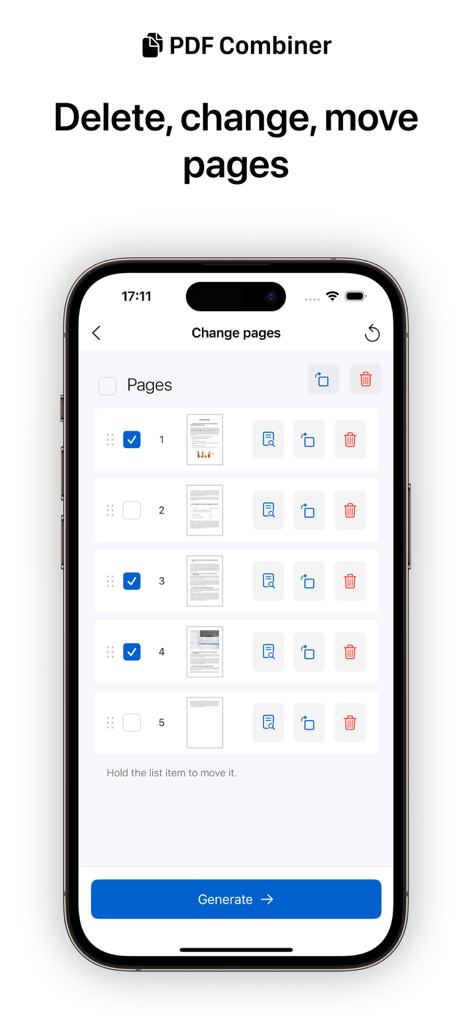
iPhone screen showing PDF page management tools including delete rotate and reorder features
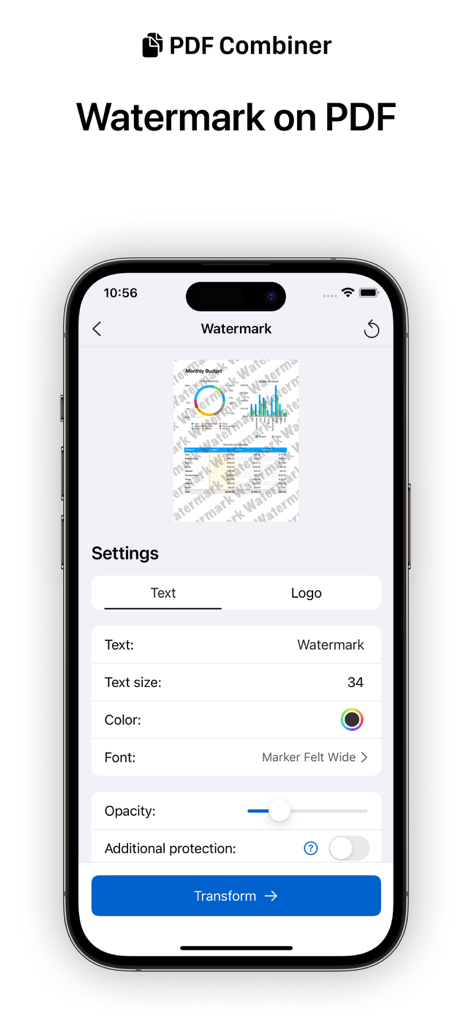
Mobile app interface for adding text or logo watermarks to PDF files
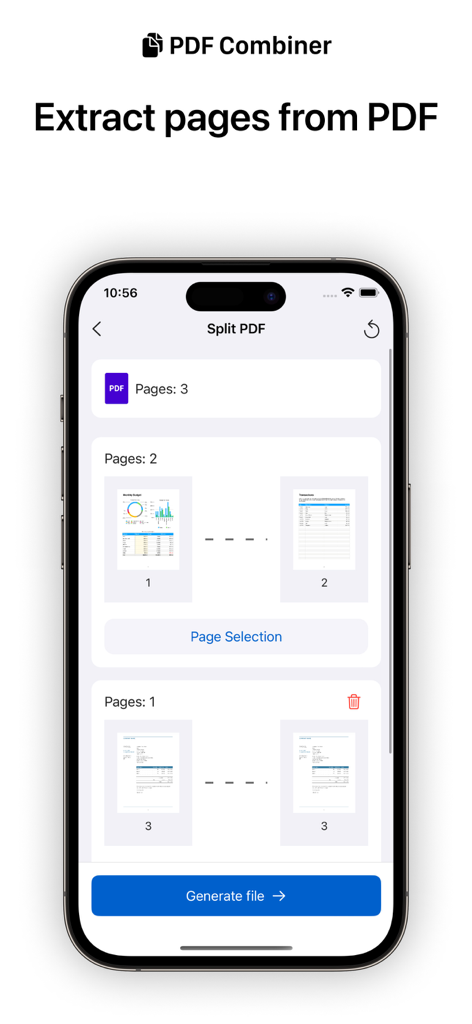
A mobile phone screen showing the split PDF feature with options to select and extract specific pages from a document
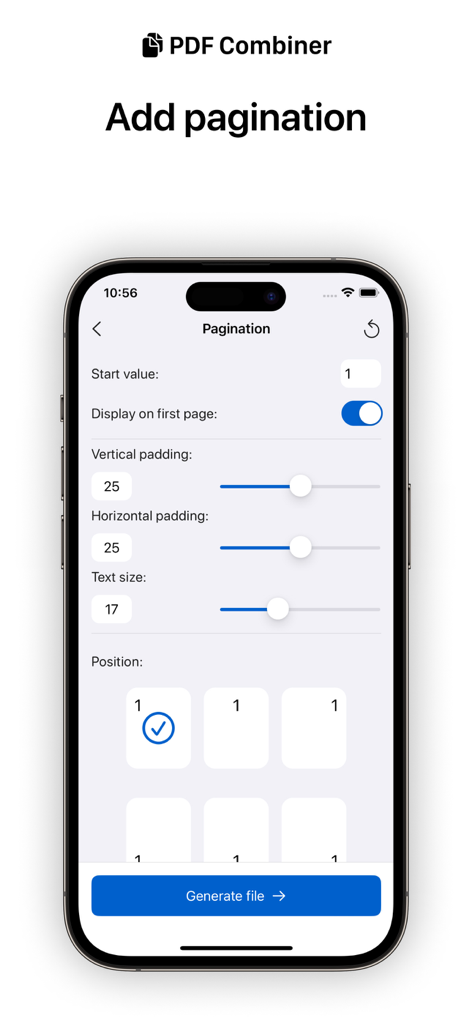
iPhone screen showing pagination settings in the PDF Merger app with options for text size and page position
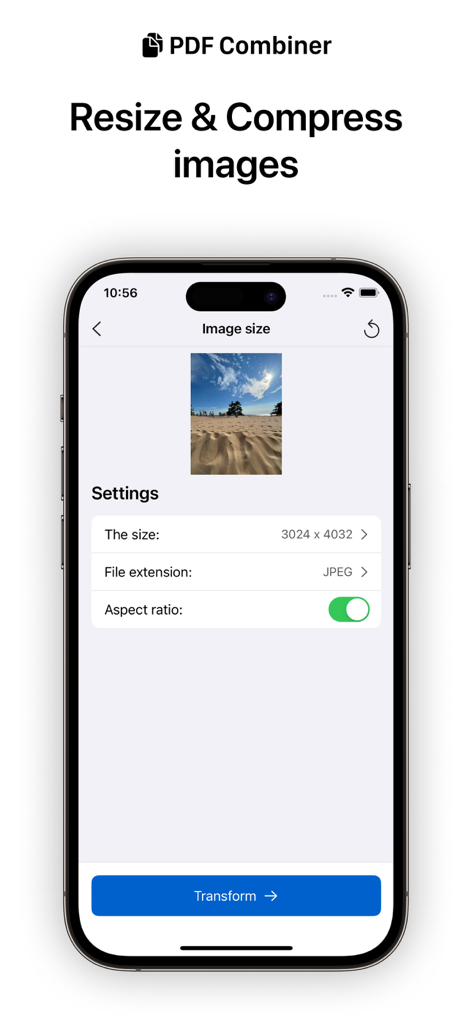
iPhone screen showing the image resize and compression tool within the PDF Merger app.
Description
Download
More Like This
Top-ranked apps in the same category

ChatGPT
OpenAI OpCo, LLC

Google Gemini
Google LLC

Grok
X.AI Corporation

Gmail - Email by Google
Google LLC

千问 - 阿里最强大模型官方AI助手
Shanghai Zhixin Puhui Technology Co., Ltd.

Google Drive
Google LLC

Microsoft Authenticator
Microsoft Corporation

Google Sheets
Google LLC

Google Docs
Google LLC
This page is not an official page of the app or its developer, but an independent editorial publication created for informational and commentary purposes. Unless expressly stated otherwise, neither the app nor its developer is affiliated with, endorsed by, sponsored by, authorized by, or otherwise officially connected with MWM, Apple, Google Play, the app publisher, or the app's developer, and nothing on this page implies that the app was developed using MWM's services. Any trademarks, logos, screenshots, and other content remain the property of their respective owners.