
This page is not an official page of the app or its developer, but an independent editorial publication created for informational and commentary purposes. Unless expressly stated otherwise, neither the app nor its developer is affiliated with, endorsed by, sponsored by, authorized by, or otherwise officially connected with MWM, Apple, Google Play, the app publisher, or the app's developer, and nothing on this page implies that the app was developed using MWM's services. Any trademarks, logos, screenshots, and other content remain the property of their respective owners.

PDF Scanner & OCR
Turn your iPhone into a powerful mobile office. Scan receipts, contracts, and notes into high-quality PDFs with advanced OCR text recognition designed for the modern professional.
Downloads
0User Rating
Total Ratings
0Publisher
Category
ProductivityLocales
1Latest Version
1.0.1Size
3.2 MBFirst Released
Jan 11, 2026Everything You Need for a Paperless Life
Streamline your workflow with a focused tool designed for speed. Turn your iPhone into a powerful mobile office to scan, search, and share documents in seconds.
Instant Professional Scans
Capture crystal-clear PDFs of contracts, receipts, and notes using your camera. Perfect for busy professionals who value a minimalist, clutter-free workspace.
Pro-Level OCR Recognition
Stop manual typing. Automatically transform physical pages into searchable text, allowing you to copy and extract data from documents instantly.
Frequently Asked Questions
Everything you need to know about PDF Scanner & OCR
What is PDF Scanner · OCR & Search?
PDF Scanner · OCR & Search is an application that scans documents, converts them into searchable PDFs using powerful OCR technology, and allows users to find, copy, and share text from these documents.
Does PDF Scanner offer Optical Character Recognition (OCR) functionality?
Yes, PDF Scanner offers powerful OCR functionality. It converts scanned documents into searchable PDFs, allowing users to find text within contracts, receipts, invoices, and notes.
What are the limitations of the free version of PDF Scanner?
The free version of PDF Scanner allows users to scan up to 10 documents and import up to 10 photos or PDFs per day. It includes full access to PDF preview and file management tools.
What benefits does upgrading to the Pro version of PDF Scanner provide?
The Pro version of PDF Scanner unlocks unlimited scanning and imports. It provides full OCR support, enabling text recognition for entire documents and the ability to search text across all pages.
Can I edit or organize pages within a PDF document using PDF Scanner?
Yes, PDF Scanner allows users to create multi-page PDF documents and offers features to add, remove, and reorder pages within scanned documents. It also enables easy file renaming and organization.
How do I manage or cancel my PDF Scanner subscription?
Users can manage or cancel their PDF Scanner subscription at any time within their App Store account settings. Subscriptions renew automatically unless canceled 24 hours before the period ends.
Can PDF Scanner extract text from receipts and invoices?
Yes, PDF Scanner can extract text from receipts, invoices, and contracts. Its OCR feature converts these documents into searchable PDFs, making it easy to find specific information.
Is it possible to import existing photos or PDF files into PDF Scanner?
Yes, PDF Scanner allows users to import existing photos and PDF files. The free version permits importing up to 10 photos or PDFs daily.
What file management capabilities does PDF Scanner offer?
PDF Scanner provides simple file management tools. Users can rename, organize, and easily share their scanned files. It also offers full access to PDF preview functions.
The following screenshots and description are sourced directly from the app's official store listing and are the property of the app developer.
App Store
Screenshots
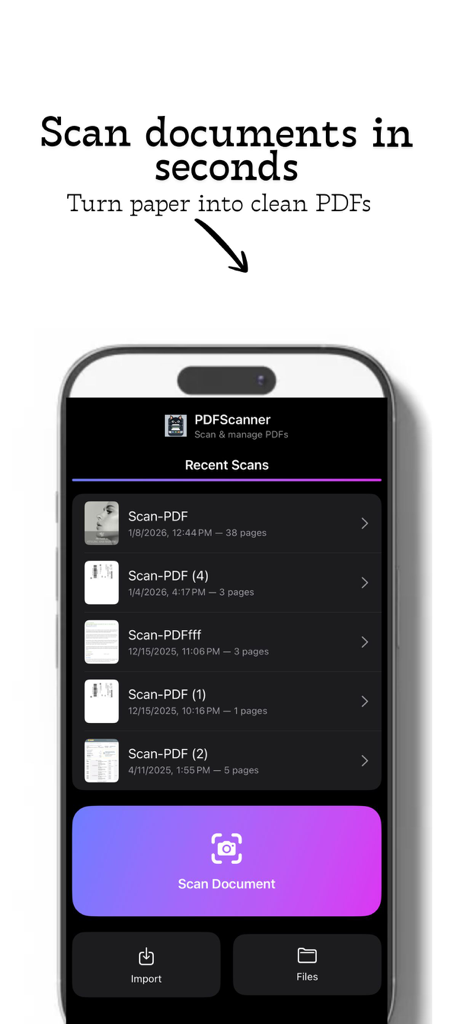
PDF Scanner app interface showing a list of recent document scans and a purple scan button
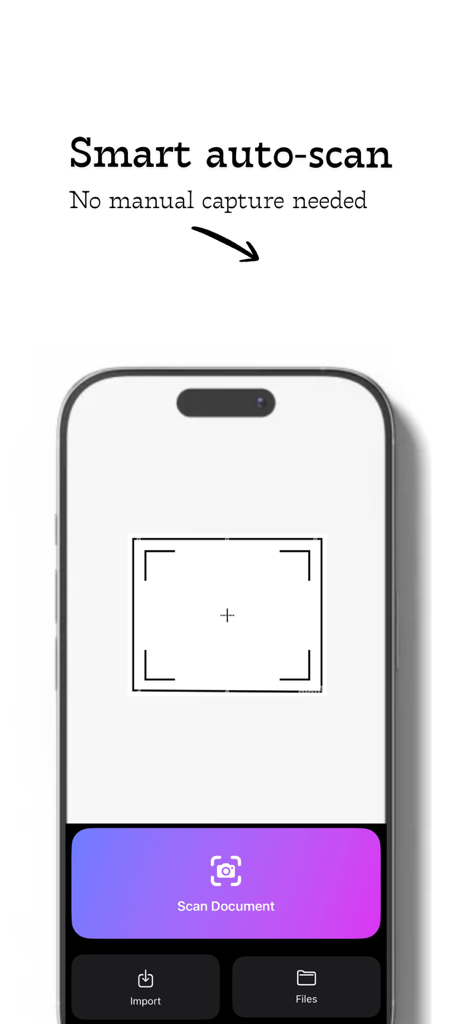
iPhone interface showing the smart auto scan feature of the PDF Scanner and OCR app
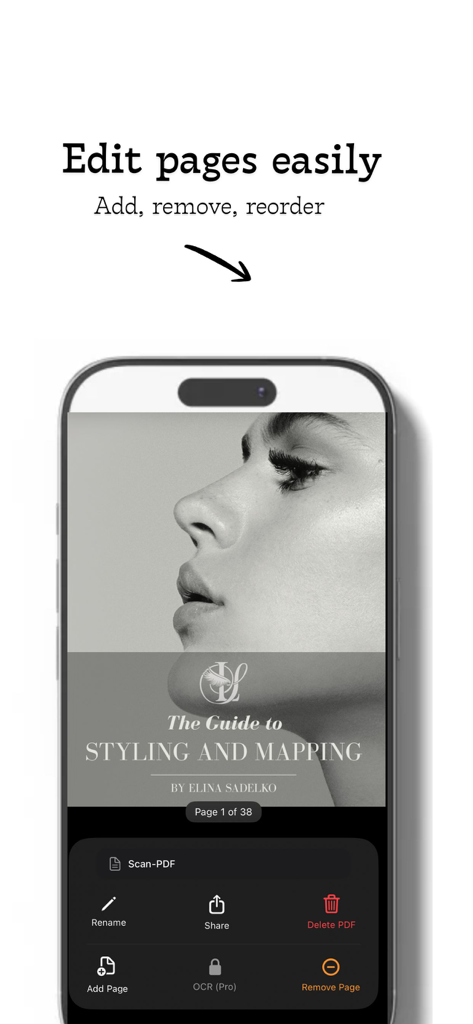
iPhone screen showing the PDF Scanner app interface with options to add remove and reorder document pages
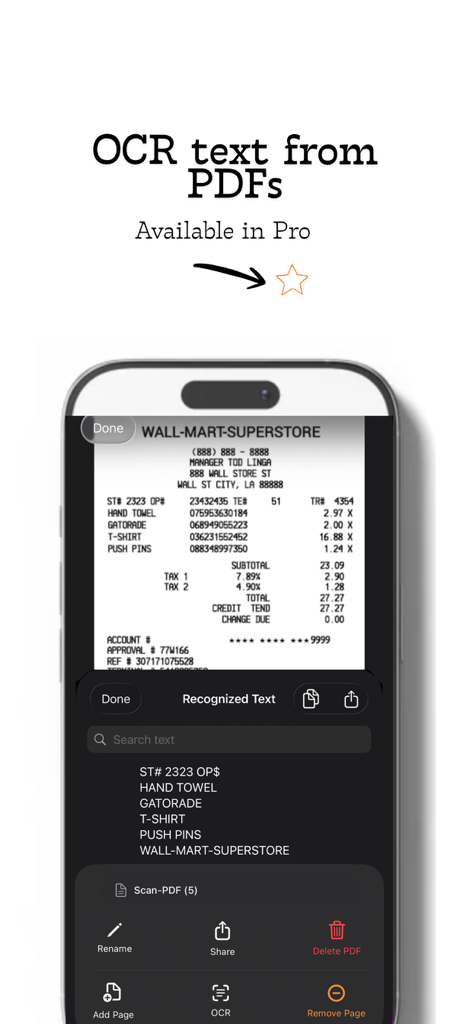
iPhone screen showing the OCR text recognition feature extracting text from a scanned receipt
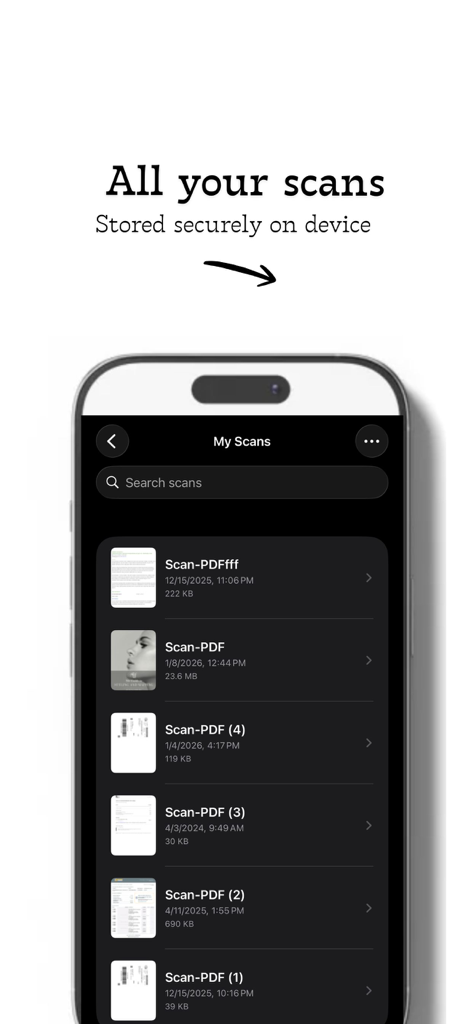
iPhone screen displaying a list of scanned PDF documents stored securely on the device
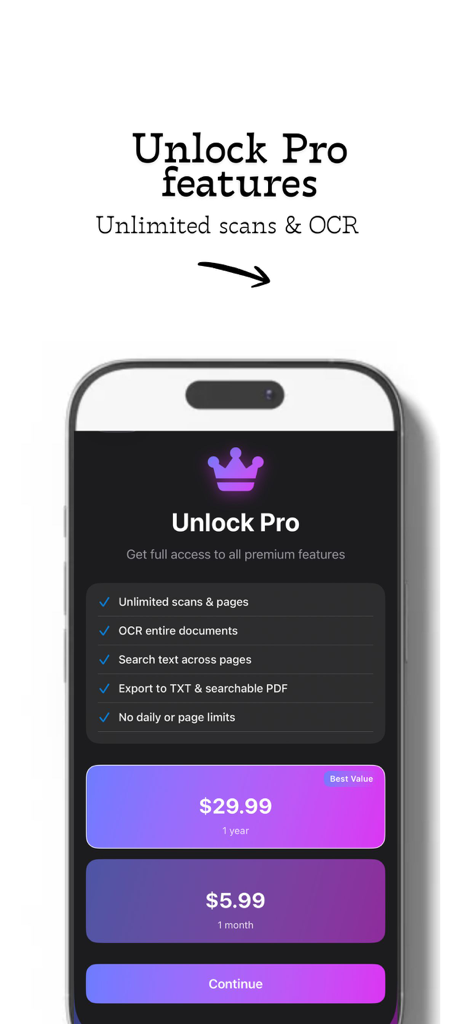
Unlock Pro subscription screen for PDF Scanner and OCR app showing pricing and premium features
Description
Download
More Like This
Top-ranked apps in the same category

ChatGPT
OpenAI OpCo, LLC

Google Gemini
Google LLC

Grok
X.AI Corporation

Gmail - Email by Google
Google LLC

千问 - 阿里最强大模型官方AI助手
Shanghai Zhixin Puhui Technology Co., Ltd.

Google Drive
Google LLC

Microsoft Authenticator
Microsoft Corporation

Google Sheets
Google LLC

Google Docs
Google LLC
This page is not an official page of the app or its developer, but an independent editorial publication created for informational and commentary purposes. Unless expressly stated otherwise, neither the app nor its developer is affiliated with, endorsed by, sponsored by, authorized by, or otherwise officially connected with MWM, Apple, Google Play, the app publisher, or the app's developer, and nothing on this page implies that the app was developed using MWM's services. Any trademarks, logos, screenshots, and other content remain the property of their respective owners.