PDF to JPEG - Flyingbee
Download on App Store

This page is not an official page of the app or its developer, but an independent editorial publication created for informational and commentary purposes. Unless expressly stated otherwise, neither the app nor its developer is affiliated with, endorsed by, sponsored by, authorized by, or otherwise officially connected with MWM, Apple, Google Play, the app publisher, or the app's developer, and nothing on this page implies that the app was developed using MWM's services. Any trademarks, logos, screenshots, and other content remain the property of their respective owners.

Logo of PDF to JPEG - Flyingbee
Download on App Store

PDF to JPEG - Flyingbee

The ultimate bridge for your mobile workflow. Instantly convert PDFs into high-resolution images or extract original assets for social media, presentations, and professional sharing.

Key Figures

Downloads

290K+

User Rating

3.8/5

Total Ratings

200

Publisher

Flyingbee Software Co., Ltd.

Category

Business

Locales

12

Latest Version

8.8.7

Size

79.8 MB

First Released

Oct 22, 2011
Features

Convert, Extract, and Share with Precision

The essential bridge between your professional documents and your visual workspace. Turn any PDF into high-resolution images ready for social media, presentations, and professional communication.

Social Media Ready

Bypass iOS limitations by converting PDFs into JPEGs that you can share directly to Instagram, Facebook, or LinkedIn without ever opening a laptop.

Pro-Grade Resolution

Capture every detail with adjustable resolution settings. Extract original high-quality photo elements from documents for use in pitch decks and marketing assets.

The following screenshots and description are sourced directly from the app's official store listing and are the property of the app developer.

App Store

Screenshots
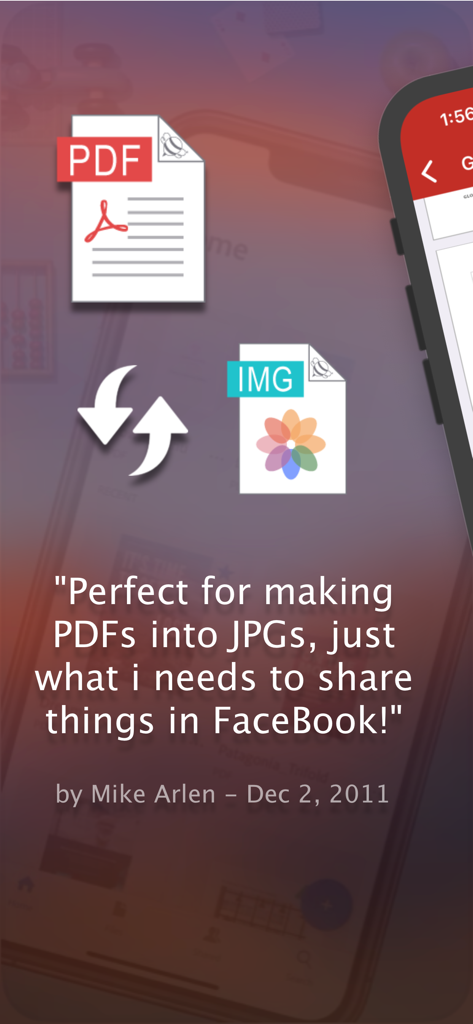
PDF to JPEG - Flyingbee - User testimonial for PDF to JPEG conversion app for Facebook sharing
User testimonial for PDF to JPEG conversion app for Facebook sharing

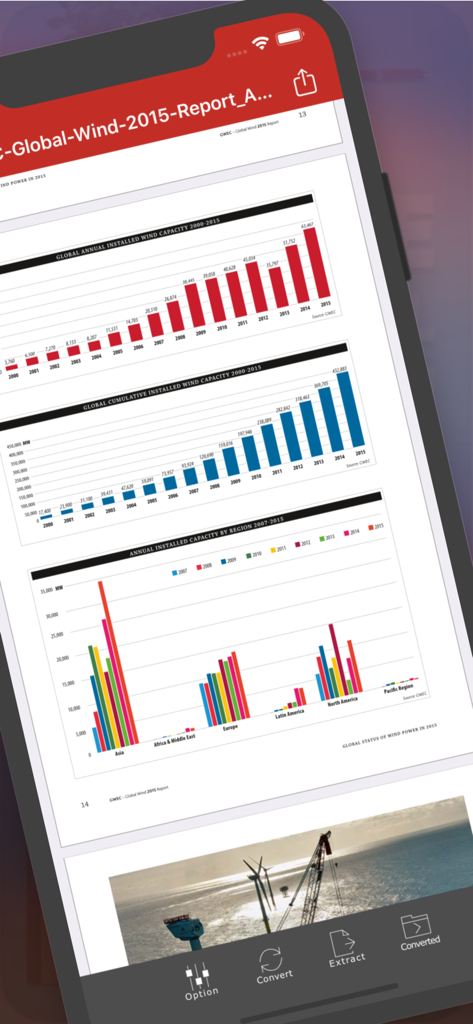
PDF to JPEG - Flyingbee - PDF to JPEG Flyingbee app interface showing a PDF report with charts on an iPhone screen
PDF to JPEG Flyingbee app interface showing a PDF report with charts on an iPhone screen

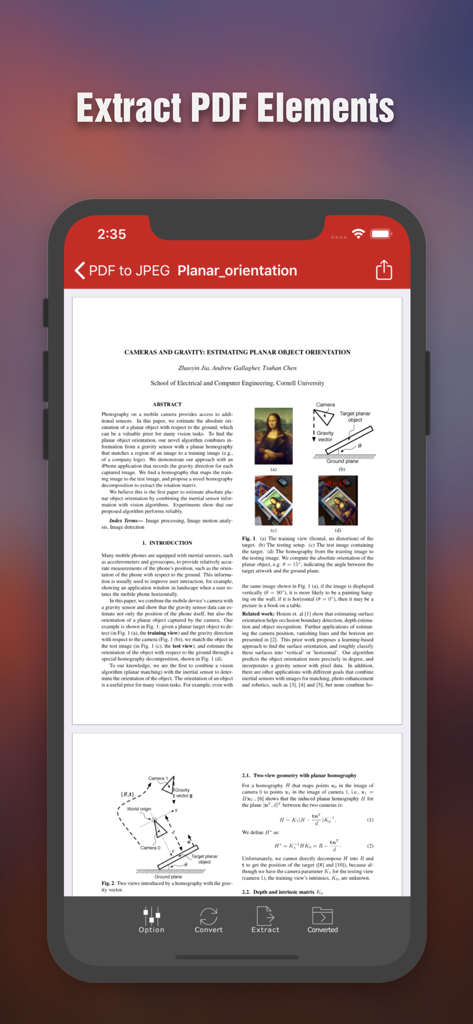
PDF to JPEG - Flyingbee - iPhone screen displaying the Flyingbee PDF to JPEG app interface showing a scientific document with options to extract PDF elements
iPhone screen displaying the Flyingbee PDF to JPEG app interface showing a scientific document with options to extract PDF elements

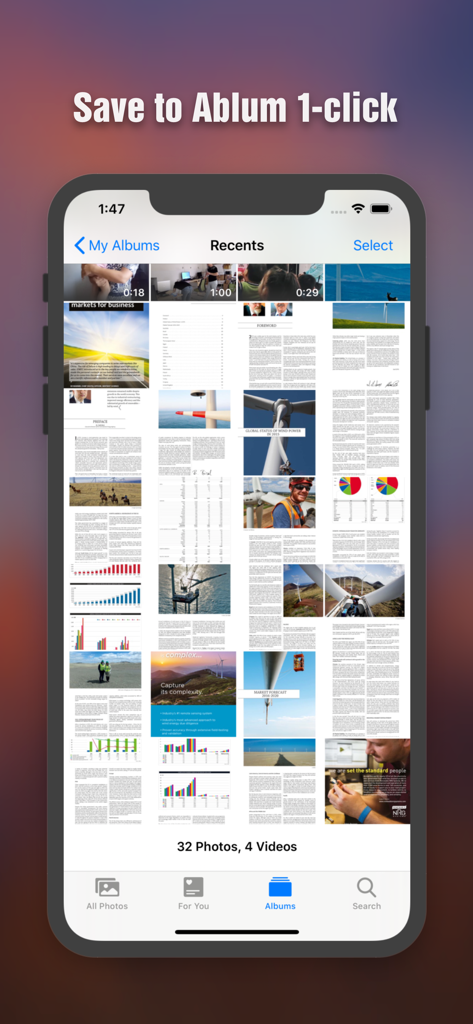
PDF to JPEG - Flyingbee - Converted PDF pages saved as images in the iPhone photo gallery
Converted PDF pages saved as images in the iPhone photo gallery

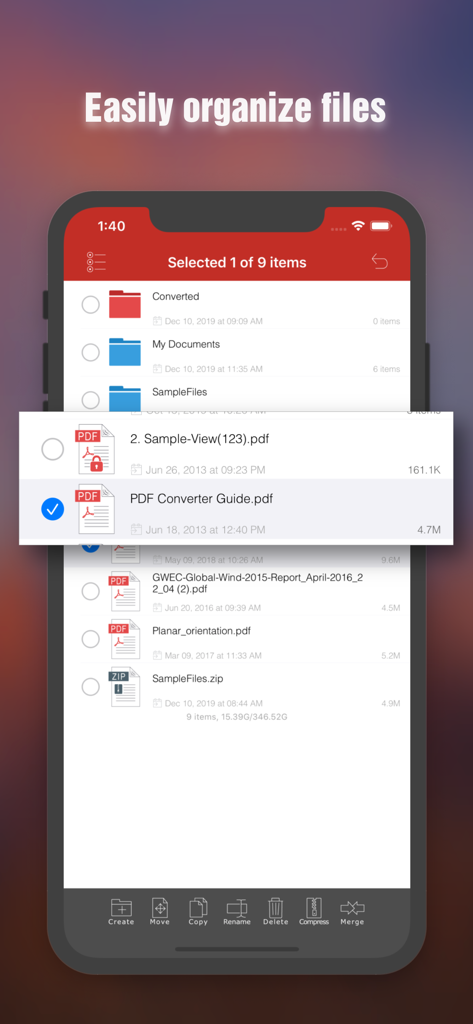
PDF to JPEG - Flyingbee - File management interface in the Flyingbee PDF to JPEG app showing document organization features on an iPhone
File management interface in the Flyingbee PDF to JPEG app showing document organization features on an iPhone

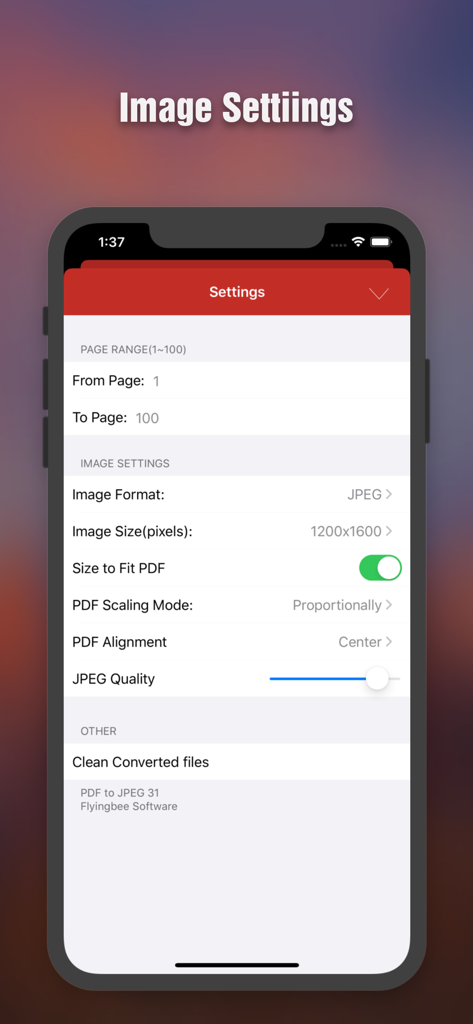
PDF to JPEG - Flyingbee - PDF to JPEG conversion settings screen showing options for page range image resolution and quality adjustment
PDF to JPEG conversion settings screen showing options for page range image resolution and quality adjustment

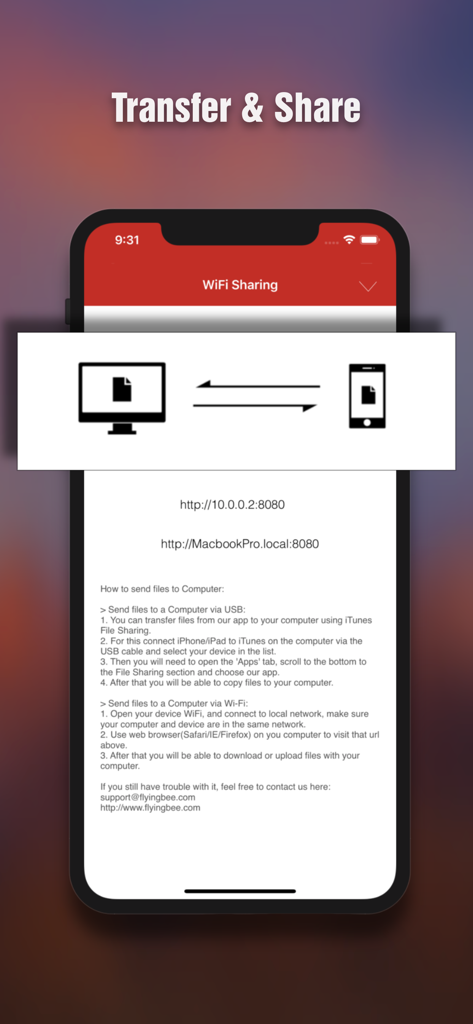
PDF to JPEG - Flyingbee - interface for transferring and sharing files wirelessly between iphone and computer

interface for transferring and sharing files wirelessly between iphone and computer

Description

PDF to JPEG by Flyingbee helps you to convert PDF documents to high-quality JPEG images, as well as extract the source larger photo elements from PDF, so that you can re-use them in any office software, edit & sign & email to customer, share to social network and print & fax any pages of pdf to paper easily.  With the professional conversion options, you can configure to select any pages of PDF for converting to high-quality JPEGs or extract the originally clear photos from it.  The converted JPEG, PNG, BMP and TIFF images can be emailed and printed, uploaded to Dropbox, Google Drive and Evernote, or simply saved on the iPhone/iPad.  “I'm a financial advisor that just converted 4 PDFs into one doc using this handy little app, Keynote on iPhone only pulls from camera roll..” by [eljackisano] - Nov 11, 2011  “Perfect for making PDFs into JPGs, just what i needs to share things in FaceBook! ” by [Mike Arlen] - Dec 2, 2011  "I just downloaded this app to convert pdf's to jpeg's for business uploading to social media. It took a minute to figure out but you can change the resolution settings in order to get a higher quality jpeg." by [JunkRescue] - Jan 5, 2013  “Use it for quite a long time, very sweet and convenient tool. No matter what big PDFs you got, it can easily convert to any size of jpg image. Highly recommended!" by [Pettergarden] - Mar 24 2013  == Main Features == • Using "Open In..." approach, import PDF from many popular apps including Mail, Safari, Pages, Adobe Reader, PDFExpert, Dropbox, Google Driver easily. • Build in PDF Image Extractor(Pickup originally clear photo elements from PDF file easily). • Support encrypted PDF files conversion(Unlock copying or printing restrictions without any problems). • The Conversion options, including the followings: > Select Page Range. > Many Resolution option including using the current viewer zoom scale size. • Mail out Image as email attachments("Mail out.." integration). • Send files to other apps("Open In.." integration). • Share and Compress image files to .zip file. • Save JPEG into Camera Album by on click. • File manager(Support rename, copy, move, delete and compress). • Copy/Paste file with Clipboard(Transfer with other Apps). • Wirelessly Print&Fax Photos(Only AirPrint-enabled Printer Supported). • Wifi file transfer(Transfer by Browser or Webdav Clients). • USB file transfer(iTunes file sharing). • Output to JPEG, PNG, BMP and TIFF formats with RGB or CMYK Color Space. • Extract image to RGB or CMYK Color Profile.  Several PDF Sample files have been included, you can test it right now! We are continuously developing PDF to JPEG, so please feel free to contact us with your questions, suggestions or any problems, and we will reply ASAP.  == Subscriptions Information == Duration and price of each subscription are displayed in app storefront, updated at the time of purchase. Payment will be charged to iTunes account at confirmation of purchase. Subscriptions automatically renew unless auto-renew is turned off no later than 24 hours before the end of the current period. Subscriptions and auto-renewal can be managed/turned off in the iTunes account settings. Any unused portion of a free trial period is forfeited as soon as a subscription is purchased.  Terms of use & Privacy policy: https://www.flyingbee.com/term-of-service/ https://www.flyingbee.com/privacy-policy/ 

Download

Download on App Store

This page is not an official page of the app or its developer, but an independent editorial publication created for informational and commentary purposes. Unless expressly stated otherwise, neither the app nor its developer is affiliated with, endorsed by, sponsored by, authorized by, or otherwise officially connected with MWM, Apple, Google Play, the app publisher, or the app's developer, and nothing on this page implies that the app was developed using MWM's services. Any trademarks, logos, screenshots, and other content remain the property of their respective owners.






