
This page is not an official page of the app or its developer, but an independent editorial publication created for informational and commentary purposes. Unless expressly stated otherwise, neither the app nor its developer is affiliated with, endorsed by, sponsored by, authorized by, or otherwise officially connected with MWM, Apple, Google Play, the app publisher, or the app's developer, and nothing on this page implies that the app was developed using MWM's services. Any trademarks, logos, screenshots, and other content remain the property of their respective owners.


Pencil Bible: Bible Notes App
Bring your spiritual journey to life on iPad. Experience the tactile beauty of handwriting with the power of Apple Pencil to annotate, highlight, and illustrate your favorite translations.
Downloads
402K+User Rating
Total Ratings
1K+Publisher
Category
ReferenceLocales
1Latest Version
3.0.1Size
71.5 MBFirst Released
Mar 8, 2022Deepen Your Connection with the Word
Combine the cognitive benefits of handwriting with the convenience of digital technology. Pencil Bible provides an aesthetic, distraction-free space for your daily spiritual journey.
Natural Pen-on-Paper Feel
Experience zero-lag writing and drawing. Our Swift-powered engine is optimized for the Apple Pencil Pro to make every stroke feel authentic and fluid.
Infinite Bible Journaling
Break free from limited margins. Use the entire page to create art, calligraphy, and detailed study notes without ever worrying about ruining a physical Bible.
Frequently Asked Questions
Everything you need to know about Pencil Bible: Bible Notes App
What is the Pencil Bible app?
Pencil Bible is an app designed for Apple Pencil and iPad, allowing users to write, highlight, draw, and reflect directly on Scripture with a natural digital annotation experience.
Is the Pencil Bible app free to use?
Yes, Pencil Bible is free to download and read the entire Bible. Users can annotate up to 10 pages at no cost, with an option to upgrade for unlimited access.
Does the Pencil Bible app support Apple Pencil?
Yes, Pencil Bible is built for Apple Pencil and iPad, offering full support for Apple PencilKit and Apple Pencil Pro tools for a natural writing and annotation experience.
Can users annotate on iPhone using the Pencil Bible app?
Yes, Pencil Bible allows users to annotate on both iPad and iPhone. Annotations are now available on iPhone, expanding device compatibility for note-taking.
What new features are included in Pencil Bible Version 3.0?
Version 3.0 is rebuilt in Swift for 100% faster performance, features an all-new design, full support for Apple PencilKit, and allows annotation across multiple screens and devices.
Can I customize the layout and fonts in the Pencil Bible app?
Yes, users can customize their Bible's layout by choosing from popular translations, customizing fonts, adjusting text size, and selecting background options like blank, dots, lines, or grid.
How fast is Pencil Bible Version 3.0 compared to previous versions?
Pencil Bible Version 3.0 is completely rebuilt in Swift, making it 100% faster with zero lag compared to previous versions, ensuring a smoother user experience.
Does Pencil Bible allow users to edit their annotated Bible pages?
Yes, Pencil Bible allows users to edit their Bible pages anytime without creating a new Bible, offering flexibility for ongoing reflections and notes.
What Bible translations are available in the Pencil Bible app?
Pencil Bible offers popular translations including ESV, NIV, NLT, and CSB, allowing users to choose their preferred version for reading and study.
The following screenshots and description are sourced directly from the app's official store listing and are the property of the app developer.
App Store
Screenshots
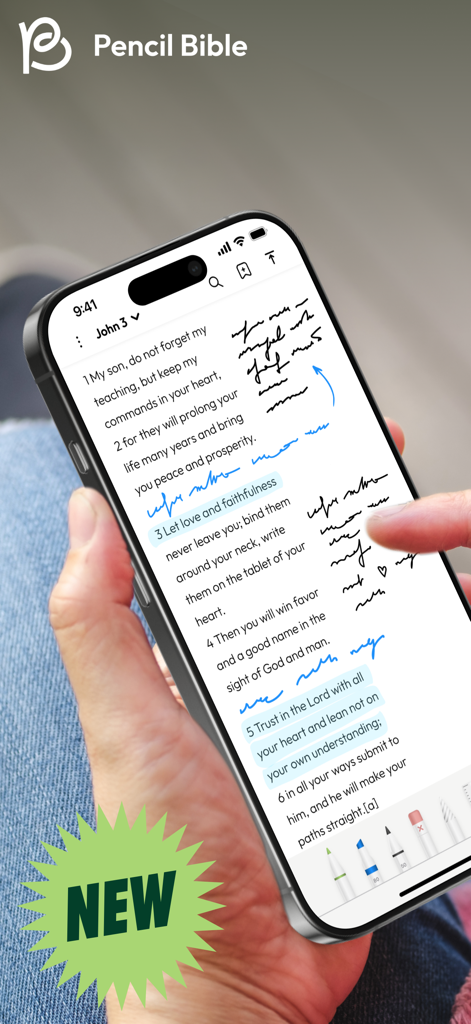
A hand holding an iPhone showing the Pencil Bible app with handwritten notes and highlights on scripture
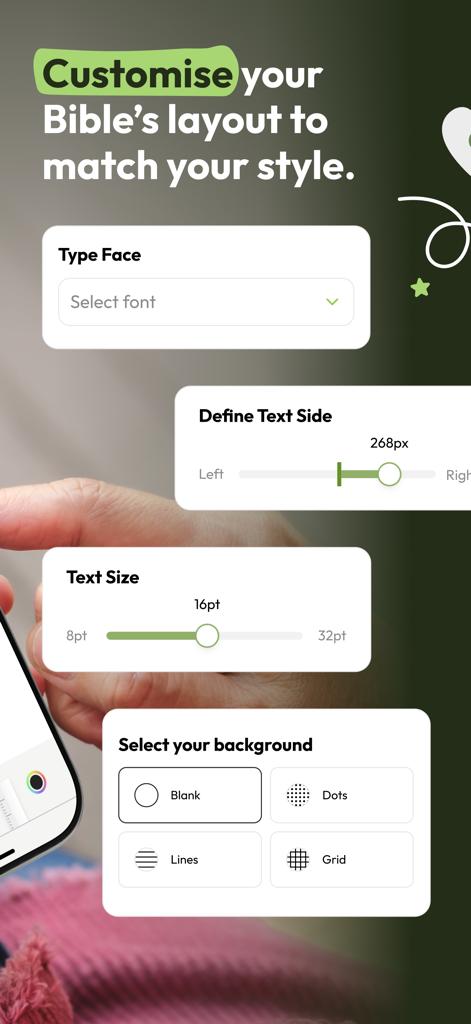
Customizing the font, text size, and background layout in the Pencil Bible app
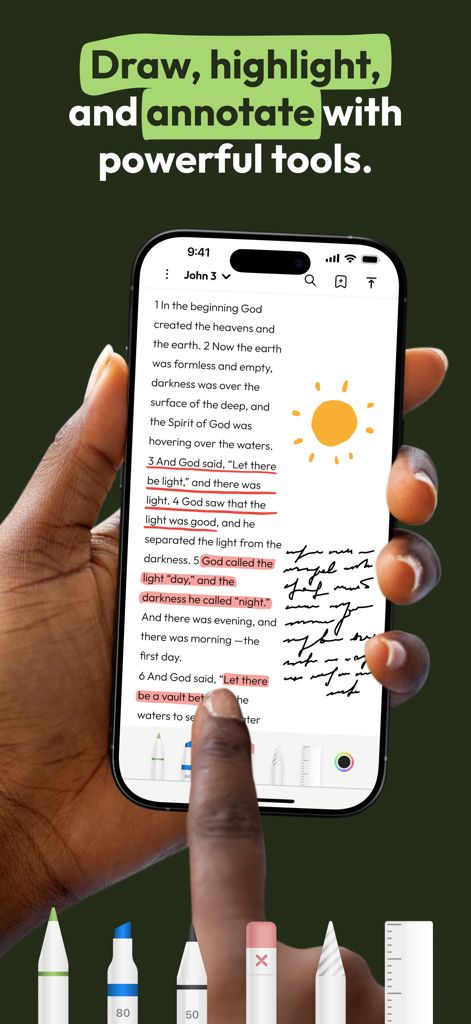
A person holding an iPhone using the Pencil Bible app to highlight and draw handwritten notes on scripture text.
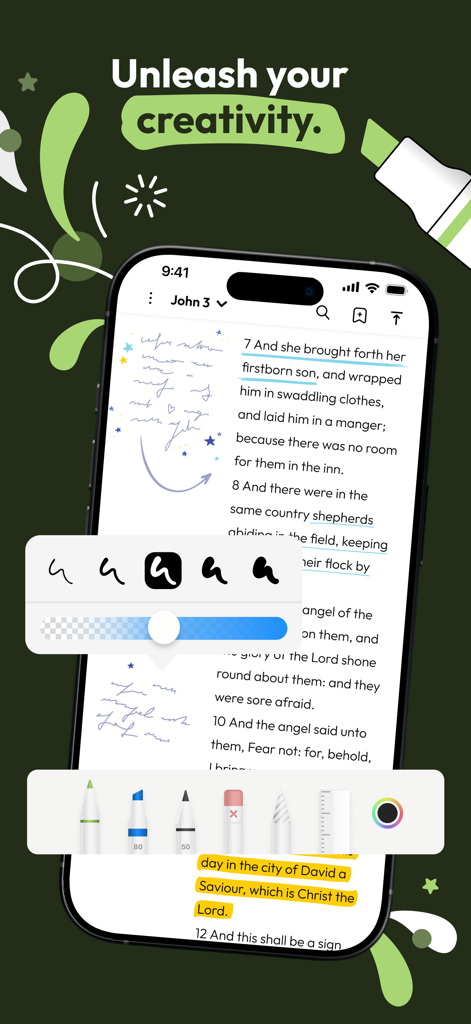
iPhone screen showing Pencil Bible app with handwritten notes and digital drawing tools
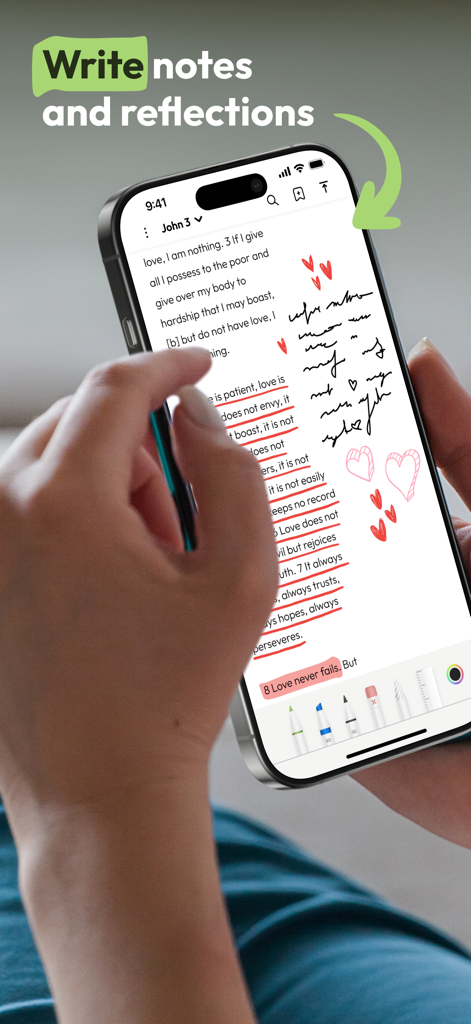
A person using the Pencil Bible app on an iPhone to add handwritten notes and heart drawings to a Bible passage.
Description
Download
More Like This
Apps with similar features and user experience

Notepad: Easy Notes & Memos
1381802 Ontario Inc.

EasyNote: Note, Handwrite, PDF
Hangzhou Tensorart Technology Co., Ltd

Wellnote-Notes&PDF
MAXEYE US INC.

AJournal - Planner & Journal
WonderApps AB

Element Note
Soysauce Lab

Penbook
User Camp Inc.

Notes Writer - Note Taking
Kairoos Solutions S.L.

Notewise - AI Notes, PDF, Docs
ZIIKR Pte. Ltd.

Notes Writer Pro 2026
Kairoos Solutions S.L.
This page is not an official page of the app or its developer, but an independent editorial publication created for informational and commentary purposes. Unless expressly stated otherwise, neither the app nor its developer is affiliated with, endorsed by, sponsored by, authorized by, or otherwise officially connected with MWM, Apple, Google Play, the app publisher, or the app's developer, and nothing on this page implies that the app was developed using MWM's services. Any trademarks, logos, screenshots, and other content remain the property of their respective owners.