
This page is not an official page of the app or its developer, but an independent editorial publication created for informational and commentary purposes. Unless expressly stated otherwise, neither the app nor its developer is affiliated with, endorsed by, sponsored by, authorized by, or otherwise officially connected with MWM, Apple, Google Play, the app publisher, or the app's developer, and nothing on this page implies that the app was developed using MWM's services. Any trademarks, logos, screenshots, and other content remain the property of their respective owners.

Pencil Calendar: CalendarPad
Experience the perfect blend of handwriting and productivity. Plan your life, sketch your goals, and sync seamlessly with Apple Calendar using your iPad and Apple Pencil.
Downloads
3K+User Rating
Total Ratings
100Publisher
Category
ProductivityLocales
1Latest Version
3.3.0Size
5.8 MBFirst Released
Oct 20, 2021The Freedom of Paper, The Power of Digital
Finally, a planner that works the way your brain does. Ditch rigid grids for a beautifully designed space to write, sketch, and organize your life—perfectly synced with your Apple Calendar.
Natural Handwritten Planning
Experience the tactile joy of paper on your iPad. Use your Apple Pencil to write, sketch, or doodle your plans with zero limitations and total creative control.
Seamless Calendar Sync
Merge your official meetings with your personal scribbles. View Apple Calendar events directly inside your handwritten daily and weekly spreads for a unified view.
Frequently Asked Questions
Everything you need to know about Pencil Calendar: CalendarPad
Is Pencil Calendar: CalendarPad compatible with Apple Pencil for handwriting?
Yes, Pencil Calendar: CalendarPad is designed for handwriting, doodling, or sketching your schedule with your Apple Pencil.
What planning views are available in Pencil Calendar: CalendarPad?
Pencil Calendar: CalendarPad offers Year, Month, Week, and Day planning views. These views allow planning at every level of detail.
Does Pencil Calendar: CalendarPad sync with Apple Calendar?
Yes, Pencil Calendar: CalendarPad syncs with Apple Calendar. Users can view their Apple Calendar events directly inside the planner.
Does Pencil Calendar: CalendarPad offer widgets for quick access?
Yes, Pencil Calendar: CalendarPad provides widgets for your schedule, notes, todos, and more. It includes full calendar, notes, priorities, and daily schedule widgets.
How can users export their calendars from Pencil Calendar: CalendarPad?
Pencil Calendar: CalendarPad allows users to export their calendars as PDF or PNG files. This enables printing or sharing of handwritten calendars.
Is Pencil Calendar: CalendarPad a perpetual calendar?
Yes, Pencil Calendar: CalendarPad is a perpetual calendar. Users do not need to purchase a new planner every year.
Does Pencil Calendar: CalendarPad support local languages?
Yes, Pencil Calendar: CalendarPad displays calendars in your local language. Screenshot #3 confirms the display in multiple languages.
Does Pencil Calendar: CalendarPad include backup and restore functionality?
Yes, Pencil Calendar: CalendarPad offers backup and restore as a Pro Feature. It provides manual and automatic daily backups, stored locally or on iCloud Drive.
What features are free in Pencil Calendar: CalendarPad?
Pencil Calendar: CalendarPad offers unlimited use of the Month Calendar (current and past months) for free. Exporting to PDF or PNG for printing and sharing is also free.
What benefits does Pro Access unlock in Pencil Calendar: CalendarPad?
Pro Access unlocks Year, Week, and Day planners, access to future months, Apple Calendar integration in Day planner, and advanced backup/restore. It is a one-time upgrade.
Does Pencil Calendar: CalendarPad support Dark Mode?
Yes, Pencil Calendar: CalendarPad supports both Light and Dark Mode. Users can choose their preferred interface setting for planning.
The following screenshots and description are sourced directly from the app's official store listing and are the property of the app developer.
App Store
Screenshots
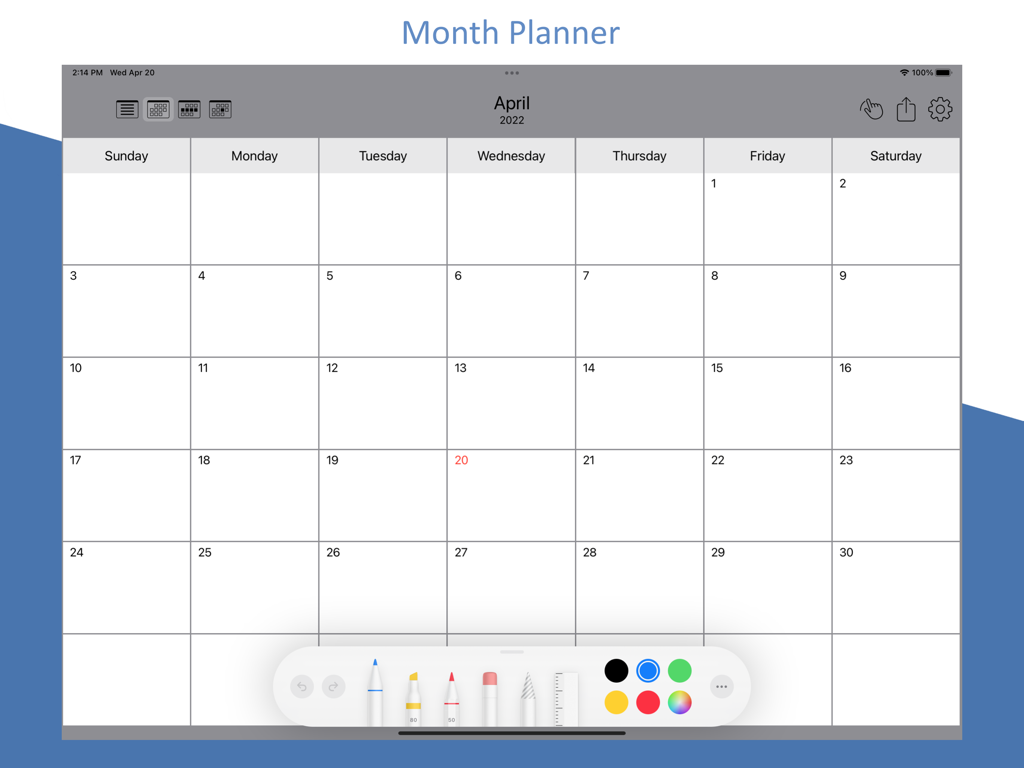
Monthly planner interface on an iPad showing a blank calendar grid for April with a digital handwriting toolbar at the bottom
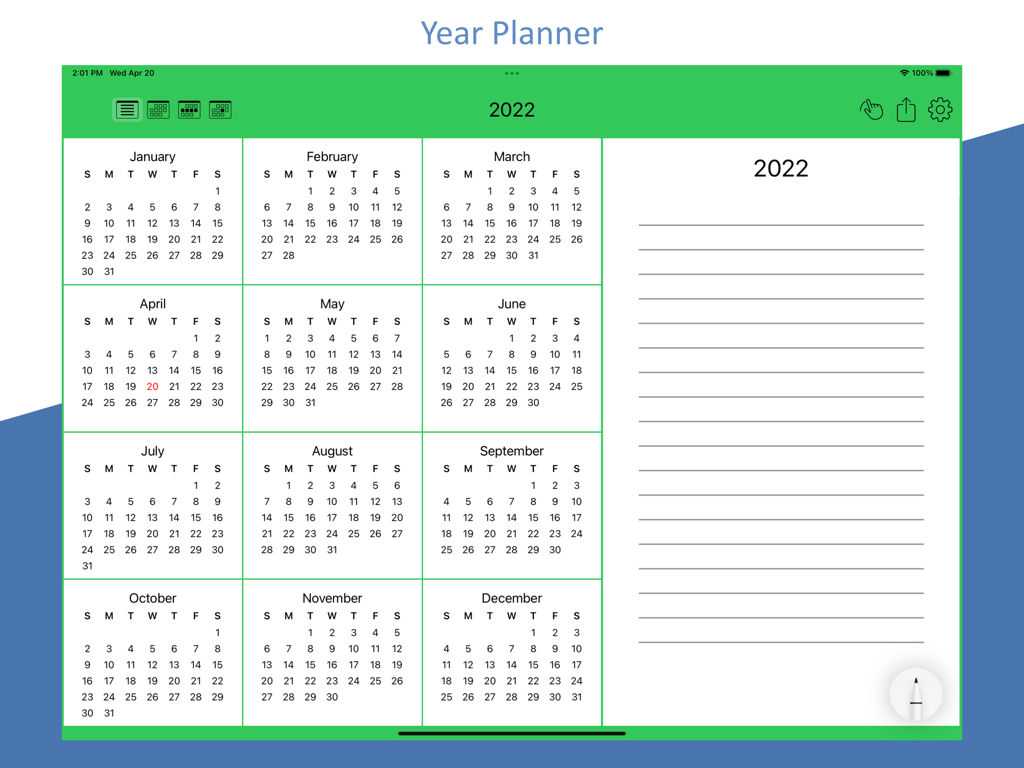
Yearly overview layout of the Pencil Calendar app on iPad featuring 12 months and a digital notes section
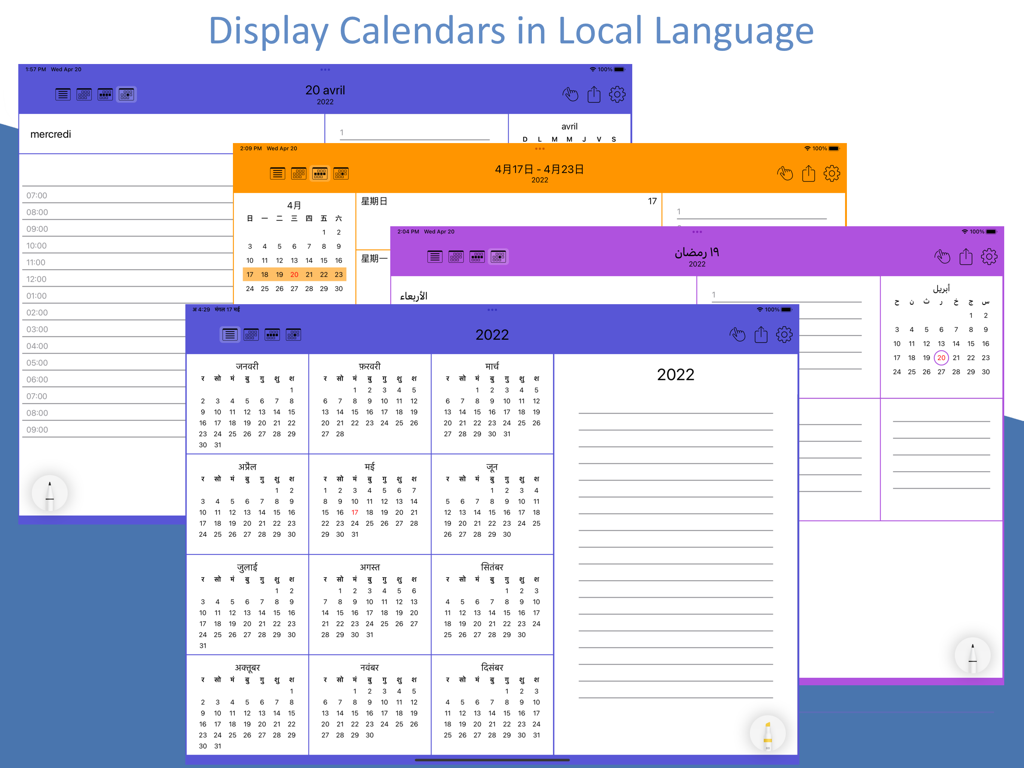
iPad screenshots of Pencil Calendar app demonstrating localization and multi language calendar views
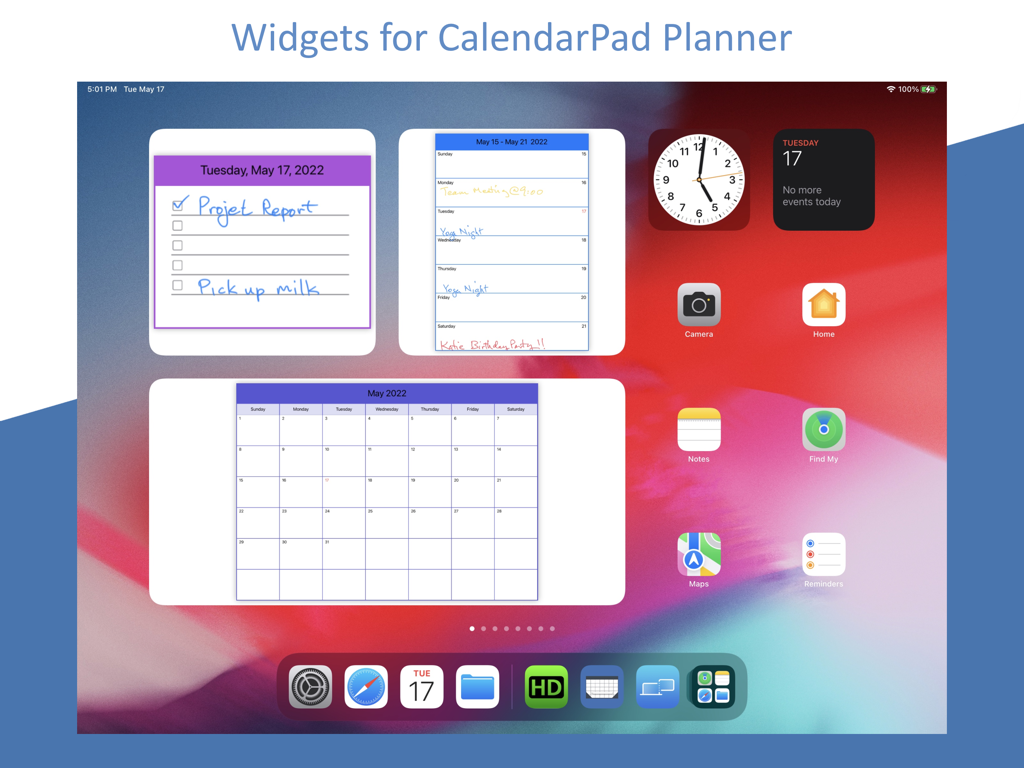
Handwritten calendar and to-do list widgets on an iPad home screen
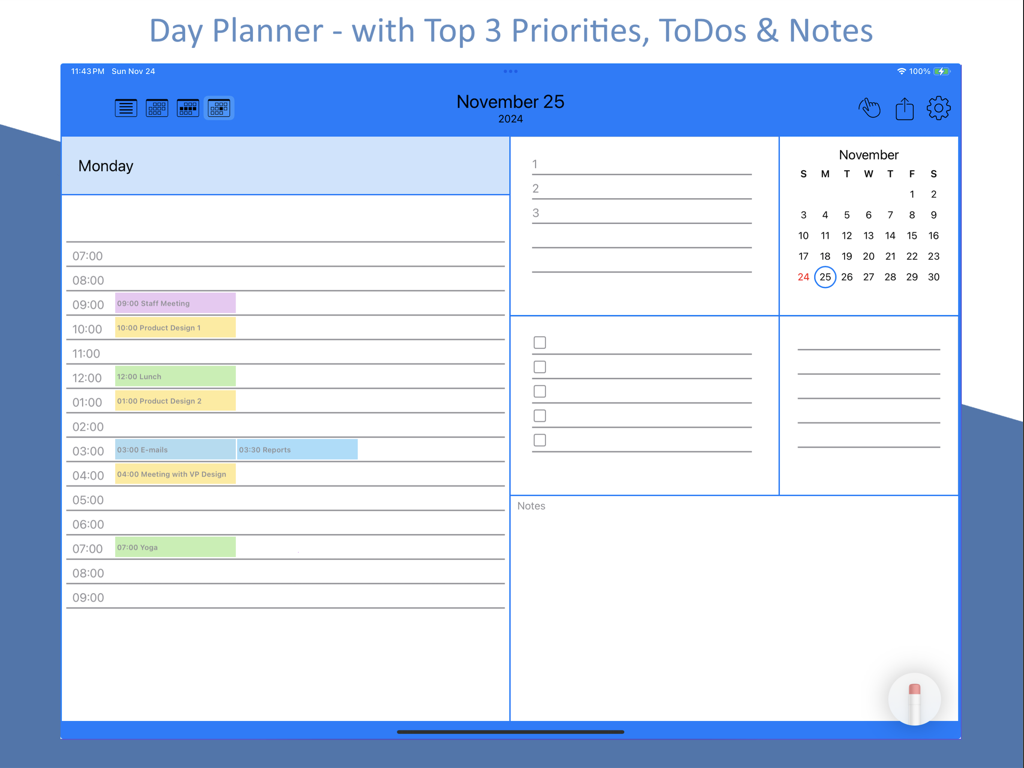
Pencil Calendar daily planner view with tasks priorities and notes on iPad
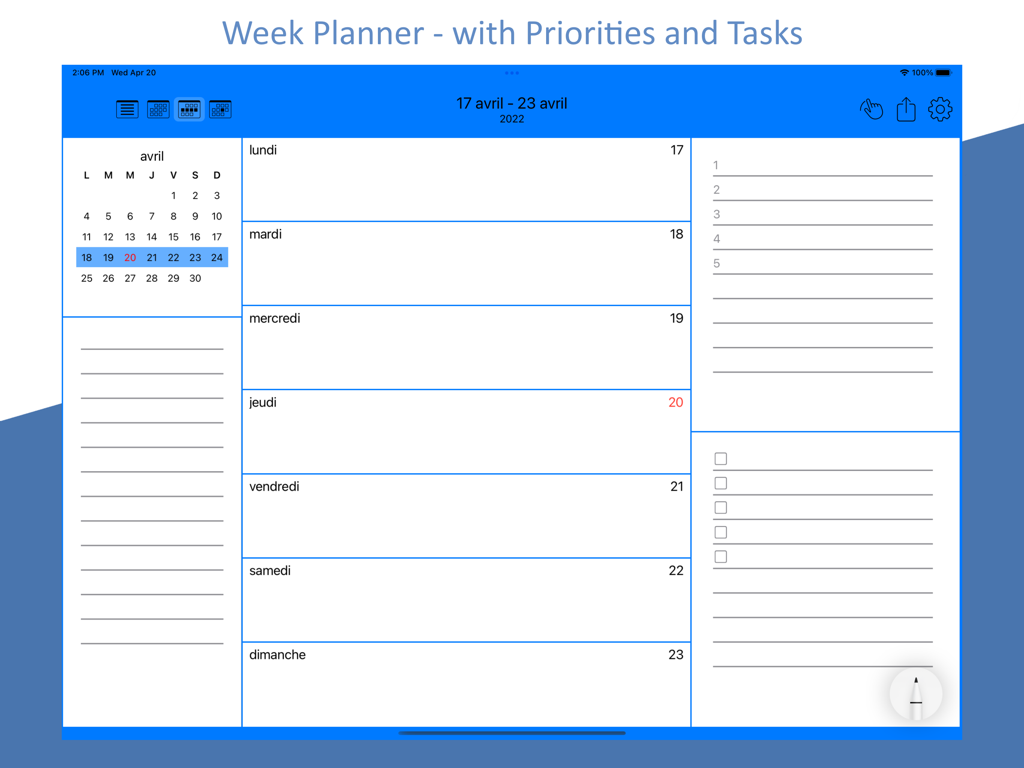
Pencil Calendar week planner view on iPad with priorities and tasks lists
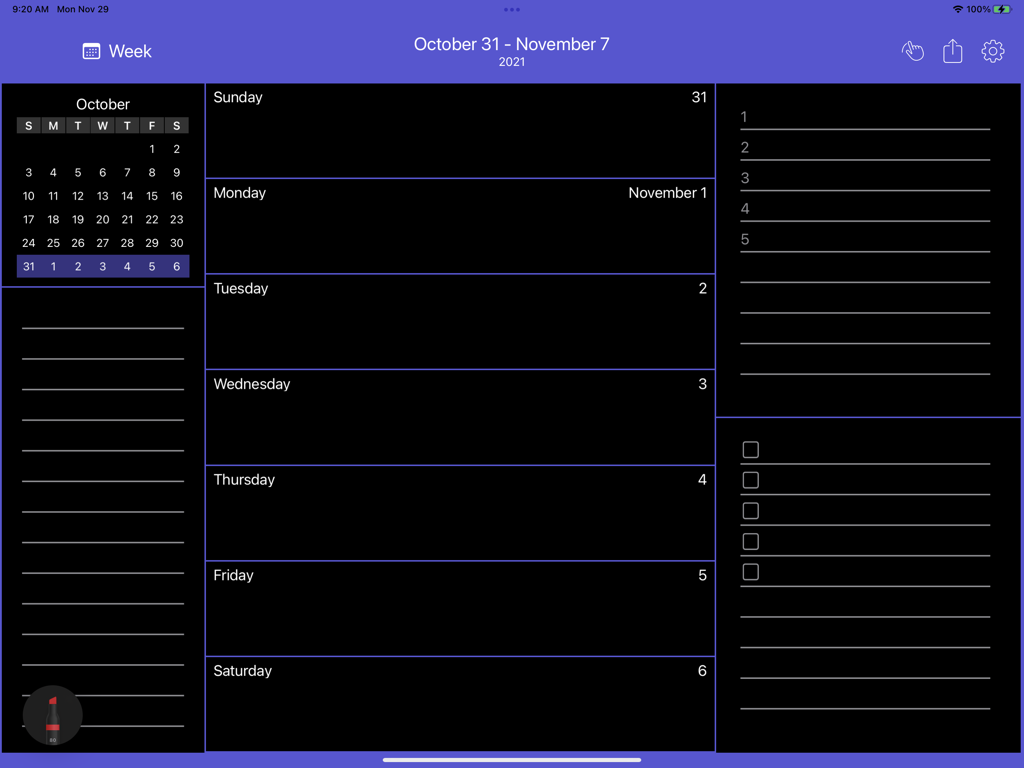
A weekly planning layout in the Pencil Calendar app on iPad featuring a dark mode interface with sections for daily entries and task lists.
Description
Download
More Like This
Top-ranked apps in the same category

ChatGPT
OpenAI OpCo, LLC

Google Gemini
Google LLC

Grok
X.AI Corporation

Gmail - Email by Google
Google LLC

千问 - 阿里最强大模型官方AI助手
Shanghai Zhixin Puhui Technology Co., Ltd.

Google Drive
Google LLC

Microsoft Authenticator
Microsoft Corporation

Google Sheets
Google LLC

Google Docs
Google LLC
This page is not an official page of the app or its developer, but an independent editorial publication created for informational and commentary purposes. Unless expressly stated otherwise, neither the app nor its developer is affiliated with, endorsed by, sponsored by, authorized by, or otherwise officially connected with MWM, Apple, Google Play, the app publisher, or the app's developer, and nothing on this page implies that the app was developed using MWM's services. Any trademarks, logos, screenshots, and other content remain the property of their respective owners.