
This page is not an official page of the app or its developer, but an independent editorial publication created for informational and commentary purposes. Unless expressly stated otherwise, neither the app nor its developer is affiliated with, endorsed by, sponsored by, authorized by, or otherwise officially connected with MWM, Apple, Google Play, the app publisher, or the app's developer, and nothing on this page implies that the app was developed using MWM's services. Any trademarks, logos, screenshots, and other content remain the property of their respective owners.


Pencil Sketch: Photo Drawing
Transform your photos into 4K masterpieces with powerful offline AI that protects your privacy. Create professional pencil sketches and paintings instantly without your data ever leaving your device.
Downloads
39K+User Rating
Total Ratings
1K+Publisher
Category
Photo & VideoLocales
1Latest Version
1.0.195Size
121.1 MBFirst Released
Feb 26, 2023Unlock Your Inner Artist Safely
Harness the power of on-device AI to turn your favorite moments into stunning, high-resolution sketches with just one tap.
100% Private & Offline
Your photos never leave your iPhone. Our AI works entirely offline to ensure your personal data stays yours and only yours.
Print-Ready 4K Quality
Keep every detail sharp. Transform your photos into high-resolution masterpieces perfect for social media or physical canvas prints.
Frequently Asked Questions
Everything you need to know about Pencil Sketch: Photo Drawing
What is Pencil Sketcher?
Pencil Sketcher is an AI-powered application that transforms photos into stylish drawings using state-of-the-art tools with a single touch.
What drawing styles does Pencil Sketcher offer?
Pencil Sketcher offers multiple drawing styles, including Pencil, Colored, Painting, and Comic. These options allow users to highlight new details in their photos.
Can I customize the brush thickness in Pencil Sketcher?
Yes, Pencil Sketcher provides a custom brush feature. Users can define the thickness of their drawings to better suit their artistic needs.
Does Pencil Sketcher maintain the original image resolution?
Yes, Pencil Sketcher maintains the original image resolution for all drawings, even if the source image is in 4K, ensuring high-quality output.
Does Pencil Sketcher work offline?
Yes, Pencil Sketcher works offline. It utilizes the mobile device's processor to create drawings and apply effects without requiring an internet connection.
Is user data private with the Pencil Sketcher app?
Yes, Pencil Sketcher ensures data privacy. User data and files never leave the device because all processing for drawing creation occurs offline on the mobile device.
Which platforms support the Pencil Sketcher app?
Pencil Sketcher is available for all iOS devices. Users can download and install the application on their iPhones and iPads.
The following screenshots and description are sourced directly from the app's official store listing and are the property of the app developer.
App Store
Screenshots
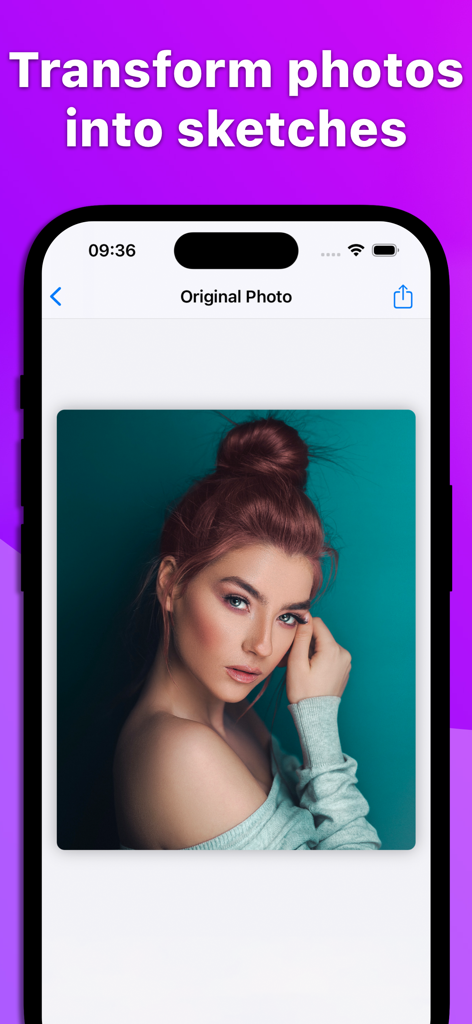
Interface of the Pencil Sketch app showing an original photo of a woman ready to be transformed into a drawing
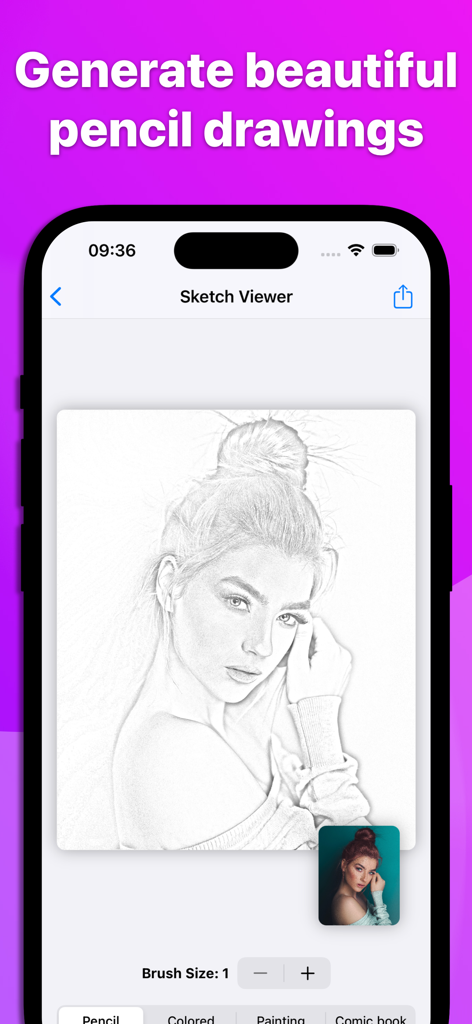
iPhone screen displaying a realistic pencil drawing generated from a portrait photo.
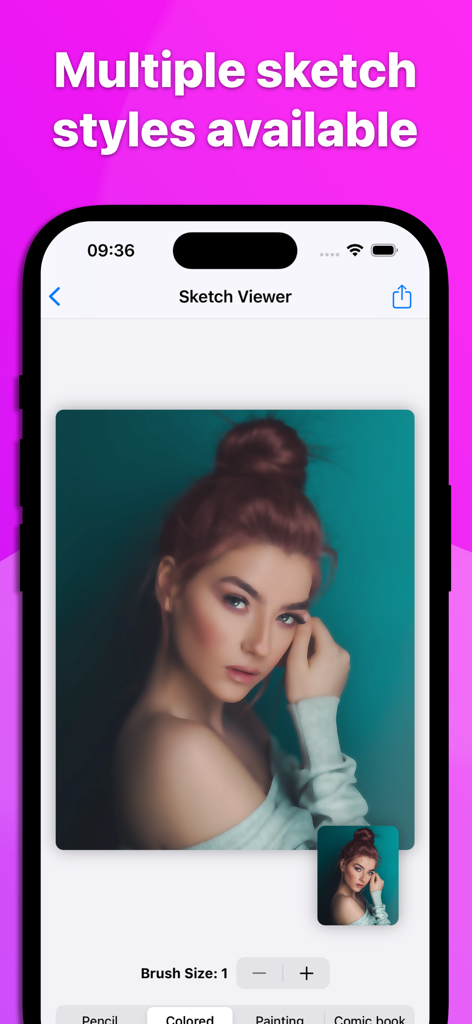
Smartphone screen showing the Sketch Viewer interface with multiple artistic drawing styles and a brush size selector.
Description
Download
More Like This
Top-ranked apps in the same category

CapCut: Photo & Video Editor
BYTEDANCE PTE. LTD.

Instagram, Inc.

YouTube
Google LLC

Canva: AI Photo & Video Editor
Canva Pty Ltd

Snapchat
Snap, Inc.

快手
Beijing Kwai Technology Co., Ltd.

Edits: Video Editor
Instagram, Inc.

Meitu- AI Photo & Video Editor
Xiamen Meitu Technology Co., Ltd.

Google Photos: Backup & Edit
Google LLC
This page is not an official page of the app or its developer, but an independent editorial publication created for informational and commentary purposes. Unless expressly stated otherwise, neither the app nor its developer is affiliated with, endorsed by, sponsored by, authorized by, or otherwise officially connected with MWM, Apple, Google Play, the app publisher, or the app's developer, and nothing on this page implies that the app was developed using MWM's services. Any trademarks, logos, screenshots, and other content remain the property of their respective owners.