
This page is not an official page of the app or its developer, but an independent editorial publication created for informational and commentary purposes. Unless expressly stated otherwise, neither the app nor its developer is affiliated with, endorsed by, sponsored by, authorized by, or otherwise officially connected with MWM, Apple, Google Play, the app publisher, or the app's developer, and nothing on this page implies that the app was developed using MWM's services. Any trademarks, logos, screenshots, and other content remain the property of their respective owners.
Pesa: Digital Scale for Grams
Replace your utility drawer with AI. Weigh objects, measure dimensions, count calories, and identify plants instantly—all through your camera.
Downloads
0User Rating
Total Ratings
0Publisher
Category
UtilitiesLocales
31Latest Version
1.0.1Size
83.3 MBFirst Released
Mar 6, 2026Your Pocket-Sized AI Powerhouse
Ditch the bulky utility drawer. Pesa transforms your iPhone camera into a versatile toolkit for weight, measurements, nutrition, and more—built for the pace of modern urban life.
AI-Powered Weight & Dimensions
Estimate weight and measure dimensions instantly from a photo. Perfect for calculating shipping for your side-hustle or checking DIY space on the fly.
Frictionless Macro Tracking
Point your camera at any meal to get instant calorie, protein, and carb breakdowns. No manual logging required to stay on top of your fitness goals.
The following screenshots and description are sourced directly from the app's official store listing and are the property of the app developer.
App Store
Screenshots
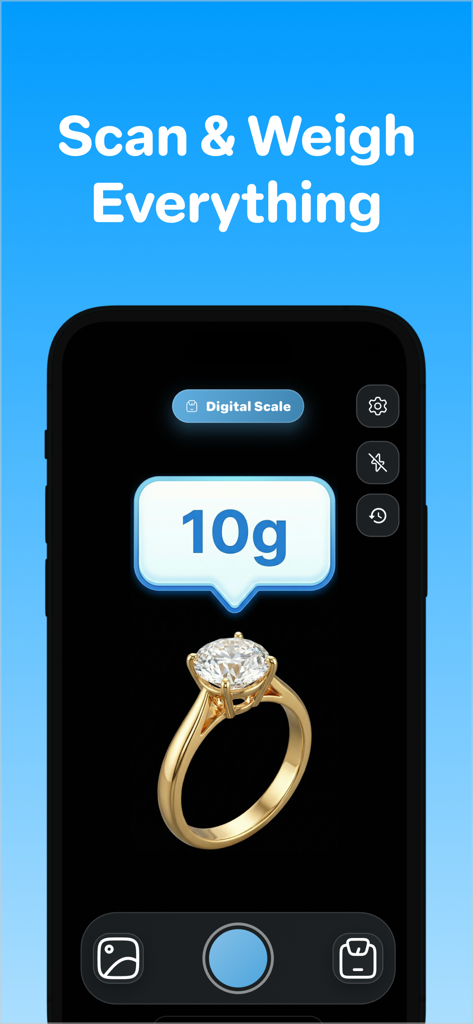
Interface of Pesa app showing a digital scale reading of 10 grams for a diamond ring
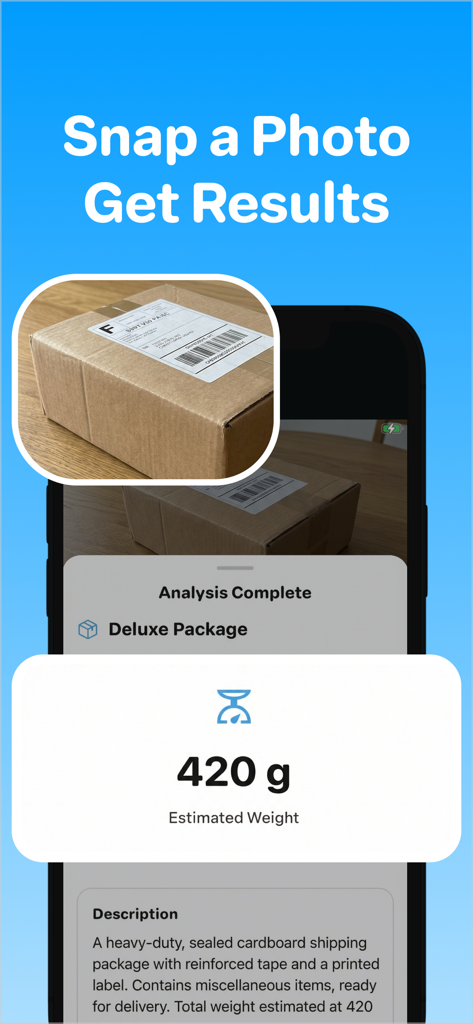
Pesa app interface showing an estimated weight of 420 grams for a shipping package
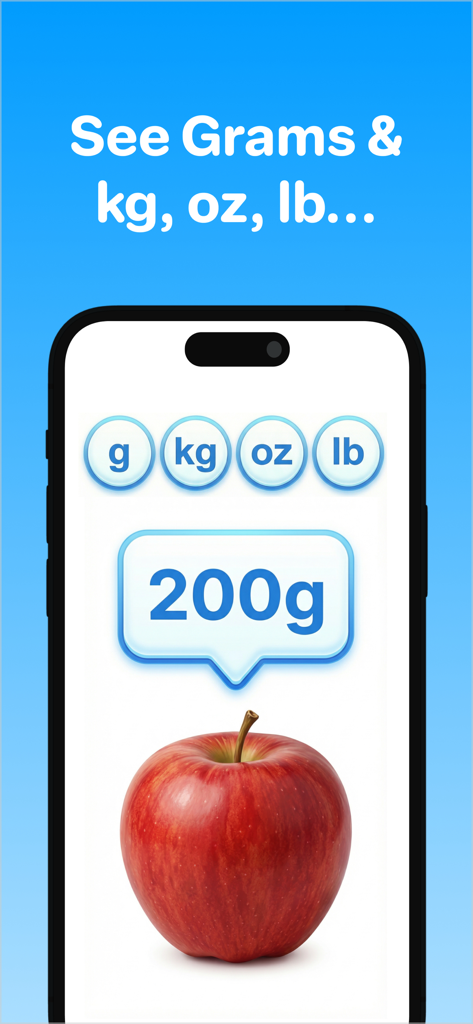
Pesa app screen showing an apple weighing 200 grams with different unit options
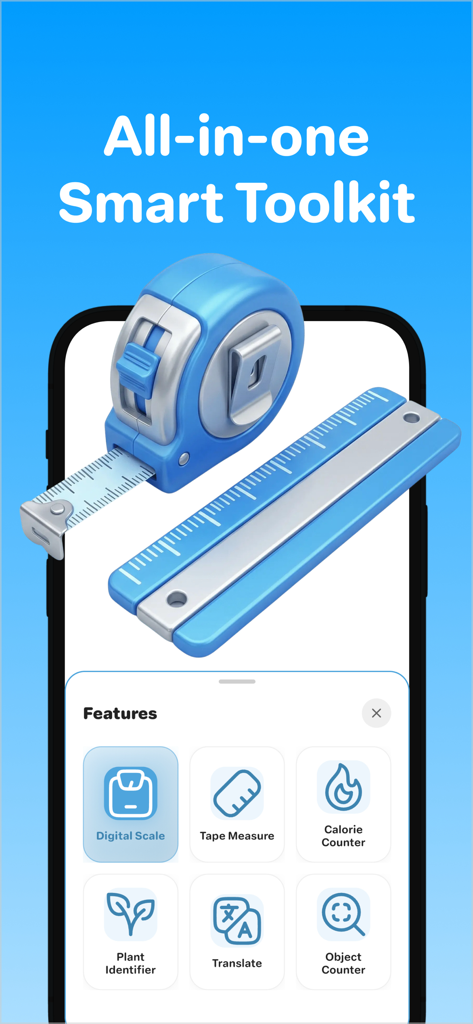
Pesa app screen showing various AI utility tools including a digital scale and tape measure
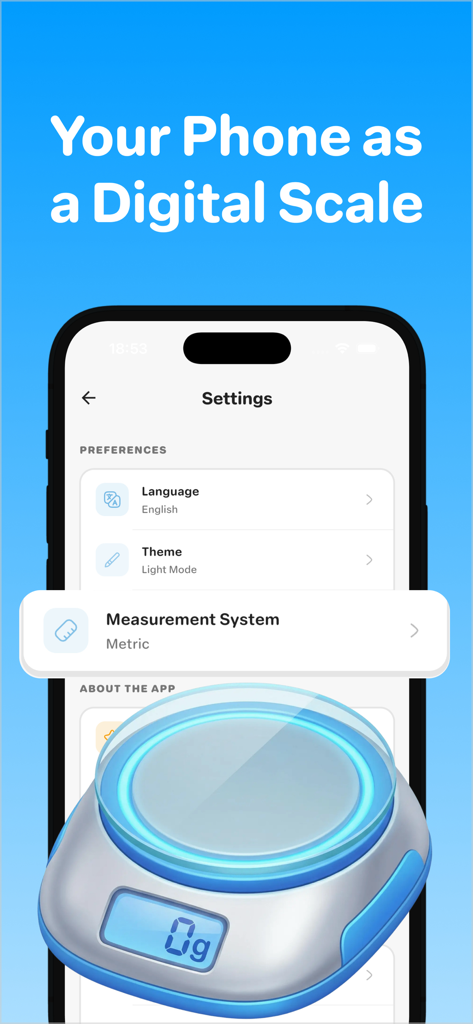
Pesa app settings screen showing measurement options and a digital scale illustration
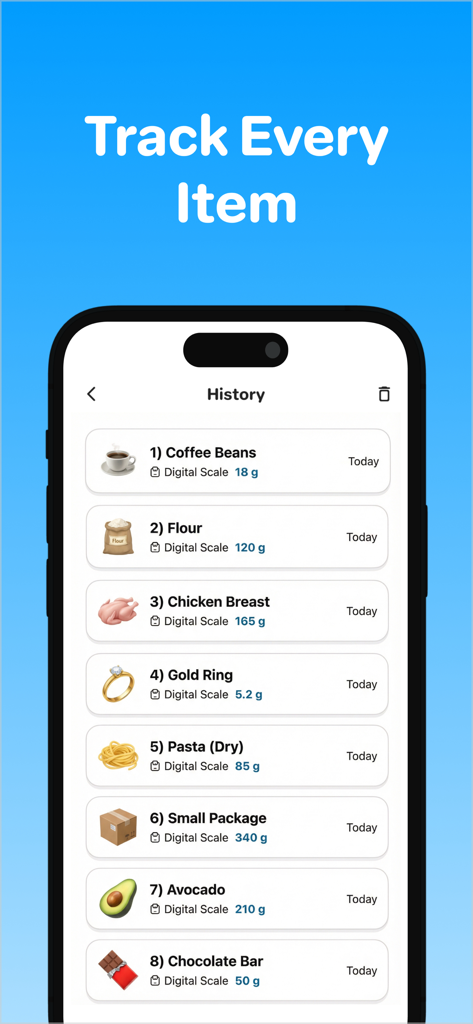
Screen showing the measurement history of weighed items like coffee beans, flour, and a gold ring in the Pesa app.
Description
Download
More Like This
Top-ranked apps in the same category

Google LLC

Google Chrome
Google LLC

中国移动(手机营业厅)
China Mobile Online Services Co., Ltd.

Google Authenticator
Google LLC

gov.br
Servicos e Informacoes do Brasil

Cleanup: Phone Storage Cleaner
DEEP FLOW SOFTWARE SERVICES - FZCO

Super VPN Fly 2026
YUNFAN TECHNOLOGY CO., LIMITED

Meu Social - Gás do Povo
Servicos e Informacoes do Brasil

百度-AI智能搜索
Beijing Baidu Netcom Science & Technology Co.,Ltd
This page is not an official page of the app or its developer, but an independent editorial publication created for informational and commentary purposes. Unless expressly stated otherwise, neither the app nor its developer is affiliated with, endorsed by, sponsored by, authorized by, or otherwise officially connected with MWM, Apple, Google Play, the app publisher, or the app's developer, and nothing on this page implies that the app was developed using MWM's services. Any trademarks, logos, screenshots, and other content remain the property of their respective owners.