
This page is not an official page of the app or its developer, but an independent editorial publication created for informational and commentary purposes. Unless expressly stated otherwise, neither the app nor its developer is affiliated with, endorsed by, sponsored by, authorized by, or otherwise officially connected with MWM, Apple, Google Play, the app publisher, or the app's developer, and nothing on this page implies that the app was developed using MWM's services. Any trademarks, logos, screenshots, and other content remain the property of their respective owners.

Philips HomeRun Robot App
Take total control of your robot vacuum, mop, and mower from anywhere. Set custom cleaning schedules, map your space with precision, and reclaim your time for a perfectly maintained home and lawn.
Downloads
262K+User Rating
Total Ratings
17K+Publisher
Category
LifestyleLocales
32Latest Version
1.4.3Size
168.9 MBFirst Released
Jan 17, 2024Smart Automation for Modern Living
Reclaim your time with a digital butler that manages your floors and lawn with professional precision, giving you more freedom for what matters most.
Unified Home & Garden Control
The only app you need to manage indoor vacuuming and outdoor mowing simultaneously, ensuring a guest-ready home at all times.
Intelligent Zone Mapping
Define custom cleaning modes for different rooms and set precise boundaries for your mower to protect your delicate flower beds and rugs.
Frequently Asked Questions
Everything you need to know about Philips HomeRun Robot App
What is the primary function of the Philips HomeRun Robot App?
The Philips HomeRun Robot App allows you to fully control your Philips HomeRun robot, enabling precise scheduling and execution of cleaning for rooms and mowing for lawns.
Can I control my Philips HomeRun robot remotely using the app?
Yes, the Philips HomeRun Robot App enables you to remotely start, pause, or stop your Philips HomeRun robot's cleaning and mowing operations from anywhere.
How does the Philips HomeRun Robot App create maps?
On its first run, your Philips HomeRun robot creates an interactive map of your home and garden, which you can use within the app to manage cleaning and mowing tasks.
How many maps can the Philips HomeRun robot vacuum cleaner store?
The Philips HomeRun robot vacuum cleaner can store up to five different interactive maps of your floor plan within the Philips HomeRun Robot App for customized cleaning.
Can I set no-go zones with the Philips HomeRun Robot App?
Yes, the Philips HomeRun Robot App allows you to define virtual walls or "no-go" zones to prevent your robot from cleaning or mopping specific areas or valuable items.
What cleaning modes does the Philips HomeRun Robot App offer?
The Philips HomeRun Robot App offers Dry, Wet & Dry, Quiet, and Intensive cleaning modes. You can select a suitable mode for each room and specific mowing modes for your lawn.
Does the Philips HomeRun Robot App provide setup guidance?
Yes, the Philips HomeRun Robot App provides clear, step-by-step guidance for easy setup, including Wi-Fi connection and first-time operation, often with how-to videos.
Does the Philips HomeRun Robot App use GPS for mowing?
Yes, the Philips HomeRun Robot App supports intelligent lawn mowing using GPS mapping. This ensures precise cuts, efficient recharging, and continuous coverage without missed spots.
How does the Philips HomeRun Robot App secure user data?
Philips adheres to a strict privacy policy to ensure user data security within the HomeRun Robot App. Users can also opt to use the app as a guest.
What Wi-Fi frequencies do Philips HomeRun robots connect to?
Philips HomeRun robot vacuum cleaners connect to dual-band Wi-Fi (2.4 or 5.0GHz). Robot lawn mowers connect exclusively to 2.4GHz home Wi-Fi via the Philips HomeRun Robot App.
The following screenshots and description are sourced directly from the app's official store listing and are the property of the app developer.
App Store
Screenshots
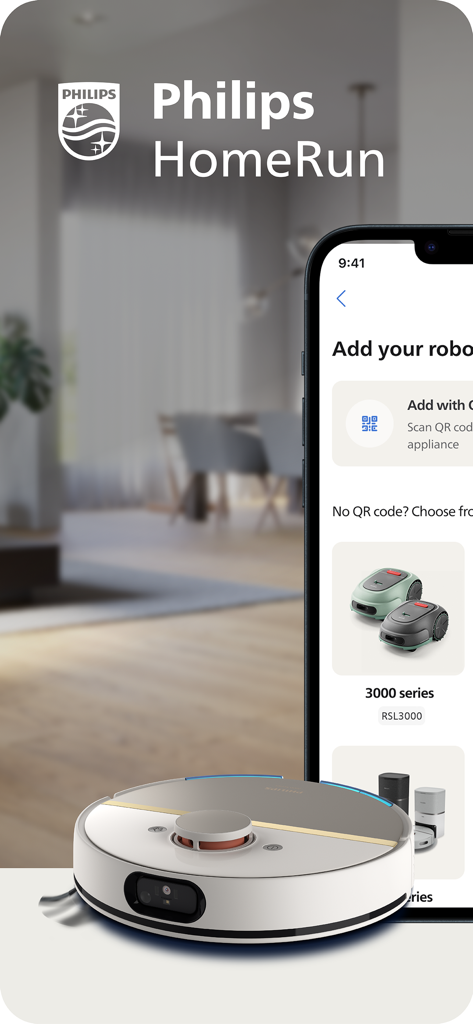
Philips HomeRun app showing robot vacuum and mower setup options
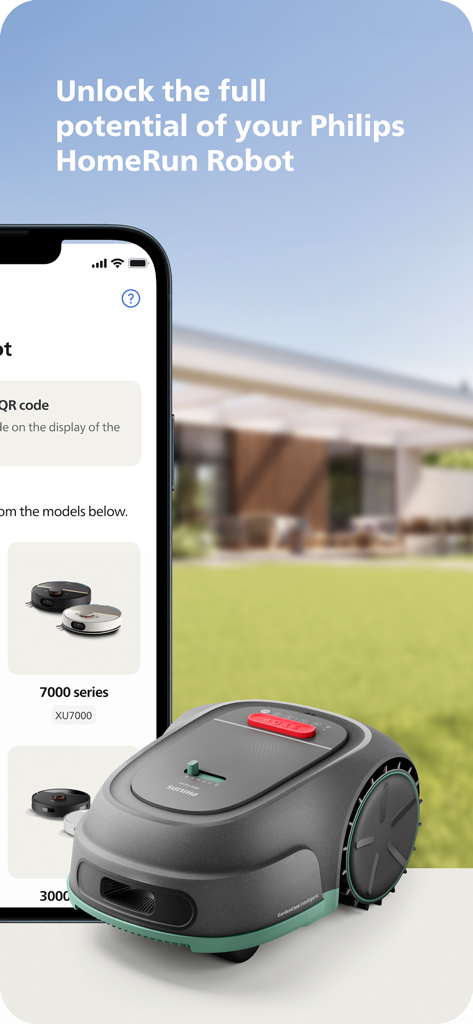
Smartphone displaying the Philips HomeRun Robot app next to a robot lawn mower on a green lawn.
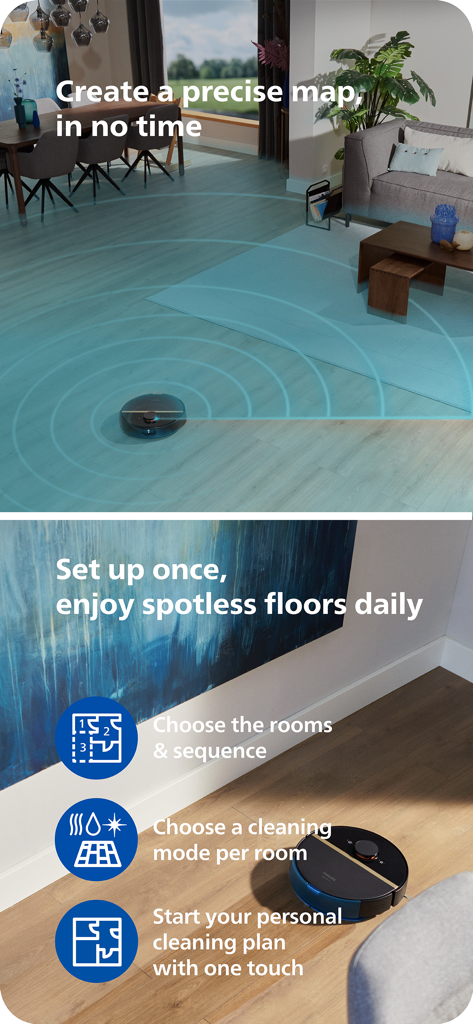
Philips HomeRun robot vacuum mapping a living room and cleaning a wooden floor with app feature highlights
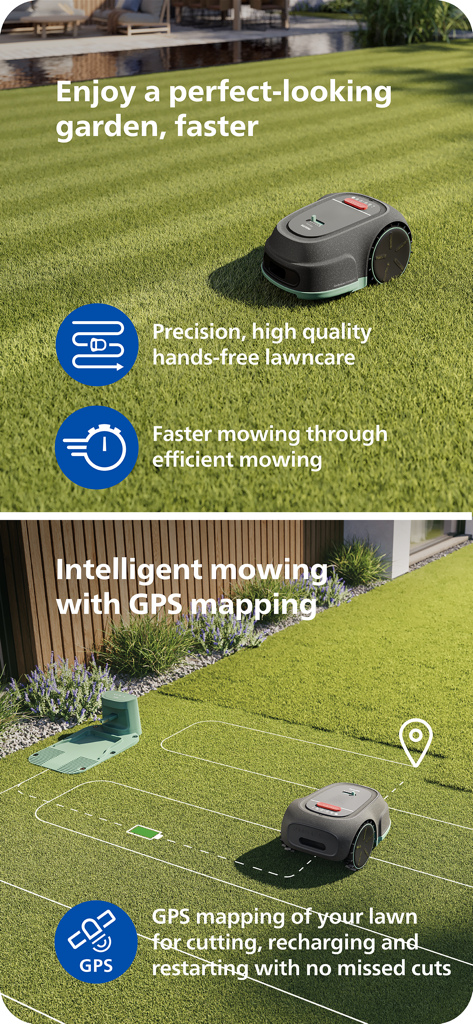
Philips HomeRun robot mower using GPS mapping for intelligent and efficient lawn care.
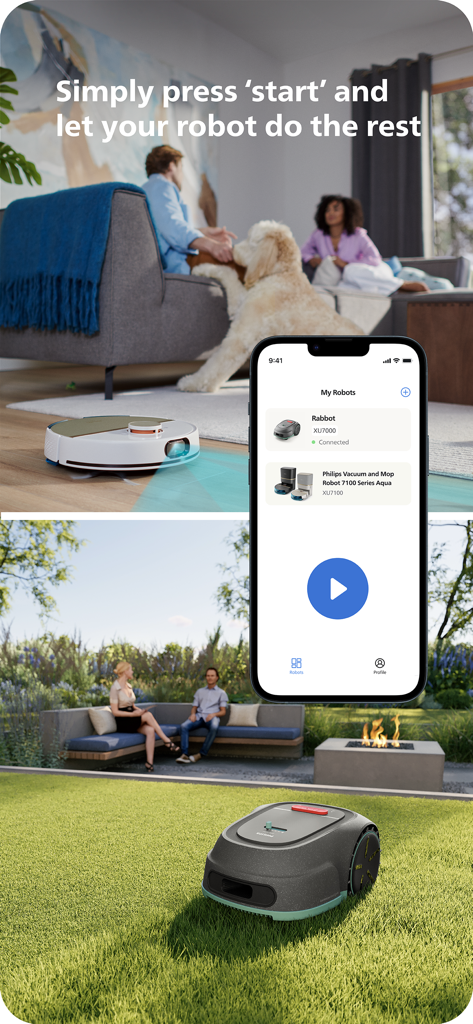
Philips HomeRun app interface showing remote control for robot vacuum and lawn mower
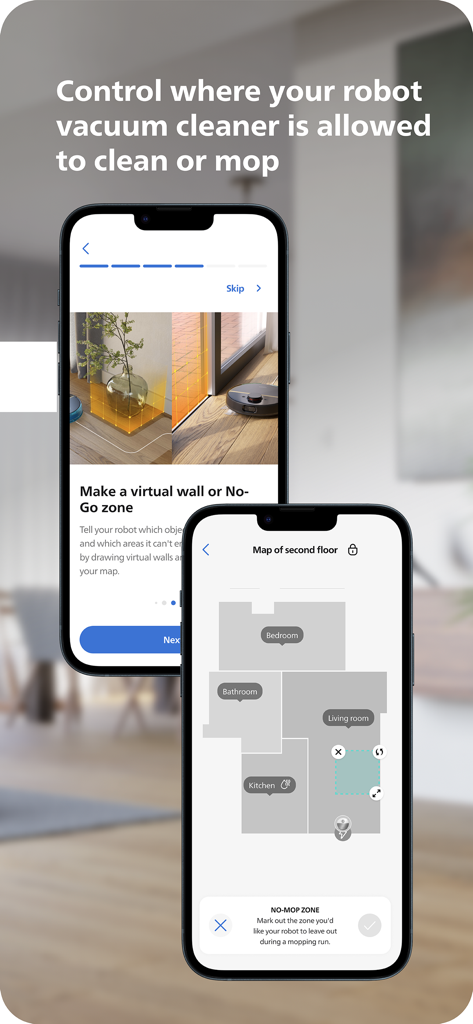
Philips HomeRun Robot App interface showing floor mapping and virtual no-go zones for cleaning and mopping
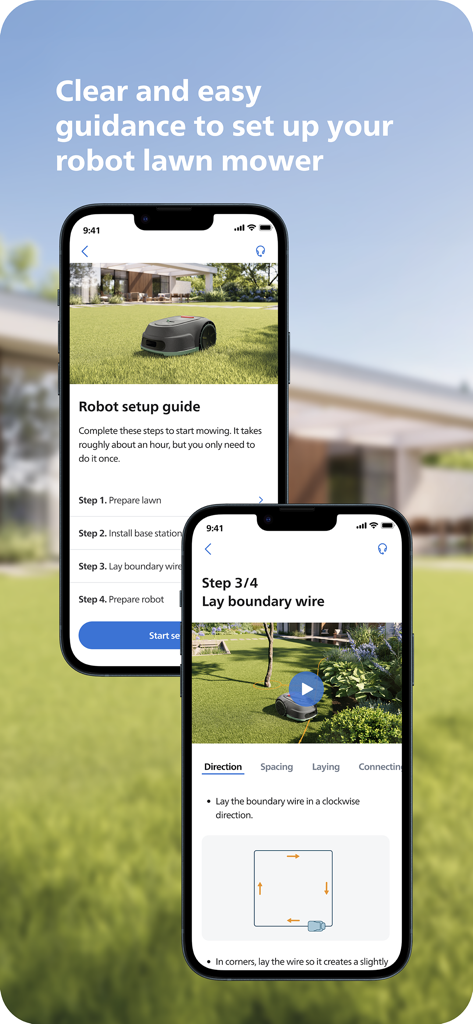
Smartphone screens displaying a step by step setup guide for a robot lawn mower on the Philips HomeRun app
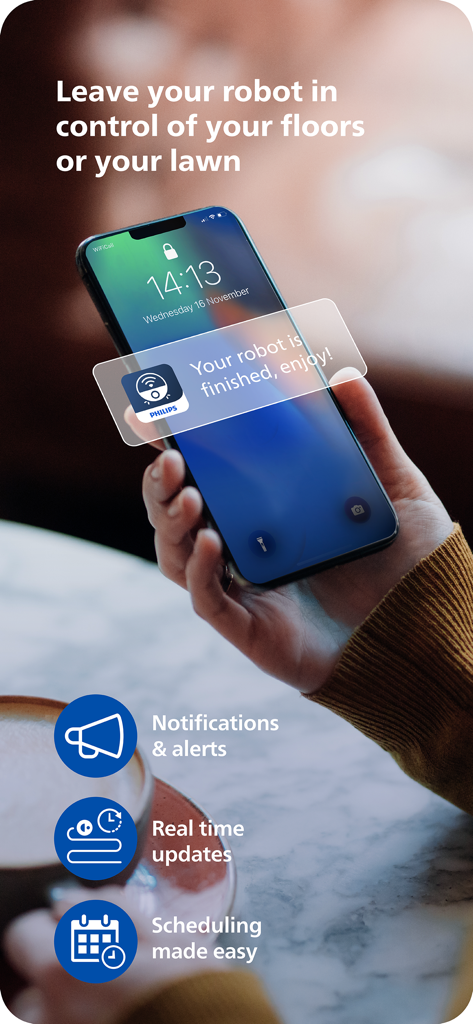
A person holding a smartphone displaying a Philips HomeRun app notification saying your robot is finished enjoy.
Description
Download
More Like This
Apps with similar features and user experience

Roborock
Beijing Rockrobo Technology Co., Ltd.

Dreamehome
Dreame Innovation Technology (Suzhou) Co., Ltd.

Tineco Life
Tineco Appliances Co,.Ltd.

YEEDI
YEEDI TECHNOLOGY LIMITED

ECOVACS HOME
Ecovacs Robotics Inc.

Roomba Home
iRobot Corporation

iRobot Home (Classic)
iRobot Corporation

SharkClean
SHARKNINJA OPERATING LLC

Robot Vacuum App
GloryskyX Studio LLC
This page is not an official page of the app or its developer, but an independent editorial publication created for informational and commentary purposes. Unless expressly stated otherwise, neither the app nor its developer is affiliated with, endorsed by, sponsored by, authorized by, or otherwise officially connected with MWM, Apple, Google Play, the app publisher, or the app's developer, and nothing on this page implies that the app was developed using MWM's services. Any trademarks, logos, screenshots, and other content remain the property of their respective owners.