Phocus: Portrait Mode Editor

Phocus: Portrait Mode Editor

Download on App Store
Logo of Phocus: Portrait Mode Editor

Phocus: Professional DSLR-Style Portraits Powered by AI

Master depth and bokeh with real lens simulation. Create cinematic portraits and videos with precision tools designed for social media creators and aesthetic perfectionists.

Publisher

RAY INFORMATICS YAZILIM TEKNOLOJI MEDYA DANISMANLIK VE EGITIM TICARET LIMITED SIRKETI

Category

Photo & Video

Downloads

734K+

User Rating

4.4/5

Total Ratings

1K+

Locales

15

Cinematic Depth Unveiled

Discover the interface used by 734K+ users.

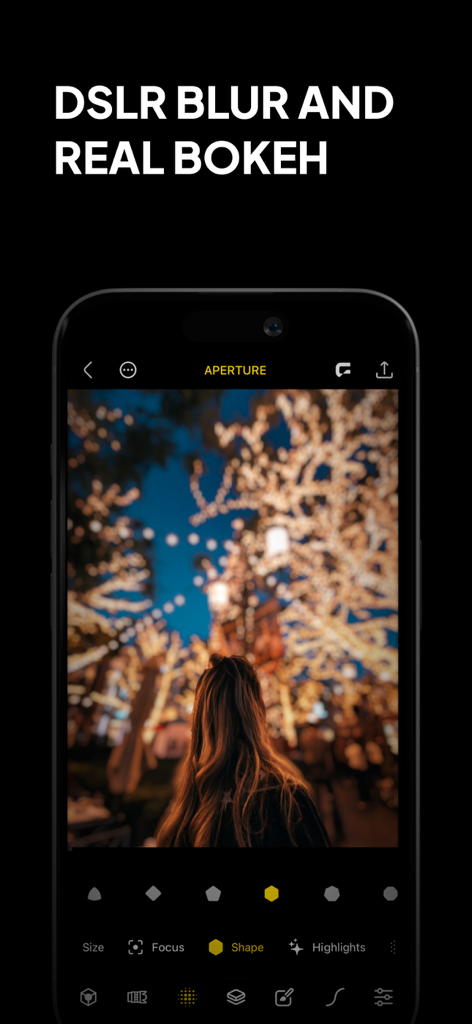
Phocus app interface showing DSLR blur and real bokeh effects on a portrait photo
Phocus app interface showing DSLR blur and real bokeh effects on a portrait photo

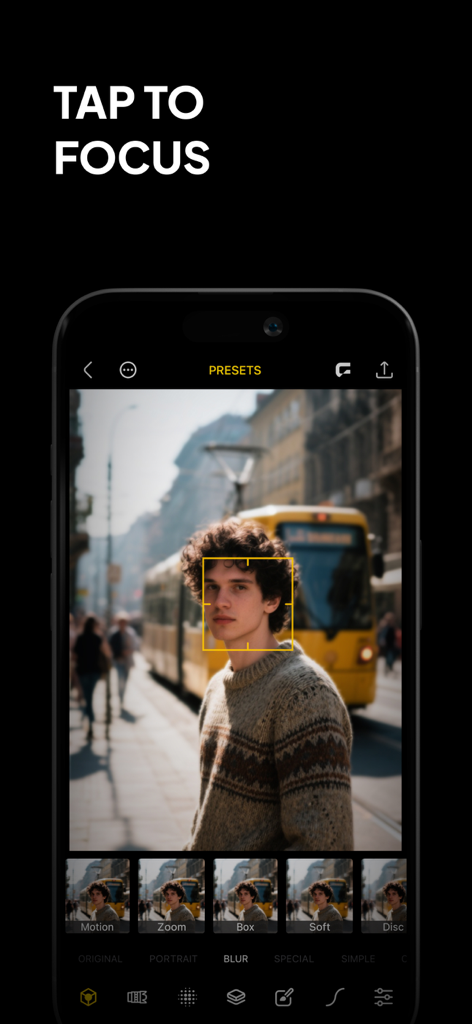
Phocus app interface demonstrating the tap to focus feature on a portrait photo
Phocus app interface demonstrating the tap to focus feature on a portrait photo

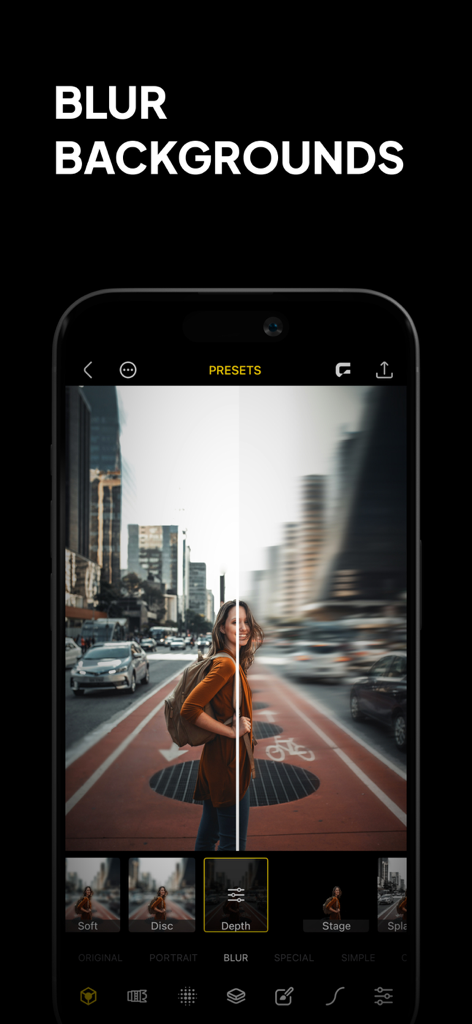
Smartphone screen showing the Phocus app's background blur feature with a before and after comparison of a city portrait.
Smartphone screen showing the Phocus app's background blur feature with a before and after comparison of a city portrait.

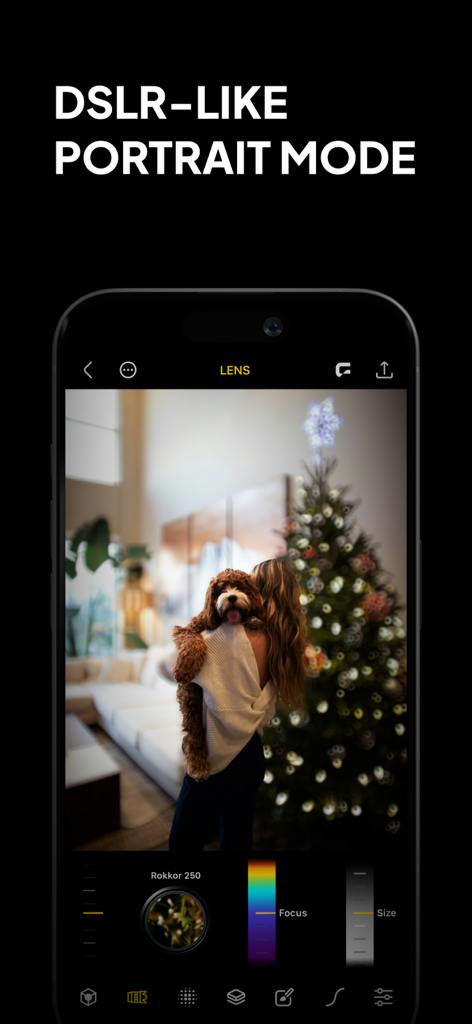
Phocus app interface showing DSLR-like portrait mode with bokeh blur and manual lens controls on a photo of a person holding a dog
Phocus app interface showing DSLR-like portrait mode with bokeh blur and manual lens controls on a photo of a person holding a dog

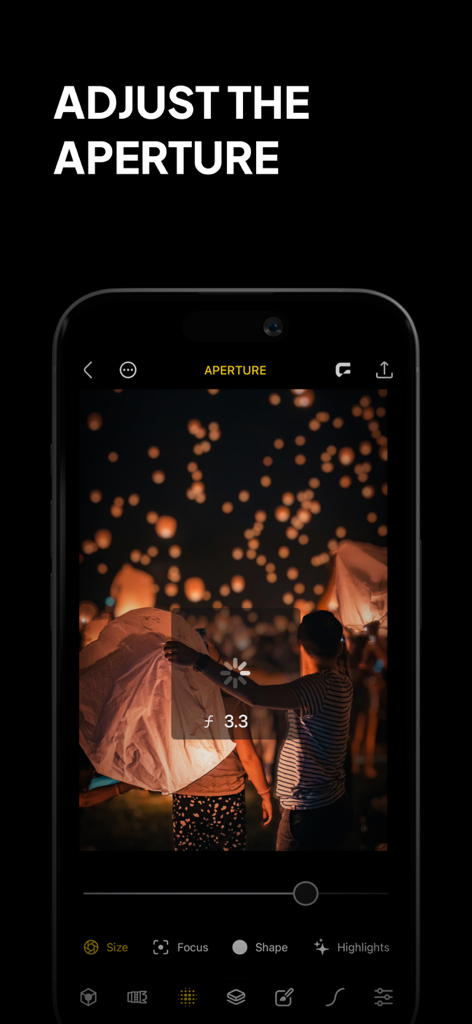
A phone displaying the Phocus app interface with the adjust aperture feature being used on a night photo of sky lanterns
A phone displaying the Phocus app interface with the adjust aperture feature being used on a night photo of sky lanterns

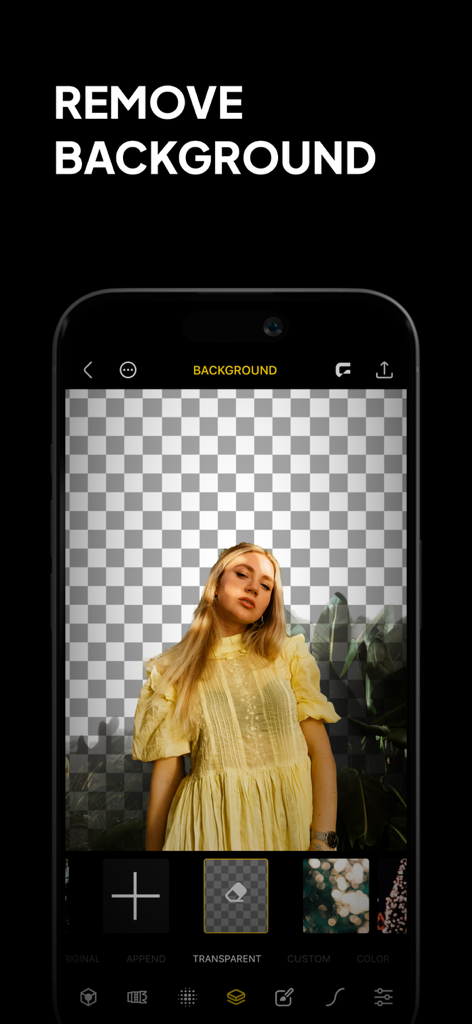
A screenshot of the Phocus app interface showing a woman's portrait with the background removed against a transparent grid
A screenshot of the Phocus app interface showing a woman's portrait with the background removed against a transparent grid

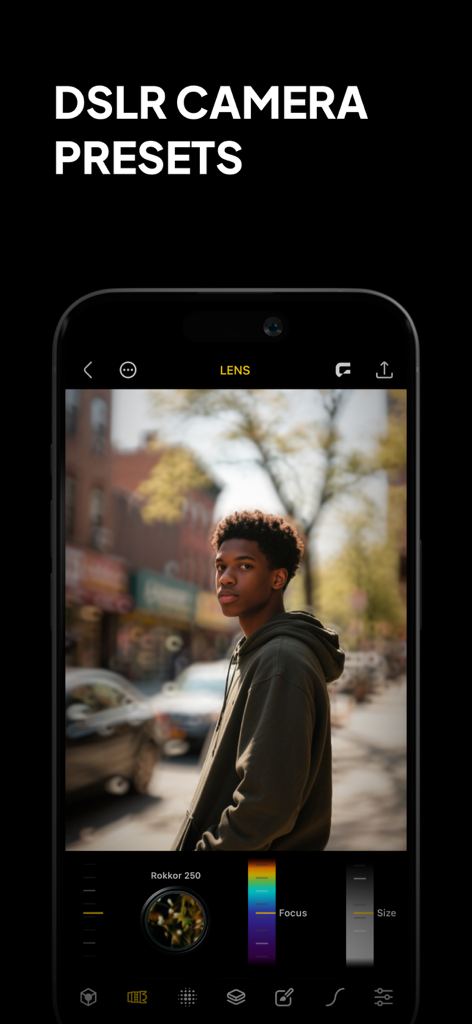
Phocus app interface showing a portrait of a man with DSLR camera presets and professional background blur.
Phocus app interface showing a portrait of a man with DSLR camera presets and professional background blur.

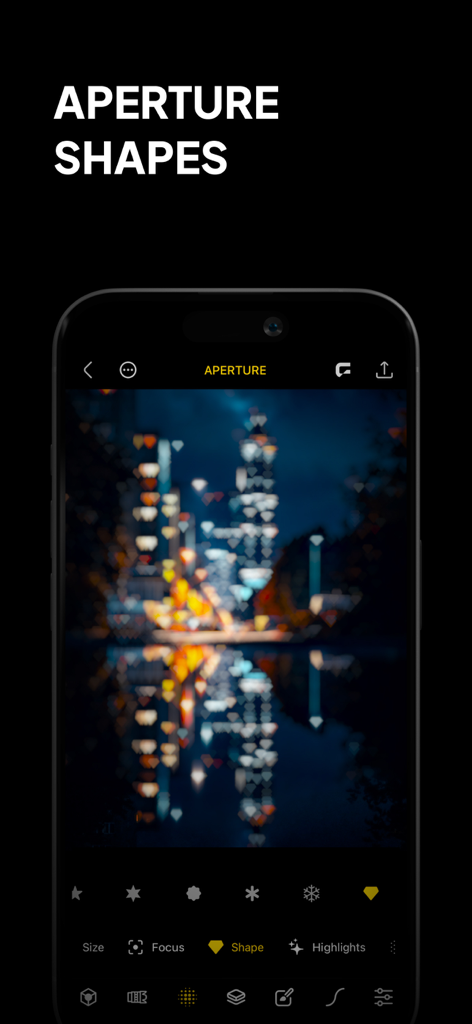
A smartphone showing the Phocus app interface with heart-shaped bokeh effects on a nighttime city skyline.
A smartphone showing the Phocus app interface with heart-shaped bokeh effects on a nighttime city skyline.

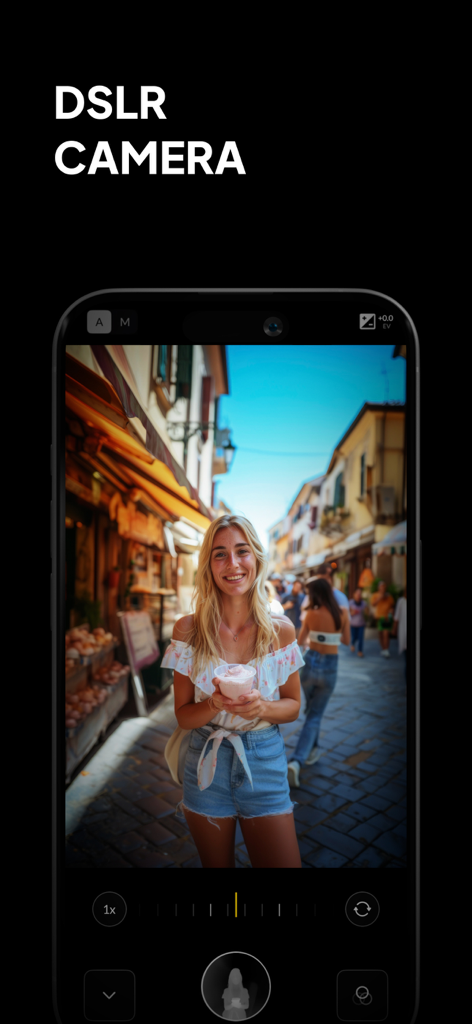
Phocus app interface showing DSLR camera manual controls and professional portrait bokeh effect
Phocus app interface showing DSLR camera manual controls and professional portrait bokeh effect

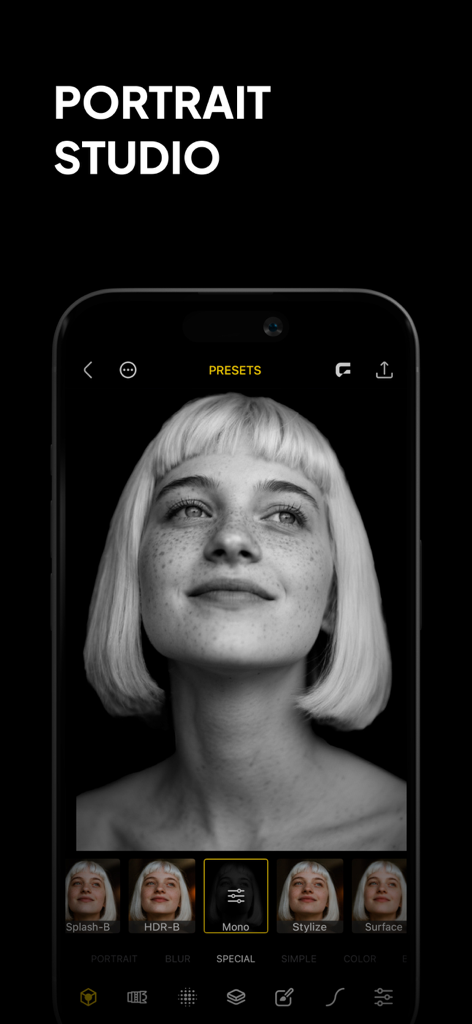
Smartphone screen displaying the Phocus app with a black and white portrait photo and editing presets.

Smartphone screen displaying the Phocus app with a black and white portrait photo and editing presets.

Pro-Level Photography, Reimagined

The tools that make this app stand out, trusted by 734K+ users.

🤖

AI Portrait Mastery

Instantly separate subjects and backgrounds with surgical precision using our intelligent depth-sensing technology for the perfect shot.

🔍

True DSLR Bokeh

Emulate the physics of expensive lenses with customizable aperture settings, blur intensity, and vintage optical styles.

🎥

Cinematic Video Content

Stand out on TikTok and Reels with professional-grade background blur that adds instant production value to every video clip.

About the app

Everything you need to know about Phocus: Portrait Mode Editor.

Description

Phocus is a portrait editor and DSLR-style camera powered by AI, giving you full control over depth, background blur, aperture, bokeh, and focal length. Whether you're capturing cinematic portraits or editing precise lens details, Phocus delivers pro-level photography tools in a fast, intuitive interface built for creators. Inspired by real optical systems, Phocus lets you emulate DSLR lens behavior—without external gear. Control blur shape and depth radius with real aperture modeling. Adjust lens type, depth dynamics, and recreate unique bokeh styles from vintage and high-end lenses. Apply subtle distortions and optical characteristics for expressive storytelling. Phocus doesn’t just blur the background—it understands the physics of photography. "Looking for an app that not only adds the Portrait mode effect to your photos but does a bit more? Then Phocus is the one you're looking for." — iMore "An Outstanding AI Portrait and Macro Camera for the iPhone. It has clearly established itself as the front runner in this iOS camera apps." — John DeNicola "The app is a fine example of technical and artistic craftsmanship." — iGeeksBlog "Phocus is an excellent photo and video editing app for your iPhone that lets you edit both portrait photos and videos with great attention to detail." — The Useful Tech Phocus enhances your creativity with smart tools: • AI-powered subject detection and background blur/removal • Precision brush and eraser tools for edge refinement • Dual-layer tone editing for foreground and background • One-tap portrait effects: HDR, mono, studio, stage, color splash, grain, stylize, cartoon • Portrait matte and depth map export for external workflows • Depth Visualizer to preview and adjust depth-of-field using real-time depth data • Tap-to-Focus with enhanced precision using intelligent depth mapping Whether you’re recreating film looks or developing your own style, Phocus is flexible enough for professionals and intuitive enough for anyone. Features: • Portrait Video Blur: Add realistic depth-of-field to videos • AI Subject Detection: Separate subject and background automatically • Real Bokeh Simulation: Customizable aperture shapes and light falloff • Manual Camera Controls: Adjust ISO, shutter speed, white balance, and exposure • RAW and ProRAW Support: Shoot in full resolution and maximum quality • DSLR Lens Simulation: Control focal depth, lens behavior, and bokeh intensity • Aperture & Blur Adjustment: Fine-tune background softness and focus • One-Tap Background Removal: Instantly blur or replace backgrounds • Portrait Effects Library: Apply curated filters and artistic looks • Dual-Layer Editing: Adjust lighting and tone separately for subject and background • Edge Refinement Tools: Fine control over mask boundaries • Depth Map & Portrait Matte Export: For external editing workflows • Depth Visualizer: Interactively adjust depth using combined image and depth data • Tap-to-Focus: Tap to apply precise depth-based focus on any area • Built-In Tutorials: Learn Phocus step-by-step • Optimized for iPhone and iPad: Full-resolution support across devices Phocus AI Subscription Unlock full creative control with a Phocus AI subscription, available monthly or annually. Terms of use: rayinformatics.com/terms Privacy policy: rayinformatics.com/privacy Contact: rayinformatics.com/contact

Latest Version

3.0.8

Size

239.7 MB

First Released

Aug 17, 2017

Professional DSLR Quality, Right in Your Pocket

Join over 700k creators and transform your mobile photos into stunning studio portraits with AI-powered depth and bokeh control.

Download on App Store

App information, icons, screenshots, and descriptions displayed on this page are sourced from the Apple App Store and are the property of their respective developers. Download estimates and rankings are based on MWM's proprietary models and may not reflect actual figures. This page is provided for informational and analytical purposes only.

Believe this page infringes your intellectual property? File a dispute