
Photo Collage Maker ᅠ


Combine up to 16 photos with easy-to-use layouts, pro filters, and high-resolution exports. No watermarks—just stunning content ready for your social feed.
Publisher
Category
Photo & VideoDownloads
601K+User Rating
Total Ratings
10K+Locales
1Discover the interface used by 601K+ users.
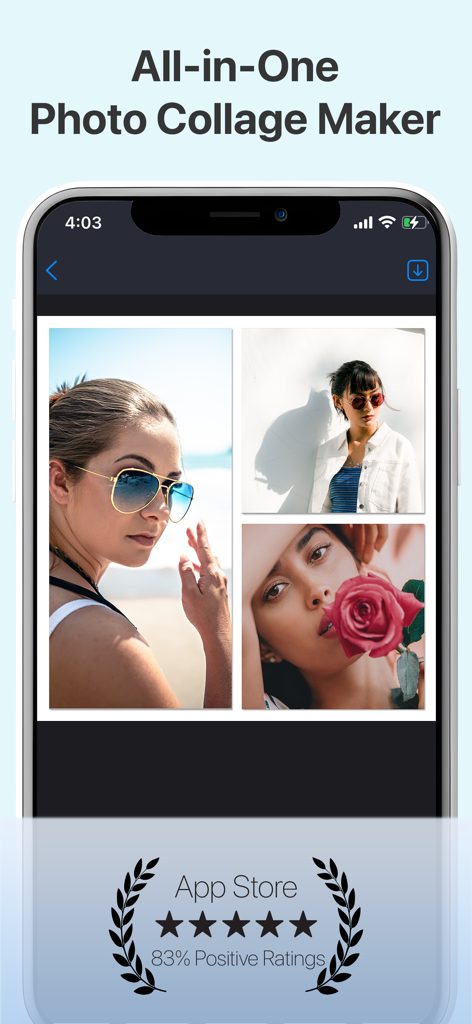
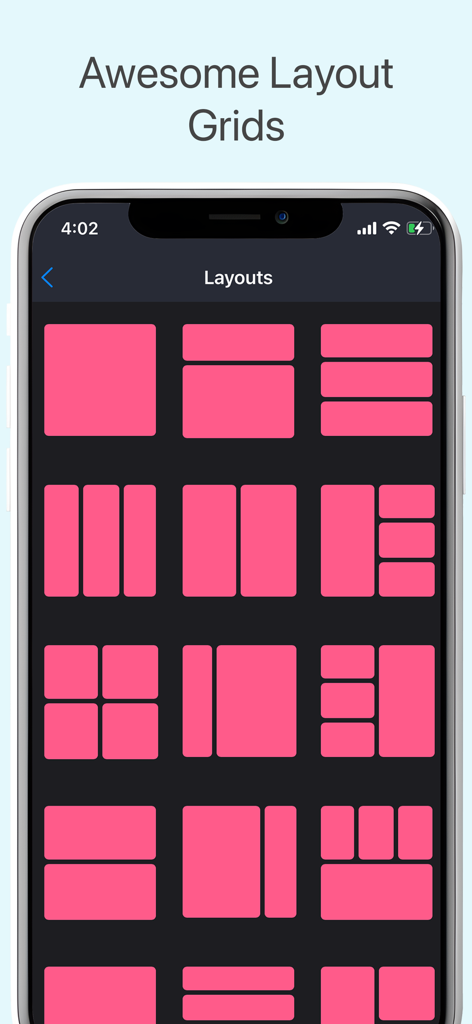
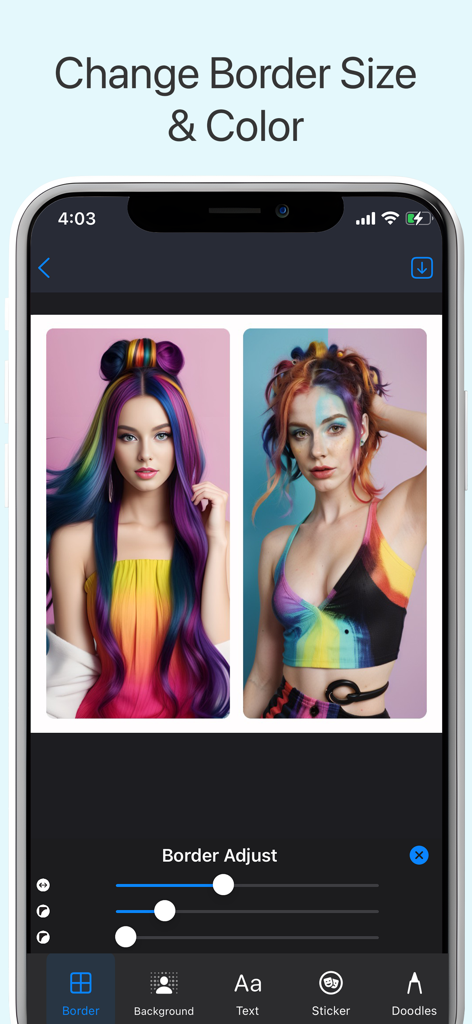
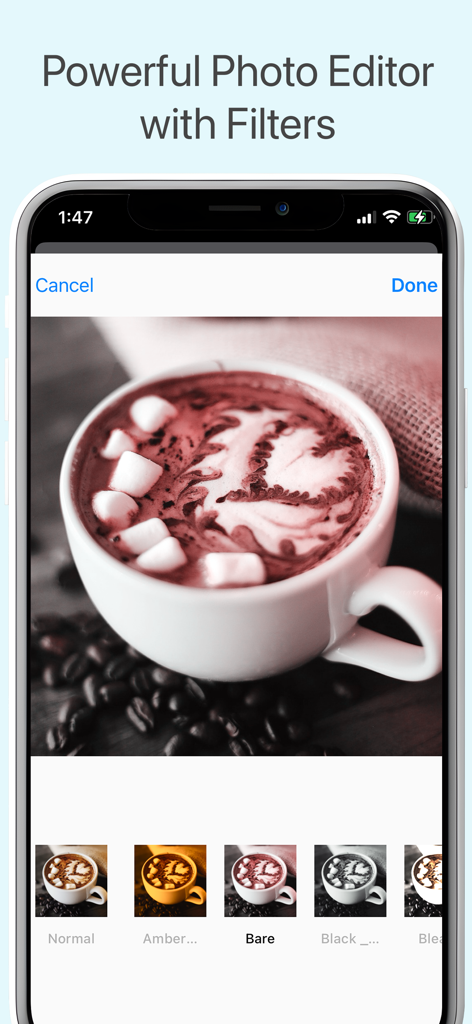
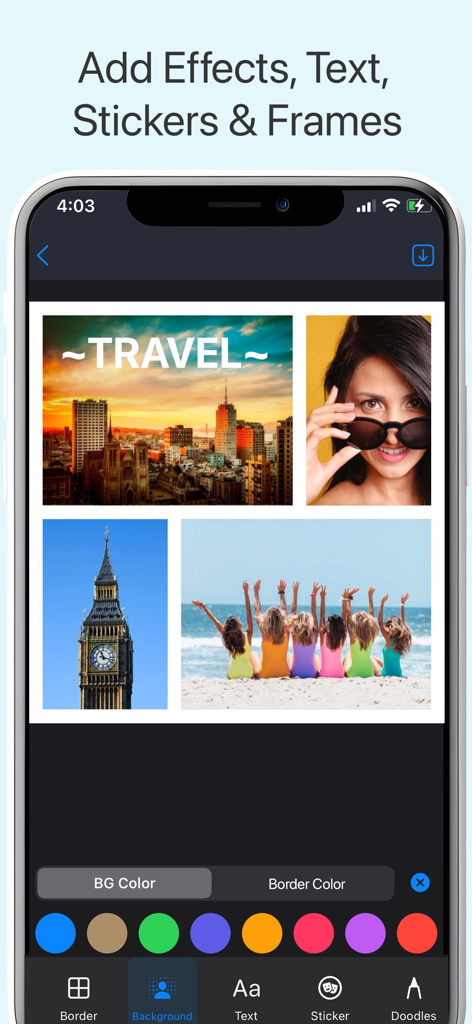
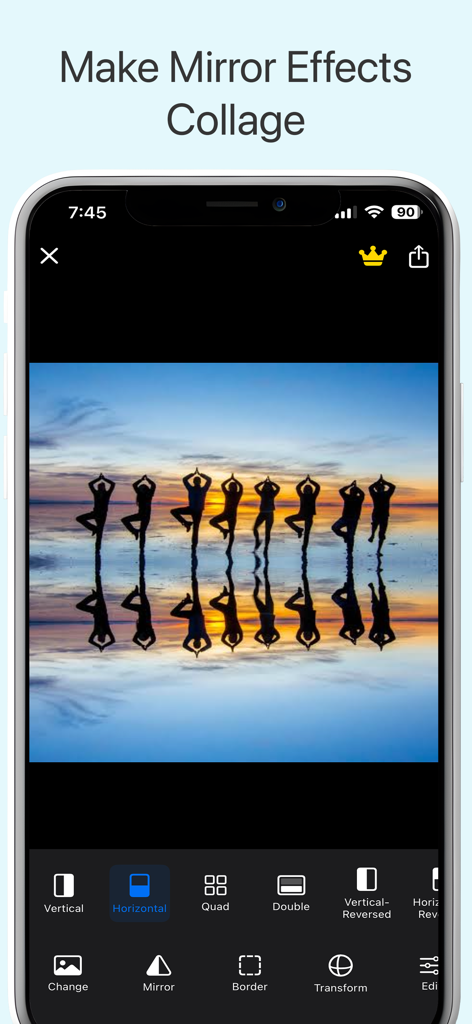
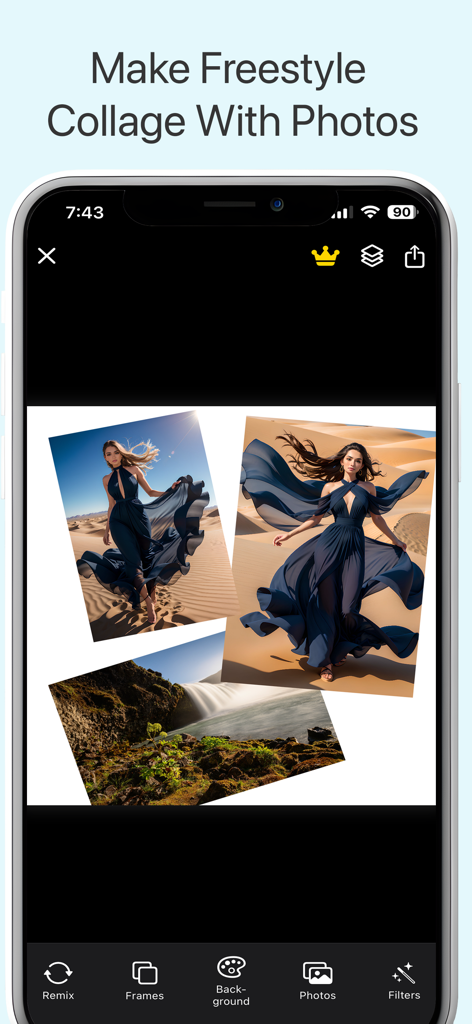
The tools that make this app stand out, trusted by 601K+ users.
Merge up to 16 photos into one stunning layout. Perfect for capturing the full vibe of your weddings, vacations, and special celebrations without cluttering your feed.
Stand out with 80+ premium fonts and professional-grade filters. Export high-resolution designs without any distracting branding for a clean, premium look.
Express your unique style with freestyle 'scrapbook' layouts and trending mirror effects. Design aesthetic collages that perfectly match your personal brand.
Insights from user reviews.
Sentiment Score
Summary
This app receives predominantly negative feedback, largely due to a controversial shift from a free model to a subscription-based one, accompanied by an influx of excessive and often unskippable advertisements that severely impair user experience. Many long-time users lament recent updates, reporting diminished functionality, issues like distorted collages, and a strong preference for previous versions. Users also report significant technical problems, including the app crashing, not loading, non-working restore purchase features, and unauthorized charges. While some still praise its core capabilities as "powerful" and "superb," a vocal segment expresses deep dissatisfaction with its current state and monetization practices.
Common Themes
Everything you need to know about Photo Collage Maker ᅠ.
Description
Latest Version
2.12.05
Size
88.4 MB
First Released
Dec 21, 2016
Join over 600,000 storytellers and creators. Download Photo Collage Maker today to design stunning, watermark-free layouts and share your memories in seconds.
Everything you need to know about Photo Collage Maker ᅠ
Photo Collage Maker allows users to combine up to 16 photos into a single collage. This feature is part of its all-in-one collage app capabilities.
Yes, Photo Collage Maker provides numerous FREE layouts, including grids, freestyle layouts, frames, and Mirror Collage options. These free resources help users create diverse designs.
Yes, Photo Collage Maker includes creative border tools. Users can add unique patterns, adjust rounded corners, and change border colors for their collages directly within the app.
Photo Collage Maker offers powerful editing tools, including brightness, contrast, and saturation adjustments. It also features cropping, rotating, resizing, and professional-grade filters and effects.
Photo Collage Maker offers Monthly, Yearly, Lifetime, and Weekly subscription plans. These plans unlock all Pro Features within the app for an enhanced experience.
Yes, Photo Collage Maker allows instant sharing. Users can export their collages directly to social media platforms such as Instagram, Facebook, Twitter, or send them via email.
Yes, Photo Collage Maker includes extensive text and sticker options. Users can select from over 80 fonts and 90+ free stickers to customize and enhance their collages effectively.
No, Photo Collage Maker exports collages in high resolution and watermark-free. This ensures that all creations maintain a professional and clean appearance without any branding.
Users manage Photo Collage Maker subscriptions in Account Settings. Auto-renewal requires turning off at least 24 hours before the current period ends to avoid charges.
Apps with similar features and user experience

Appostrophe AB

JUPITER PALACE PTE. LTD.

Shamble, Inc.

SHANTANU PTE. LTD.

Zhuhai Kuxiong Network Technology Co., Ltd.

Shamble, Inc.

Honk Honk Punch Pty Ltd

Honk Honk Punch Pty Ltd

Honk Honk Punch Pty Ltd
App information, icons, screenshots, and descriptions displayed on this page are sourced from the Apple App Store and are the property of their respective developers. Download estimates and rankings are based on MWM's proprietary models and may not reflect actual figures. This page is provided for informational and analytical purposes only.
Believe this page infringes your intellectual property? File a dispute