
This page is not an official page of the app or its developer, but an independent editorial publication created for informational and commentary purposes. Unless expressly stated otherwise, neither the app nor its developer is affiliated with, endorsed by, sponsored by, authorized by, or otherwise officially connected with MWM, Apple, Google Play, the app publisher, or the app's developer, and nothing on this page implies that the app was developed using MWM's services. Any trademarks, logos, screenshots, and other content remain the property of their respective owners.

Photo Complications
Transform your Apple Watch into a digital locket. Add custom photos to any watch face, enjoy automatic rotations, and tap for an instant fullscreen view of what matters most.
Downloads
12K+User Rating
Total Ratings
100Publisher
Category
Photo & VideoLocales
1Latest Version
4.0.0Size
10.0 MBFirst Released
May 25, 2021Your Favorite Moments, Always in View
Stop choosing between your productivity and your photos. Photo Complications lets you add personal images to any Apple Watch face for a truly custom and aesthetic experience.
Style Meets Function
Don't sacrifice your activity rings for a photo face. Add your favorite memories as complications to any data-rich watch face you love.
A New Memory Every Glance
Keep your wrist fresh with automatic randomization. Set your photos to shuffle every 15 minutes for a delightful surprise throughout your day.
The following screenshots and description are sourced directly from the app's official store listing and are the property of the app developer.
App Store
Screenshots
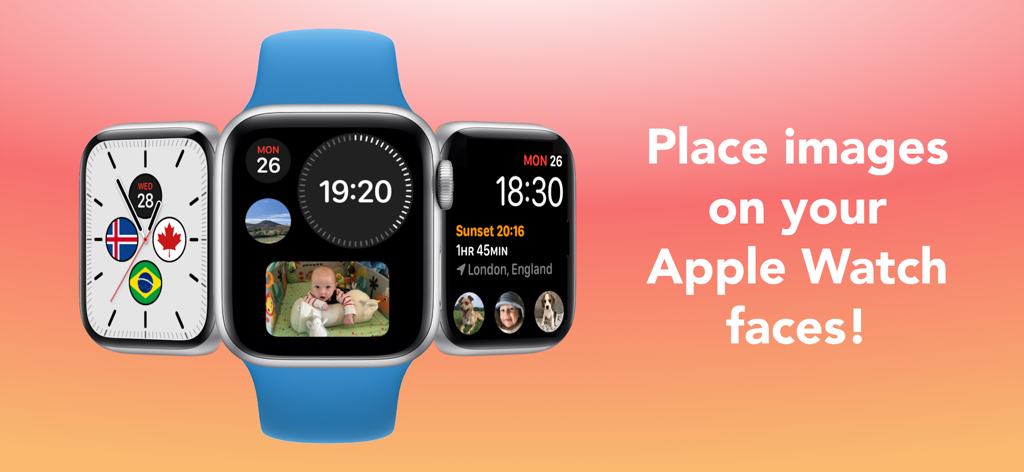
Three Apple Watches showing various custom photo complications including a baby and pets on colorful watch faces.
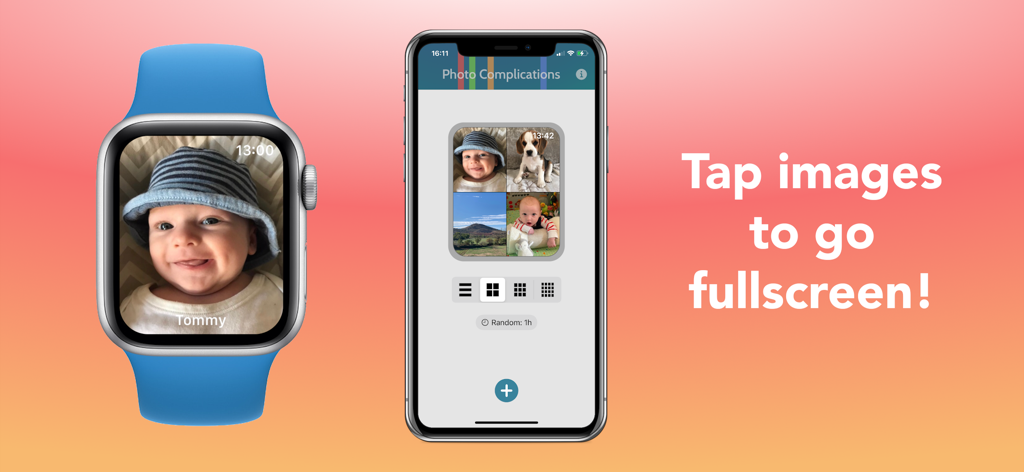
An iPhone and Apple Watch showcasing the Photo Complications app with personal baby photos on the display.
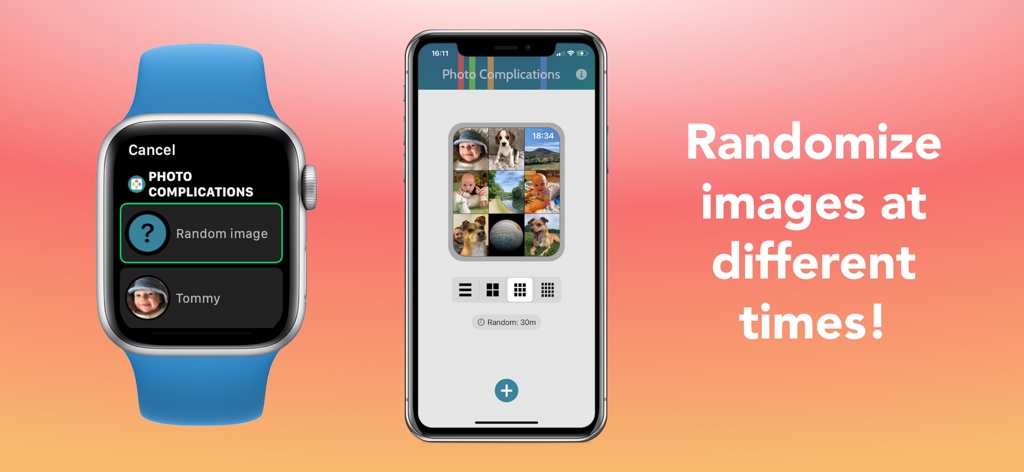
An Apple Watch and iPhone displaying the Photo Complications app interface for randomizing watch face photos.
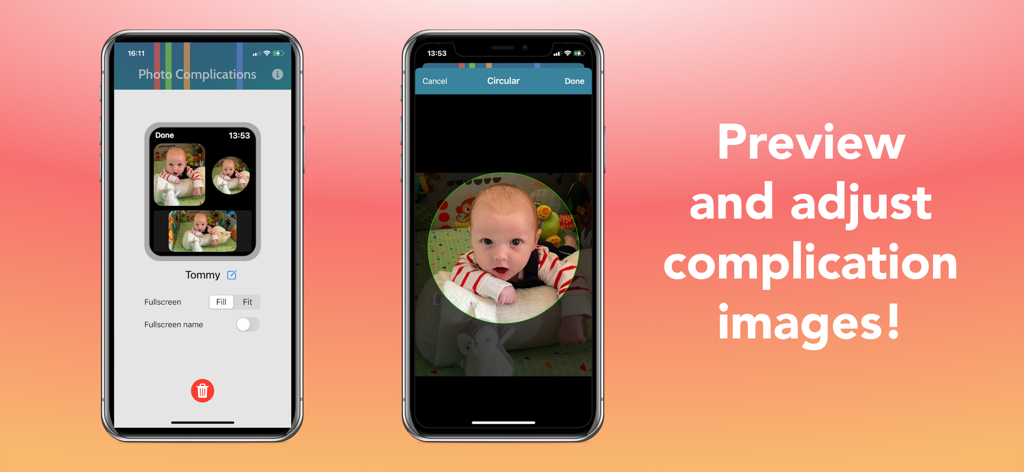
iPhone screens showing how to preview and adjust custom photo complications for Apple Watch faces
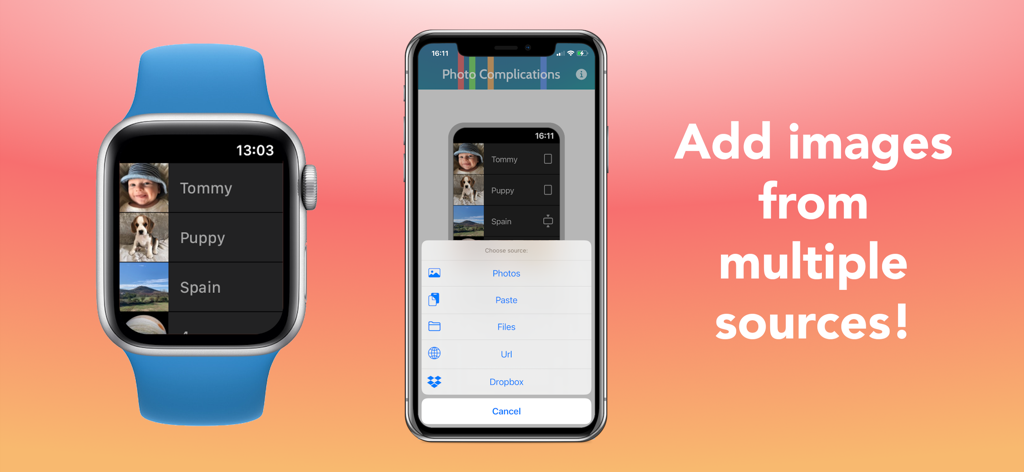
An iPhone and Apple Watch showing how to add photos from multiple sources like Dropbox and iCloud to the Photo Complications app.
Description
Download
More Like This
Top-ranked apps in the same category

CapCut: Photo & Video Editor
BYTEDANCE PTE. LTD.

Instagram, Inc.

YouTube
Google LLC

Canva: AI Photo & Video Editor
Canva Pty Ltd

Snapchat
Snap, Inc.

快手
Beijing Kwai Technology Co., Ltd.

Edits: Video Editor
Instagram, Inc.

Meitu- AI Photo & Video Editor
Xiamen Meitu Technology Co., Ltd.

Google Photos: Backup & Edit
Google LLC
This page is not an official page of the app or its developer, but an independent editorial publication created for informational and commentary purposes. Unless expressly stated otherwise, neither the app nor its developer is affiliated with, endorsed by, sponsored by, authorized by, or otherwise officially connected with MWM, Apple, Google Play, the app publisher, or the app's developer, and nothing on this page implies that the app was developed using MWM's services. Any trademarks, logos, screenshots, and other content remain the property of their respective owners.