Photo Optimizer: Clean Storage

Photo Optimizer: Clean Storage


Download on App Store
Logo of Photo Optimizer: Clean Storage

Photo Optimizer: Clean Storage — Keep Every Memory, Lose the Bloat

Reclaim up to 90% of your device storage with smart, on-device compression. Shrink your photos and screenshots without losing quality—no cloud required, 100% private.

Download on App Store

Publisher

Pin Traveler LLC

Category

Utilities

Downloads

3K+

User Rating

1.0/5

Total Ratings

0

Locales

1

A Glimpse Into Your Lighter Library

Discover the interface used by 3K+ users.
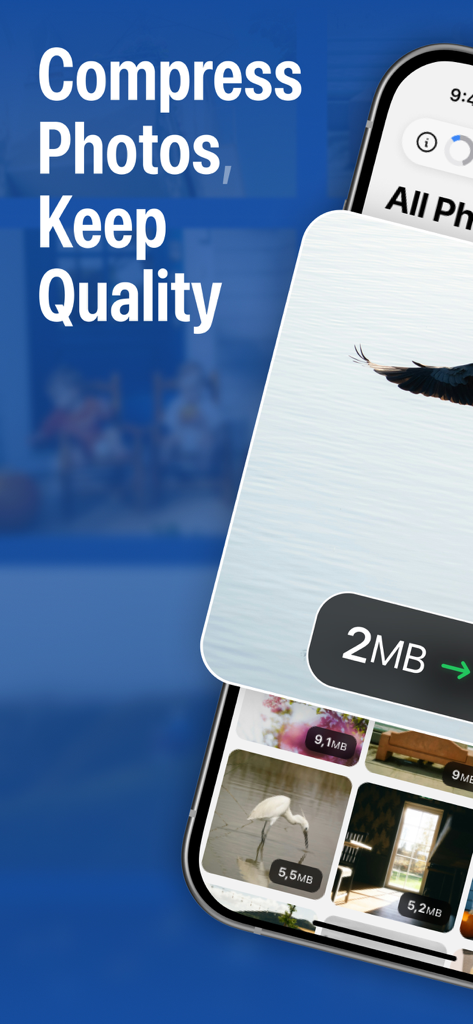
Screenshot of Photo Optimizer app highlighting the ability to compress photos while maintaining quality and showing file size reductions.

Screenshot of Photo Optimizer app highlighting the ability to compress photos while maintaining quality and showing file size reductions.

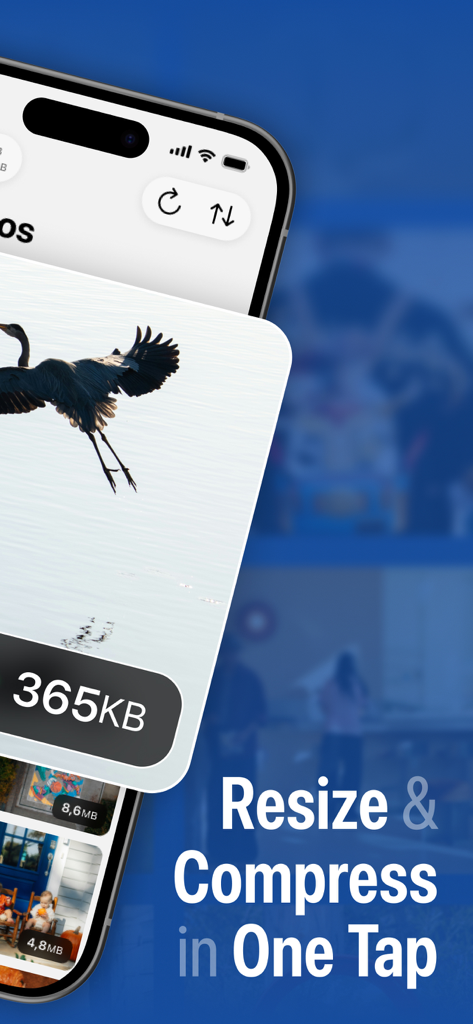
Interface of Photo Optimizer app showing a bird photo being compressed to 365KB with the text Resize and Compress in One Tap

Interface of Photo Optimizer app showing a bird photo being compressed to 365KB with the text Resize and Compress in One Tap

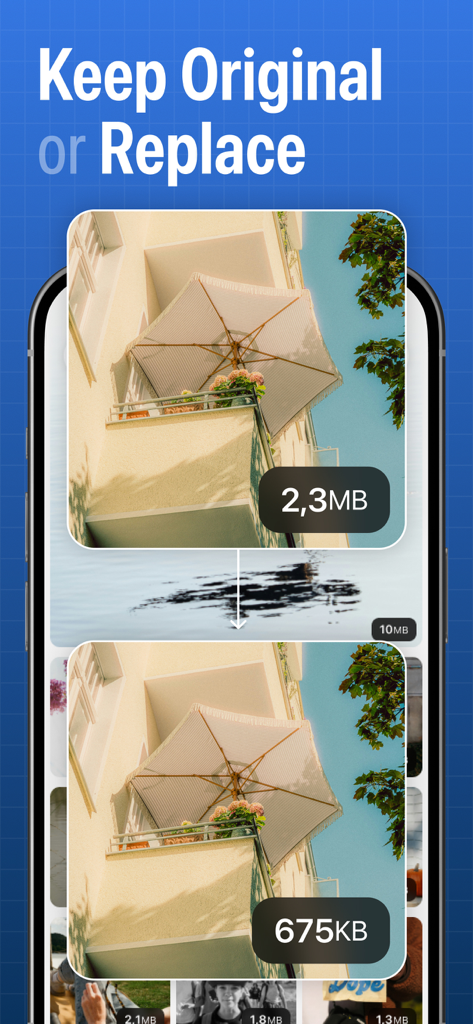
Side by side comparison showing a photo size reduced from 2.3MB to 675KB using the Photo Optimizer app

Side by side comparison showing a photo size reduced from 2.3MB to 675KB using the Photo Optimizer app

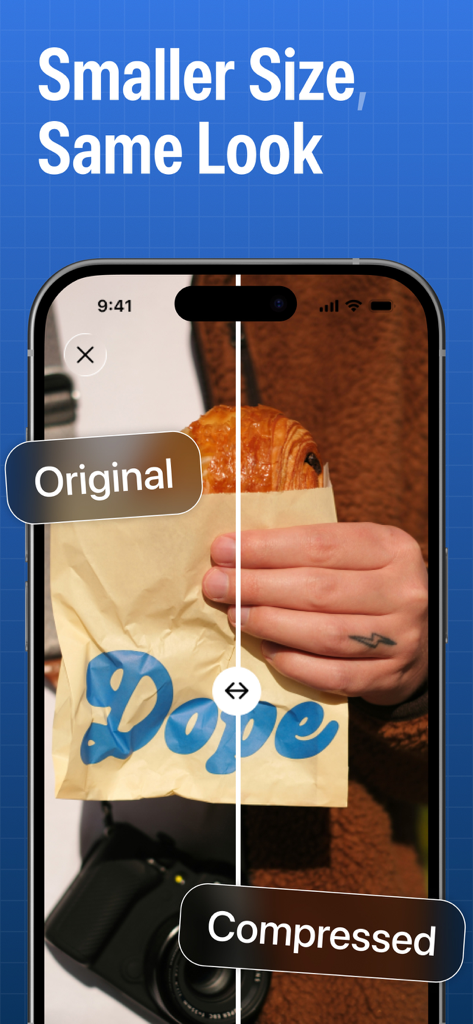
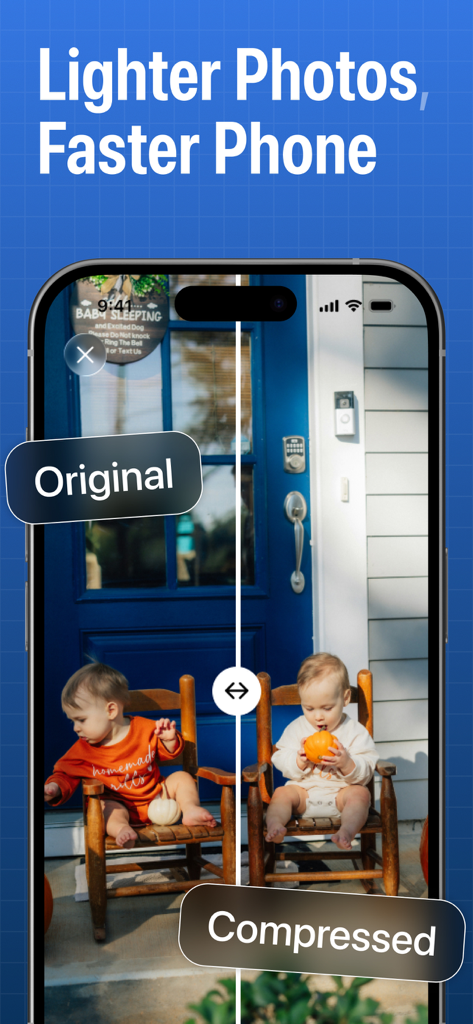
A smartphone screen displaying a side-by-side comparison of an original photo and a compressed version with identical visual quality

A smartphone screen displaying a side-by-side comparison of an original photo and a compressed version with identical visual quality

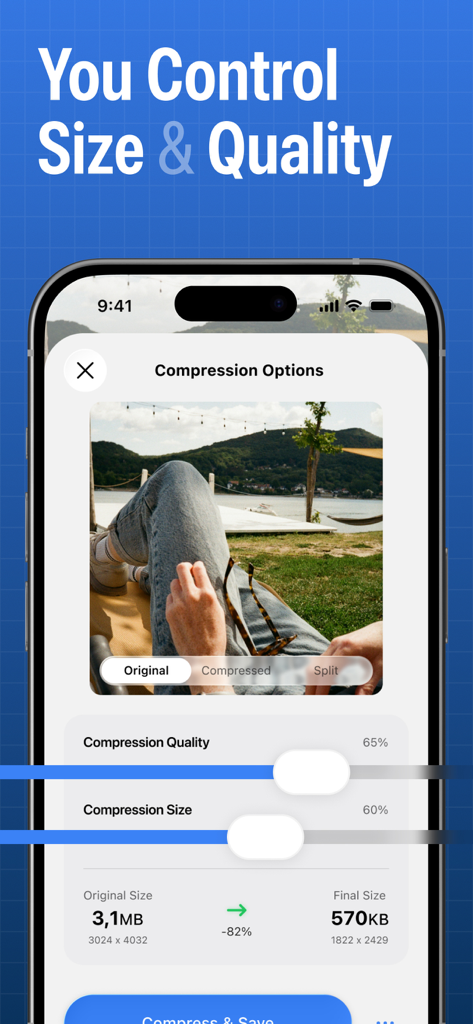
A mobile interface showing sliders for adjusting photo compression quality and size to save phone storage.

A mobile interface showing sliders for adjusting photo compression quality and size to save phone storage.

Side by side comparison of an original and compressed photo in the Photo Optimizer app

Side by side comparison of an original and compressed photo in the Photo Optimizer app

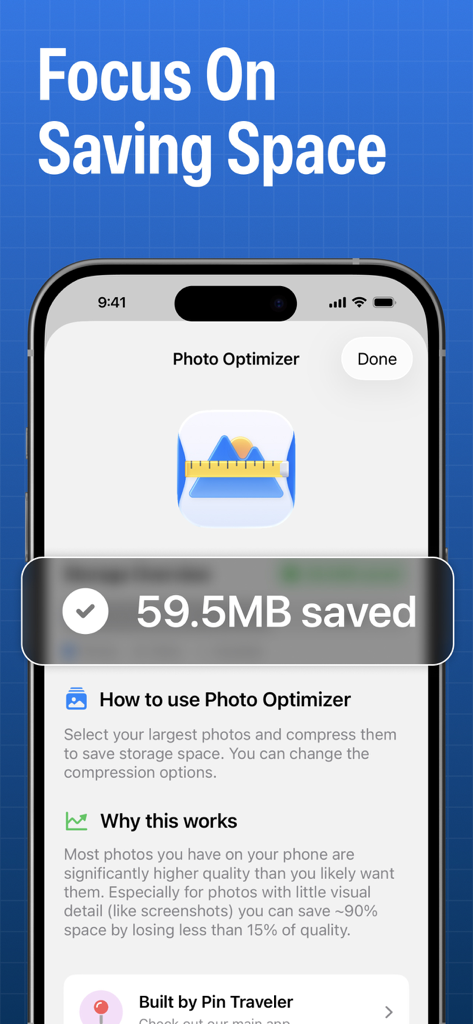
A smartphone screen showing the Photo Optimizer app with a message indicating storage space saved

A smartphone screen showing the Photo Optimizer app with a message indicating storage space saved

Reclaim Your Storage Without Deleting a Single Memory

The tools that make this app stand out, trusted by 3K+ users.

📉

90% Space Savings

Intelligently shrink massive image files into lightweight versions that look indistinguishable from the originals to the naked eye.

One-Tap Batch Optimization

Don't waste hours sorting through thousands of photos. Optimize entire albums or your whole library in seconds to instantly free up GBs.

🔒

100% Private & Local

Your memories never leave your phone. All optimization happens on-device with no cloud dependency, ensuring your privacy is always protected.

About the app

Everything you need to know about Photo Optimizer: Clean Storage.

Description

Too many photos eating up your storage? You’re not alone. Modern phones take incredible pictures… and shockingly huge files. Screenshots are ~2–3 MB each, everyday photos can be 5–20 MB, and before you know it, your device is “Storage Almost Full” — again. But deleting memories or banishing them to the cloud isn’t the solution. Photo Optimizer is. Photo Optimizer intelligently compresses your images while keeping them looking great. It’s not magic — it’s smart compression. Most images contain way more detail than your eyes — or your screen — can display. Why waste precious space storing invisible pixels? With Photo Optimizer, you can shrink photos to a fraction of their original size — often up to 90% smaller — while keeping them indistinguishable to the naked eye. Your screenshots, receipts, memes, chat exports, or repetitive shots don’t need ultra-high fidelity. You still get the image — just without the bloat. Perfect for: • Users running out of storage • People who don’t want to delete photos • Travelers taking thousands of pictures • Screenshot hoarders and photo collectors • Anyone who wants a lighter, faster photo library How it works: Just pick your images or albums, choose your quality preference, and Photo Optimizer safely compresses copies — leaving originals untouched unless you choose otherwise. You stay in control. Why Photo Optimizer? • Smart compression tailored for modern screens • Visually identical results for most photos • Batch optimize entire libraries • Free up GBs instantly • Keep photos local — no cloud dependency • Preserve privacy: everything happens on-device Some photos deserve every pixel of detail. Others — like screenshots of your email, tickets, PDFs, notes, or random memes — are just fine at one-tenth the size. Photo Optimizer helps you make that difference — effortlessly. Take back your storage. Keep your photos. Get Photo Optimizer and optimize smarter — not smaller. By the way, we're giving away lifetime memberships with access to all future features to all who join in our first two months!

Latest Version

2.1

Size

11.4 MB

First Released

Dec 10, 2025

Stop Deleting Memories—Start Optimizing

Take back your storage today and join 3,000+ users saving GBs without losing a single photo. Download now to claim your free lifetime membership before the offer expires!

Download on App Store

App information, icons, screenshots, and descriptions displayed on this page are sourced from the Apple App Store and are the property of their respective developers. Download estimates and rankings are based on MWM's proprietary models and may not reflect actual figures. This page is provided for informational and analytical purposes only.

Believe this page infringes your intellectual property? File a dispute