
This page is not an official page of the app or its developer, but an independent editorial publication created for informational and commentary purposes. Unless expressly stated otherwise, neither the app nor its developer is affiliated with, endorsed by, sponsored by, authorized by, or otherwise officially connected with MWM, Apple, Google Play, the app publisher, or the app's developer, and nothing on this page implies that the app was developed using MWM's services. Any trademarks, logos, screenshots, and other content remain the property of their respective owners.


PhotoBot - Endless timer cam
Stop the timer sprint and stay in your flow. Capture every pose automatically with pro-lens switching and keep your gallery clutter-free with intuitive swipe-to-delete tools.
Downloads
0User Rating
Total Ratings
0Publisher
Category
Photo & VideoLocales
5Latest Version
1.9Size
14.7 MBFirst Released
Jul 15, 2016Your Personal Pro Photographer
Capture every angle effortlessly with automated intervals and professional multi-lens switching, then curate your best shots with a single swipe.
Endless Hands-Free Posing
Stop the 'timer sprint.' Set your preferred interval and focus on your flow while the app captures every movement automatically without you touching the screen.
Smart Multi-Lens Variety
Get professional depth by automatically rotating between Wide, Ultra-Wide, and Telephoto lenses during your shoot for a diverse, high-end gallery in one go.
The following screenshots and description are sourced directly from the app's official store listing and are the property of the app developer.
App Store
Screenshots

PhotoBot app icon with a five star rating and user testimonial
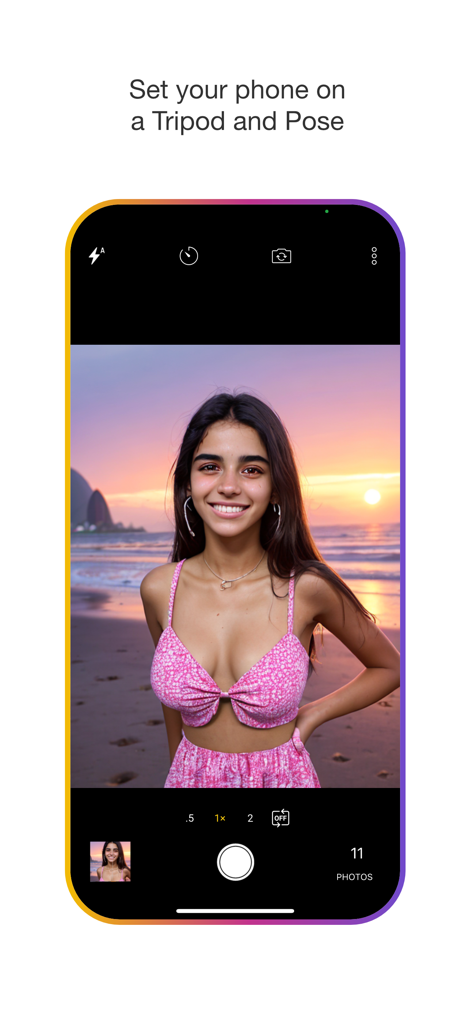
PhotoBot app camera interface showing a woman posing on a beach with a tripod instructional text
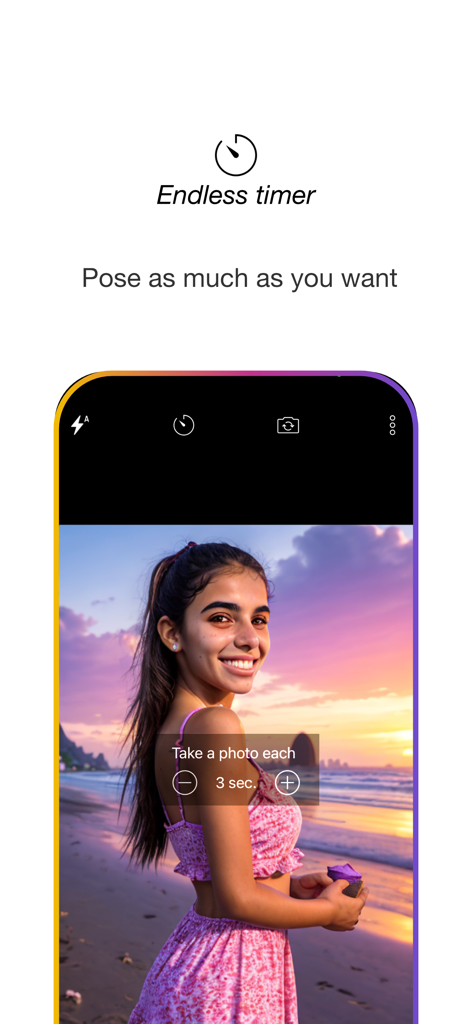
PhotoBot camera interface with endless timer setting for solo creators
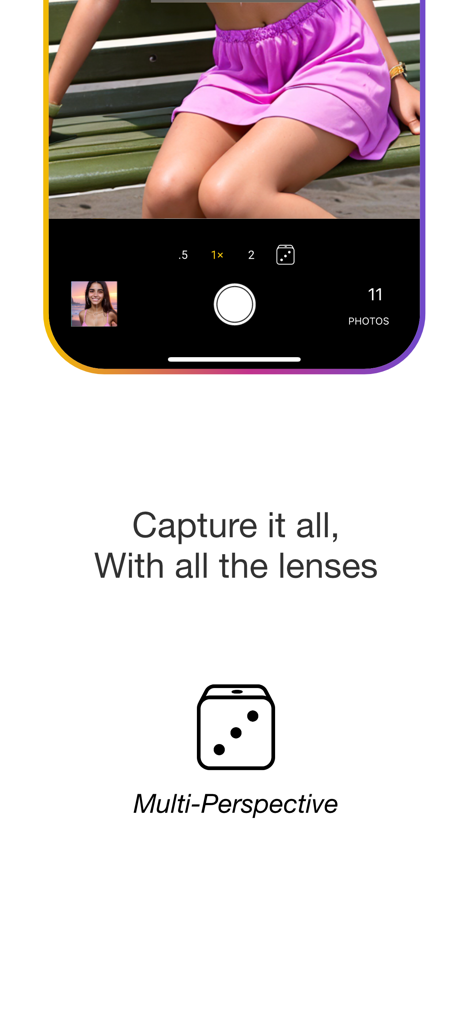
PhotoBot app screenshot showing the multi-perspective camera mode for automatic lens switching during a photo session
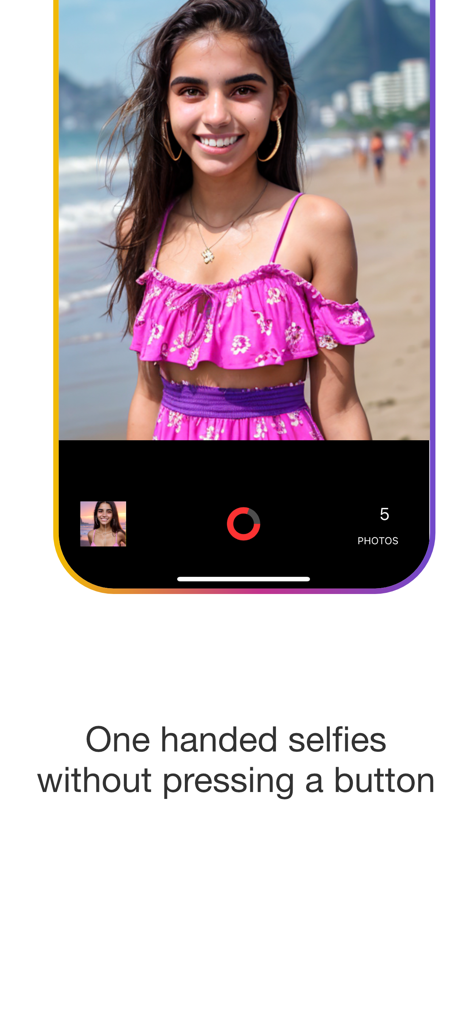
A woman smiles for a beach selfie taken with the PhotoBot hands free timer app

A grid of portrait photos displayed in the PhotoBot app gallery

Interface of PhotoBot app showing the swipe down to delete feature for organizing photos.

Smartphone screen showing the swipe up gesture to add photos to albums in the PhotoBot app
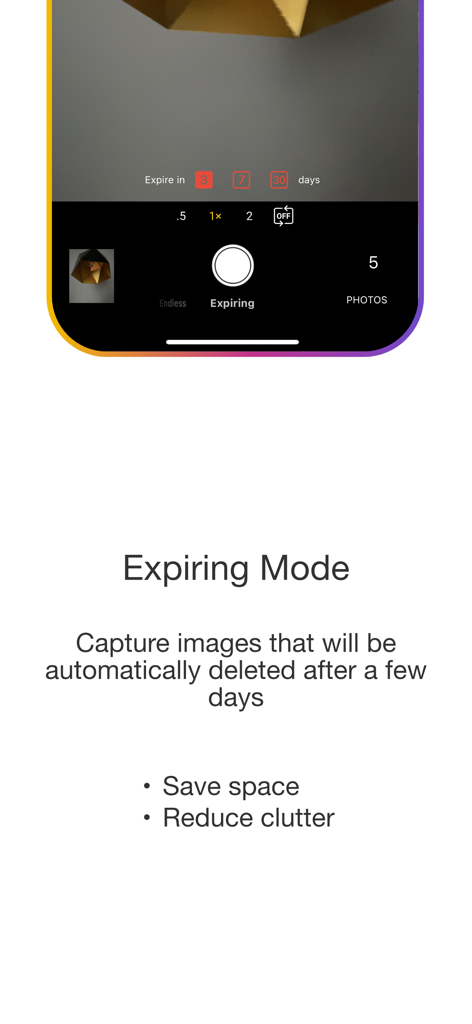
Screenshot of PhotoBot app showing the Expiring Mode interface for automatic photo deletion to save storage space
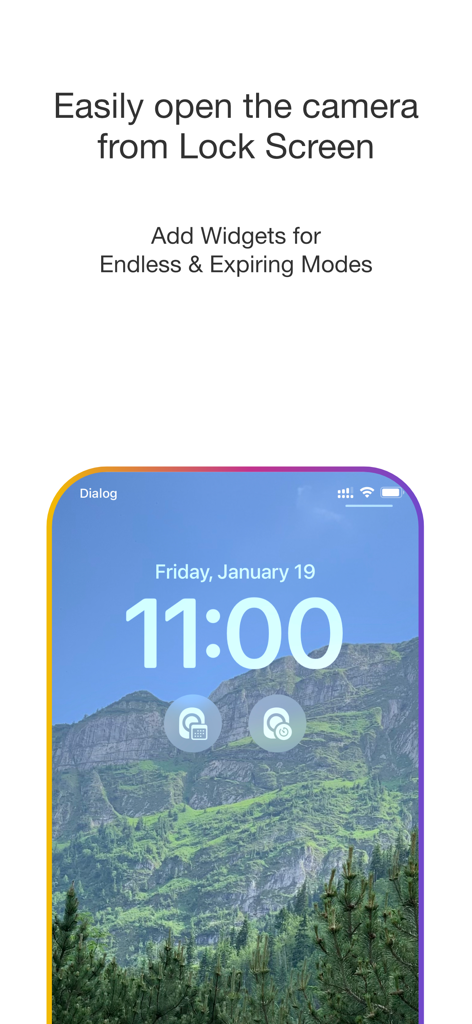
iPhone lock screen featuring widgets for quick access to PhotoBot camera modes
Description
Download
More Like This
Top-ranked apps in the same category

CapCut: Photo & Video Editor
BYTEDANCE PTE. LTD.

Instagram, Inc.

YouTube
Google LLC

Canva: AI Video & Photo Editor
Canva Pty Ltd

Snapchat
Snap, Inc.

Meta AI - Vibes & AI Glasses
Meta Platforms, Inc.

快手
Beijing Kwai Technology Co., Ltd.

Edits: Video Editor
Instagram, Inc.

Google Photos: Backup & Edit
Google LLC
This page is not an official page of the app or its developer, but an independent editorial publication created for informational and commentary purposes. Unless expressly stated otherwise, neither the app nor its developer is affiliated with, endorsed by, sponsored by, authorized by, or otherwise officially connected with MWM, Apple, Google Play, the app publisher, or the app's developer, and nothing on this page implies that the app was developed using MWM's services. Any trademarks, logos, screenshots, and other content remain the property of their respective owners.