
This page is not an official page of the app or its developer, but an independent editorial publication created for informational and commentary purposes. Unless expressly stated otherwise, neither the app nor its developer is affiliated with, endorsed by, sponsored by, authorized by, or otherwise officially connected with MWM, Apple, Google Play, the app publisher, or the app's developer, and nothing on this page implies that the app was developed using MWM's services. Any trademarks, logos, screenshots, and other content remain the property of their respective owners.


Photos Backup for NAS
Take full control of your media. Secure your high-resolution memories on your own hardware with automatic background backups, full metadata preservation, and zero monthly subscription fees.
Downloads
0User Rating
Total Ratings
0Publisher
Category
Photo & VideoLocales
13Latest Version
8.18Size
10.1 MBFirst Released
Mar 5, 2020Master Your Personal Media Cloud
The ultimate bridge between your iPhone and your home server. Professional-grade photo management with zero subscriptions and total data sovereignty.
Data Sovereignty & Privacy
Skip the 'Big Tech' cloud and monthly fees. Keep your private family memories on your own hardware, under your roof, and fully within your control.
Reliable Background Sync
Set it and forget it. Our robust SMB engine handles large 4K videos and ProRAW files silently in the background, ensuring your server is always current.
The following screenshots and description are sourced directly from the app's official store listing and are the property of the app developer.
App Store
Screenshots
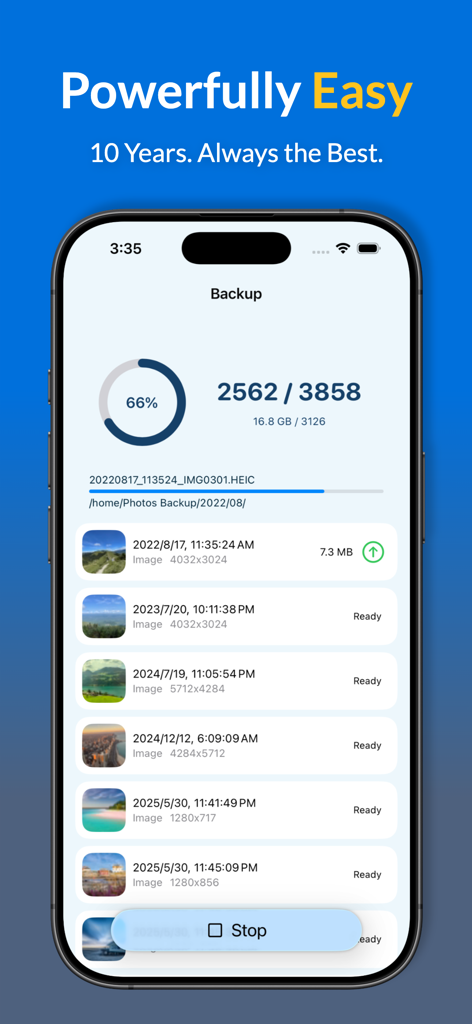
Interface of the Photos Backup for NAS app showing automatic photo backup progress to a home server
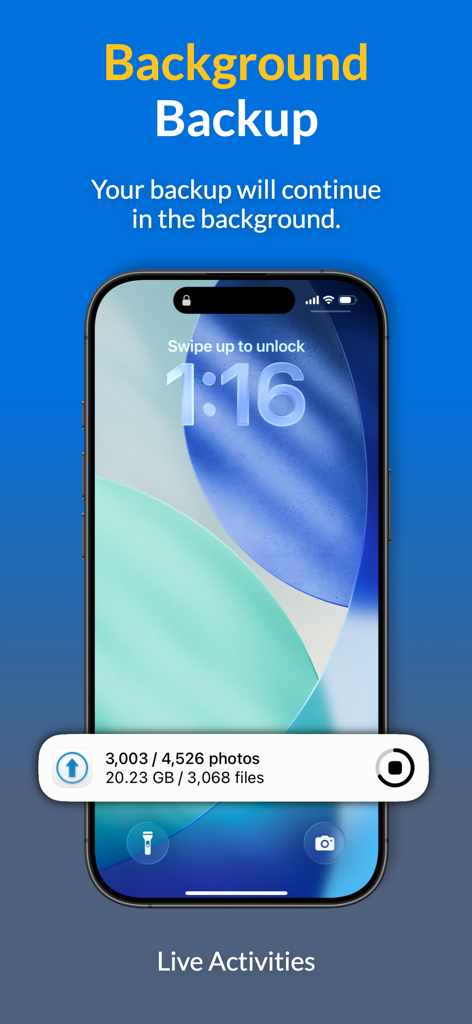
Photo backup progress shown as a Live Activity on an iPhone lock screen.
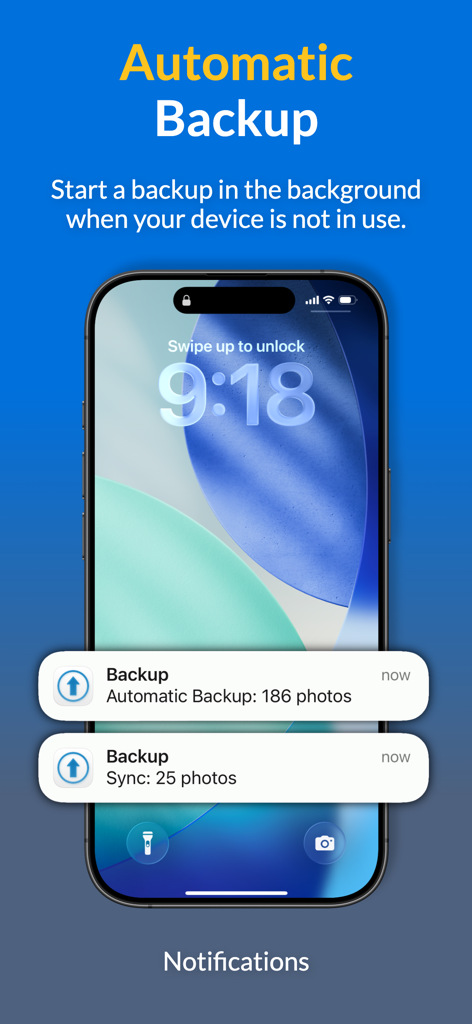
iPhone lock screen showing automatic photo backup and sync notifications
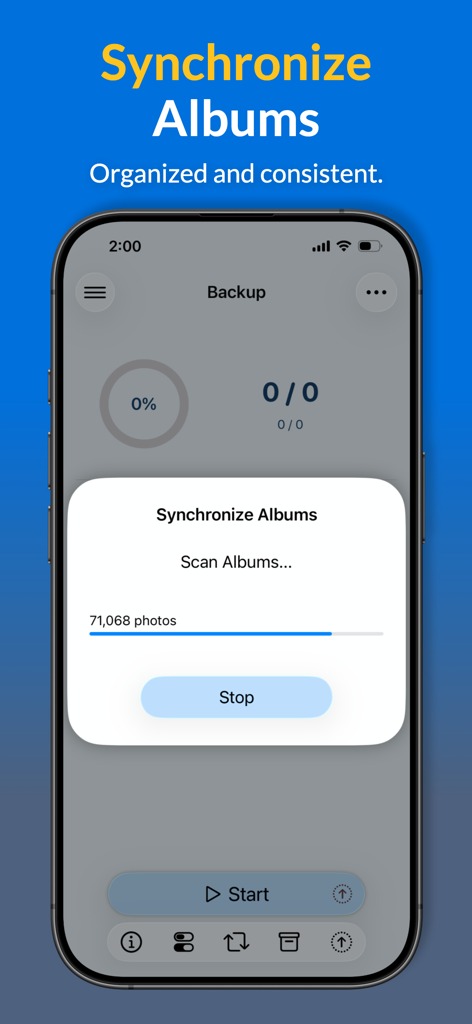
A smartphone interface displaying the synchronize albums feature scanning thousands of photos for a NAS backup
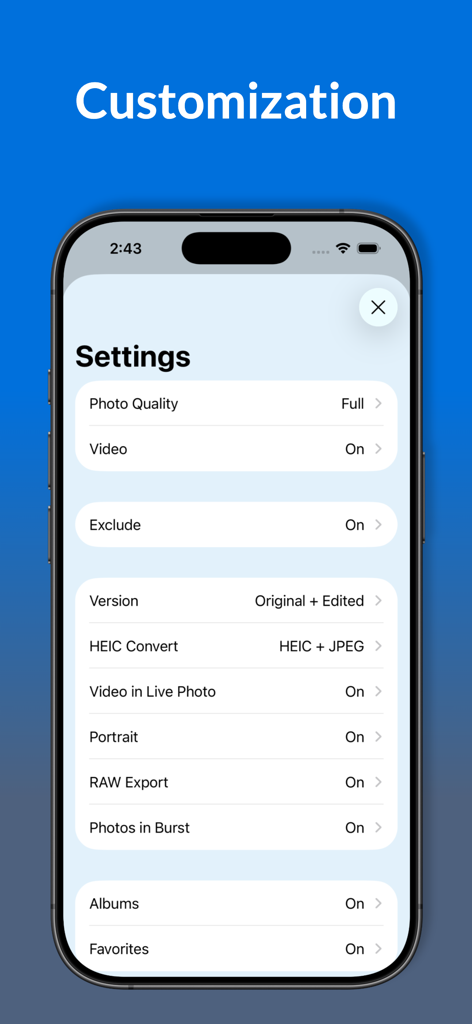
Customization settings screen for Photos Backup for NAS app showing options for photo quality, RAW export, and album synchronization.
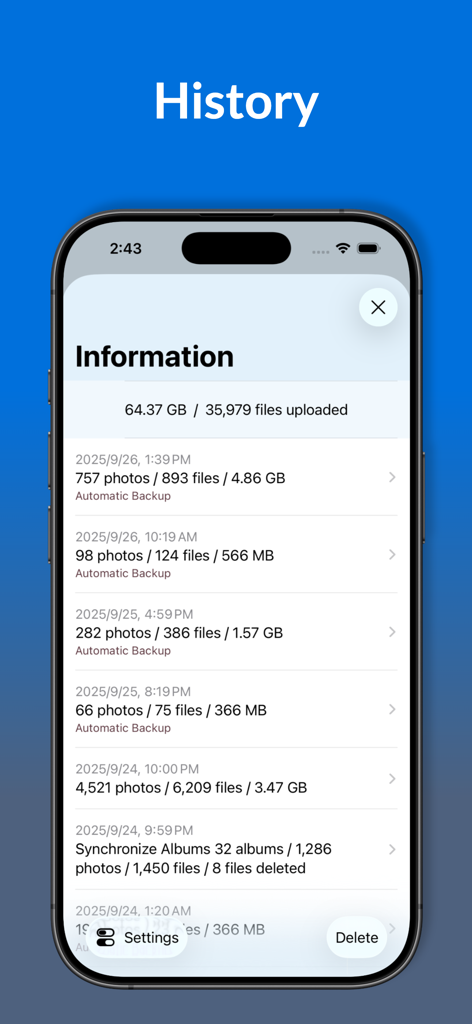
A screenshot of the backup history and upload statistics in the Photos Backup for NAS app.
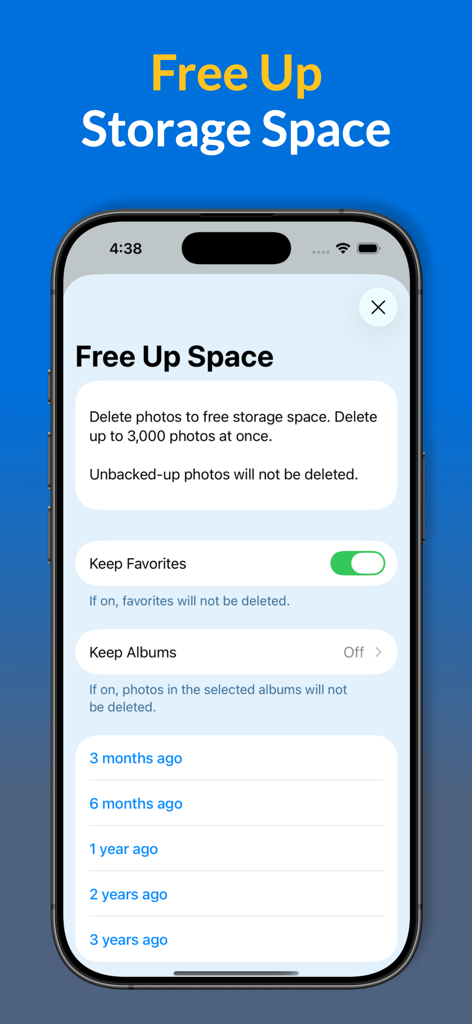
A mobile interface for managing device storage by deleting photos already backed up to a NAS server
Description
Download
More Like This
Top-ranked apps in the same category

CapCut: Photo & Video Editor
BYTEDANCE PTE. LTD.

Instagram, Inc.

YouTube
Google LLC

Canva: AI Photo & Video Editor
Canva Pty Ltd

Snapchat
Snap, Inc.

快手
Beijing Kwai Technology Co., Ltd.

Edits: Video Editor
Instagram, Inc.

Meta AI - Vibes & AI Glasses
Meta Platforms, Inc.

Google Photos: Backup & Edit
Google LLC
This page is not an official page of the app or its developer, but an independent editorial publication created for informational and commentary purposes. Unless expressly stated otherwise, neither the app nor its developer is affiliated with, endorsed by, sponsored by, authorized by, or otherwise officially connected with MWM, Apple, Google Play, the app publisher, or the app's developer, and nothing on this page implies that the app was developed using MWM's services. Any trademarks, logos, screenshots, and other content remain the property of their respective owners.