Photos to PDF Converter App +

Photos to PDF Converter App +

Download on App Store
Logo of Photos to PDF Converter App +

Photos to PDF Converter App +: The All-in-One Pro Document Suite

Transform images into PDFs, merge files, and sign contracts in seconds. Experience professional-grade tools with Face ID security designed for your iPhone, iPad, and Mac.

Download on App Store

Publisher

Minal Patel

Category

Utilities

Downloads

0

User Rating

4.9/5

Total Ratings

0

Locales

1

Efficiency in Every Tap

Discover the interface used by 0 users.
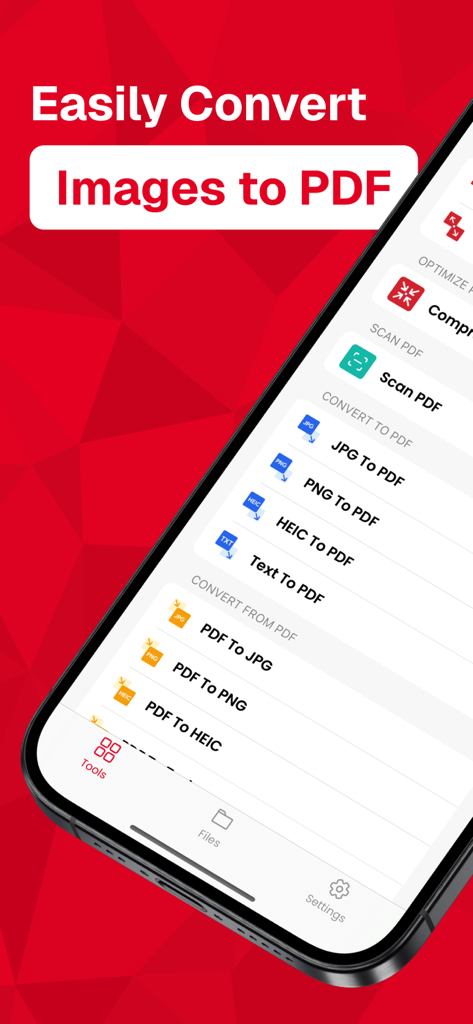
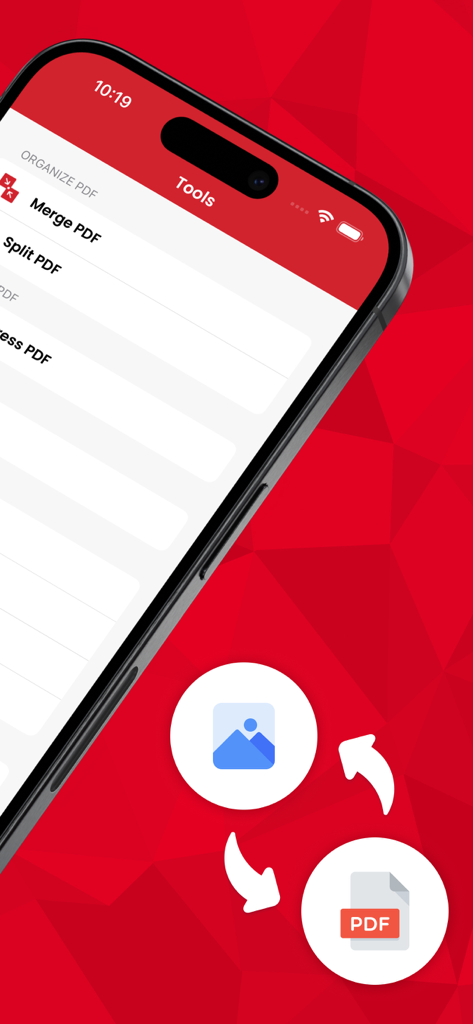
Photos to PDF Converter app interface listing tools for image conversion and document scanning

Photos to PDF Converter app interface listing tools for image conversion and document scanning

iPhone screen showing the tools menu of the Photos to PDF Converter App including Merge and Split PDF features.

iPhone screen showing the tools menu of the Photos to PDF Converter App including Merge and Split PDF features.

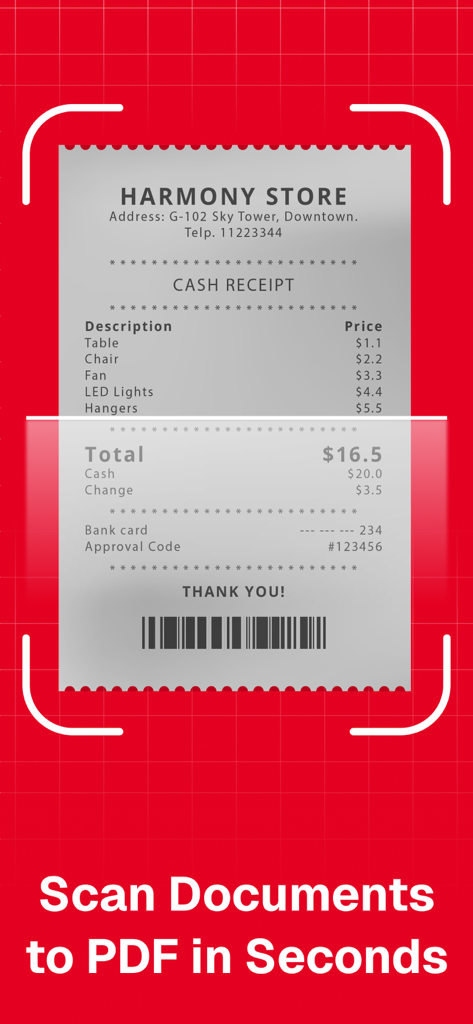
A cash receipt being scanned by a mobile document scanner to create a PDF file

A cash receipt being scanned by a mobile document scanner to create a PDF file

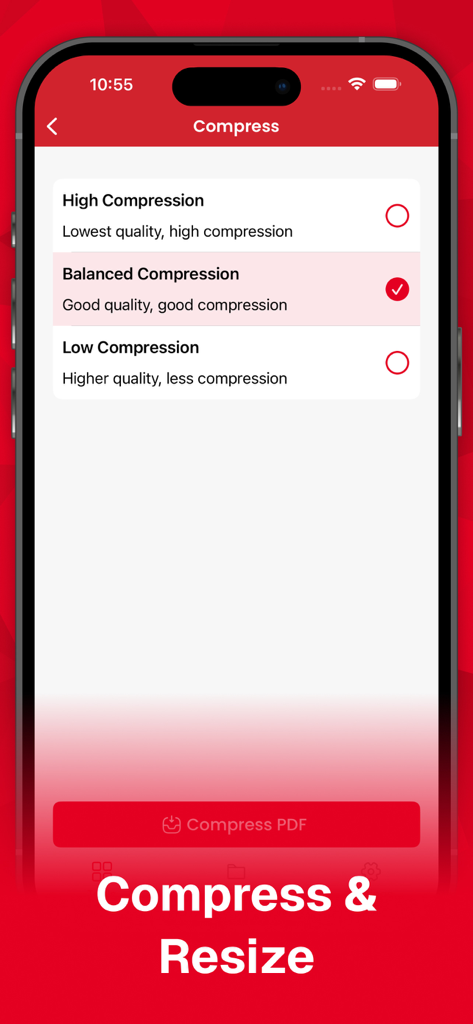
Screenshot of the PDF compression settings screen showing options for high balanced and low compression quality

Screenshot of the PDF compression settings screen showing options for high balanced and low compression quality

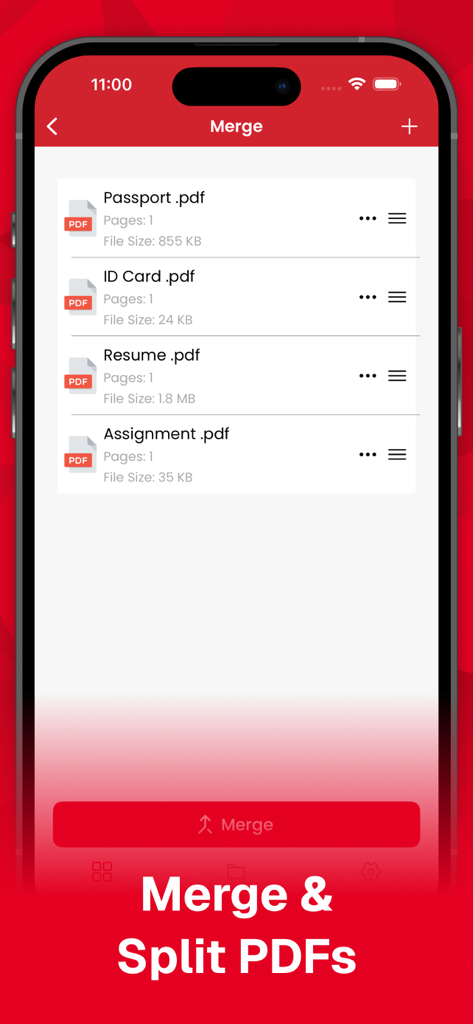
Interface of the Photos to PDF Converter app showing the document merging feature.

Interface of the Photos to PDF Converter app showing the document merging feature.

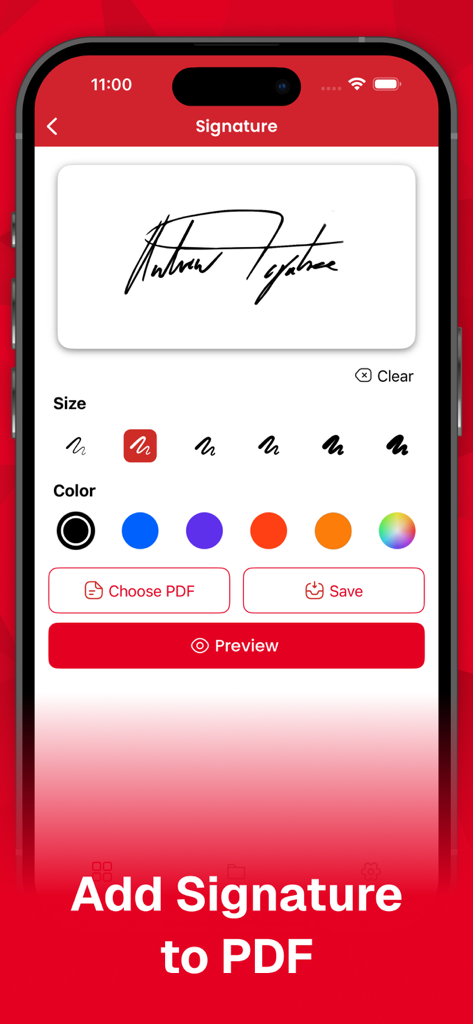
A mobile app interface for adding a digital signature to a PDF with brush size and color selection

A mobile app interface for adding a digital signature to a PDF with brush size and color selection

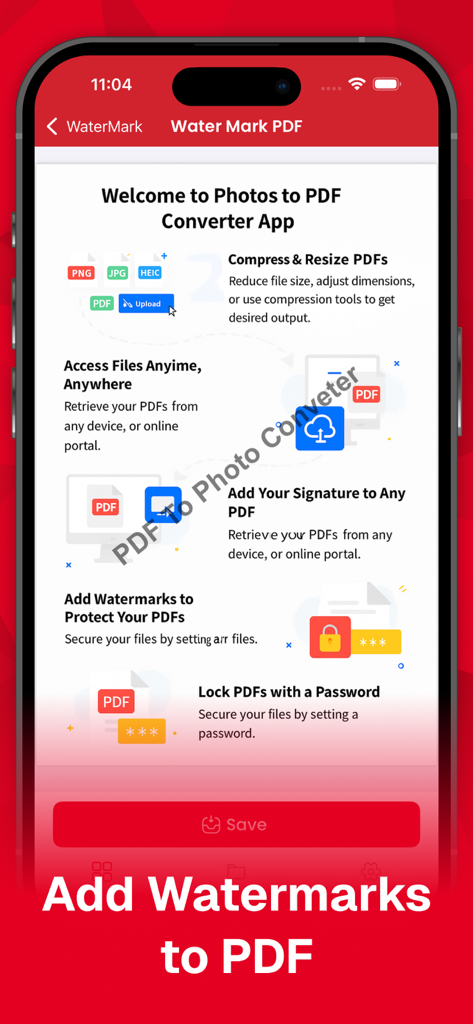
Interface of Photos to PDF Converter App showing the add watermarks to PDF feature and other utility tools

Interface of Photos to PDF Converter App showing the add watermarks to PDF feature and other utility tools

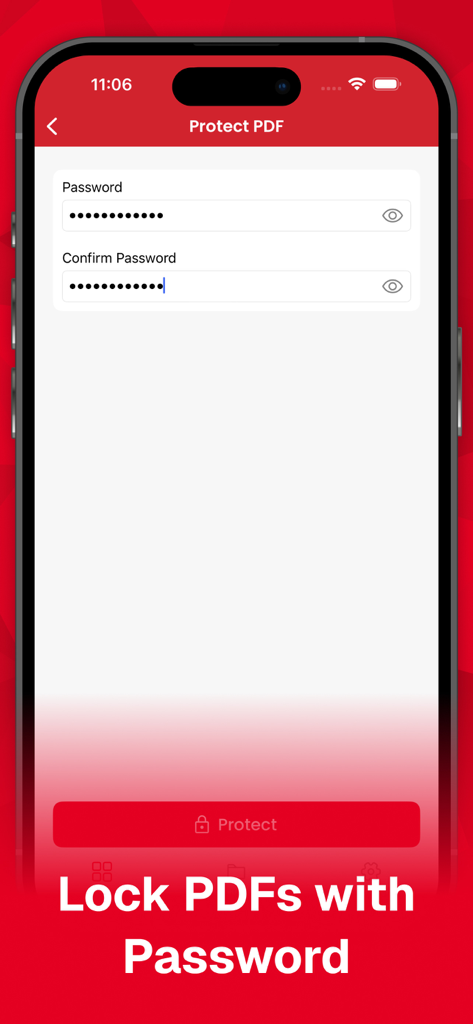
Interface of the app showing the password protection feature to secure PDF files with a personal lock.

Interface of the app showing the password protection feature to secure PDF files with a personal lock.

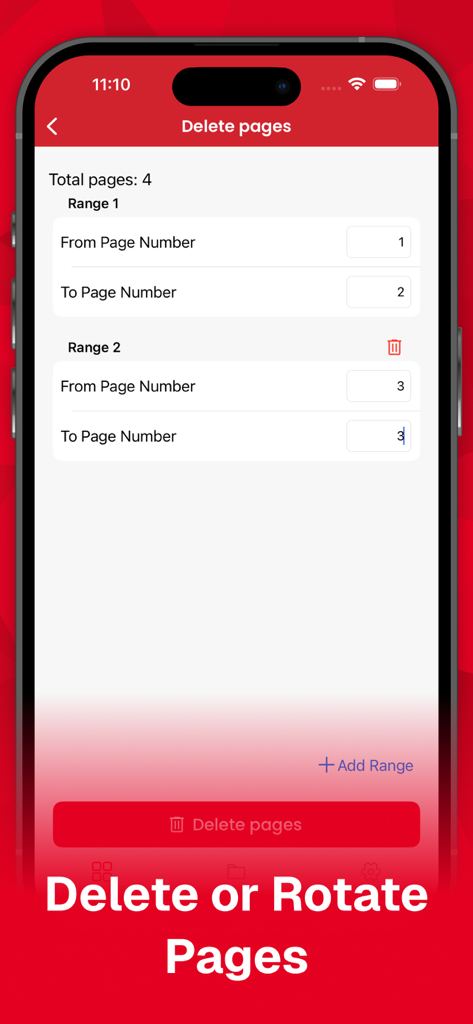
Interface of the Photos to PDF Converter App showing how to delete specific page ranges from a PDF document

Interface of the Photos to PDF Converter App showing how to delete specific page ranges from a PDF document

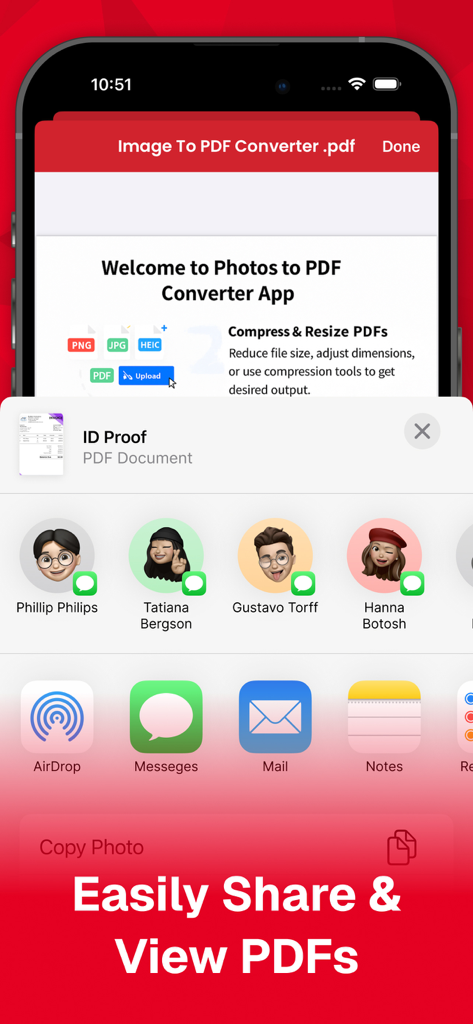
Sharing a PDF document from the Photos to PDF Converter App using the iOS share menu.

Sharing a PDF document from the Photos to PDF Converter App using the iOS share menu.

Professional PDF Tools for Your Mobile Office

The tools that make this app stand out, trusted by 0 users.

📸

Instant Photo-to-PDF

Convert receipts, handwritten notes, or textbook pages into professional PDFs in seconds using your camera roll.

🖇️

Smart File Management

Merge multiple documents into one or split large files effortlessly—perfect for organizing expense reports and assignments.

🛡️

Pro-Grade Privacy

Secure your sensitive contracts and personal files with Face ID, Touch ID, or passcode protection for total peace of mind.

About the app

Everything you need to know about Photos to PDF Converter App +.

Description

The Ultimate PDF Solution for Your Device Discover the simplicity and power of PDF App: Split, Merge & More, your all-in-one PDF converter and editor. Convert, merge, split, lock, unlock, compress, and more with just a few taps. Key Features: •⁠ ⁠Split PDF: Split a long detailed PDF into single-page PDFs without much effort. Select specific page ranges and get your desired pages in seconds. •⁠ ⁠Merge PDFs: Combine multiple PDF documents into a single file. Our PDF merger helps design a single-page PDF from different PDFs, eliminating the hassle of storing separate documents. •⁠ ⁠Delete Pages: Remove unwanted pages from your PDFs while merging or splitting them. Perfect for eliminating extra or unnecessary content. •⁠ ⁠Unlock PDFs: Easily unlock secured PDFs to split or merge them. •⁠ ⁠Watermark: Add text or image watermarks to protect your documents or give them a customized appearance. •⁠ ⁠Compress PDFs: Reduce the size of your PDFs for easier sharing and storage, whether you merge or split them. •⁠ ⁠Image to PDF Conversions: Convert PNG, JPEG, and HEIC images to PDF format. •⁠ ⁠PDF to Text: Convert PDF files to standard text quickly and easily. •⁠ ⁠PDF to Image Conversions: Convert your PDFs to PNG, JPEG, and HEIC formats. •⁠ ⁠Extract Pages: Select and extract specific pages from your PDF files. •⁠ ⁠Rotate Pages: Rotate individual pages or entire documents for better viewing. •⁠ ⁠Signature: Sign your PDF documents with ease. •⁠ ⁠Preview & Read PDFs: View and read your PDF files with a built-in reader. •⁠ ⁠Rename PDFs: Rename your PDF files for better organization. •⁠ ⁠Share PDFs: Share your PDFs directly from the app. •⁠ ⁠Dark & Light Mode Support: Enjoy a seamless user experience in both dark and light modes. •⁠ ⁠Face ID, Touch ID & Passcode Authentication: Secure your app with biometric and passcode authentication. Easy-to-Use Interface: 1.⁠ ⁠Select Your Tool: Choose the conversion or editing tool you need. 2.⁠ ⁠Add Your File: Upload your document or image from your device. 3.⁠ ⁠Convert or Edit: Perform your desired action with a simple tap. 4.⁠ ⁠Save & Share: Download the converted or edited file to your local storage or share it directly. 24/7 Customer Support: Our dedicated support team is available around the clock to assist you with any issues or questions. Download PDF App: Split, Merge & More Today! Streamline your document management with the most comprehensive PDF app available. Experience the convenience and efficiency of PDF App: Split, Merge & More on your iPhone, Mac, and iPad. About Premium Plan Billing: If you upgrade to the Premium plan, payment will be charged to your iTunes account. Your account will be charged for renewal within 24 hours prior to the end of the current period. You can choose to be billed monthly or yearly. You can turn off auto-renew in your Apple ID Account Settings at any time. Privacy Policy: https://appinferencesoftware.wordpress.com/privacy-policy/ Terms of use:https://appinferencesoftware.wordpress.com/terms-of-use/ Contact Us: For any questions or support, reach out to us at passwordmanagerteam@gmail.com

Latest Version

2.0.5

Size

37.8 MB

First Released

Aug 5, 2024

Ready to Master Your Documents?

Join the thousands of pros and students simplifying their workflow. Convert, sign, and secure your files in seconds—no desktop required.

Download on App Store

App information, icons, screenshots, and descriptions displayed on this page are sourced from the Apple App Store and are the property of their respective developers. Download estimates and rankings are based on MWM's proprietary models and may not reflect actual figures. This page is provided for informational and analytical purposes only.

Believe this page infringes your intellectual property? File a dispute