
This page is not an official page of the app or its developer, but an independent editorial publication created for informational and commentary purposes. Unless expressly stated otherwise, neither the app nor its developer is affiliated with, endorsed by, sponsored by, authorized by, or otherwise officially connected with MWM, Apple, Google Play, the app publisher, or the app's developer, and nothing on this page implies that the app was developed using MWM's services. Any trademarks, logos, screenshots, and other content remain the property of their respective owners.


Picasso App Screenshot Studio
Stop the manual resize headache. Automate device framing, localize with .xcstrings, and upload directly to App Store Connect using the native editor built for the Apple ecosystem.
Downloads
23K+User Rating
Total Ratings
100Publisher
Category
Developer ToolsLocales
1Latest Version
3.4Size
160.3 MBFirst Released
Dec 24, 2023Ship Better Screenshots, Faster
Stop wrestling with design tools. Picasso automates your App Store marketing, transforming hours of manual resizing into minutes of high-converting output.
Direct App Store Sync
Skip the manual export. Link your API key to upload finished assets directly to App Store Connect without ever leaving the app.
Instant Global Localization
Scale your reach effortlessly. Import your .xcstrings files to automatically generate localized screenshots for every language you support.
The following screenshots and description are sourced directly from the app's official store listing and are the property of the app developer.
App Store
Screenshots
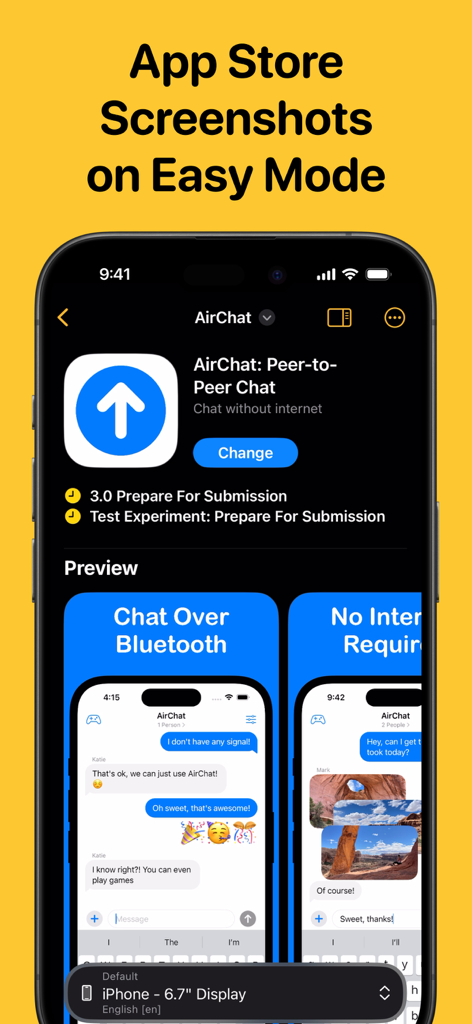
Picasso App Screenshot Studio interface showing App Store screenshot customization for an iPhone app
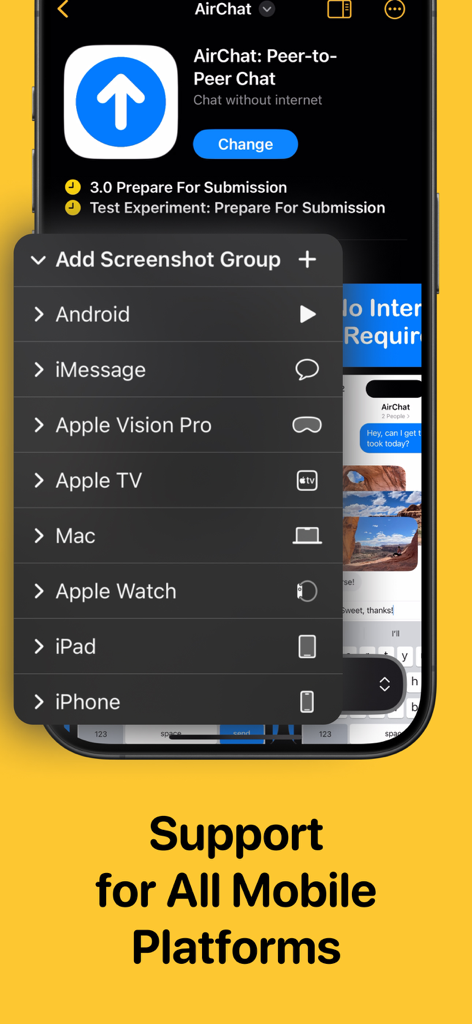
Picasso App Screenshot Studio menu showing screenshot generation support for iPhone iPad Mac and Apple Vision Pro
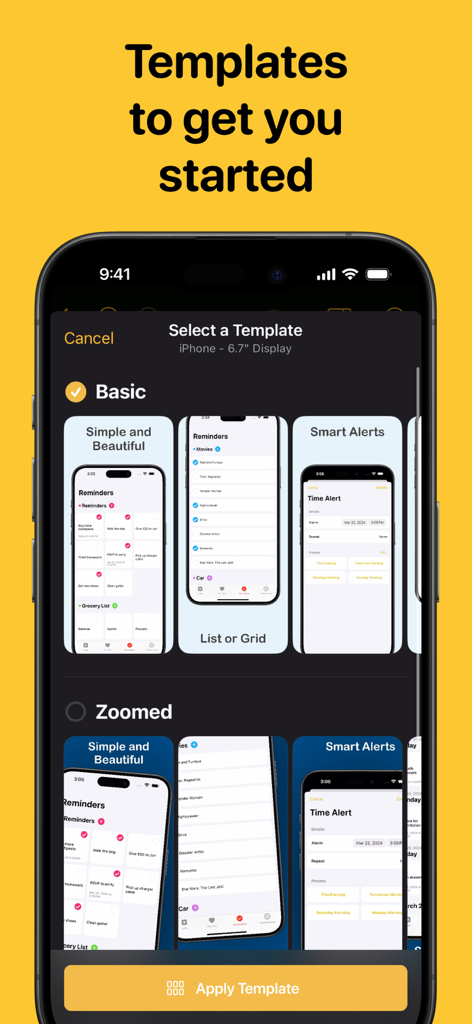
A selection of screenshot templates in the Picasso app for iPhone displays
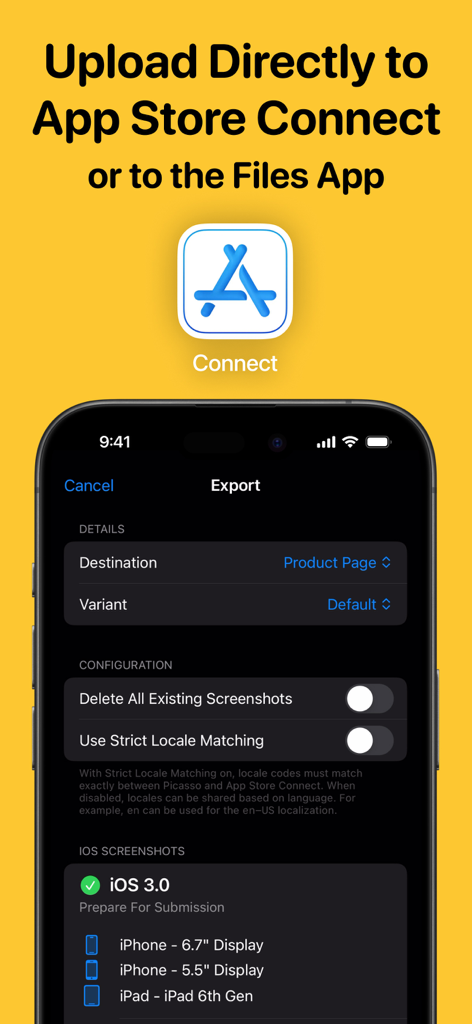
Picasso App Screenshot Studio export interface showing direct upload options to App Store Connect

iPhone screenshots featuring Japanese localization and String Catalogs support in Picasso App
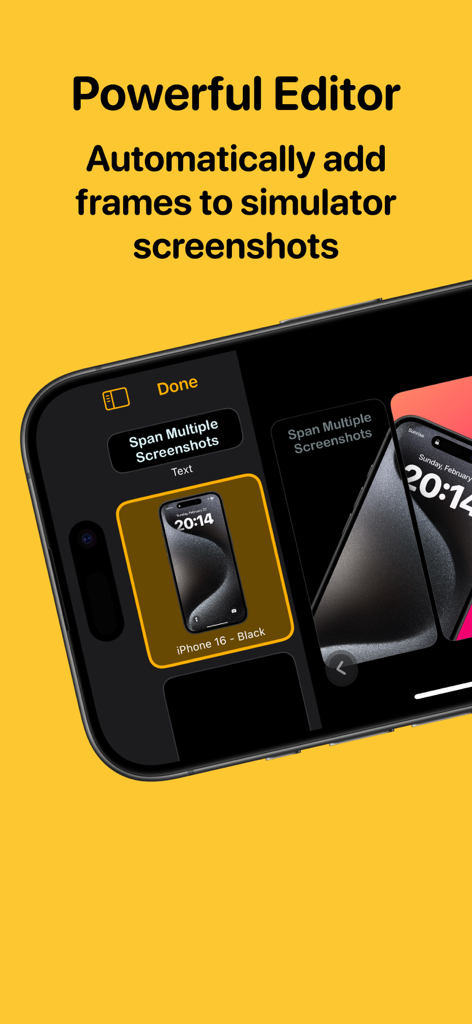
Picasso App editor interface showing automatic device framing for iPhone simulator screenshots.
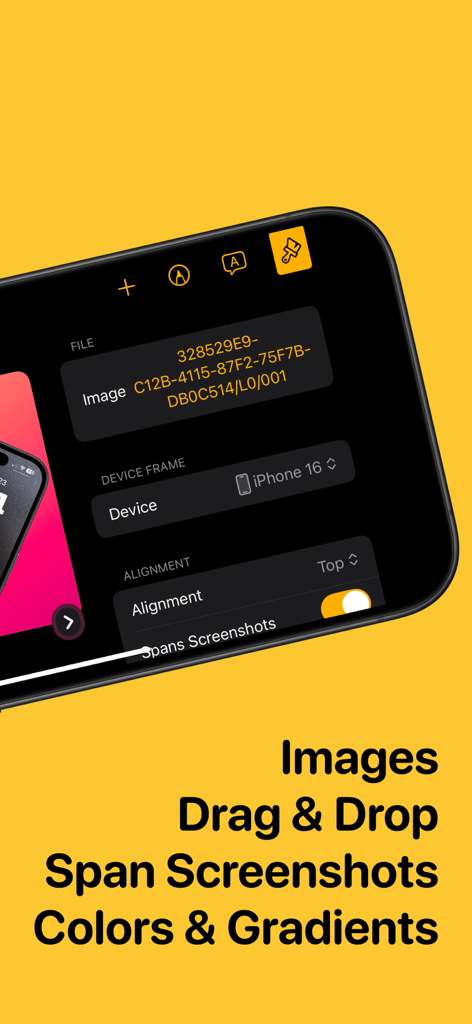
Interface of Picasso App Screenshot Studio showing image editing and device framing tools.
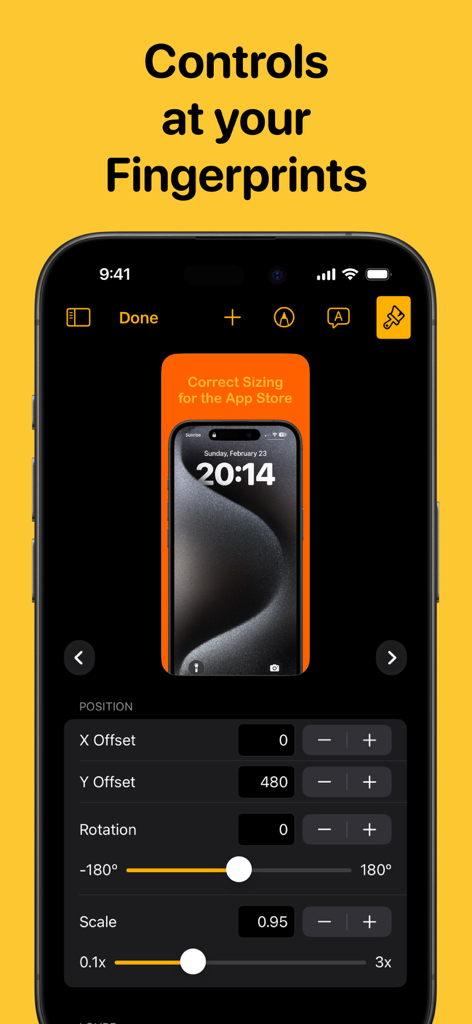
Interface of Picasso App Screenshot Studio showing precise controls for screenshot position rotation and scaling
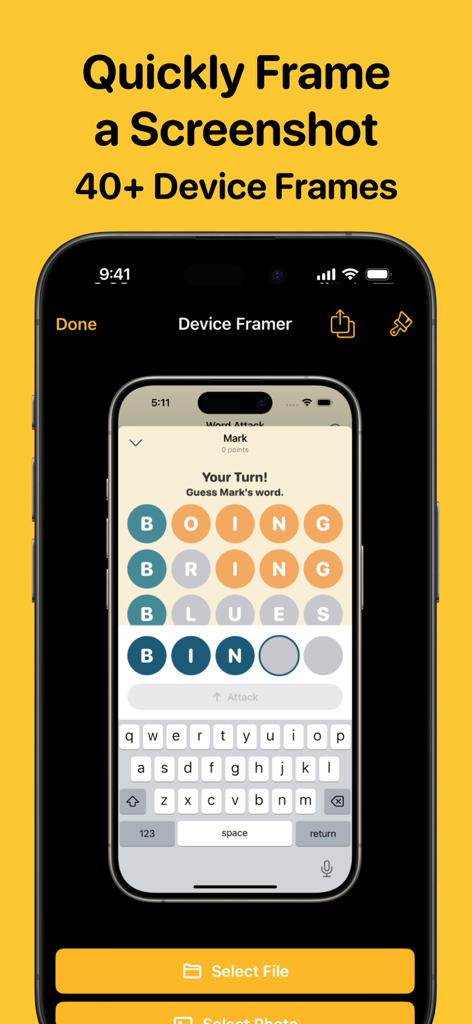
Interface of Picasso App Screenshot Studio showing an iPhone screenshot being automatically wrapped in a professional device frame.
Description
Download
More Like This
Top-ranked apps in the same category

TestFlight
Apple Inc.

Replit: Vibe Code Apps
Replit, Inc

GitHub
GitHub

O-KAM Pro
Shenzhen VeePai IoT Intelligent Technology LLC

Apple Developer
Apple Inc.

Expo Go
650 Industries, Inc.

Scriptable
Simon Stovring

App Store Connect
Apple Inc.

Sekai: Create · Remix · Play
Versa AI, Inc.
This page is not an official page of the app or its developer, but an independent editorial publication created for informational and commentary purposes. Unless expressly stated otherwise, neither the app nor its developer is affiliated with, endorsed by, sponsored by, authorized by, or otherwise officially connected with MWM, Apple, Google Play, the app publisher, or the app's developer, and nothing on this page implies that the app was developed using MWM's services. Any trademarks, logos, screenshots, and other content remain the property of their respective owners.