
This page is not an official page of the app or its developer, but an independent editorial publication created for informational and commentary purposes. Unless expressly stated otherwise, neither the app nor its developer is affiliated with, endorsed by, sponsored by, authorized by, or otherwise officially connected with MWM, Apple, Google Play, the app publisher, or the app's developer, and nothing on this page implies that the app was developed using MWM's services. Any trademarks, logos, screenshots, and other content remain the property of their respective owners.


Pictory - AI Video Generator
Complexity? Gone. The app turns basic inputs into polished video, handing users unmatched creative control.
Downloads
25k+User Rating
Total Ratings
423Publisher
Category
Photo & VideoLocales
1Latest Version
2.3Size
56.3 MBFirst Released
Nov 4, 2025An Analytical Overview for Content Creators
Key Features: Pictory - AI Video Generator
AI-Powered Video Creation
It allows users to transform existing photos and conceptual ideas into compelling AI-generated videos in a matter of seconds. This feature is invaluable for social media campaigns, storytelling, and enhancing digital presence without extensive video production knowledge.
Text-to-AI Photo Generation
This capability enables users to generate a wide array of professional-looking AI photos, including portraits and cinematic images, simply by describing their vision in text. It dramatically reduces the need for complex photo editing or traditional photography skills, allowing for rapid content creation.
Curated AI Templates
The tool offers access to a diverse library of trending, ready-made AI templates. This provides users with a quick and effortless way to produce visually appealing content that aligns with current aesthetic trends, saving significant design time and effort.
AI Photo Refinement
This feature allows users to enhance and stylize their existing photos using advanced AI algorithms. It provides a straightforward method to improve image quality, apply artistic effects, and give photos a professional or unique look, boosting their visual appeal effortlessly.
Frequently Asked Questions
Everything you need to know about Pictory - AI Video Generator
What is Nuvia, the AI Video Generator app?
Nuvia is an AI video generator app that transforms photos and ideas into stunning visuals, including portraits, cinematic images, and short videos, using text prompts. It also offers AI templates.
Can Nuvia create videos from text prompts?
Yes, Nuvia allows users to turn text prompts into AI-generated videos. Users input descriptive text, and the app generates corresponding video scenes from it.
Does Nuvia generate photos using AI from text?
Yes, Nuvia enables users to create professional AI photos directly from text prompts. Users describe their desired image, and the app generates it based on the input.
How do Nuvia's ready-made AI templates work?
Nuvia provides trending ready-made AI templates to stylize photos or generate unique video scenes. Users can select these templates for quick content creation.
How can I enhance photos using Nuvia AI?
Nuvia allows users to enhance and stylize their existing photos with its AI capabilities. This feature improves and transforms ordinary pictures into unique visuals.
How does Nuvia handle subscription payments?
Nuvia subscription payments are charged to your iTunes account upon purchase confirmation. Charges recur at the beginning of each renewal period automatically.
How do I cancel my Nuvia subscription on iTunes?
Users can cancel their Nuvia subscription in their iTunes settings. Cancellation must occur at least 24 hours before the current billing cycle concludes.
What happens to my Nuvia account after subscription cancellation?
Upon Nuvia subscription cancellation, your access will revert to the free version of the service. This takes effect the day after your current billing period ends.
Where can I find Nuvia's Privacy Policy?
Nuvia's official Privacy Policy is located at this URL: https://docs.google.com/document/d/1iNVRc4rRSejsuM5aVmMPH-5EnJuprEp9C2YfMvKg6RU/edit?usp=sharing.
Does Nuvia have Terms and Conditions?
Yes, Nuvia has detailed Terms and Conditions. They are available for review at this link: https://docs.google.com/document/d/1_TtvkIkE7npDanbM_mXs7prdsl3-G0krOKytKffHOEo/edit?usp=sharing.
The following screenshots and description are sourced directly from the app's official store listing and are the property of the app developer.
App Store
Screenshots
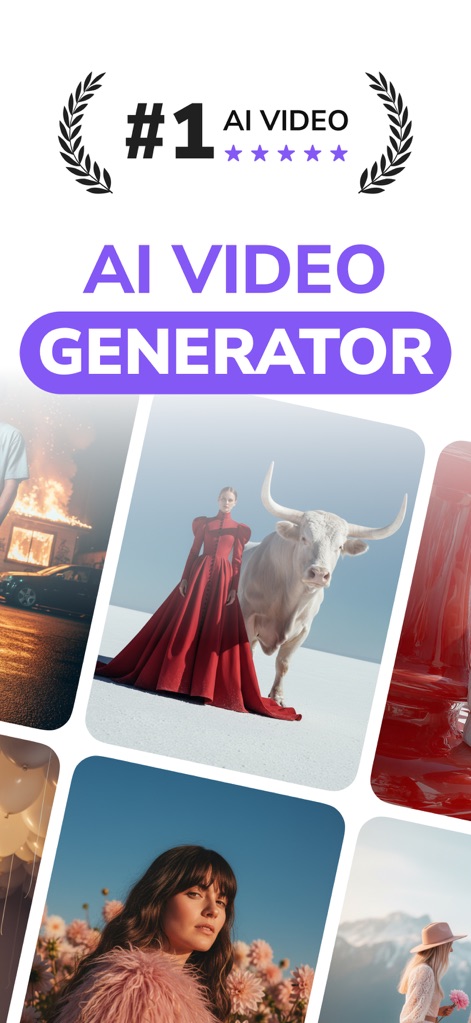
This tool showcases its #1 AI Video Generator claim and the diverse range of stunning AI-generated visuals users can create.
AI Video Power
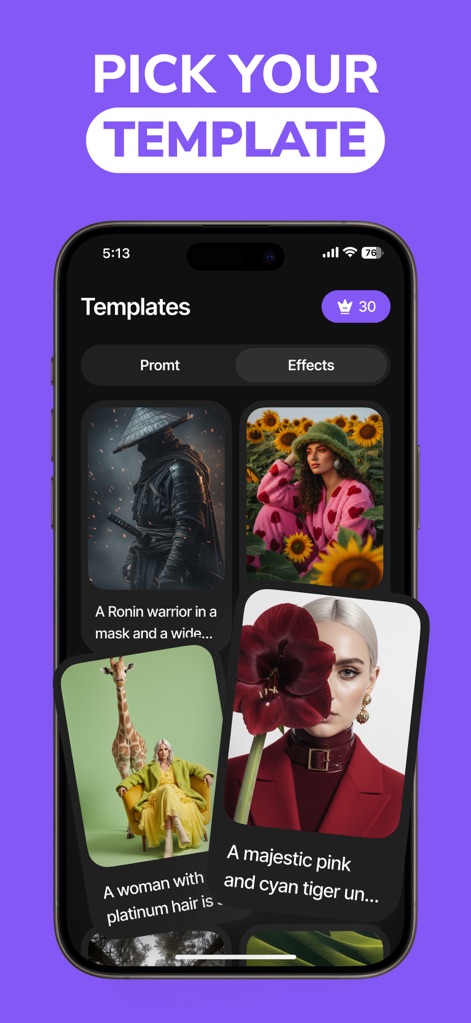
Users can effortlessly navigate the 'Templates' screen, browsing curated options by 'Promt' or 'Effects' to jumpstart their creative process.
Template Exploration
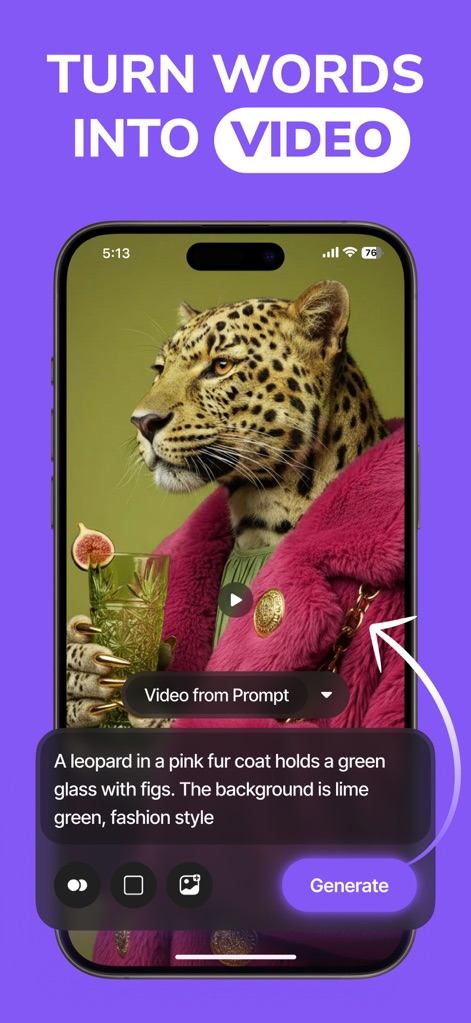
The app demonstrates converting text prompts into dynamic videos, featuring a clear input field for descriptions and an integrated video playback area.
Prompt to Video
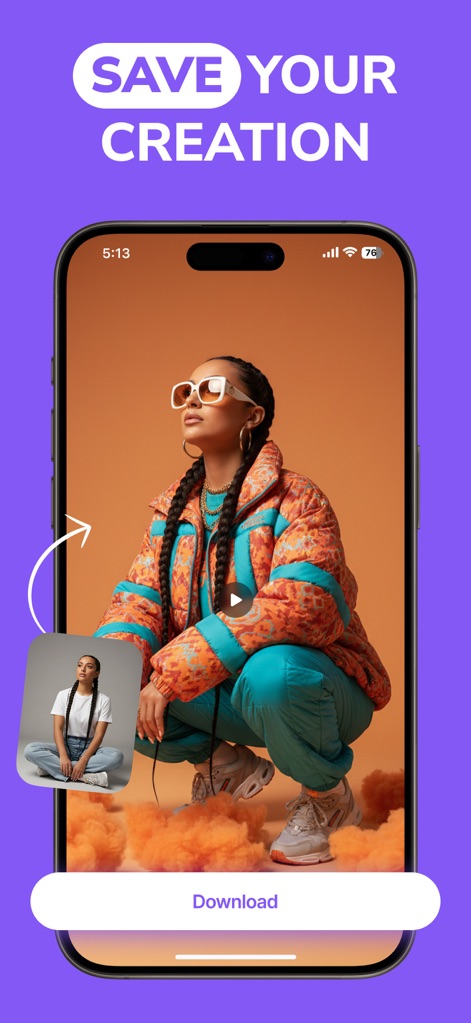
Users can easily finalize their projects with the prominent 'Download' button and review a small preview of their generated content before saving.
Download & Share
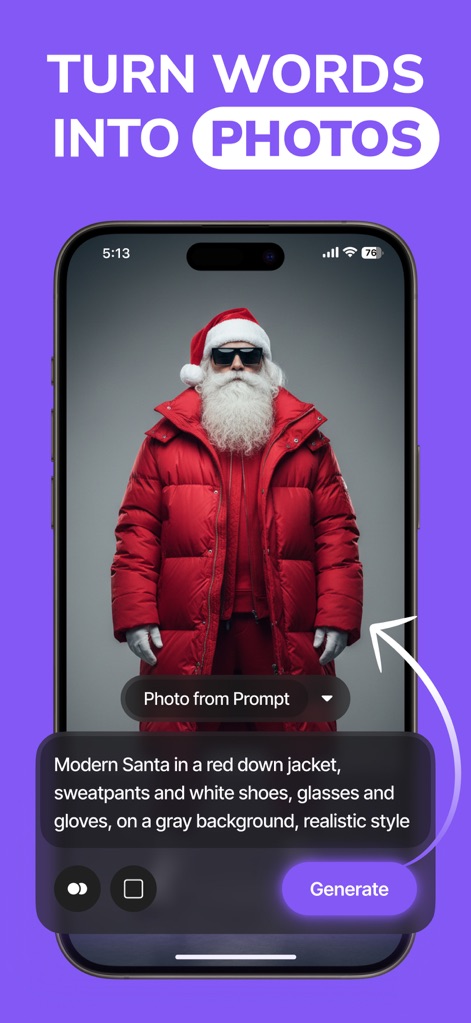
This tool allows users to generate professional AI photos from text, displaying a clear text input area for prompts and the resulting high-quality image.
Text to Image
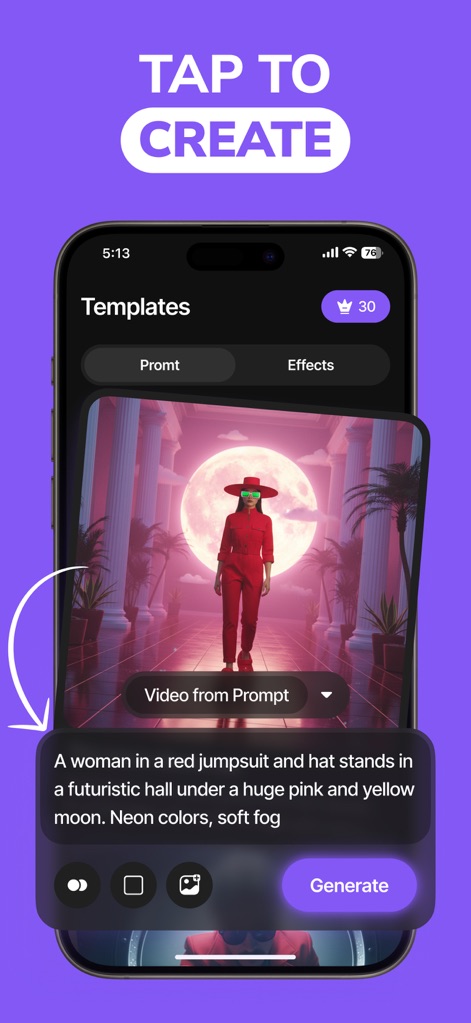
The app streamlines content creation, enabling users to select from various 'Templates' and instantly create stunning visuals with a simple 'Generate' button.
Instant Creation
Description
Download
More Like This
Top-ranked apps in the same category

CapCut: Photo & Video Editor
BYTEDANCE PTE. LTD.

Instagram, Inc.

YouTube
Google LLC

Canva: AI Photo & Video Editor
Canva Pty Ltd

Snapchat
Snap, Inc.

快手
Beijing Kwai Technology Co., Ltd.

Edits: Video Editor
Instagram, Inc.

Meitu- AI Photo & Video Editor
Xiamen Meitu Technology Co., Ltd.

Google Photos: Backup & Edit
Google LLC
This page is not an official page of the app or its developer, but an independent editorial publication created for informational and commentary purposes. Unless expressly stated otherwise, neither the app nor its developer is affiliated with, endorsed by, sponsored by, authorized by, or otherwise officially connected with MWM, Apple, Google Play, the app publisher, or the app's developer, and nothing on this page implies that the app was developed using MWM's services. Any trademarks, logos, screenshots, and other content remain the property of their respective owners.