
This page is not an official page of the app or its developer, but an independent editorial publication created for informational and commentary purposes. Unless expressly stated otherwise, neither the app nor its developer is affiliated with, endorsed by, sponsored by, authorized by, or otherwise officially connected with MWM, Apple, Google Play, the app publisher, or the app's developer, and nothing on this page implies that the app was developed using MWM's services. Any trademarks, logos, screenshots, and other content remain the property of their respective owners.


PinSaver: Save Pin Video
The ultimate tool for aesthetic curation. Download content instantly with no login required, enhance your finds with AI filters, and transform your iPhone with exclusive depth wallpapers.
Downloads
737K+User Rating
Total Ratings
15K+Publisher
Category
Photo & VideoLocales
14Latest Version
2.0.3Size
113.3 MBFirst Released
Jan 7, 2024Power Your Aesthetic Journey
The ultimate creative toolkit to download Pinterest videos and transform them into stunning, custom wallpapers for your iPhone.
Instant 1-Tap Downloads
Save your favorite Pinterest videos directly to your camera roll without ever needing to log in. Just copy, paste, and enjoy.
Stunning Depth Wallpapers
Turn your saved pins into mesmerizing Live and Depth-Effect wallpapers that make your iPhone lock screen truly unique.
Frequently Asked Questions
Everything you need to know about PinSaver: Save Pin Video
How do I save Pinterest videos and content using the PinSaver app?
To save content with PinSaver, open the Pinterest app, select content, copy its link from the share icon, then paste the link into the PinSaver app. This creates a bookmark.
Does PinSaver require a Pinterest account login?
No, PinSaver does not require a Pinterest account login. Users only need the Pin URL to save content.
What additional features does the PinSaver app include besides saving Pinterest content?
The PinSaver app includes live wallpapers, depth wallpapers, and numerous AI filters to enhance saved images and videos. The PRO version unlocks exclusive AI filters.
Is PinSaver officially sponsored or affiliated with Pinterest, Inc.?
No, PinSaver is not sponsored, endorsed by, or affiliated with Pinterest, Inc. All trademarks remain the property of their respective owners.
What are the benefits of subscribing to the PinSaver PRO version?
The PinSaver PRO version provides access to more powerful features that enhance the user experience and includes exclusive AI filters to transform content with one tap.
How are subscriptions for PinSaver billed?
PinSaver subscriptions are billed weekly, monthly, or annually. The specific rate depends on the selected subscription plan.
Can I cancel a PinSaver free trial or subscription?
Yes, you can cancel a PinSaver free trial or subscription at any time by turning off auto-renewal through your iTunes account settings. This must be done 24 hours before the period ends.
Does PinSaver offer a free trial period?
Yes, PinSaver offers a free trial subscription. It automatically renews to a paid subscription unless auto-renew is turned off at least 24 hours before the trial ends.
Where can I find the Privacy Policy and Terms of Service for PinSaver?
The Privacy Policy for PinSaver is available at https://snowpex.net/privacy, and the Terms of Service are available at https://snowpex.net/terms.
The following screenshots and description are sourced directly from the app's official store listing and are the property of the app developer.
App Store
Screenshots

PinSaver app home screen showcasing aesthetic Pinterest video saving features

PinSaver app screen showing options to save videos gifs and photos with a grid of aesthetic content examples
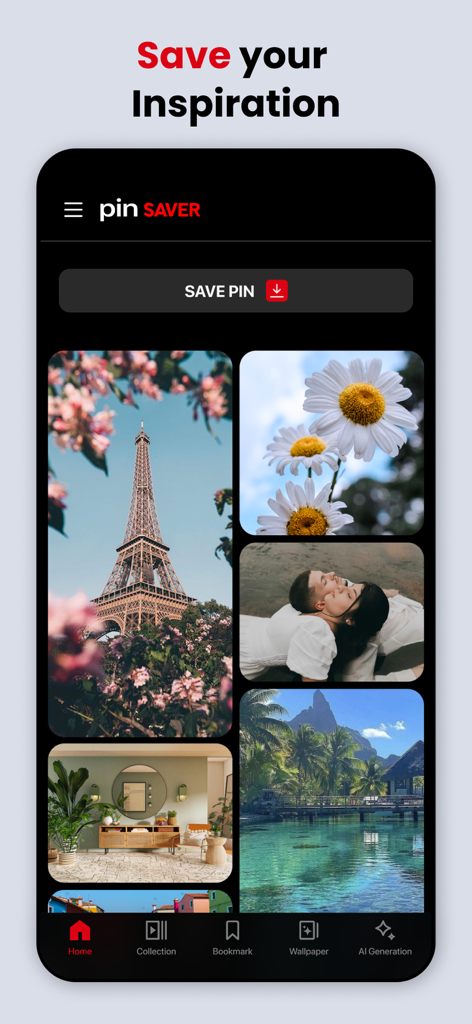
Home screen of PinSaver app showing a gallery of curated aesthetic photos and a button to save pins
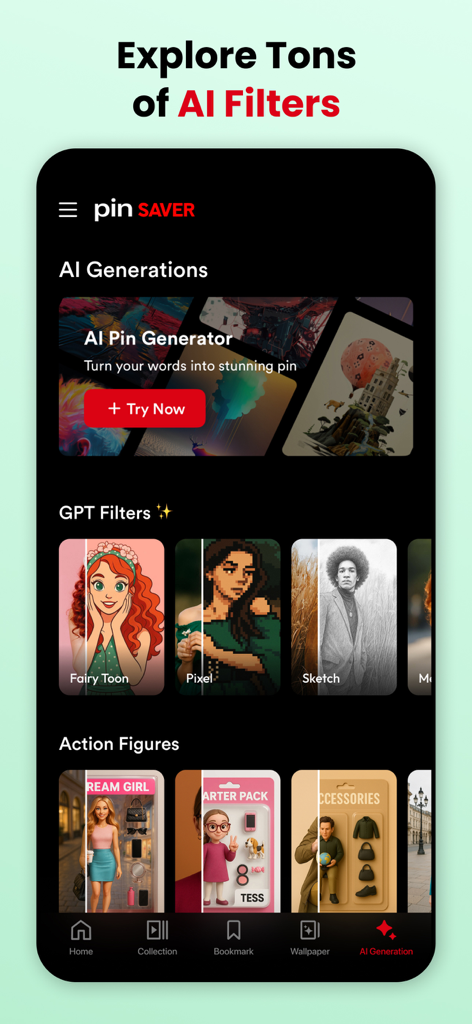
PinSaver app screen displaying AI filters and pin generation features including Fairy Toon and Pixel styles
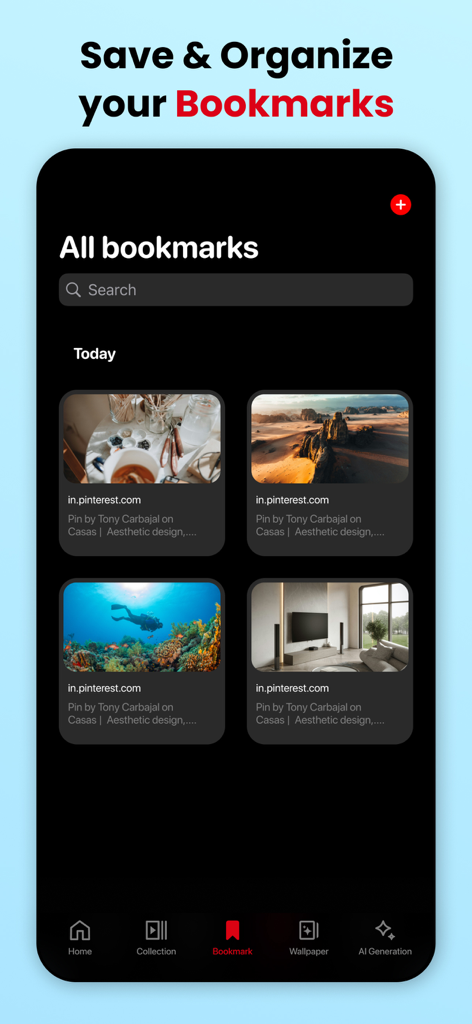
PinSaver app interface showing a grid of saved video and image bookmarks from Pinterest
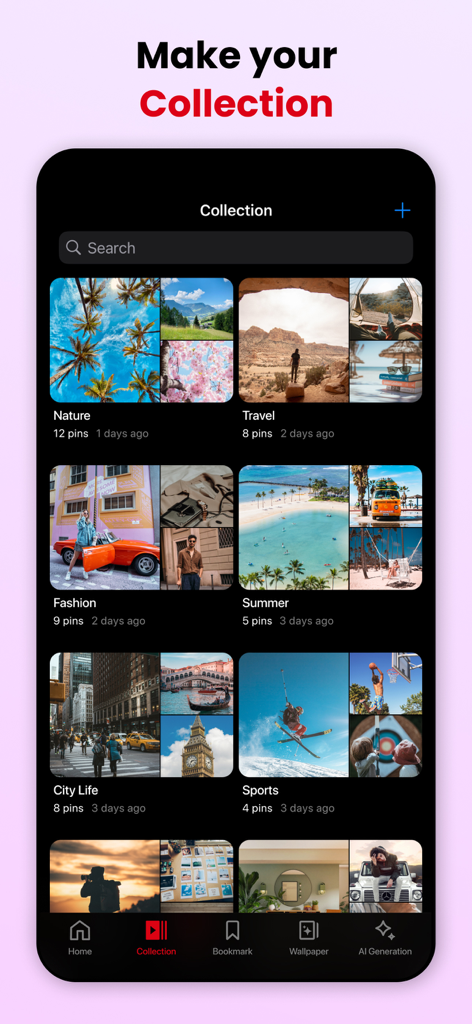
Screenshot of PinSaver app showing various curated image collections like Nature Travel Fashion and Summer
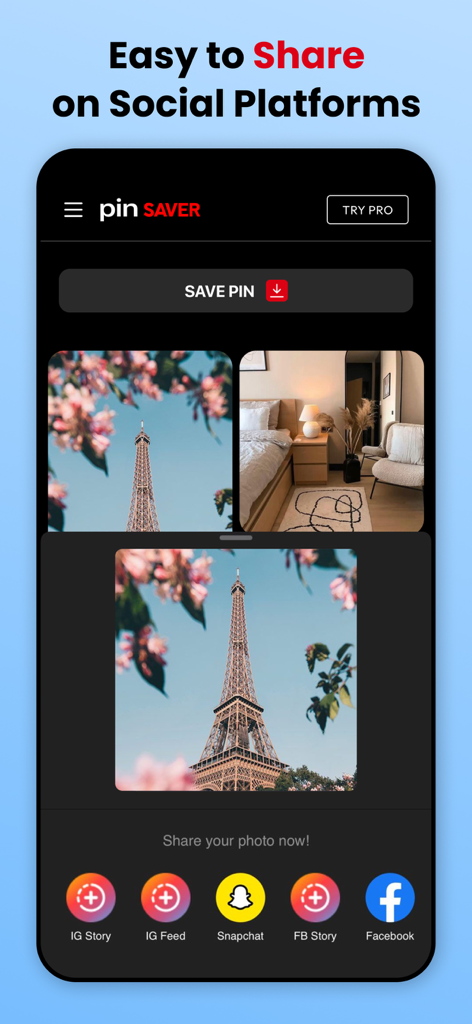
A screenshot of the PinSaver app interface showing options to share a saved Pinterest image of the Eiffel Tower directly to Instagram, Snapchat, and Facebook.
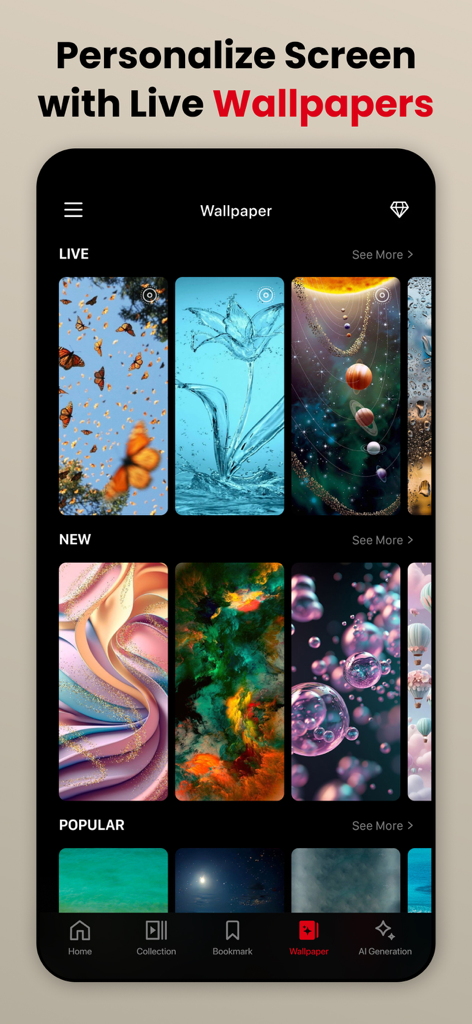
A screen from PinSaver showing various aesthetic live wallpapers to personalize your phone
Description
Download
More Like This
Apps with similar features and user experience

SSSTik: Save Video & Repost
SSSTik

إدارة الملفات (حمّل)
Waraqat Group

Tik Saver Pro Video Downloader
SPEKTRUM EPPS, TOV

Float: Video Saver
Floatfly Technology Limited

TKTK Followers & Video Manager
Yauheni Hramiashkevich

Tweeload - Twitter Video Saver
Aculix Technologies LLP

UC Browser
UCWEB SINGAPORE PTE. LTD.

Video Downloader HD ~ Vidow
Ashish Paneliya

Video Saver & Player / iCap
Koichiro Umemiya
This page is not an official page of the app or its developer, but an independent editorial publication created for informational and commentary purposes. Unless expressly stated otherwise, neither the app nor its developer is affiliated with, endorsed by, sponsored by, authorized by, or otherwise officially connected with MWM, Apple, Google Play, the app publisher, or the app's developer, and nothing on this page implies that the app was developed using MWM's services. Any trademarks, logos, screenshots, and other content remain the property of their respective owners.