PiP - Picture in Picture

PiP - Picture in Picture


Download on App Store
Logo of PiP - Picture in Picture

PiP - Picture in Picture: Multitask Like a Pro on Your iPhone

Stop switching apps and start doing more. Watch videos, read PDFs, and browse the web in a floating window while you chat, work, or scroll. Total multitasking freedom, zero subscriptions required.

Download on App Store

Publisher

Supagarn Pattananuchart

Category

Utilities

Downloads

73K+

User Rating

3.0/5

Total Ratings

0

Locales

1

Multitasking in Motion

Discover the interface used by 73K+ users.
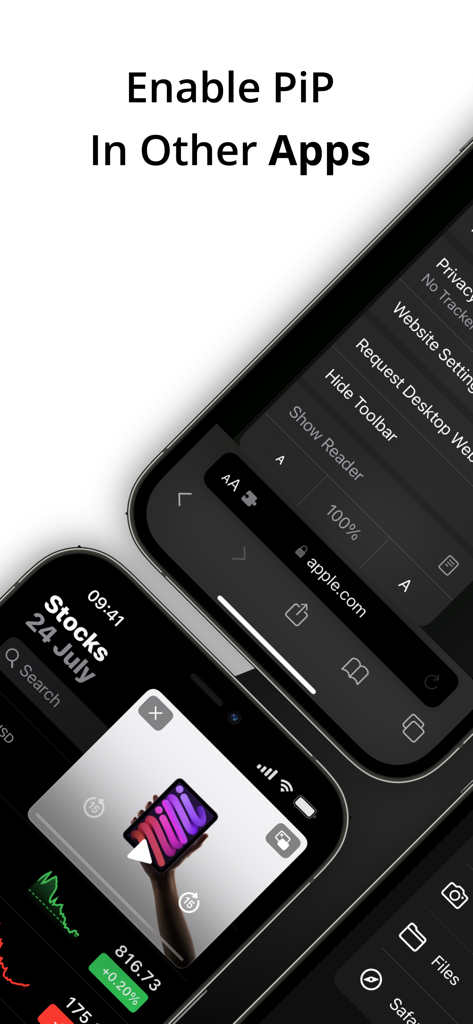
iPhone screen showing a floating video window over the Stocks app using Picture in Picture mode

iPhone screen showing a floating video window over the Stocks app using Picture in Picture mode

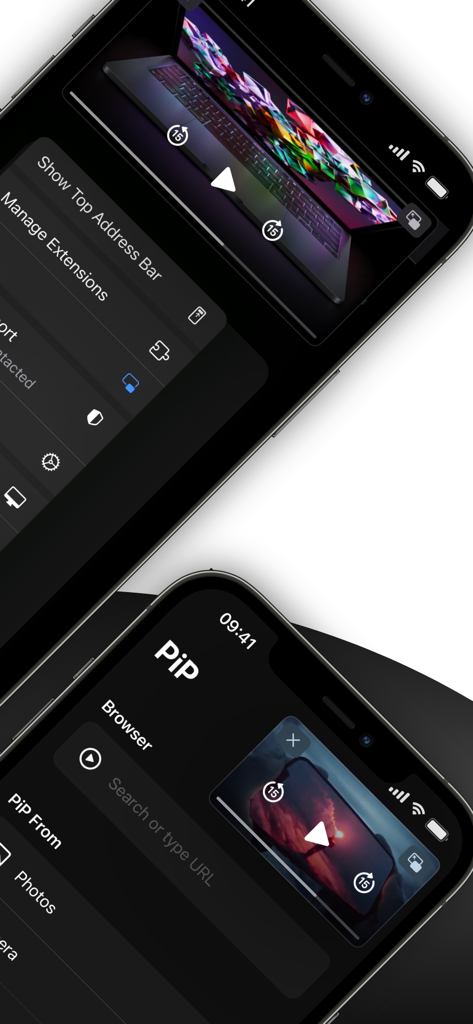
iPhone screens showing the PiP app interface and Safari extension for multitasking

iPhone screens showing the PiP app interface and Safari extension for multitasking

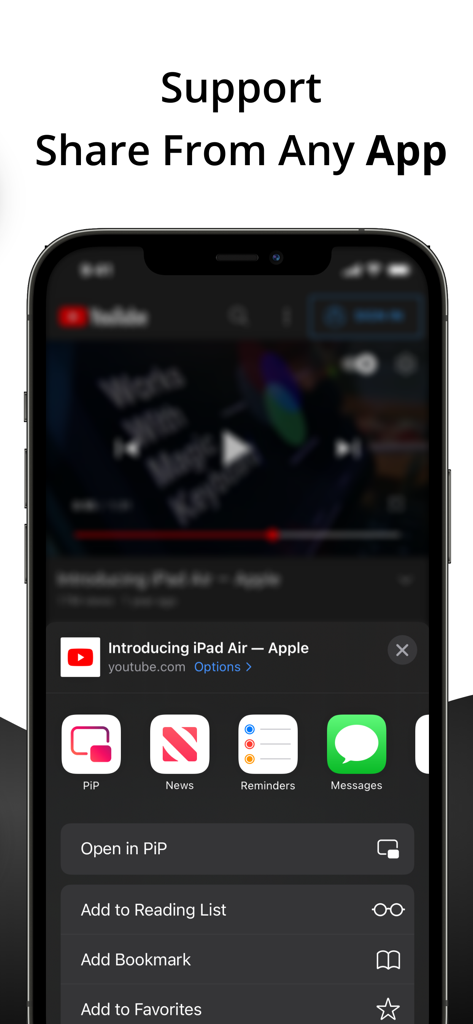
iPhone share sheet showing the Open in PiP option for a YouTube video

iPhone share sheet showing the Open in PiP option for a YouTube video

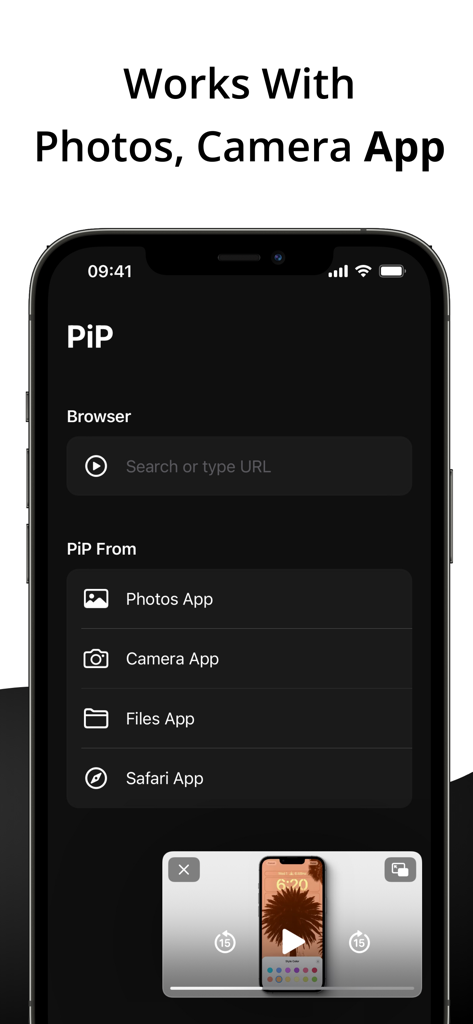
iPhone screen displaying the PiP app menu with options for Photos Camera and Files alongside a floating video player

iPhone screen displaying the PiP app menu with options for Photos Camera and Files alongside a floating video player

Unlock Your Screen’s Full Potential

The tools that make this app stand out, trusted by 73K+ users.

📺

Premium PiP Experience

Watch YouTube and Safari videos in a floating window while you chat or scroll—enjoy background playback without paying for expensive monthly subscriptions.

🧩

Seamless Safari Extension

Trigger Picture-in-Picture mode directly from your browser. Our extension integrates perfectly into iOS for a native, one-tap multitasking experience.

📚

Floating Productivity Tools

Keep PDFs, text notes, or reference images visible over any app. The ultimate hack for students and professionals who need to study and work on the go.

About the app

Everything you need to know about PiP - Picture in Picture.

Description

PiP - Picture in Picture allows you to play videos in picture-in-picture from the Youtube or Safari application. Key Features: • Background Playback Keep your videos and music playing in the background while you multitask with other apps. • Safari Extension Effortlessly activate Picture-in-Picture mode right from your Safari browser. • Share Videos Seamlessly share YouTube or video links to play directly in PiP mode. • Multi-Media PiP Experience Picture-in-Picture for images and videos from your Photos, Camera, and Files app in a convenient floating window. • PDF PiP Open PDFs in a floating PiP window so you can read documents while working in other apps. • Text PiP Display text in PiP mode for quick reading, note reference, or multitasking. • PiP Browser Browse the web and watch videos simultaneously with our built-in browser and dedicated PiP button. Try PiP today and redefine how you enjoy videos and multimedia content on your iOS device! Terms of Use: https://www.apple.com/legal/internet-services/itunes/dev/stdeula/ Privacy Policy: https://supagarn-pa.com/PiP/privacy-policy

Latest Version

2.3

Size

2.3 MB

First Released

Jul 29, 2022

Stop Switching Apps. Start Doing Both.

Unlock background playback and true multitasking without the expensive subscriptions. Join 73,000+ users and level up your iPhone experience today.

Download on App Store

App information, icons, screenshots, and descriptions displayed on this page are sourced from the Apple App Store and are the property of their respective developers. Download estimates and rankings are based on MWM's proprietary models and may not reflect actual figures. This page is provided for informational and analytical purposes only.

Believe this page infringes your intellectual property? File a dispute