
This page is not an official page of the app or its developer, but an independent editorial publication created for informational and commentary purposes. Unless expressly stated otherwise, neither the app nor its developer is affiliated with, endorsed by, sponsored by, authorized by, or otherwise officially connected with MWM, Apple, Google Play, the app publisher, or the app's developer, and nothing on this page implies that the app was developed using MWM's services. Any trademarks, logos, screenshots, and other content remain the property of their respective owners.

PiP Splitware - Floating Apps
Stop switching apps and start doing more. Watch YouTube in Picture-in-Picture without ads, take floating notes, and browse the web simultaneously. Experience desktop-level productivity on your iPhone.
Downloads
95K+User Rating
Total Ratings
1K+Publisher
Category
UtilitiesLocales
18Latest Version
1.2.5Size
18.9 MBFirst Released
Jun 12, 2024Unlock True Multitasking on iOS
Stop switching apps and start doing more. PiP Splitware brings powerful floating windows, ad-blocking, and background play to your iPhone and iPad.
Ad-Free YouTube & PiP
Watch videos in a floating window while using other apps. Enjoy ad-free playback and background audio without expensive monthly subscriptions.
Floating Productivity Suite
Keep notes, browsers, and documents pinned to your screen. Ideal for students and creators who need to reference info without closing their main app.
The following screenshots and description are sourced directly from the app's official store listing and are the property of the app developer.
App Store
Screenshots
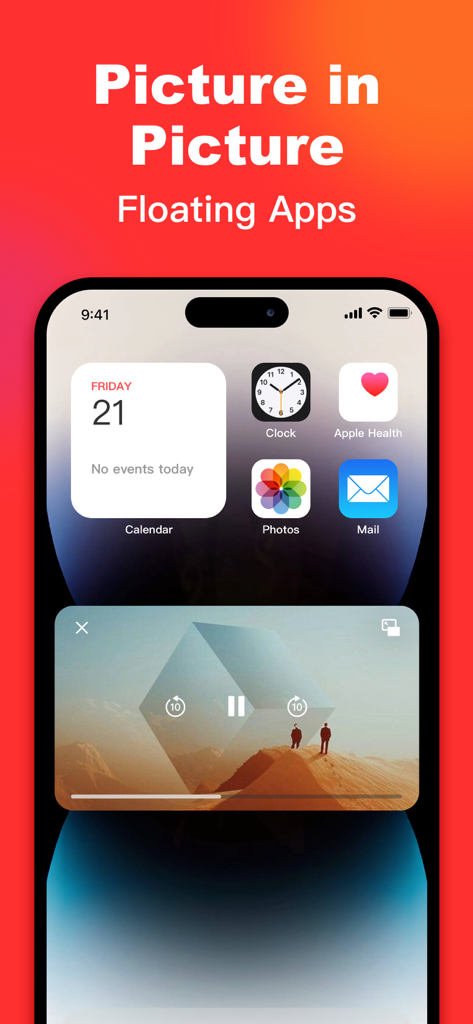
iPhone home screen displaying a floating video window using PiP Splitware multitasking feature.
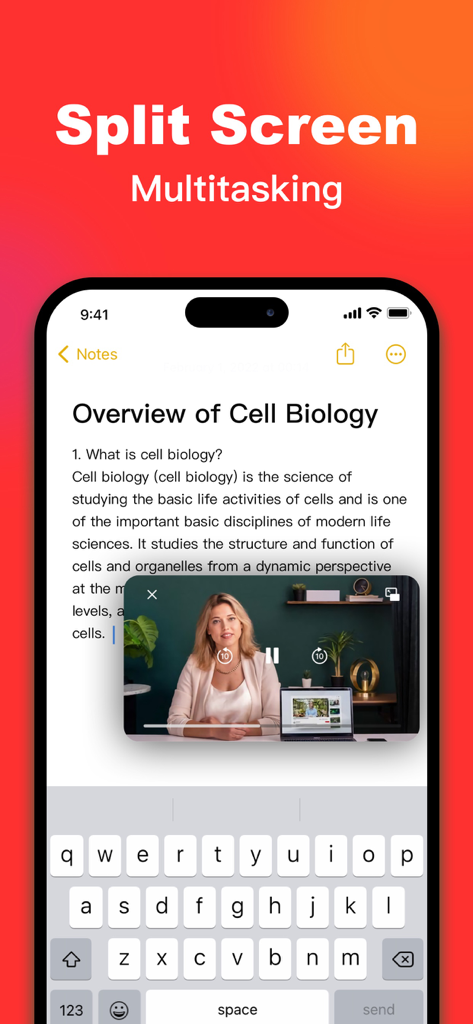
iPhone screen using PiP Splitware to watch a tutorial video while taking notes
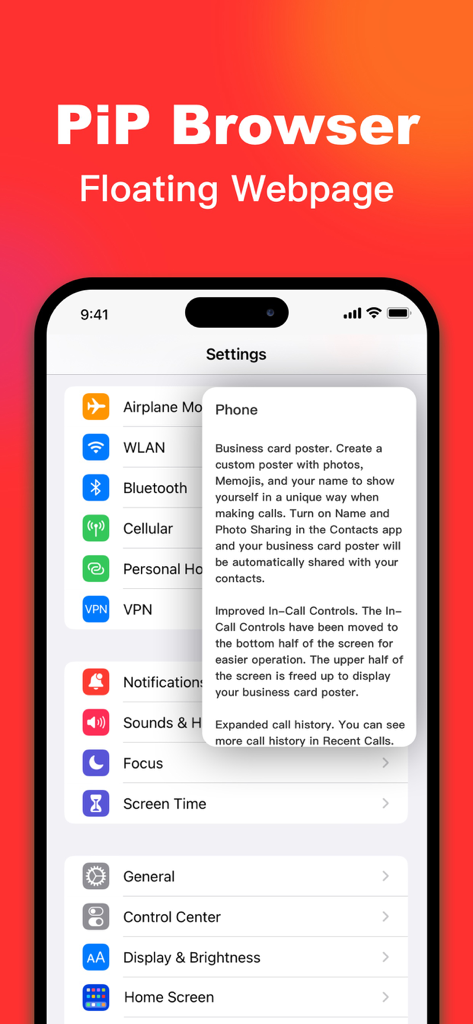
A floating browser window from PiP Splitware displayed over the iPhone settings menu for multitasking
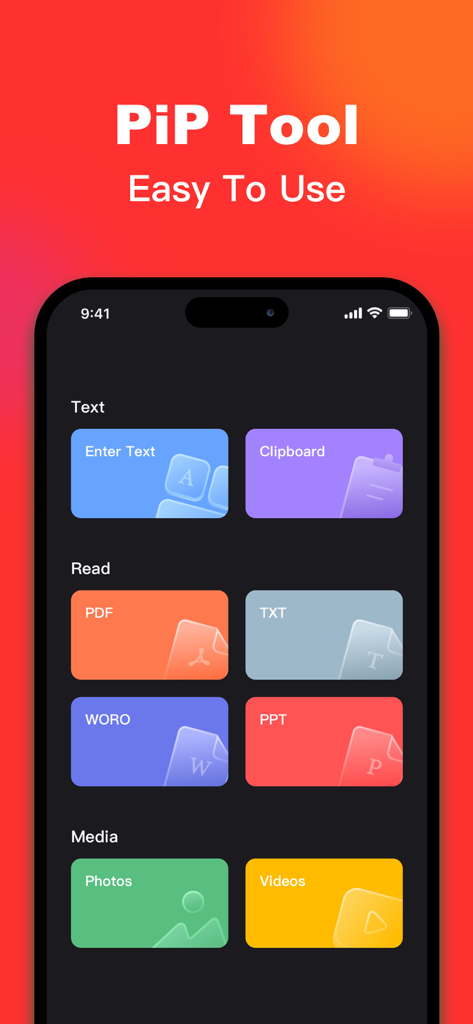
Interface of the PiP Splitware app displaying floating tool options for text documents and media
Description
Download
More Like This
Apps with similar features and user experience



This page is not an official page of the app or its developer, but an independent editorial publication created for informational and commentary purposes. Unless expressly stated otherwise, neither the app nor its developer is affiliated with, endorsed by, sponsored by, authorized by, or otherwise officially connected with MWM, Apple, Google Play, the app publisher, or the app's developer, and nothing on this page implies that the app was developed using MWM's services. Any trademarks, logos, screenshots, and other content remain the property of their respective owners.