
This page is not an official page of the app or its developer, but an independent editorial publication created for informational and commentary purposes. Unless expressly stated otherwise, neither the app nor its developer is affiliated with, endorsed by, sponsored by, authorized by, or otherwise officially connected with MWM, Apple, Google Play, the app publisher, or the app's developer, and nothing on this page implies that the app was developed using MWM's services. Any trademarks, logos, screenshots, and other content remain the property of their respective owners.


PIXIE PLUS
Take total command of your lighting, scenes, and security from anywhere. Perfectly sync your home to your lifestyle with intuitive voice integration and advanced scheduling.
Downloads
0User Rating
Total Ratings
0Publisher
Category
LifestyleLocales
1Latest Version
2.22.2349Size
87.5 MBFirst Released
Apr 7, 2020Take Command of Your Smart Home
PIXIE PLUS brings professional-grade automation to your fingertips, allowing you to orchestrate lighting, security, and atmosphere effortlessly.
Craft the Perfect Ambience
Set the mood for any occasion. Sync your lights to music or create custom scenes for dinner parties and movie nights with a single tap.
Total Control, Anywhere
Stay connected to your home from across the street or across the globe. Monitor devices and manage security settings with remote access via the PIXIE Gateway.
The following screenshots and description are sourced directly from the app's official store listing and are the property of the app developer.
App Store
Screenshots
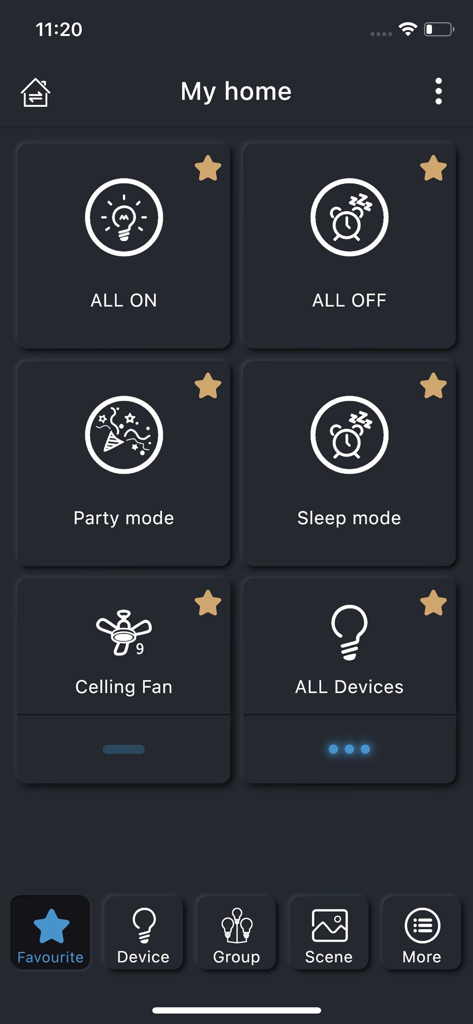
PIXIE PLUS smart home app dashboard showing favorite control tiles for lighting scenes and devices.
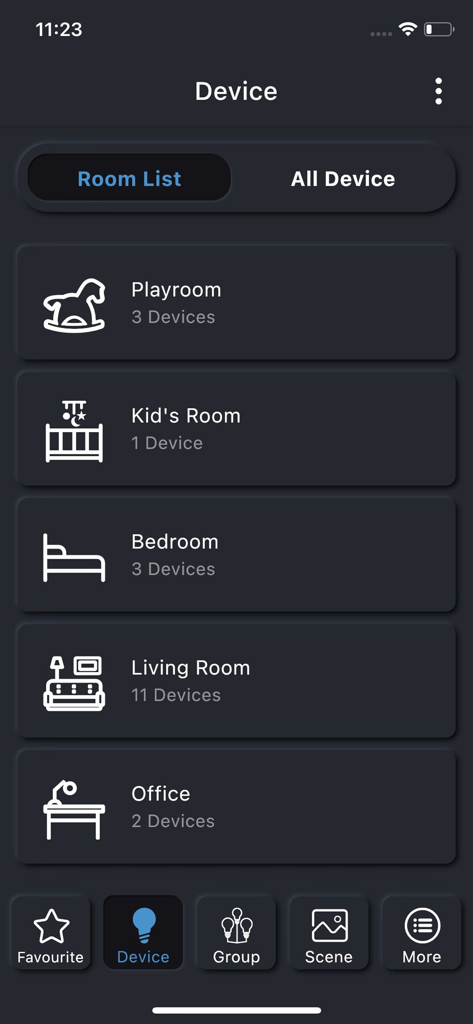
PIXIE PLUS app interface showing smart home device management organized by room including Playroom Bedroom and Living Room
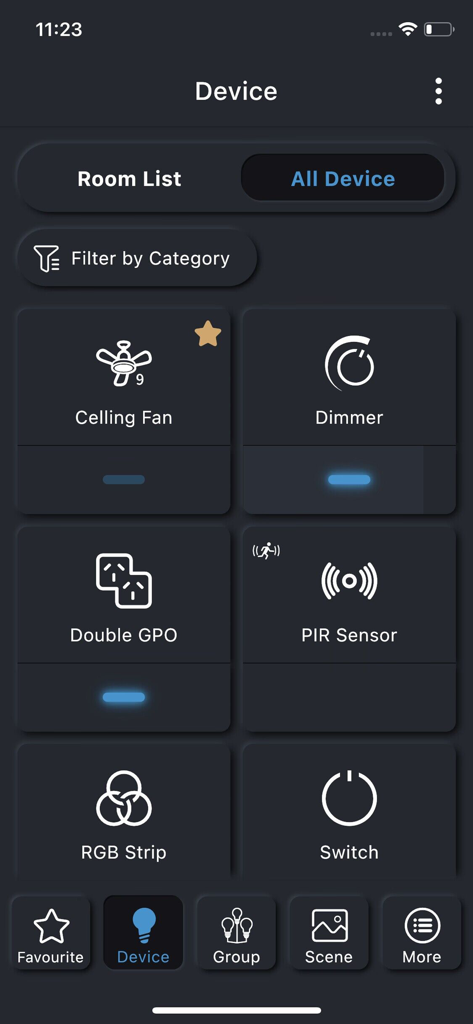
PIXIE PLUS app interface showing a grid of smart home devices including ceiling fans, dimmers, sensors and switches for remote home management.
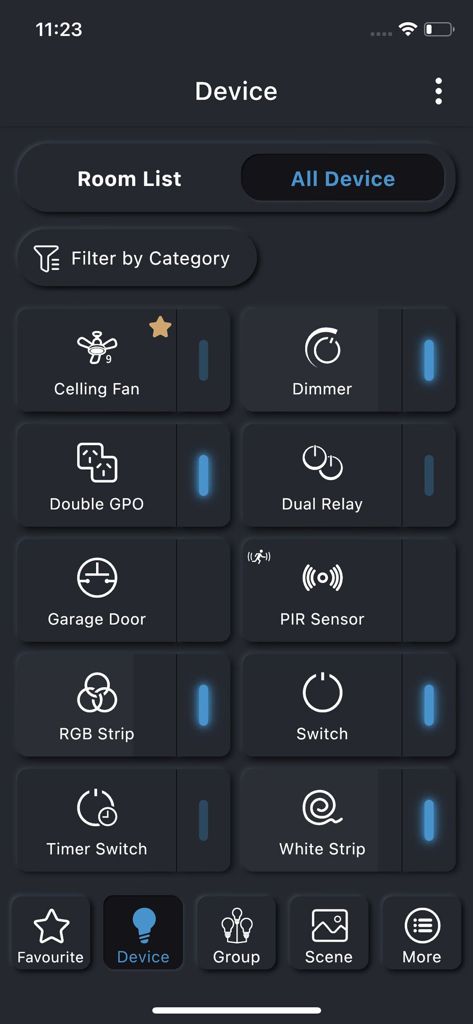
The PIXIE PLUS app dashboard showing a grid of connected smart home devices including ceiling fans dimmers and light switches
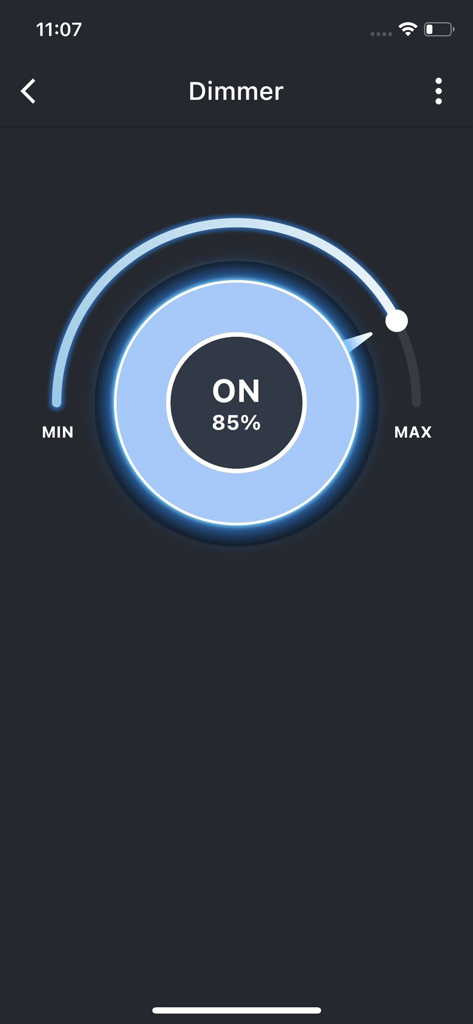
PIXIE PLUS app interface showing a smart dimmer set to 85 percent brightness

A mobile interface from the PIXIE PLUS app showing a large circular button set to the ON position for controlling a smart switch.
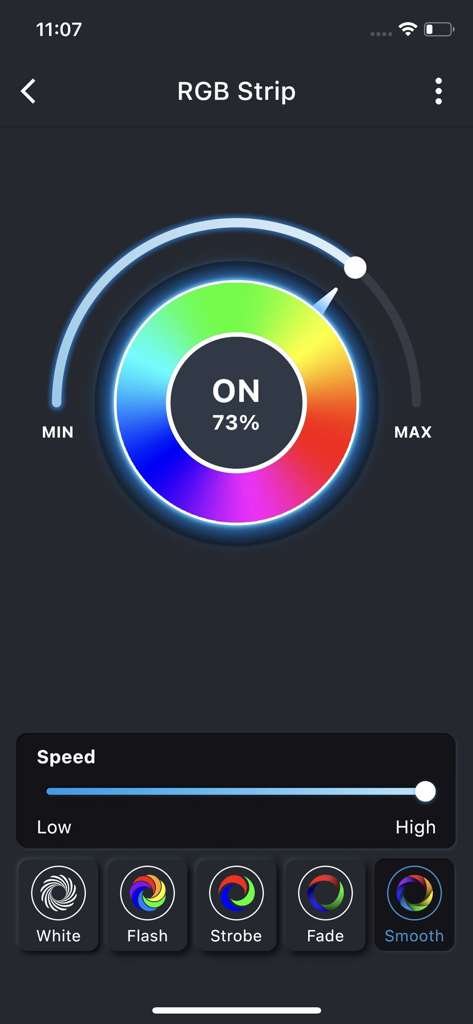
Interface of the PIXIE PLUS app showing an RGB color wheel and speed controls for smart home LED lighting.
Description
Download
More Like This
Top-ranked apps in the same category

Pinterest, Inc.

Alipay - Simplify Your Life
Alipay (Hangzhou) Technology Co., Ltd.

美团-美好生活小帮手
Sankuai Technology Co., Ltd.

Xiaomi Home
Beijing Xiaomi Co., Ltd

Dianping: Discover Good Places
Hanhai Information Technology (Shanghai) Co.Ltd

Tinder Dating App: Date & Chat
Tinder LLC

Lemon8 - Lifestyle Community
TIKTOK PTE. LTD.

SmartThings
Samsung Electronics Co., Ltd.

58同城-求职招聘找工作租房二手车
Beijing Chengshi Wanglin Information Technology Co., Ltd.
This page is not an official page of the app or its developer, but an independent editorial publication created for informational and commentary purposes. Unless expressly stated otherwise, neither the app nor its developer is affiliated with, endorsed by, sponsored by, authorized by, or otherwise officially connected with MWM, Apple, Google Play, the app publisher, or the app's developer, and nothing on this page implies that the app was developed using MWM's services. Any trademarks, logos, screenshots, and other content remain the property of their respective owners.