
This page is not an official page of the app or its developer, but an independent editorial publication created for informational and commentary purposes. Unless expressly stated otherwise, neither the app nor its developer is affiliated with, endorsed by, sponsored by, authorized by, or otherwise officially connected with MWM, Apple, Google Play, the app publisher, or the app's developer, and nothing on this page implies that the app was developed using MWM's services. Any trademarks, logos, screenshots, and other content remain the property of their respective owners.

Plejd
Take full control of your home’s ambiance with intuitive scenes, automated scheduling, and remote access. Experience a smarter, more secure lifestyle at the touch of a button.
Downloads
944K+User Rating
Total Ratings
500Publisher
Category
LifestyleLocales
12Latest Version
7.1.1Size
146.1 MBFirst Released
Oct 13, 2016Professional Lighting, Effortless Control
Experience the perfect blend of aesthetic design and smart automation. Plejd transforms your home into a sanctuary that adapts to your daily routine and security needs.
Curated Ambiance with Scenes
Instantly transform your home for dinner parties, movie nights, or morning routines. Create custom lighting moods that activate with one tap or a simple switch.
Smart Sunrise & Sunset Automation
Enjoy a 'set it and forget it' lifestyle. Your lights automatically adjust to natural daylight patterns or your personal schedule for maximum efficiency.
Frequently Asked Questions
Everything you need to know about Plejd
What is the Plejd app used for?
The Plejd app allows users to control and manage their entire Plejd product setup, providing access to all smart features.
Can I create custom scenes with the Plejd app?
Yes, the Plejd app enables the creation of custom scenes. These scenes can be activated directly from the app or through regular light switches.
Does the Plejd app allow scheduling for my devices?
Yes, the Plejd app supports scheduling products to automatically adjust, turn on, or turn off at specific times, sunrise, or sunset.
Can I control my Plejd system remotely with the app?
Yes, the Plejd Gateway feature enables remote control of your Plejd system via the Internet. This provides control from any location.
Does the Plejd app offer a vacation mode feature?
Yes, the Plejd app includes a vacation mode. It simulates occupancy by automatically adjusting lights and other products when you are away.
Does the Plejd app support voice control or third-party integrations?
Yes, the Plejd Gateway facilitates integrations with third-party services, enabling voice control functionality for your system.
Can Plejd scenes be linked to physical light switches?
Yes, the Plejd app allows linking created scenes to existing light switches for convenient activation.
The following screenshots and description are sourced directly from the app's official store listing and are the property of the app developer.
App Store
Screenshots
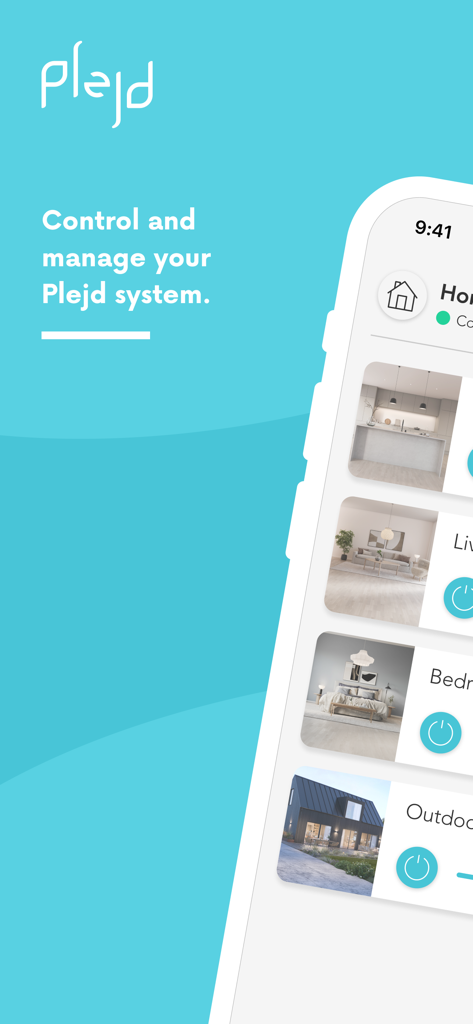
Plejd app interface showing smart home lighting controls for different rooms.
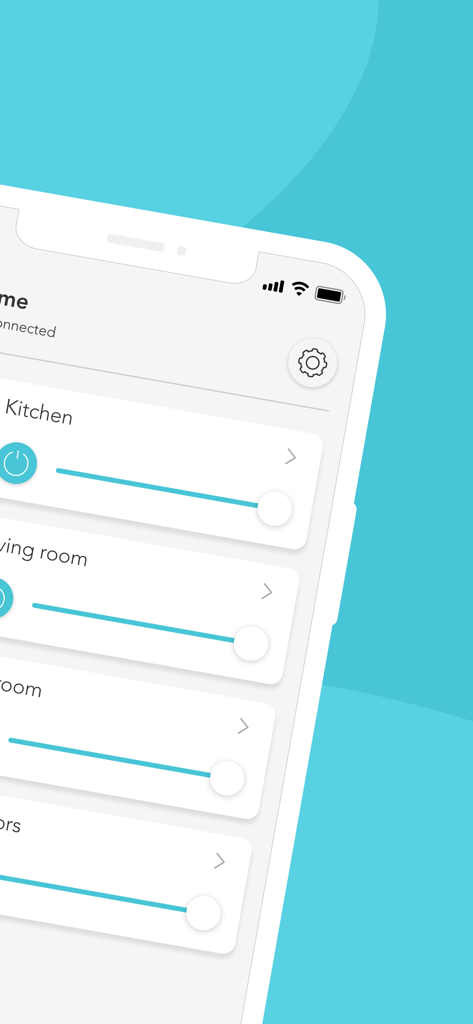
Plejd app interface showing light dimming controls for multiple rooms
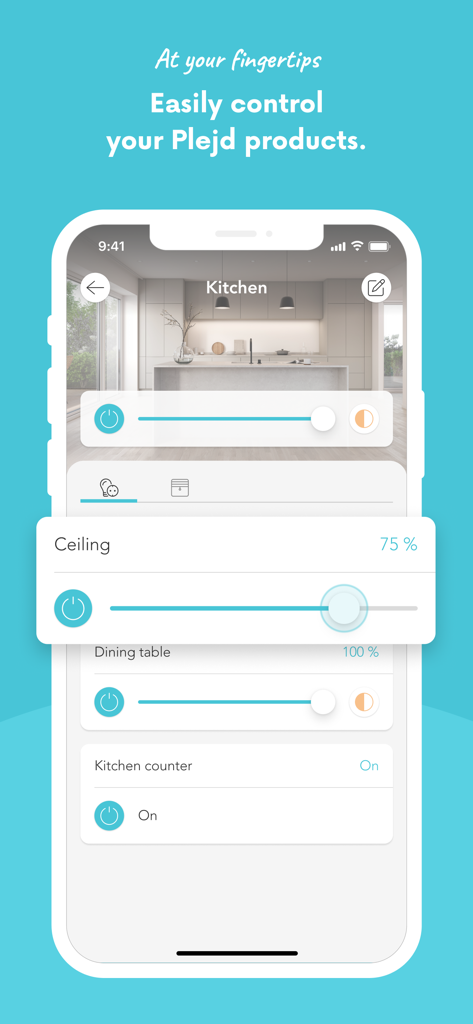
A smartphone showing the Plejd app interface with light dimming controls for a modern kitchen.
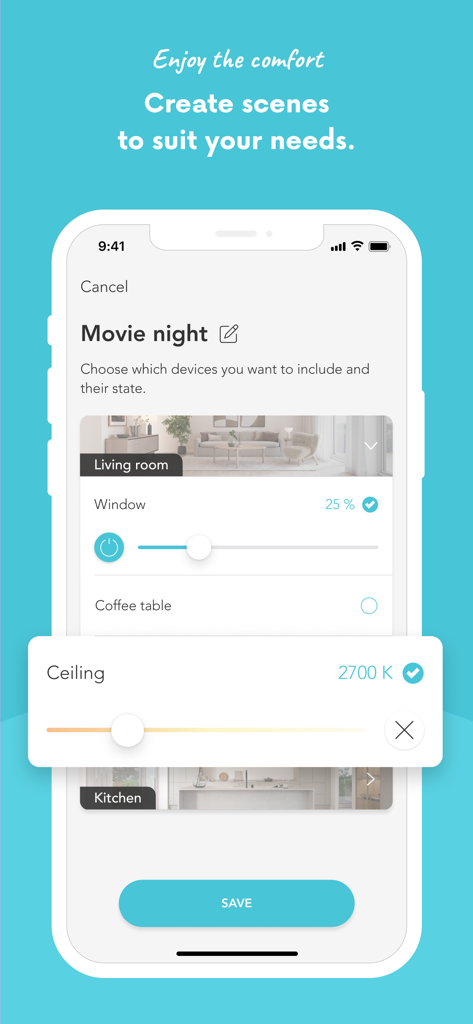
A user creating a Movie night scene in the Plejd app with lighting intensity and color temperature controls for the living room.
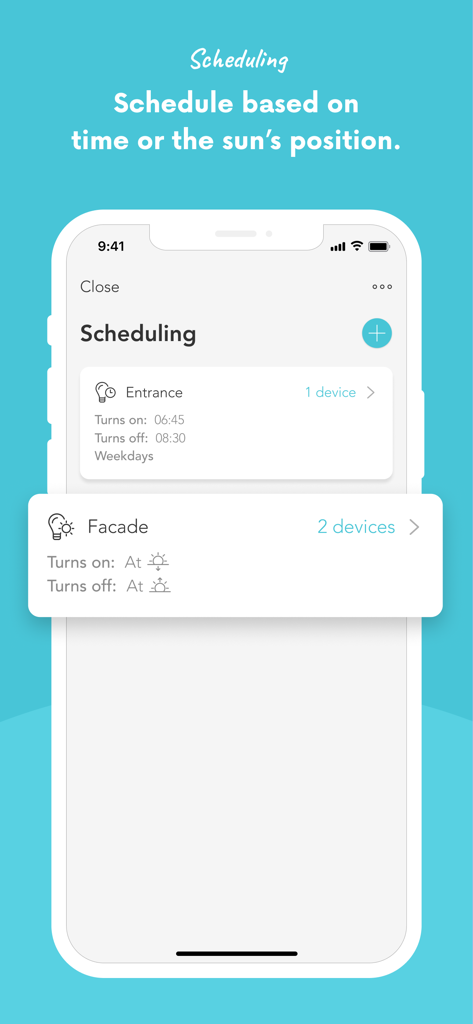
Smartphone screen showing the Plejd app interface for scheduling home lighting based on time or sunrise and sunset
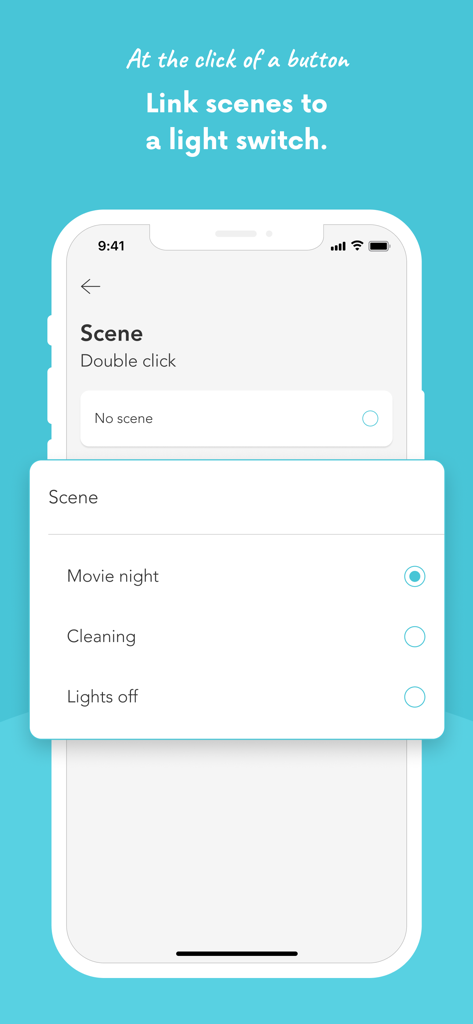
The Plejd app interface showing the configuration of a movie night scene for a physical light switch.
Description
Download
More Like This
Apps with similar features and user experience

TP-Link Tapo
TP-Link Systems Inc.

Дом с Алисой
DIRECT CURSUS COMPUTER SYSTEMS TRADING LLC

VeSync
Vesync Technology Corporation

Kasa Smart
TP-Link Systems Inc.

ecobee
ecobee Ltd.

Hubspace
Afero, Inc.

ADT Control ®
ADT LLC

First Alert by Resideo
Resideo Technologies, Inc.

Mibo Smart: Casa Inteligente
Intelbras S.A. Ind. de Telecom. Elet. Brasileira
This page is not an official page of the app or its developer, but an independent editorial publication created for informational and commentary purposes. Unless expressly stated otherwise, neither the app nor its developer is affiliated with, endorsed by, sponsored by, authorized by, or otherwise officially connected with MWM, Apple, Google Play, the app publisher, or the app's developer, and nothing on this page implies that the app was developed using MWM's services. Any trademarks, logos, screenshots, and other content remain the property of their respective owners.