
POLARIS IQ Home


Seamlessly control your appliances from your iPhone or Apple Watch. From brewing coffee to cleaning floors, automate your home routines with precision and ease.
Publisher
Category
LifestyleDownloads
962K+User Rating
Total Ratings
19K+Locales
6Discover the interface used by 962K+ users.
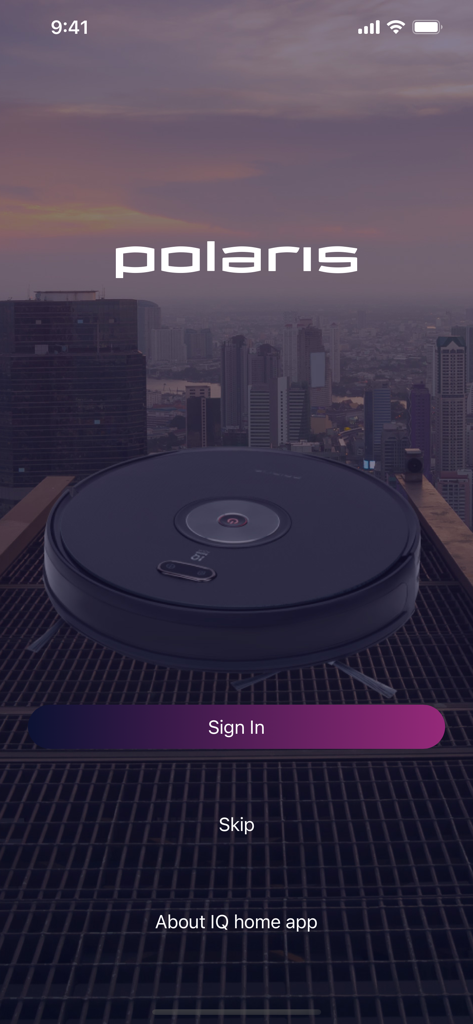
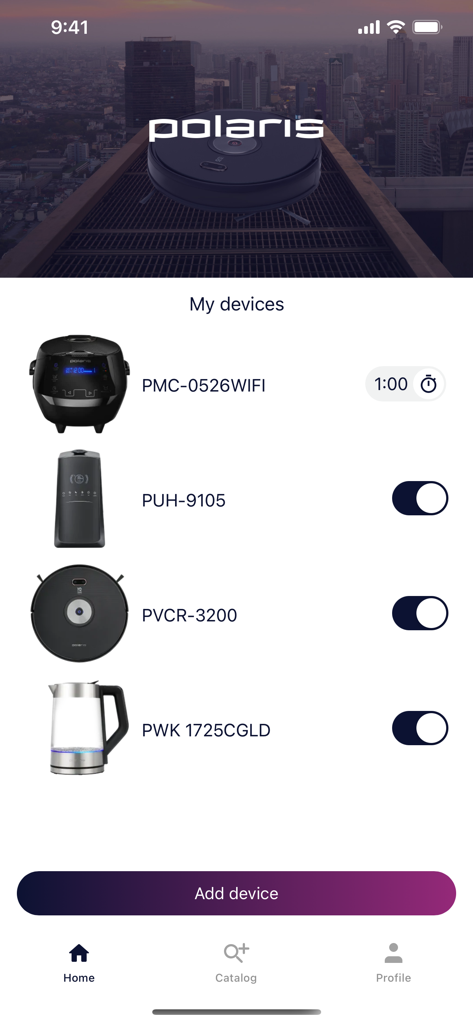
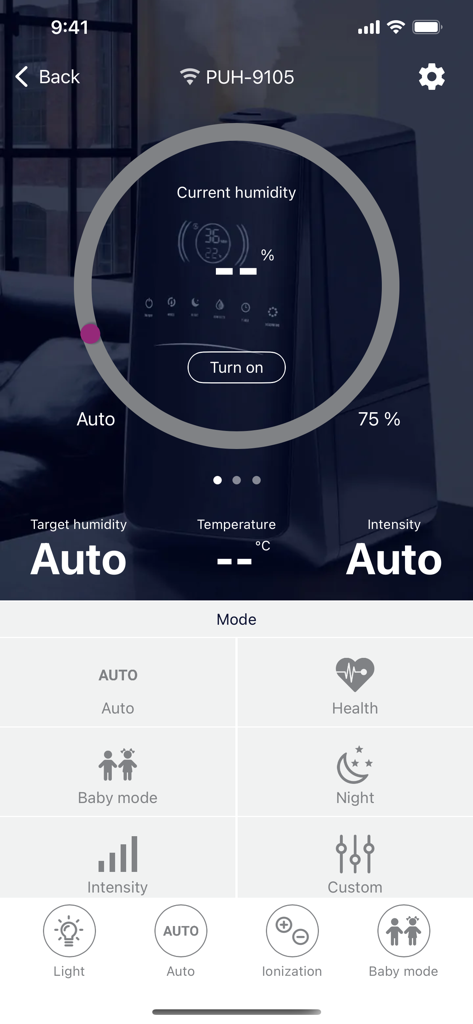
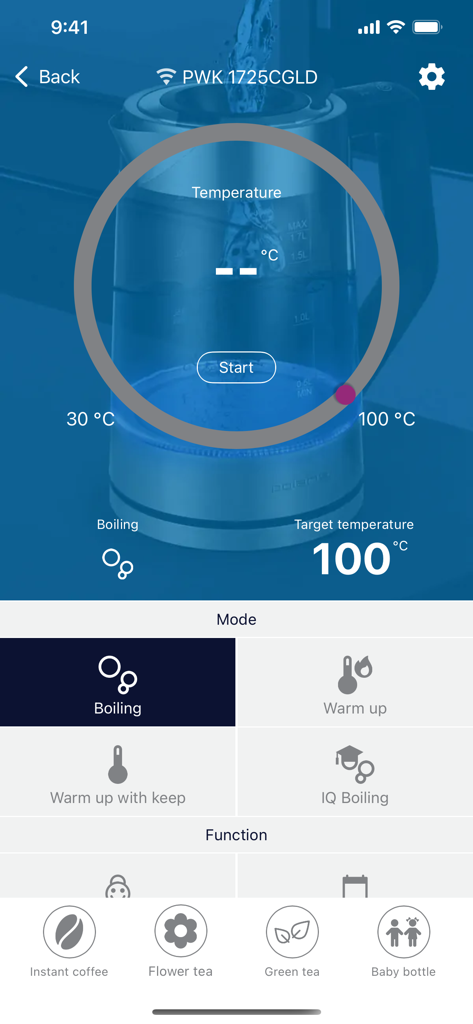
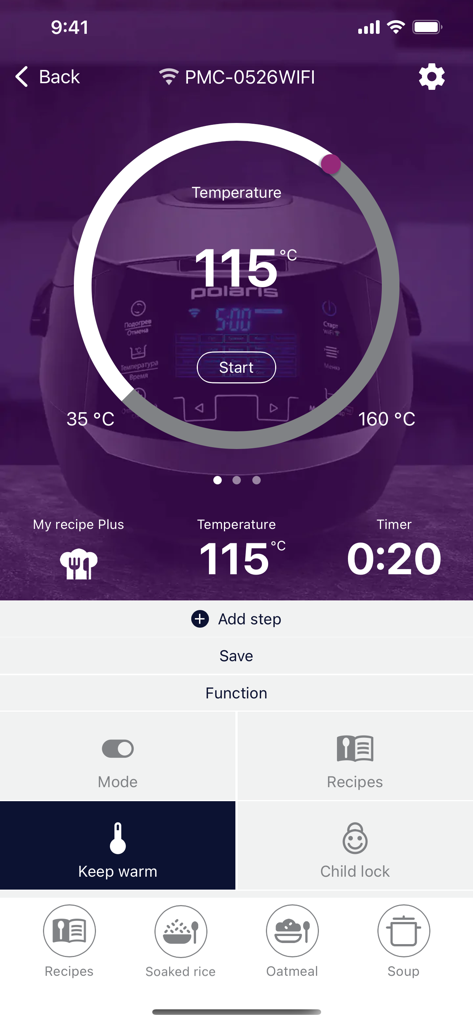
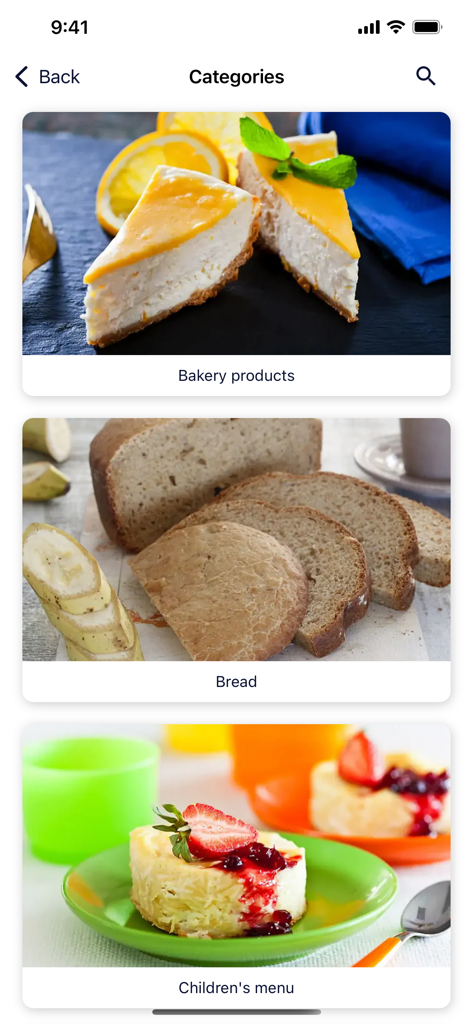
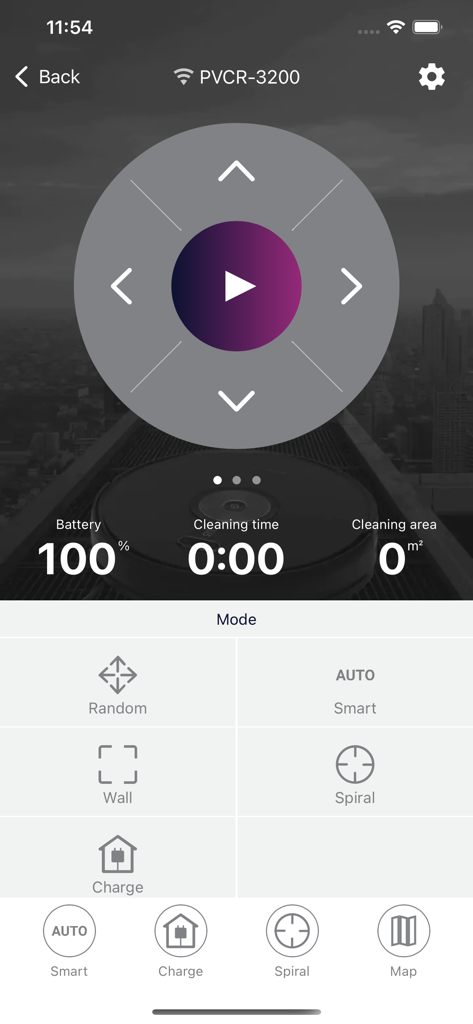
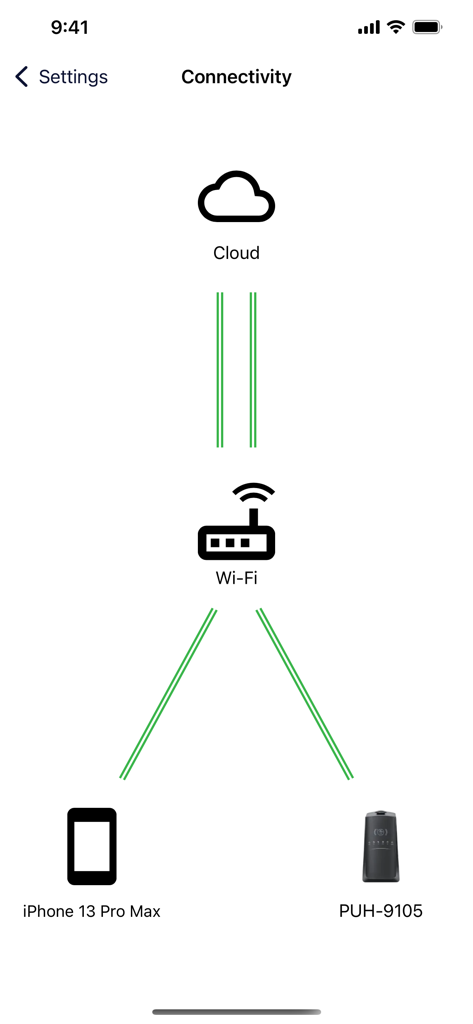
The tools that make this app stand out, trusted by 962K+ users.
Eliminate app fatigue by controlling your vacuum, kitchen appliances, and heaters through one centralized, high-performance dashboard.
Schedule your morning coffee or start the multicooker from the office. Design a home that works around your busy professional schedule.
Experience the ultimate hands-free lifestyle. Manage your entire home directly from your Apple Watch for instant, frictionless control.
Insights from user reviews.
Sentiment Score
Summary
This app receives overwhelmingly negative feedback, with a global sentiment score of 14 out of 100. Many users report that recent app updates severely degrade functionality across various smart devices, including kettles (PWK1725CGLD, PWK 1711CGLD), coffee makers, and robot vacuums (PVCRAC-7750, PVCRDC 5002, 5005). Key issues highlighted are frequent Wi-Fi disconnections, critical problems with robot vacuum mapping such as map loss and inability to edit zones, and general app instability, lag, and poor user interface design. While some users appreciate the easy setup for smart scales, there is a strong demand for Apple Health integration and better Siri/Apple Watch support.
Common Themes
Everything you need to know about POLARIS IQ Home.
Description
Latest Version
1.28
Size
51.7 MB
First Released
Nov 13, 2019
Join over 900,000 users and experience the ultimate convenience of controlling your kitchen, climate, and cleaning from your iPhone or Apple Watch.
Everything you need to know about POLARIS IQ Home
The POLARIS IQ Home app enables remote control of POLARIS IQ Home smart appliances. Users manage devices like heaters, humidifiers, and multicookers from a single interface.
The POLARIS IQ Home app supports heaters, water heaters, floor scales, humidifiers, kettles, multicookers, robot vacuum cleaners, cordless vacuum cleaners, and coffee machines.
You can control POLARIS IQ Home appliances remotely using the POLARIS IQ Home app on your smartphone or Apple Watch. The app provides comprehensive control over device functions.
Yes, the POLARIS IQ Home app manages humidifiers. Users adjust current and target humidity, temperature, intensity, and select modes like Baby mode or Night directly through the app.
Yes, the POLARIS IQ Home app controls robot vacuum cleaners. It displays battery percentage, cleaning time, cleaning area, and offers modes such as Smart, Random, Wall, and Spiral.
To access support for the POLARIS IQ Home app, go to "Profile", then "Help", and select "Write to support" within the application.
Yes, you add new devices via the "Add device" button in the POLARIS IQ Home app. This integrates new compatible POLARIS appliances into your smart home system.
The POLARIS IQ Home app supports various kettle functions. These include Boiling, Warm up, Warm up with keep, IQ Boiling, Instant coffee, Flower tea, Green tea, and Baby bottle settings.
Yes, the POLARIS IQ Home app includes a "Recipes" function, particularly for multicookers. It also features a "Catalog" tab which may contain additional categories like "Bakery products".
Yes, the POLARIS IQ Home app offers a "Child lock" function for multicookers. This feature enhances safety by preventing unintentional operation of the appliance.
Apps with similar features and user experience

Beijing Xiaomi Co., Ltd

Space Exploration Technologies Corp.

Shanghai Lunkuo Technology Co., Ltd

HESUNG INNOVATION LIMITED

Securitas Direct

Automated Pet Care Products Inc.

Merkury Innovations LLC

ADT LLC

X-Sense USA LLC.
App information, icons, screenshots, and descriptions displayed on this page are sourced from the Apple App Store and are the property of their respective developers. Download estimates and rankings are based on MWM's proprietary models and may not reflect actual figures. This page is provided for informational and analytical purposes only.
Believe this page infringes your intellectual property? File a dispute