
This page is not an official page of the app or its developer, but an independent editorial publication created for informational and commentary purposes. Unless expressly stated otherwise, neither the app nor its developer is affiliated with, endorsed by, sponsored by, authorized by, or otherwise officially connected with MWM, Apple, Google Play, the app publisher, or the app's developer, and nothing on this page implies that the app was developed using MWM's services. Any trademarks, logos, screenshots, and other content remain the property of their respective owners.


My Verisure
Join over 3 million homeowners who trust our 24/7 professional monitoring and intuitive app to protect what matters most—wherever you are.
Downloads
3M+User Rating
Total Ratings
163K+Publisher
Category
UtilitiesLocales
6Latest Version
10.165.0Size
86.9 MBFirst Released
May 4, 2020Complete Protection for What Matters Most
Manage your Verisure Smart Alarm with a professional-grade app designed for your family's safety and your peace of mind, backed by 24/7 professional monitoring.
Instant Remote Security
Arm, disarm, and monitor your home’s status in real-time, whether you're at the office, traveling, or just in the next room.
24/7 Expert Monitoring
Stay connected to our professional response team. Your system is constantly watched by experts ready to act the moment an alert is triggered.
Frequently Asked Questions
Everything you need to know about My Verisure
Is My Verisure the official app for Verisure Smart Alarm customers?
Yes, My Verisure is the official app for Verisure Smart Alarm customers. It requires an existing "username" and "password" which can be obtained from Verisure's website or Customer Services.
What functionalities does the My Verisure app offer for alarm control?
The My Verisure app allows you to arm/disarm your Verisure Smart Alarm, check its status, view real-time pictures from photodetectors, and review event timelines at your property.
Is the My Verisure app compatible with tablets?
Yes, a new version of the My Verisure app is available specifically for tablets. This ensures optimized functionality and display on larger screen devices.
Can I view live images and videos from my security devices using the My Verisure app?
Yes, the My Verisure app allows you to view pictures and videos from your security system's photodetectors in real-time. You can also request specific images from different locations.
How secure is the Verisure Technology used in the My Verisure app?
The My Verisure app incorporates the most stringent security systems, thanks to Verisure Technology. This exclusive technology from Securitas Direct ensures robust protection for all connected products and applications.
Does My Verisure app provide an event history or timeline for my property?
Yes, the My Verisure app features a "Timeline" section that logs events at your property. This allows you to monitor activities such as entries, exits, device activations, and captured photos.
The following screenshots and description are sourced directly from the app's official store listing and are the property of the app developer.
App Store
Screenshots
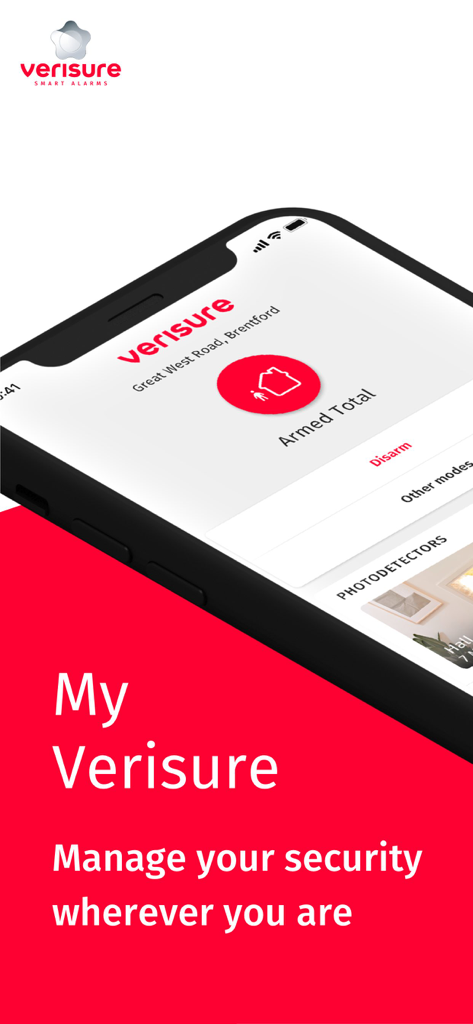
Smartphone displaying the My Verisure app interface with armed alarm status and security management options
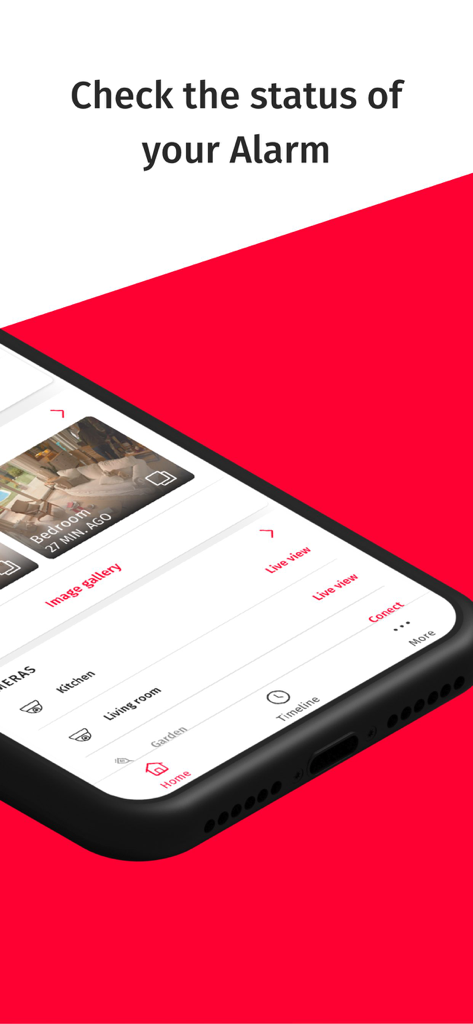
My Verisure app interface on a smartphone showing home security camera feeds and alarm status.
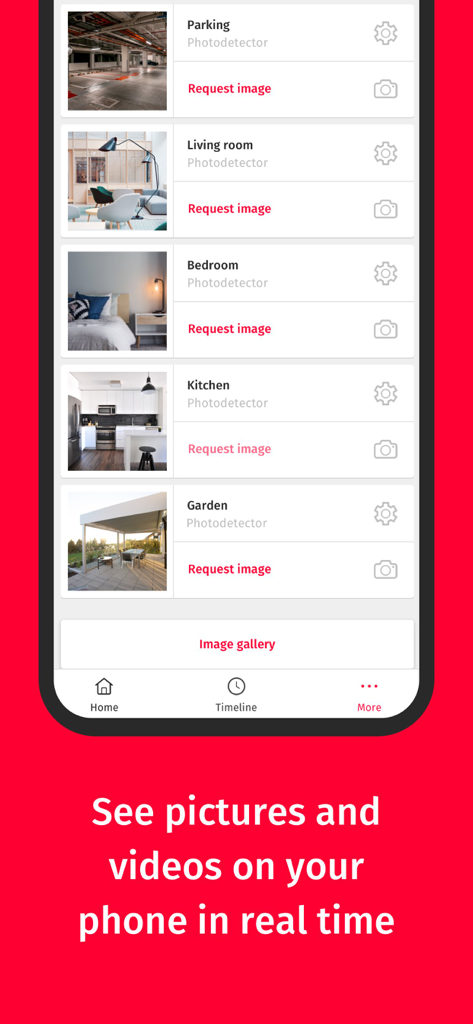
My Verisure app screen displaying a list of photodetectors and live camera feed options for various rooms in a home
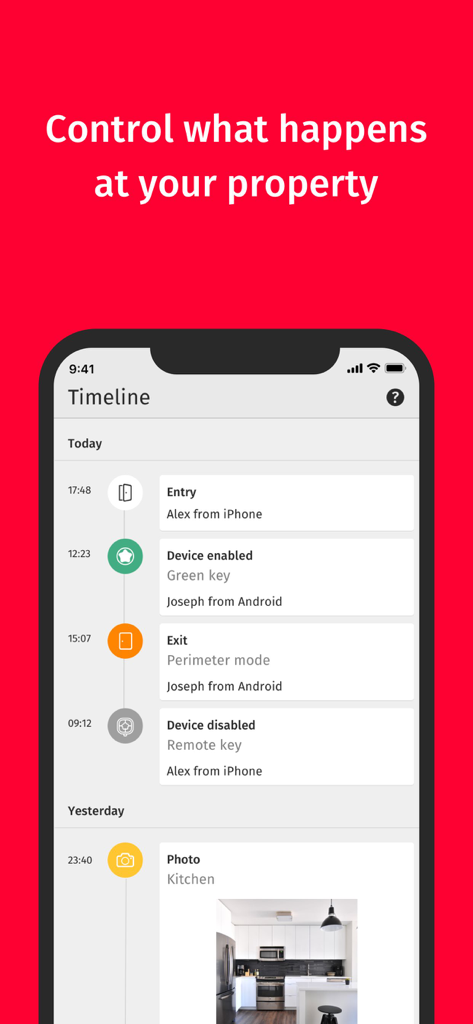
Smartphone screen displaying the My Verisure app timeline with a log of home entries exits and security device status
Description
Download
More Like This
Apps with similar features and user experience

小米音箱
Beijing Xiaomi Co., Ltd

Starlink
Space Exploration Technologies Corp.

Bambu Handy
Shanghai Lunkuo Technology Co., Ltd

DREO
HESUNG INNOVATION LIMITED

Whisker
Automated Pet Care Products Inc.

geeni
Merkury Innovations LLC

ADT+
ADT LLC

X-Sense Home Security
X-Sense USA LLC.

Autel Charge
Autel Digital Power Co., Ltd.
This page is not an official page of the app or its developer, but an independent editorial publication created for informational and commentary purposes. Unless expressly stated otherwise, neither the app nor its developer is affiliated with, endorsed by, sponsored by, authorized by, or otherwise officially connected with MWM, Apple, Google Play, the app publisher, or the app's developer, and nothing on this page implies that the app was developed using MWM's services. Any trademarks, logos, screenshots, and other content remain the property of their respective owners.