
This page is not an official page of the app or its developer, but an independent editorial publication created for informational and commentary purposes. Unless expressly stated otherwise, neither the app nor its developer is affiliated with, endorsed by, sponsored by, authorized by, or otherwise officially connected with MWM, Apple, Google Play, the app publisher, or the app's developer, and nothing on this page implies that the app was developed using MWM's services. Any trademarks, logos, screenshots, and other content remain the property of their respective owners.

PolyNome: THE Metronome
From mastering complex polyrhythms to automating your practice log and managing live sets, PolyNome offers the precision and versatility used by the world’s elite performers to dominate every beat.
Downloads
231K+User Rating
Total Ratings
2K+Publisher
Category
MusicLocales
1Latest Version
25.11.2Size
163.8 MBFirst Released
Dec 16, 2011Elevate Your Professional Practice
PolyNome is the ultimate practice assistant designed for musicians who demand absolute precision, complex rhythmic control, and data-driven growth.
Master Complex Rhythms
From 3-way polyrhythms to irrational time signatures, program any beat with a high-resolution sequencer built for technical mastery.
Stage-Ready Setlists
Sync with your Spotify library to generate accurate clicks, automate tempo changes, and manage your live performance hands-free via MIDI.
The following screenshots and description are sourced directly from the app's official store listing and are the property of the app developer.
App Store
Screenshots
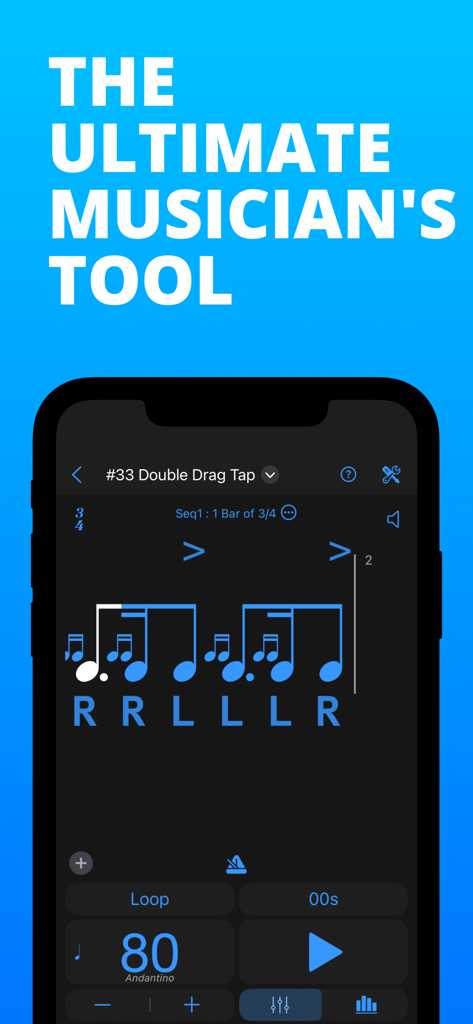
PolyNome app interface showing musical notation and sticking for drum rudiments
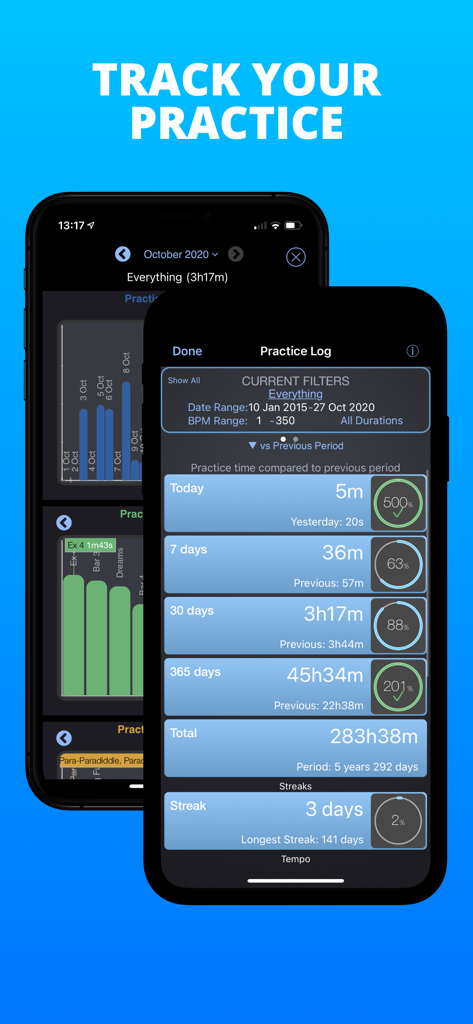
PolyNome practice log screen showing daily and yearly music practice statistics and streaks.
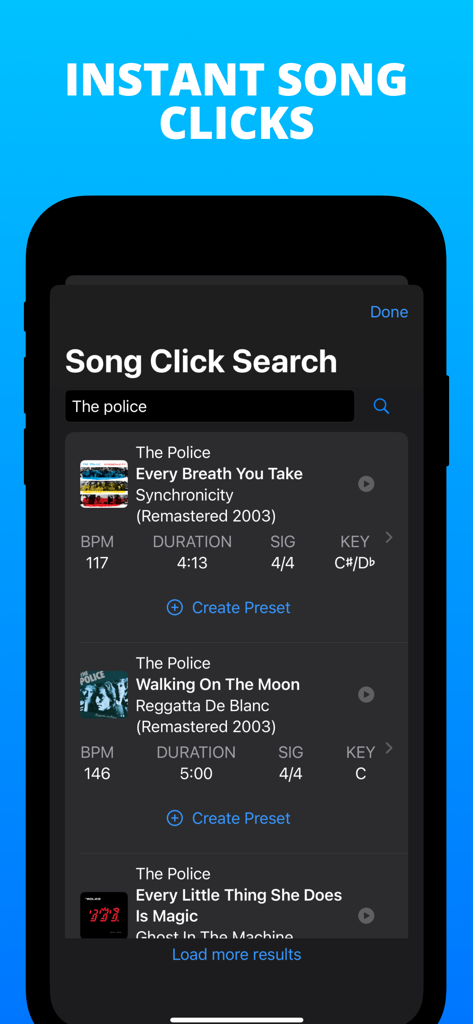
PolyNome app screen showing the song click search feature with BPM and key details for music by The Police
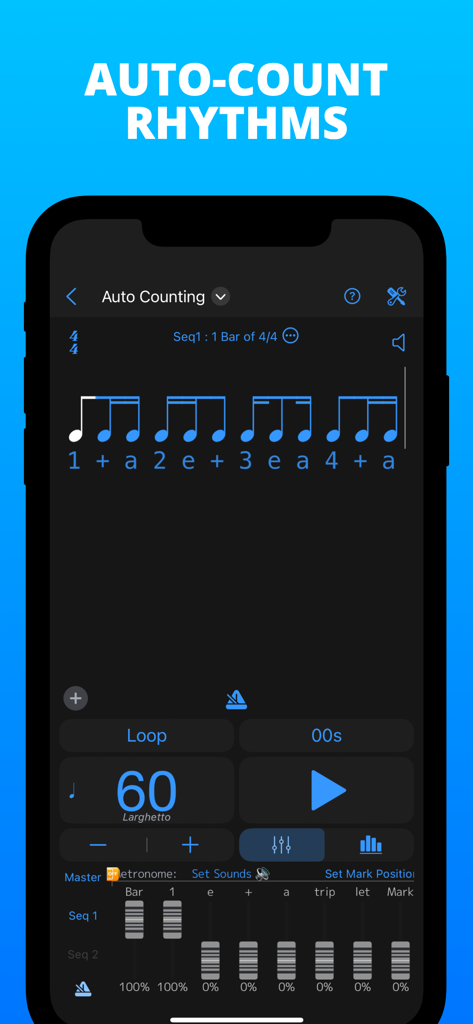
PolyNome metronome app screen showing auto counting rhythms with sixteenth notes and subdivision mixer
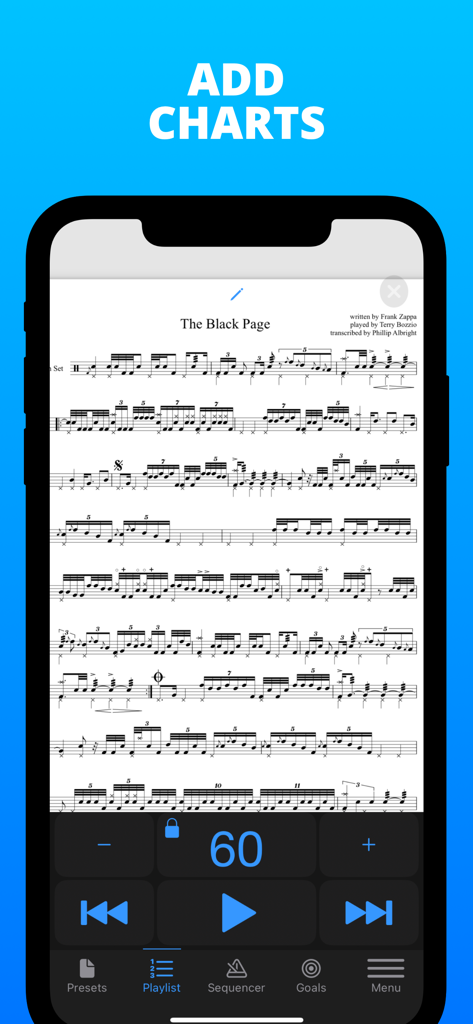
PolyNome app interface displaying complex drum sheet music with integrated metronome playback controls
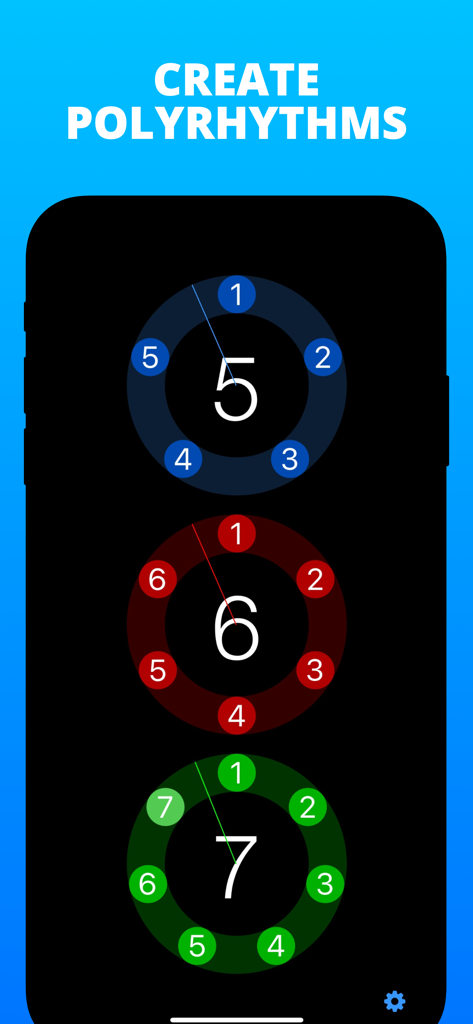
Visual interface of the PolyNome app showing three circular rhythmic visualizers for creating complex polyrhythms.
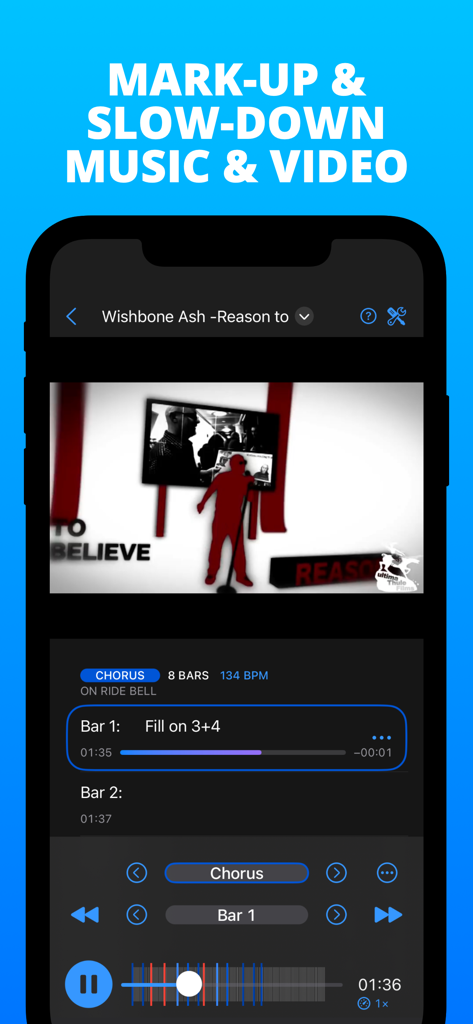
PolyNome app interface for marking up and slowing down music and video for practice.
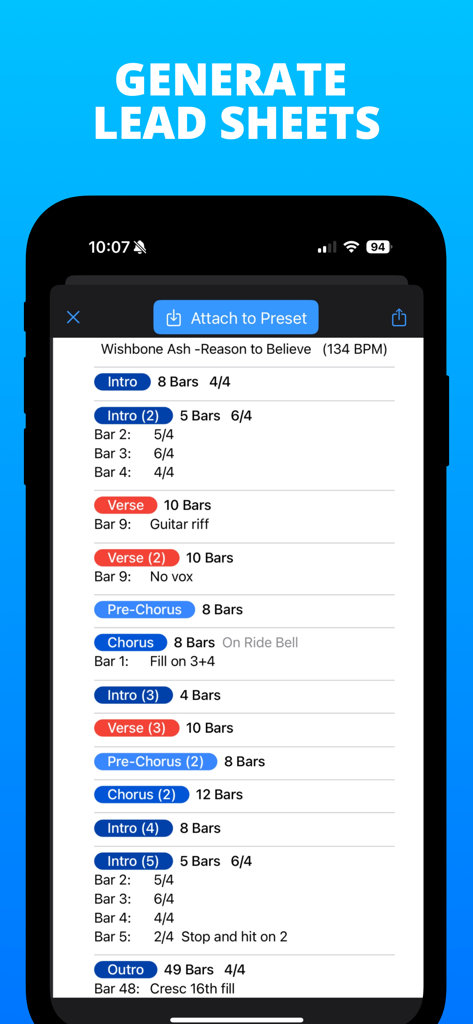
PolyNome app interface displaying a generated lead sheet with song sections and time signatures for a music track.
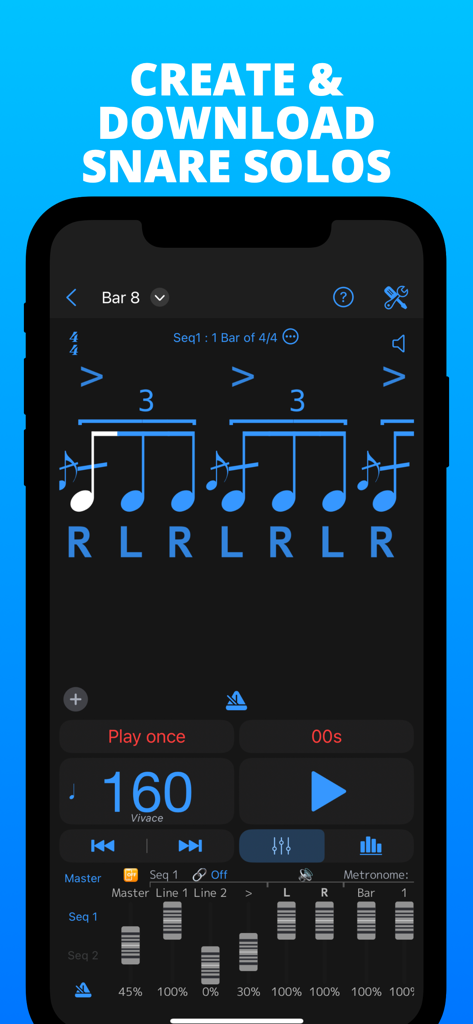
Interface of PolyNome app displaying a snare solo rhythm with sticking and tempo settings.
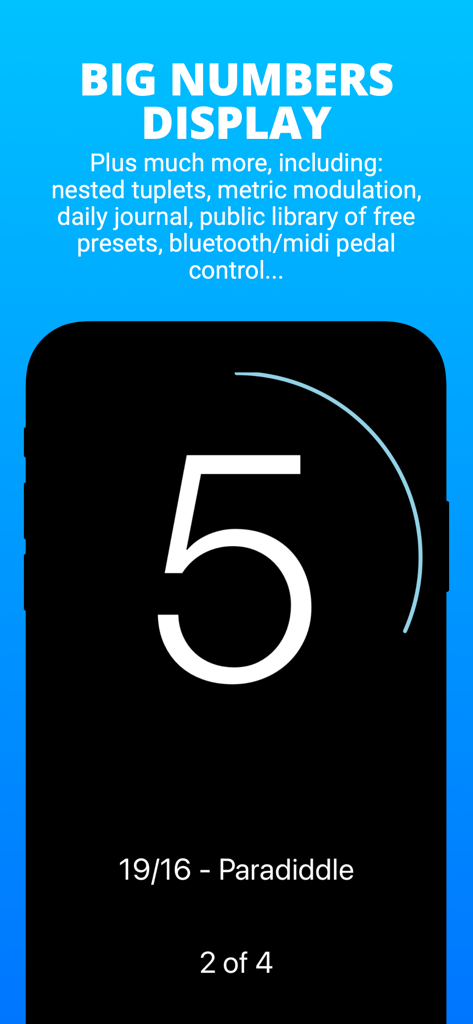
PolyNome metronome app interface showing the big numbers display for high visibility during live music performance and practice.
Description
Download
More Like This
Apps with similar features and user experience

Metronome Beats Pro
Stonekick Limited

Metronome: Tempo Lite
Frozen Ape Pte. Ltd.

Metronome-Tempo,Beat,BPM
梦莹 张

Metronome Ϟ
ONYX 3

Metronome-music beat rhythm
Wuhan Net Power Technology Co., Ltd

Metronome ∞
Panoramic Software Inc.

Tempo - Metronome with Setlist
Frozen Ape Pte. Ltd.

Pulse - Metronome & Tap Tempo
MuseScore

Metronome – Beats & Tempo
TINY BOOM LIMITED
This page is not an official page of the app or its developer, but an independent editorial publication created for informational and commentary purposes. Unless expressly stated otherwise, neither the app nor its developer is affiliated with, endorsed by, sponsored by, authorized by, or otherwise officially connected with MWM, Apple, Google Play, the app publisher, or the app's developer, and nothing on this page implies that the app was developed using MWM's services. Any trademarks, logos, screenshots, and other content remain the property of their respective owners.