
Power PDF Pro

Transform your iPhone or iPad into a portable office with enterprise-grade tools to create, edit, and secure PDFs with seamless cloud integration.
Publisher
Category
UtilitiesDownloads
249K+User Rating
Total Ratings
1K+Locales
3Discover the interface used by 249K+ users.
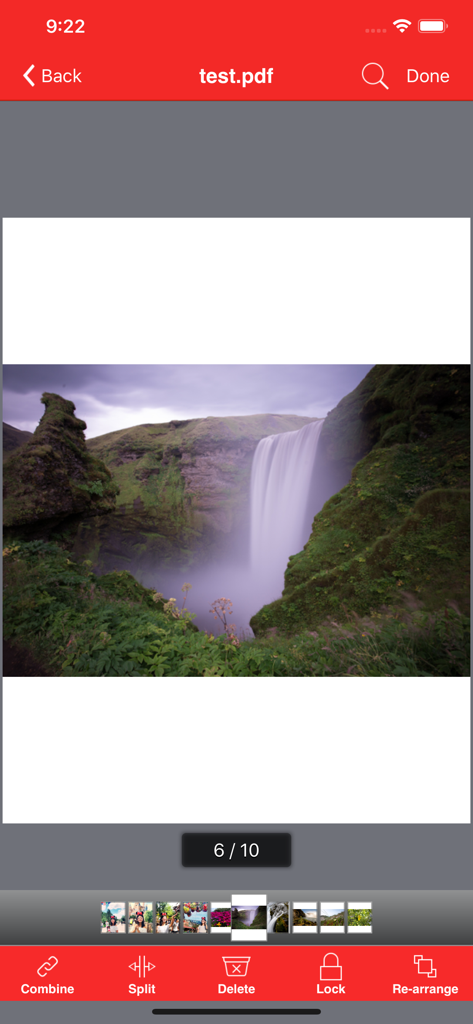





The tools that make this app stand out, trusted by 249K+ users.
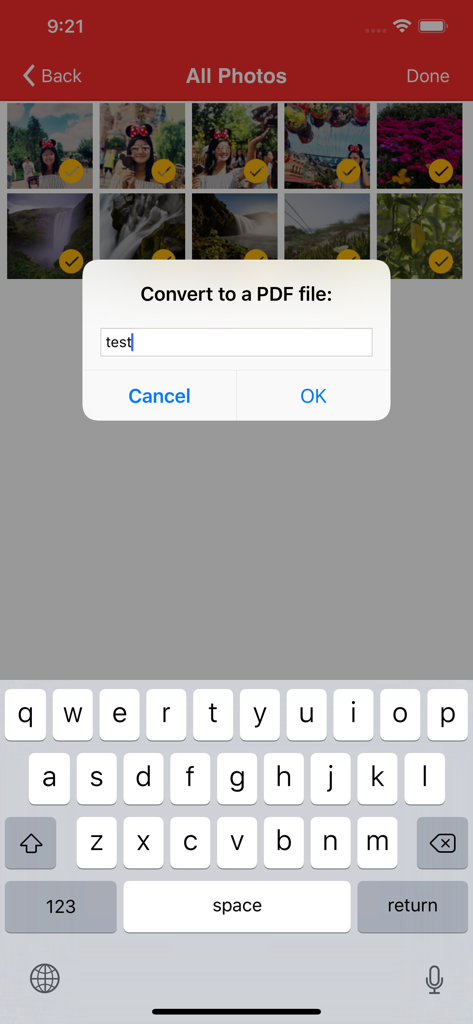
Instantly turn Word, Excel, PowerPoint, and photos into professional-grade PDF files without needing a desktop.
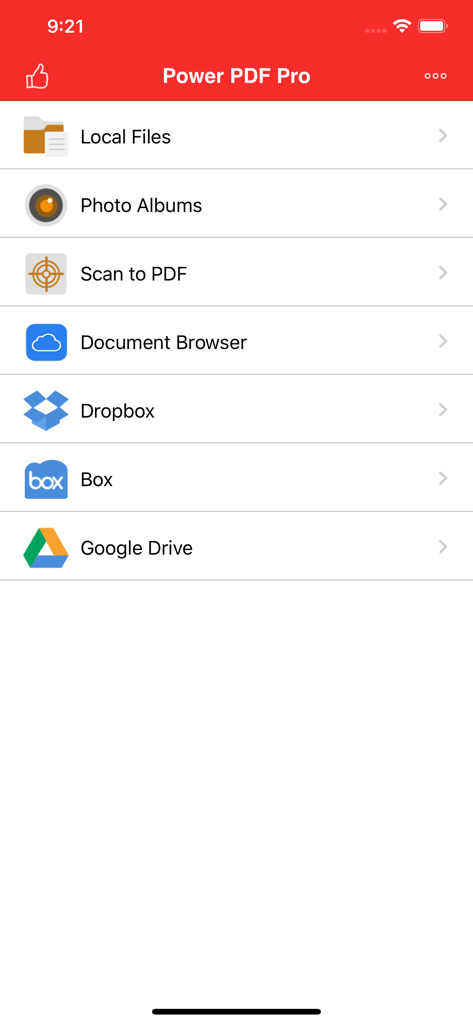
Access and sync your work effortlessly with deep integration for Dropbox, Box, and Google Drive.
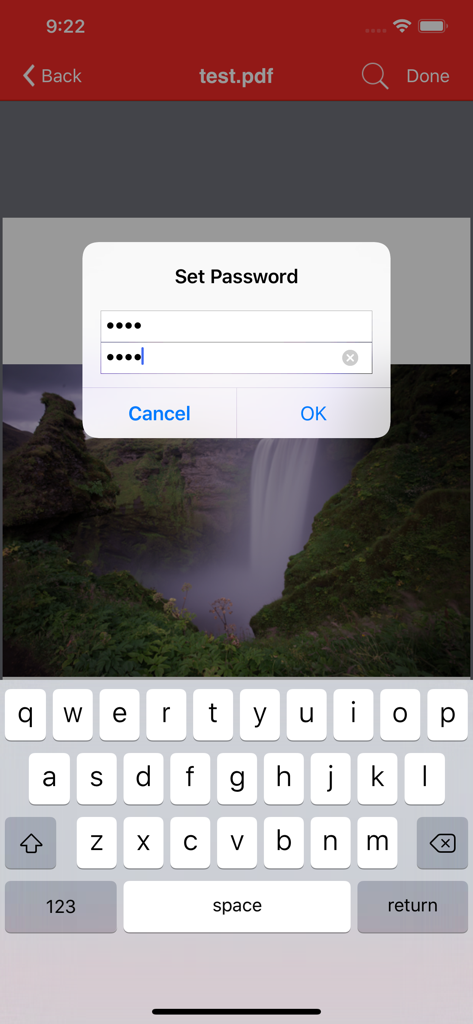
Merge, split, and re-order pages with ease, then protect sensitive data with robust password encryption.
Everything you need to know about Power PDF Pro.
Description
Latest Version
11.01
Size
56.0 MB
First Released
Mar 12, 2013
Join 249,000+ professionals who trust Power PDF Pro to handle their most sensitive documents. Secure, cloud-integrated, and built for your iPhone and iPad.
Everything you need to know about Power PDF Pro
Power PDF Pro is an advanced application for iPad/iPhone designed to create, modify, and view PDF documents. It offers professional features such as cloud integration with Dropbox, Box, and Google Drive, making it essential for business and professional users.
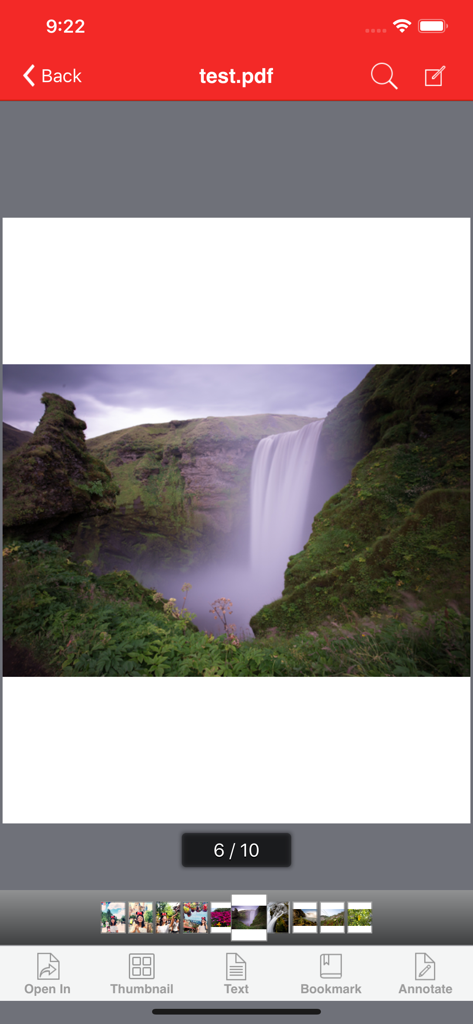
Yes, Power PDF Pro enables users to convert photos into PDF documents. Users can select images from their device, name the new file, and save them as a single PDF document.
Yes, Power PDF Pro supports scanning documents to PDF. It utilizes the device's camera functionality to capture and convert physical documents directly into a PDF file format.
Power PDF Pro integrates with Dropbox, Box, and Google Drive. Users can seamlessly download and upload files directly from and to these popular cloud storage services within the application.
Users combine PDF documents by accessing the 'Combine' feature in Power PDF Pro. The app provides options to insert new documents at the beginning, append them at the end, or select specific pages for the combination process.
Yes, Power PDF Pro adds password protection to PDF documents. Users can set a password directly within the application, enhancing the security of their confidential PDF files.
Power PDF Pro converts various file types to PDF, including DOC, XLS, PPT, TXT, RTF, XML, HTML, and all general text files. It also supports converting photos into PDF documents.
Yes, Power PDF Pro allows users to re-arrange pages within a PDF document. The application provides a clear interface for users to easily reorder the pages to meet their specific organizational needs.
Yes, you can annotate PDF documents using Power PDF Pro. The app provides specific annotation tools, allowing users to highlight, draw, and add notes directly onto their PDF files.
Power PDF Pro's File Manager assists with local file management by allowing users to rename, delete, move, create folders, and sort documents. It also supports importing files from Camera Roll or other applications.
Top-ranked apps in the same category

Google LLC

Google LLC

China Mobile Online Services Co., Ltd.

Google LLC

Servicos e Informacoes do Brasil

DEEP FLOW SOFTWARE SERVICES - FZCO

Servicos e Informacoes do Brasil

CHINA TELECOM Corporation Ltd.

Microsoft Corporation
App information, icons, screenshots, and descriptions displayed on this page are sourced from the Apple App Store and are the property of their respective developers. Download estimates and rankings are based on MWM's proprietary models and may not reflect actual figures. This page is provided for informational and analytical purposes only.
Believe this page infringes your intellectual property? File a dispute