PPT Editor: Power Point Sheets
Download on App Store

This page is not an official page of the app or its developer, but an independent editorial publication created for informational and commentary purposes. Unless expressly stated otherwise, neither the app nor its developer is affiliated with, endorsed by, sponsored by, authorized by, or otherwise officially connected with MWM, Apple, Google Play, the app publisher, or the app's developer, and nothing on this page implies that the app was developed using MWM's services. Any trademarks, logos, screenshots, and other content remain the property of their respective owners.

Logo of PPT Editor: Power Point Sheets
Download on App Store

PPT Editor: Power Point Sheets

The lightweight, AI-powered presentation tool built for the mobile-first professional. Design stunning slides, work offline during your commute, and sync seamlessly across all your devices.

Key Figures

Downloads

12K+

User Rating

3.4/5

Total Ratings

0

Publisher

Softcap

Category

Productivity

Locales

17

Latest Version

1.7

Size

111.4 MB

First Released

Aug 23, 2024
Features

Powerful Tools for Your Mobile Workspace

Transform your iPhone or iPad into a portable design studio with AI-powered tools and seamless offline editing built for professionals and students on the move.

Professional Editing on the Fly

Make last-minute tweaks or build slides from scratch with intuitive tools designed for high-speed mobile productivity.

AI-Powered Smart Design

Create stunning, high-impact presentations in seconds with intelligent layout suggestions that do the design work for you.

The following screenshots and description are sourced directly from the app's official store listing and are the property of the app developer.

App Store

Screenshots
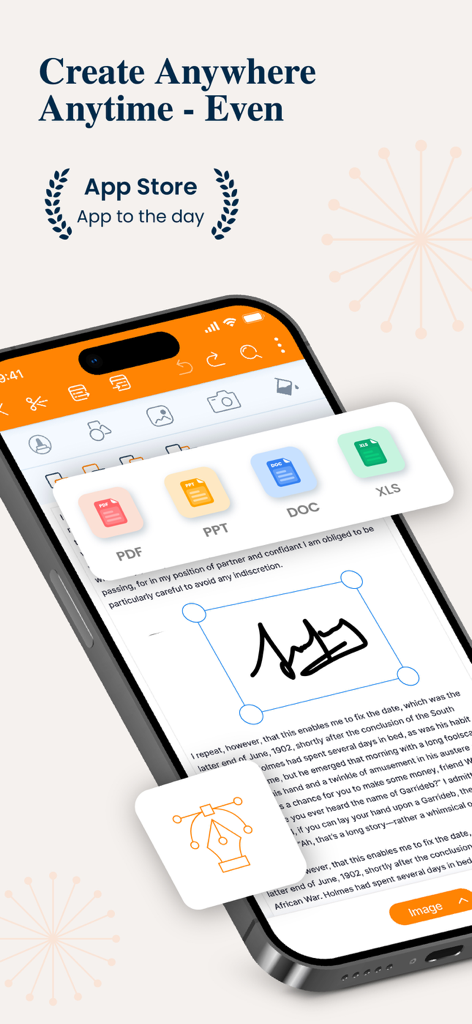
PPT Editor: Power Point Sheets - PPT Editor app interface on a smartphone showing document editing and file format icons
PPT Editor app interface on a smartphone showing document editing and file format icons

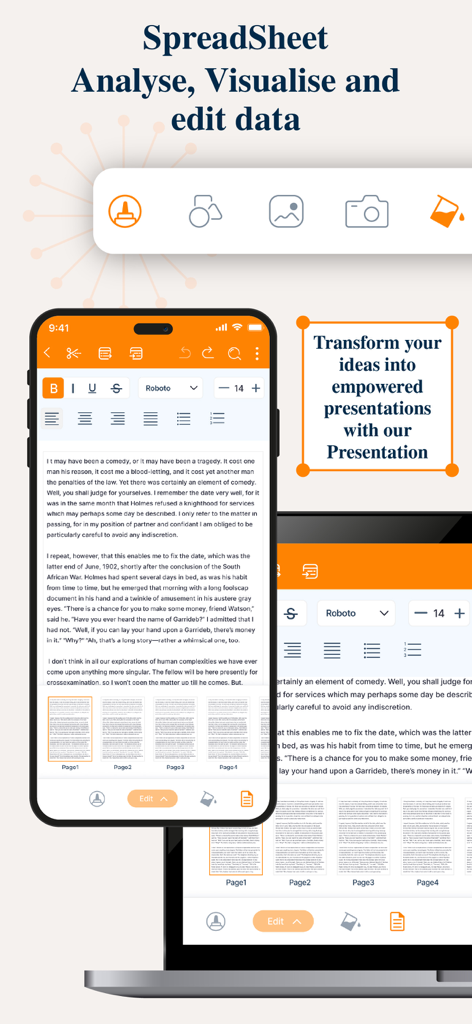
PPT Editor: Power Point Sheets - Mobile and laptop screens showing presentation and spreadsheet editing tools
Mobile and laptop screens showing presentation and spreadsheet editing tools

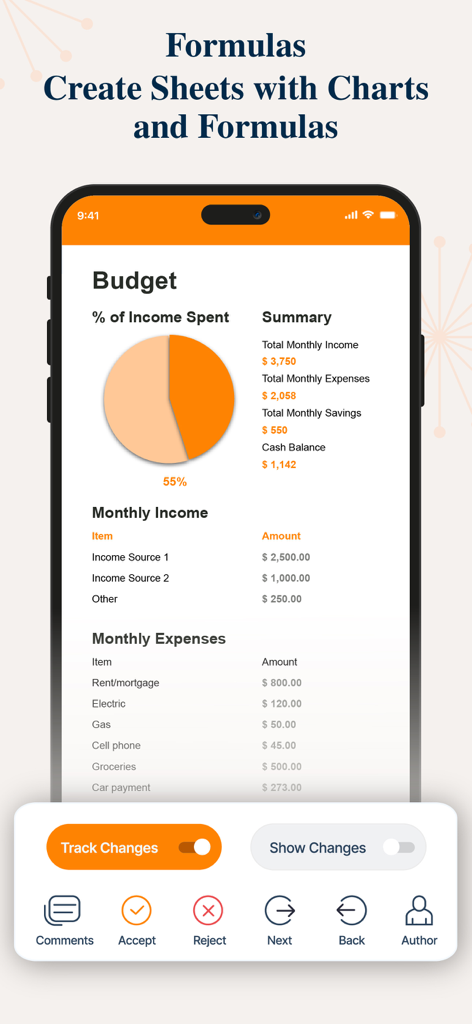
PPT Editor: Power Point Sheets - Spreadsheet budget view in PPT Editor app featuring a pie chart and expense list
Spreadsheet budget view in PPT Editor app featuring a pie chart and expense list

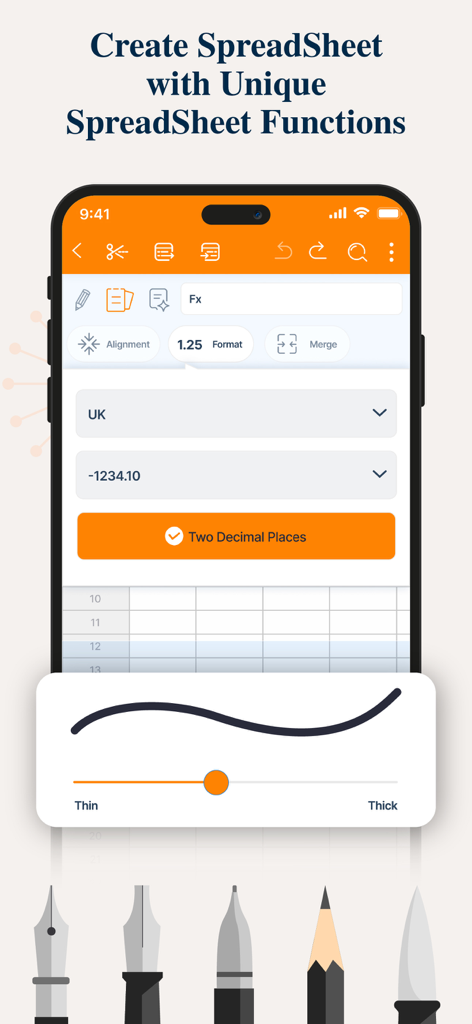
PPT Editor: Power Point Sheets - Interface for creating and editing spreadsheets on a mobile device with formatting and drawing tools
Interface for creating and editing spreadsheets on a mobile device with formatting and drawing tools

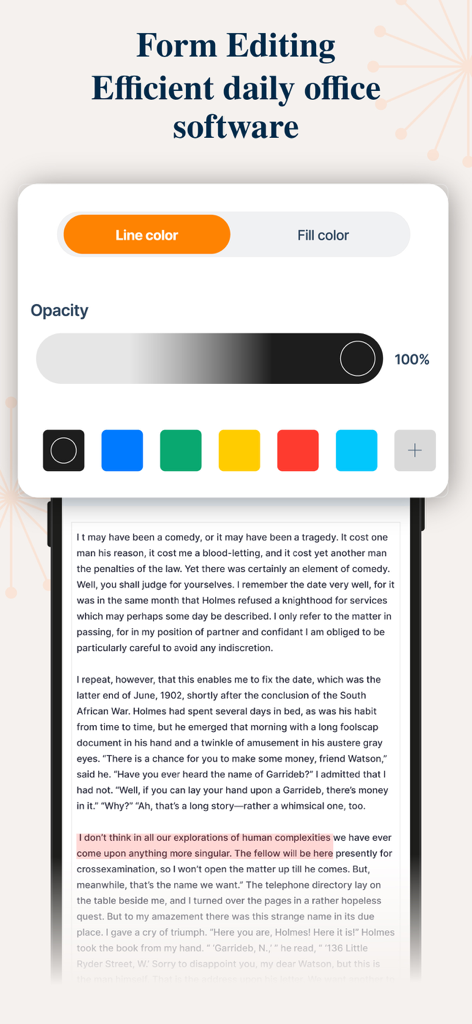
PPT Editor: Power Point Sheets - Mobile app interface showing form editing tools with color and opacity controls for document text

Mobile app interface showing form editing tools with color and opacity controls for document text
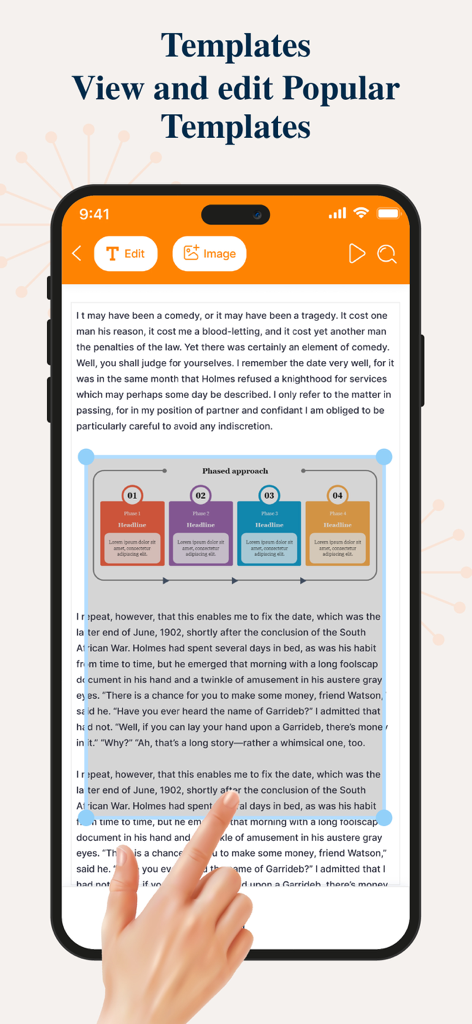
PPT Editor: Power Point Sheets - Editing a presentation template with a phased approach diagram on a mobile phone
Editing a presentation template with a phased approach diagram on a mobile phone

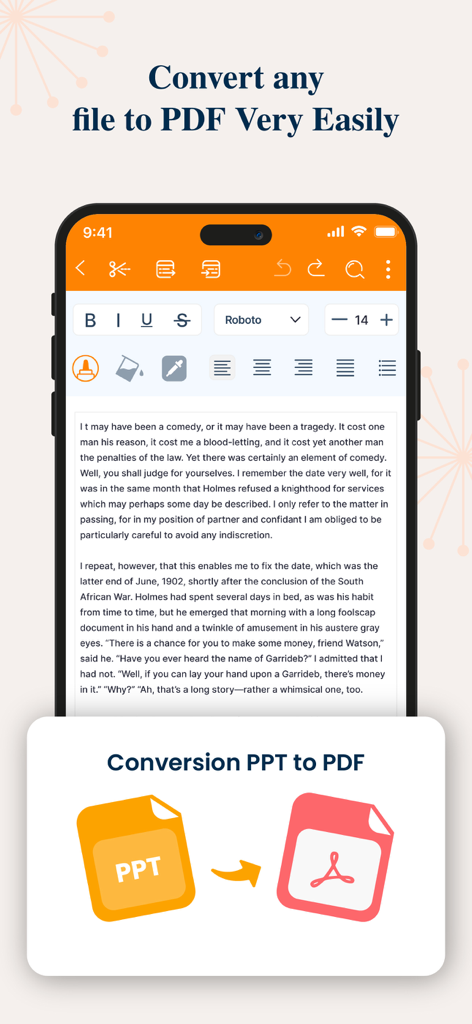
PPT Editor: Power Point Sheets - Interface of a mobile app showing the conversion of a PPT file into a PDF document

Interface of a mobile app showing the conversion of a PPT file into a PDF document

Description

The PPT app gives you access to the familiar slideshow maker tool you already know. Create, edit, view, present, or share presentations quickly and easily from anywhere. Need to access your Power Point: PPT files quickly while on the go? PPT provides a quick view of your recent slides and presentations for easy access on any device. Key Features: Create & Edit Presentations: Craft and polish your slides with intuitive tools that allow you to add text, images, charts, and animations. Easily customize layouts, themes, and templates to match your style. Collaboration Made Easy: Work with others in real-time by sharing your presentations. Receive feedback and make edits simultaneously, ensuring everyone stays on the same page. Seamless Integration: Sync your presentations across devices with cloud storage support. Access your files from anywhere, whether you’re on your phone, tablet, or desktop. Presenter Mode: Present confidently with features like speaker notes, timers, and laser pointer controls. Use your device as a remote to manage your slides during live presentations. Advanced Tools & Features: Utilize smart features like AI-powered design suggestions, automatic slide layout adjustments, and data visualization to make your content more engaging and informative. Offline Access: Keep working on your presentations even without an internet connection. All your changes will sync automatically once you’re back online. Compatibility & Export Options: Easily open and edit files from other presentation software. Export your final product in various formats including PDF, video, and images.The PPT app gives you access to the familiar slideshow maker tool you already know. Create, edit, view, present, or share presentations quickly and easily from anywhere.Transform your presentations with our comprehensive PowerPoint app, designed to elevate your storytelling and make your ideas shine. Whether you’re a business professional, student, or educator, this app offers a powerful set of tools to create, edit, and share stunning presentations on the go. 3-DAY FREE TRIAL • Try out all paid features free for 3 days • Select a plan that best suits your needs • Cancel anytime without any obligations Yearly - Monthly plans at 499 Rs/Month & Yearly Plans at 2999 Rs/Year Subscription will be charged to your credit card through your App Store account. Your subscription will automatically renew unless canceled at least 24 hours before the end of the current period. Terms of use - https://sites.google.com/view/ppt-editor-terms-of-use/home Privacy Policy - https://sites.google.com/view/ppt-editor-privacy-policy/home

Download

Download on App Store

This page is not an official page of the app or its developer, but an independent editorial publication created for informational and commentary purposes. Unless expressly stated otherwise, neither the app nor its developer is affiliated with, endorsed by, sponsored by, authorized by, or otherwise officially connected with MWM, Apple, Google Play, the app publisher, or the app's developer, and nothing on this page implies that the app was developed using MWM's services. Any trademarks, logos, screenshots, and other content remain the property of their respective owners.








