PPTControl

PPTControl

Download on App Store
Logo of PPTControl

PPTControl: Command the Room from Your Apple Watch and iPhone

Ditch the bulky hardware clickers. Deliver professional, seamless presentations with effortless Bluetooth control directly from your favorite Apple devices.

Download on App Store

Publisher

Bastian Aunkofer

Category

Utilities

Downloads

2K+

User Rating

3.4/5

Total Ratings

0

Locales

2

Seamless Command in Sight

Discover the interface used by 2K+ users.
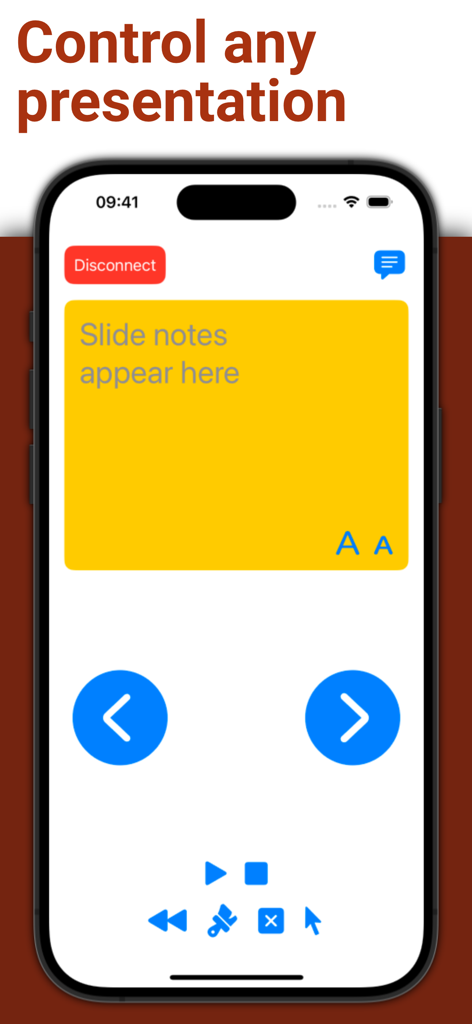
PPTControl iPhone app interface showing slide notes and navigation buttons for presentations

PPTControl iPhone app interface showing slide notes and navigation buttons for presentations

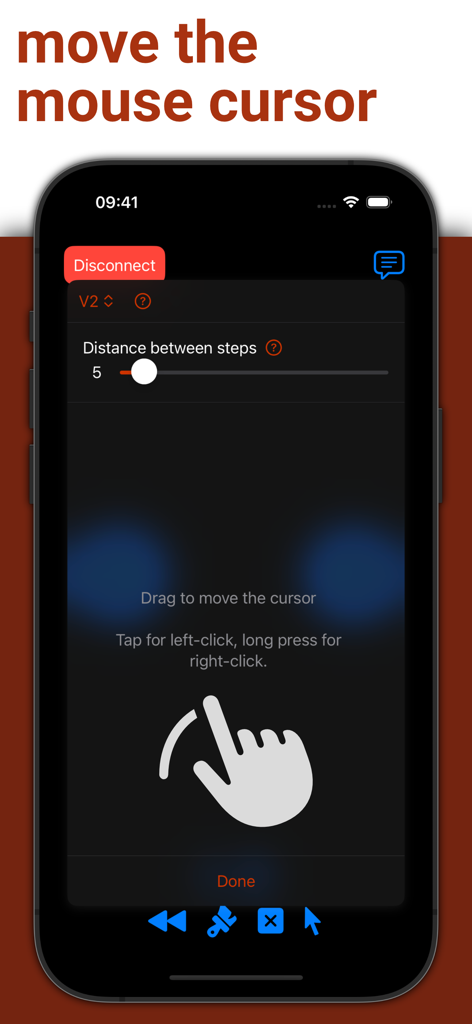
PPTControl app interface on iPhone showing remote mouse cursor and trackpad functionality

PPTControl app interface on iPhone showing remote mouse cursor and trackpad functionality

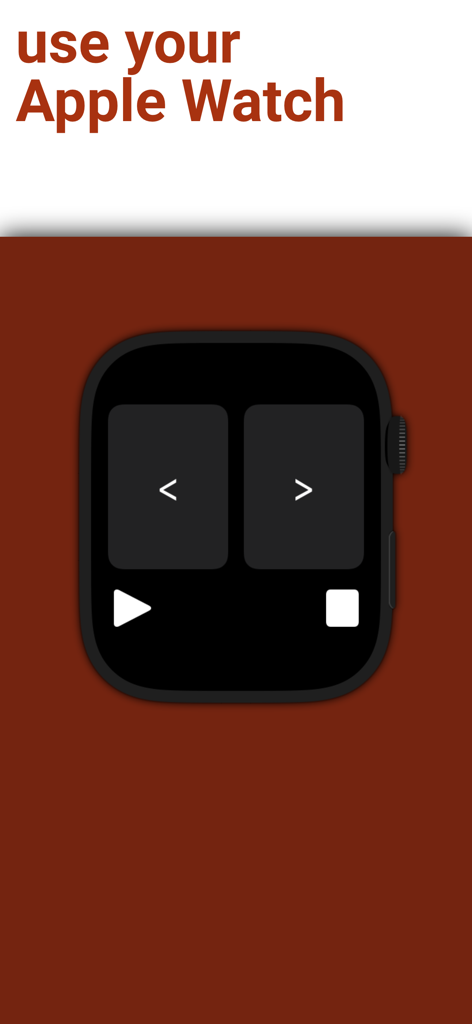
PPTControl app interface on an Apple Watch showing previous and next slide navigation buttons

PPTControl app interface on an Apple Watch showing previous and next slide navigation buttons

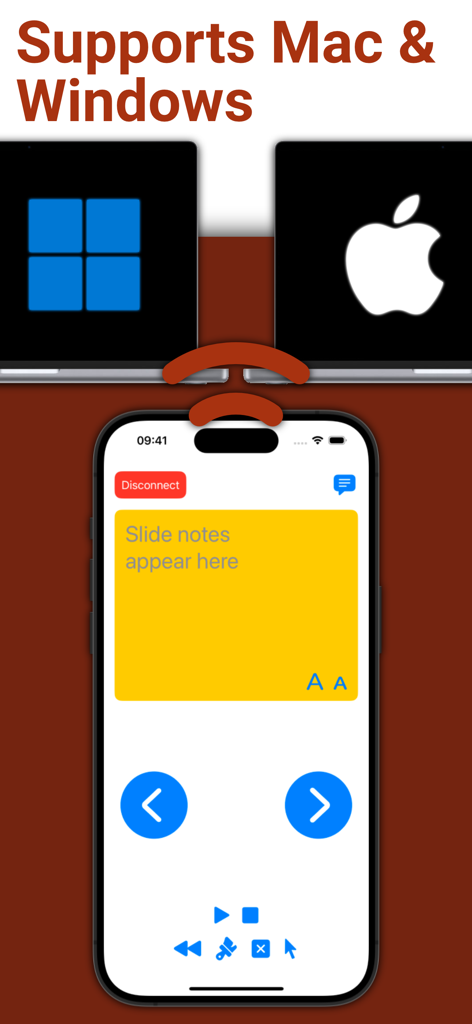
PPTControl mobile app interface on an iPhone showing slide notes and remote controls for Mac and Windows laptops

PPTControl mobile app interface on an iPhone showing slide notes and remote controls for Mac and Windows laptops

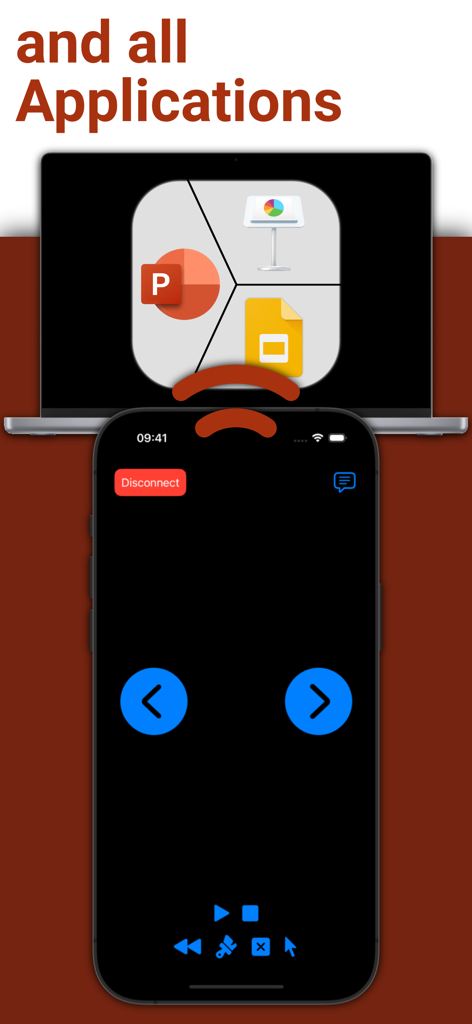
iPhone screen displaying remote control interface for presentation software on a laptop

iPhone screen displaying remote control interface for presentation software on a laptop

Command Every Presentation

The tools that make this app stand out, trusted by 2K+ users.

Apple Watch Mastery

Execute slide transitions and track your timing with subtle taps on your wrist—the ultimate power move for any speaker.

📶

Reliable Bluetooth Link

Forget hunting for Wi-Fi or dongles. Our direct Bluetooth connection works instantly, even in high-security corporate environments.

Professional Mobility

Break free from the laptop. Move naturally around the room to engage your audience while maintaining total control of your deck.

About the app

Everything you need to know about PPTControl.

Description

Take full control of your presentations with ease using your iPhone, iPad, or Apple Watch. Simply start PPTControl, follow the steps and connect seamlessly to your computer. With just a few taps, you can navigate through slides, highlight key points, and impress your audience — all from the palm of your hand. Getting started is simple: 1. Install and launch this PPTControl Desktop on the computer. You can download it at: bit.ly/pptl. Make sure you grant required permissions. 2. Open PPTControl and select your computer from the list. 3. Accept the connection on your computer, and you’re ready to go! Requirements: - A Bluetooth connection is necessary, so both your computer and iPhone/iPad must support Bluetooth. - To control via Apple Watch, ensure your iPhone is connected to the presentation device (due to Apple’s restrictions). Elevate your presentations with PPTControl — your remote control for effortless, professional presentations. For more information and downloads, visit https://pptcontrol.app.

Latest Version

2.3.6

Size

2.2 MB

First Released

May 2, 2022

Command the Room with PPTControl

Ditch the dongles and present with confidence. Join thousands of professionals who have turned their Apple Watch and iPhone into the ultimate presentation remote.

Download on App Store

App information, icons, screenshots, and descriptions displayed on this page are sourced from the Apple App Store and are the property of their respective developers. Download estimates and rankings are based on MWM's proprietary models and may not reflect actual figures. This page is provided for informational and analytical purposes only.

Believe this page infringes your intellectual property? File a dispute