
This page is not an official page of the app or its developer, but an independent editorial publication created for informational and commentary purposes. Unless expressly stated otherwise, neither the app nor its developer is affiliated with, endorsed by, sponsored by, authorized by, or otherwise officially connected with MWM, Apple, Google Play, the app publisher, or the app's developer, and nothing on this page implies that the app was developed using MWM's services. Any trademarks, logos, screenshots, and other content remain the property of their respective owners.


Private Vault – Store Files
Securely hide photos, videos, and sensitive documents behind a secondary layer of protection. Manage private contacts, store passwords, and browse the web without leaving a single trace on your device.
Downloads
2K+User Rating
Total Ratings
10K+Publisher
Category
UtilitiesLocales
1Latest Version
3.0Size
14.8 MBFirst Released
Feb 4, 2014Total Privacy for Your Digital Life
Stop worrying about over-the-shoulder snooping. Private Vault provides a secure, all-in-one digital safe-deposit box for everything you want to keep to yourself.
Secure Media & File Vault
Hide sensitive photos, videos, and work documents (PDF, Excel, Doc) behind a secondary layer of encryption that stays off your main camera roll.
Untraceable Web Browsing
Surf the internet without leaving a single trace. No history, no cache, and secret bookmarks that only exist within your private app environment.
The following screenshots and description are sourced directly from the app's official store listing and are the property of the app developer.
App Store
Screenshots
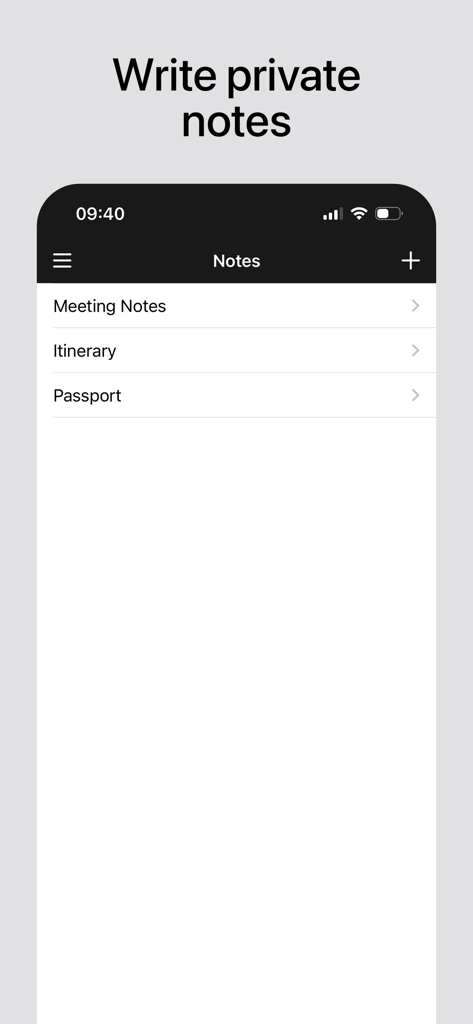
A screenshot of the Private Vault app interface showing the private notes section with categories for Meeting Notes, Itinerary, and Passport.
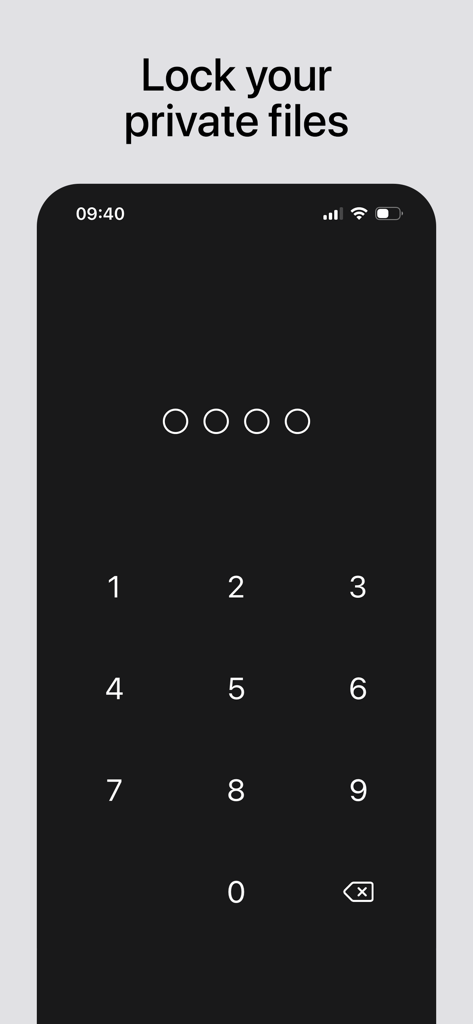
Private Vault app passcode entry screen for locking files
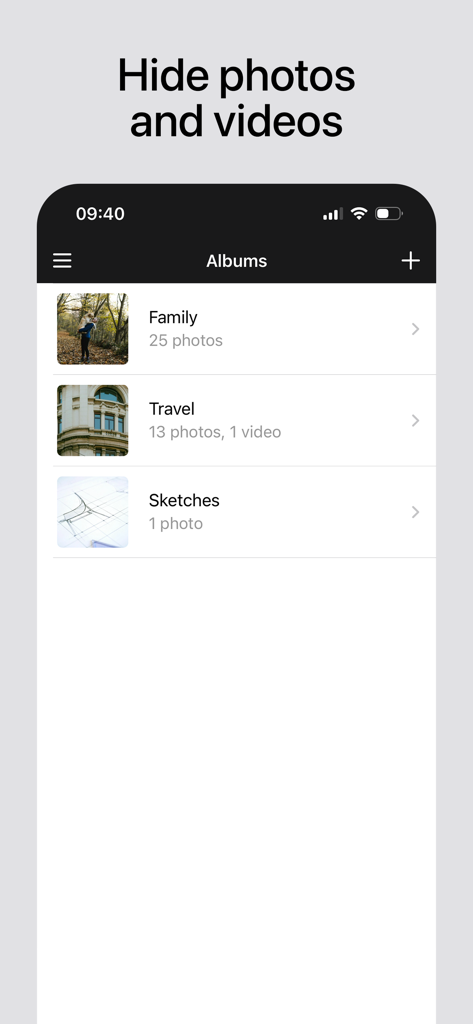
Private Vault app screen displaying hidden photo and video albums
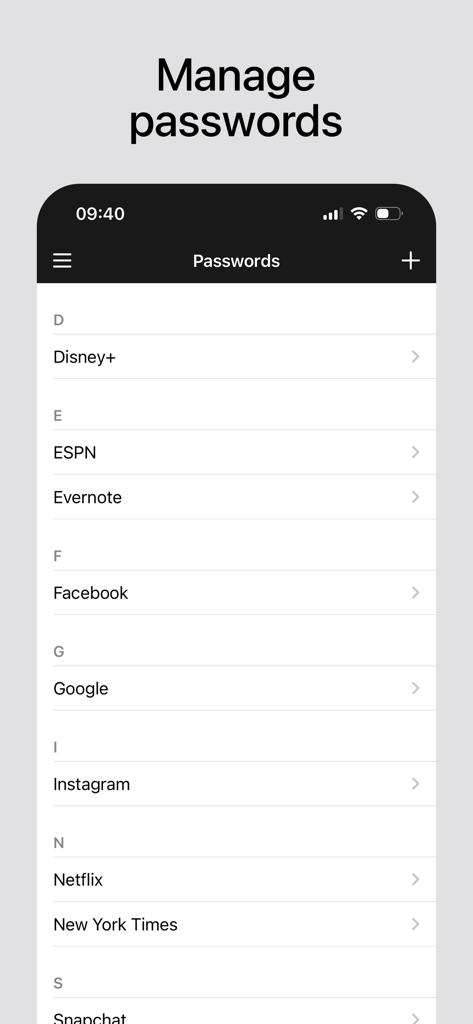
A list of stored passwords for various online accounts in the Private Vault app
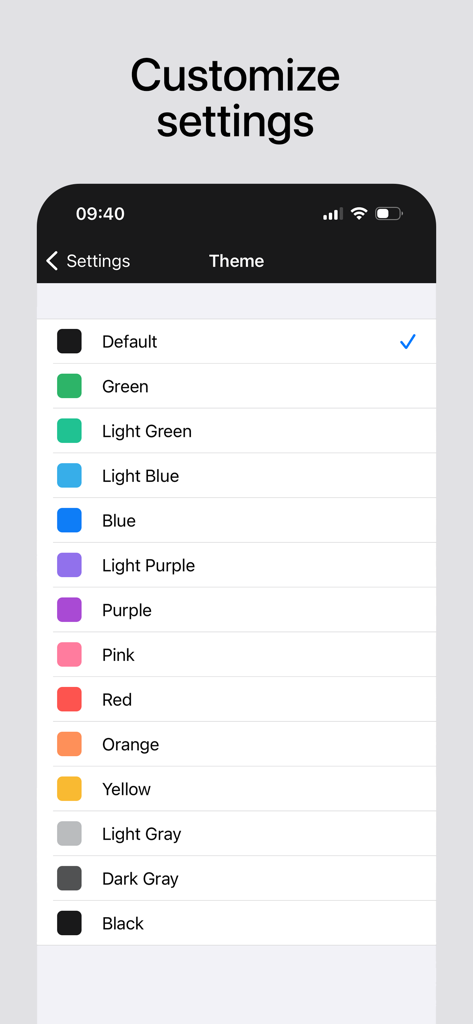
A menu showing various color theme options for customizing the app interface.
Description
Download
More Like This
Apps with similar features and user experience

Bolt Browser and Documents
Danyil Vasilenko

Offline: Files, Browser, VPN
SAEED ABDULLAH ALHAJRI

密盒-私密空间
Succulent Technology Chongqing Co., Ltd.

MyMusic - Audio Player
Liana Kelerman

X Browser PRO - Private & Safe
Sani Dhola

AdBlock for Private Browsing
Iurban Mob Limited
Advanced Security: Web Protect
TOKTAMYS-ZHARY, TOO

Norton Private Browser
Gen Digital Inc.

Private Video Saver
Shenzhen Chai Lai Technology Co., Ltd.
This page is not an official page of the app or its developer, but an independent editorial publication created for informational and commentary purposes. Unless expressly stated otherwise, neither the app nor its developer is affiliated with, endorsed by, sponsored by, authorized by, or otherwise officially connected with MWM, Apple, Google Play, the app publisher, or the app's developer, and nothing on this page implies that the app was developed using MWM's services. Any trademarks, logos, screenshots, and other content remain the property of their respective owners.