Pro-face Remote HMI
Pro-face Remote HMI
Download on App Store

This page is not an official page of the app or its developer, but an independent editorial publication created for informational and commentary purposes. Unless expressly stated otherwise, neither the app nor its developer is affiliated with, endorsed by, sponsored by, authorized by, or otherwise officially connected with MWM, Apple, Google Play, the app publisher, or the app's developer, and nothing on this page implies that the app was developed using MWM's services. Any trademarks, logos, screenshots, and other content remain the property of their respective owners.


Logo of Pro-face Remote HMI
Download on App Store

Pro-face Remote HMI

Maximize uptime and eliminate unnecessary legwork. Monitor, troubleshoot, and manage multiple HMI screens from anywhere on the factory floor with professional-grade security and safety.

Key Figures

Downloads

68K+

User Rating

1.0/5

Total Ratings

0

Publisher

SCHNEIDER ELECTRICJAPAN HOLDINGS LTD.

Category

Productivity

Locales

2

Latest Version

1.70.000

Size

4.8 MB

First Released

Feb 15, 2013
Features

Optimize Your Industrial Operations

Pro-face Remote HMI bridges the gap between the plant floor and your mobile device, allowing for real-time machine management, reduced downtime, and improved safety standards.

Real-Time Remote Monitoring

Eliminate unnecessary travel across large facilities by monitoring machine status and alarms directly from your iPhone or iPad anywhere on the factory floor.

Proactive Troubleshooting

Identify the root cause of equipment errors before you even arrive at the machine, allowing you to bring the right tools and minimize critical downtime.

The following screenshots and description are sourced directly from the app's official store listing and are the property of the app developer.

App Store

Screenshots
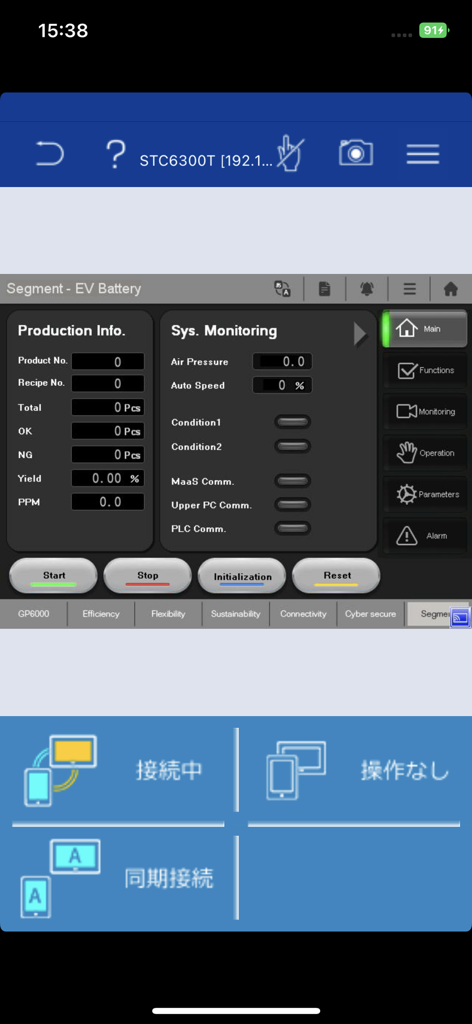
Pro-face Remote HMI - Pro-face Remote HMI app interface showing an EV battery production monitoring dashboard with system data and control buttons
Pro-face Remote HMI app interface showing an EV battery production monitoring dashboard with system data and control buttons

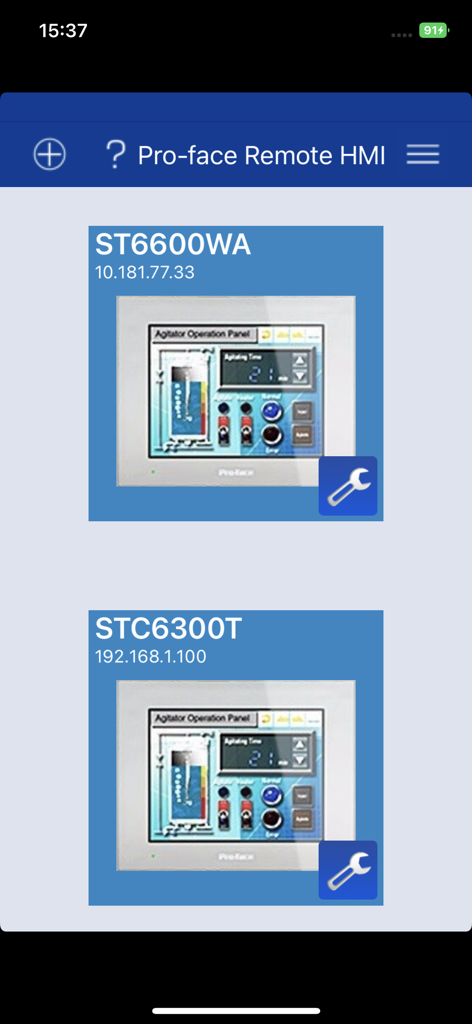
Pro-face Remote HMI - Pro-face Remote HMI dashboard displaying a list of connected industrial machine interfaces
Pro-face Remote HMI dashboard displaying a list of connected industrial machine interfaces

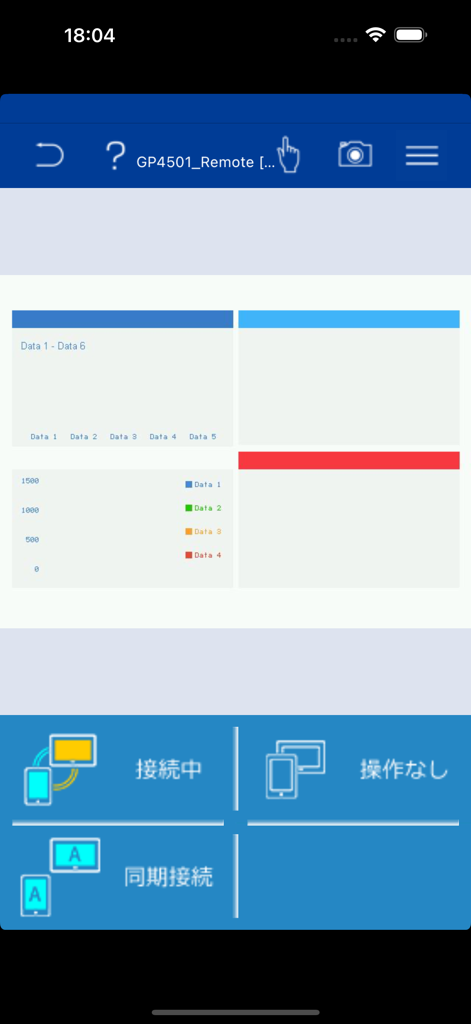
Pro-face Remote HMI - Pro-face Remote HMI app interface showing industrial data charts and remote monitoring status.
Pro-face Remote HMI app interface showing industrial data charts and remote monitoring status.

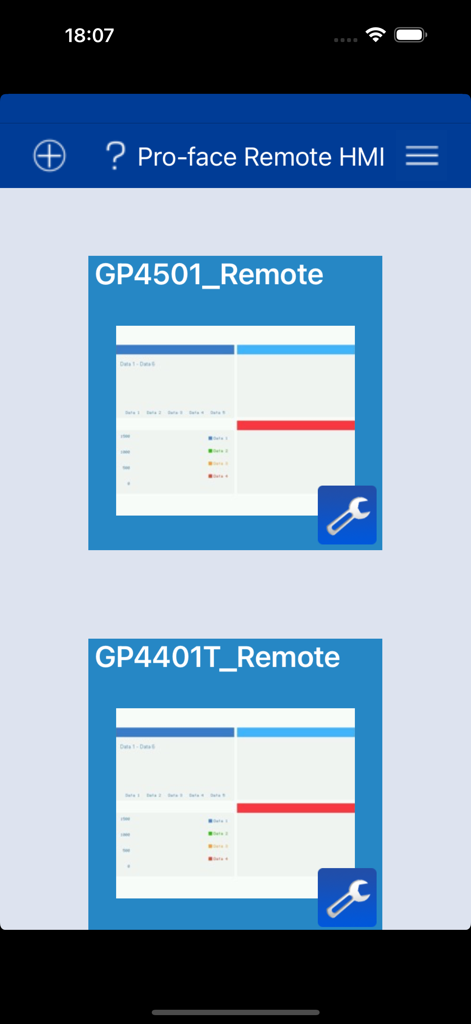
Pro-face Remote HMI - Interface of Pro-face Remote HMI app showing a list of connected industrial control units

Interface of Pro-face Remote HMI app showing a list of connected industrial control units

Description

==================================================== Pro-face Remote HMI Price Revision! ==================================================== Pro-face Remote HMI software allows operators to check status of HMI screens on multiple applications remotely, and assist HMI operation as a sub-display of HMI unit connected with iPhone, iPad and iPod touch. - Quick 3 steps to use Pro-face Remote HMI 1. Prepare Wireless Router and connect to HMI. 2. Adjust GP application in GP-Pro EX and transfer it to HMI. 3. Download and install Pro-face Remote HMI in iPhone, iPad and iPod touch. Application: - Monitoring Anywhere of Large/Long Equipment Using the remote monitoring and operation functions, actions that previously required multiple staff for a large-sized machine or long-distance application can be easily accomplished by fewer operators. - Troubleshooting before running to troubled machine You can confirm possible causes of errors to prepare for necessary actions and tools before running down to the point of the problem. - Efficiently and effectively monitor machines on the factory floor Pro-face Remote HMI allows you to check machines and equipment for alarms, operating status, and other information using iPhone, iPad and iPod touch from anywhere on the factory floor. Features: - Synchronized or Asynchronized Monitoring Pro-face Remote HMI lets you switch communication modes to monitor status. - Touch Exclusive Control Setting the monopolize touch function prevents unexpected operational misuses caused by redundant operation. Operation is re-enabled a preset time after Pro-face Remote HMI or the GP unit on the equipment has been operated. - Remote Status Icon A local operator can check the status of remote connection and touch monopoly of HMI server or remote client on a HMI screen for safer operation. - Screen Shortcut Images or texts of machines to monitor can be registered as shortcuts to easily jump from one HMI to another among multiple applications, for various working environments, such as in an office or manufacturing site. - Limitation - Supported HMI Editor for HMI Server: GP-Pro EX Ver. 3.1 or later - Refer to the GP-Pro EX manual for models (servers) that support the Pro-face Remote HMI feature. - Text and picture for which Blink is set in the server are not displayed in blinking in the client. - Reverse Display in 16 Level Monochrome color mode is not supported. - Touch operation in the Asynchronous Mode is available only for the functions that allow you to check display, such as "Screen Change", "Previous Screen", "Scroll" of [Switch/Lamp] and so on. When "Multifunction" mode is set, however, touch operation is disabled. - In Asynchronous Mode, neither a user window nor a system keypad can be displayed. - When the version is upgraded to iOS7 or later, the already saved password is reset. Enter the correct password again for connection. At the same time, the entered password is saved.

Download

Download on App Store

This page is not an official page of the app or its developer, but an independent editorial publication created for informational and commentary purposes. Unless expressly stated otherwise, neither the app nor its developer is affiliated with, endorsed by, sponsored by, authorized by, or otherwise officially connected with MWM, Apple, Google Play, the app publisher, or the app's developer, and nothing on this page implies that the app was developed using MWM's services. Any trademarks, logos, screenshots, and other content remain the property of their respective owners.








