
Project Indigo

Ditch the over-processed smartphone look. Harness Adobe Labs' custom pipeline to achieve a natural SLR aesthetic with precise manual controls and early access to next-gen AI image processing.
Publisher
Category
Photo & VideoDownloads
2M+User Rating
Total Ratings
1K+Locales
1Discover the interface used by 2M+ users.
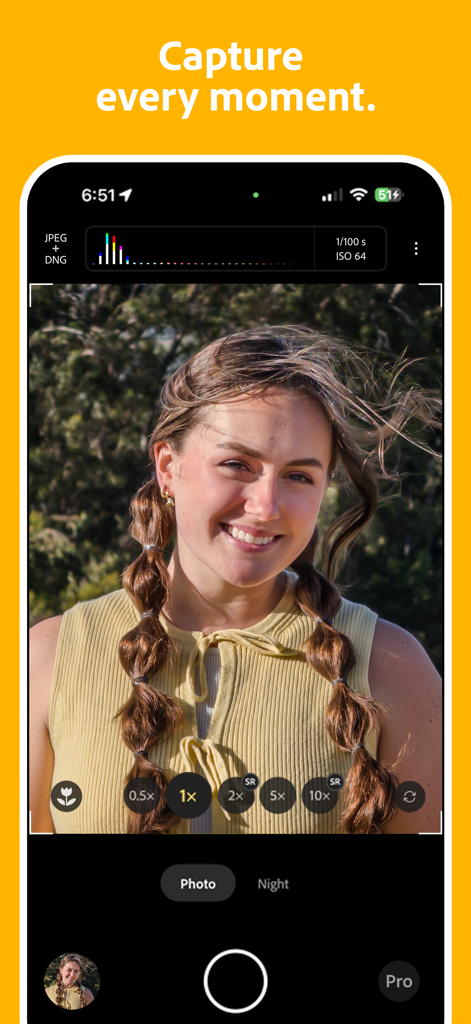
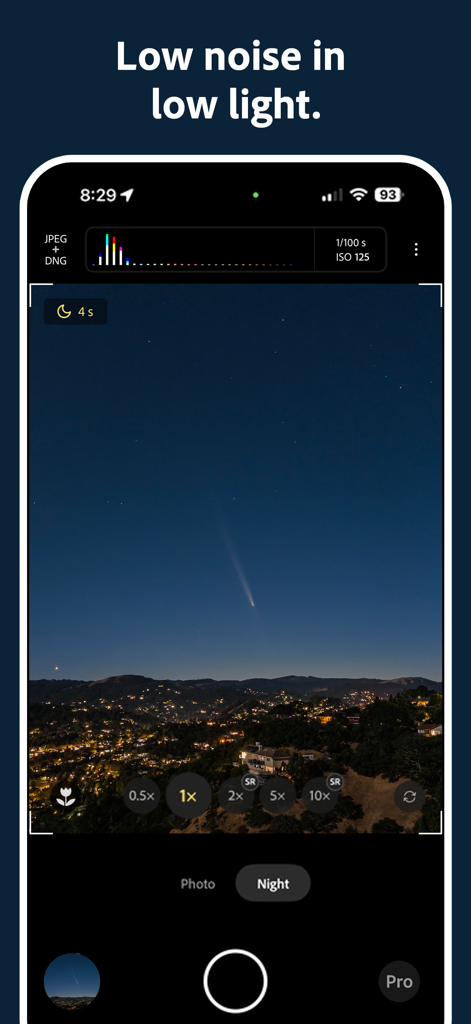
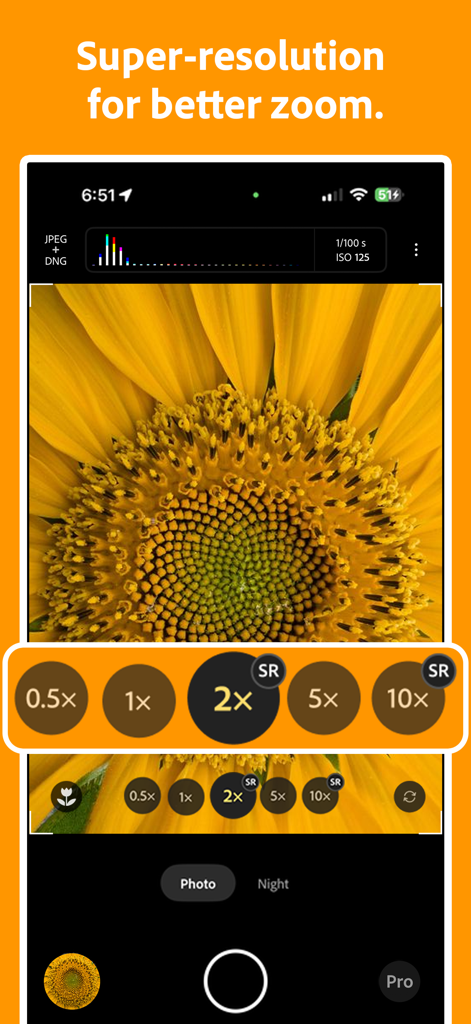
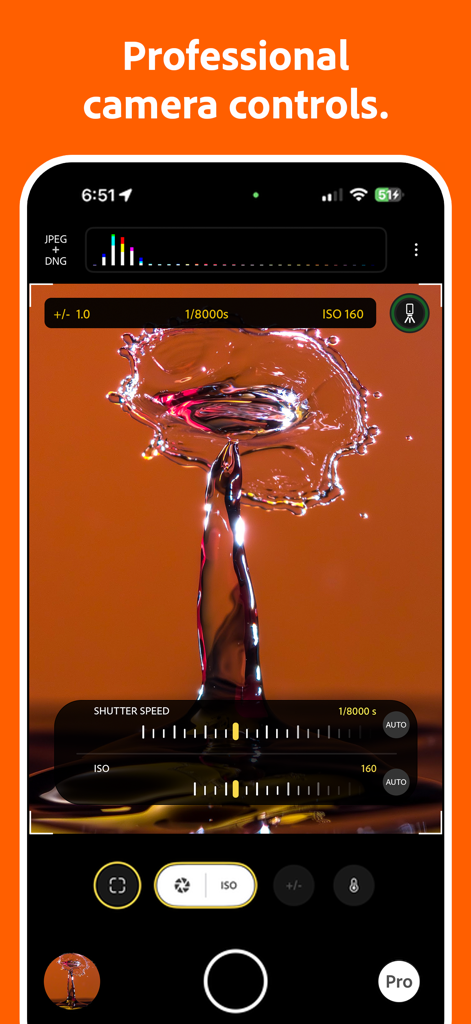
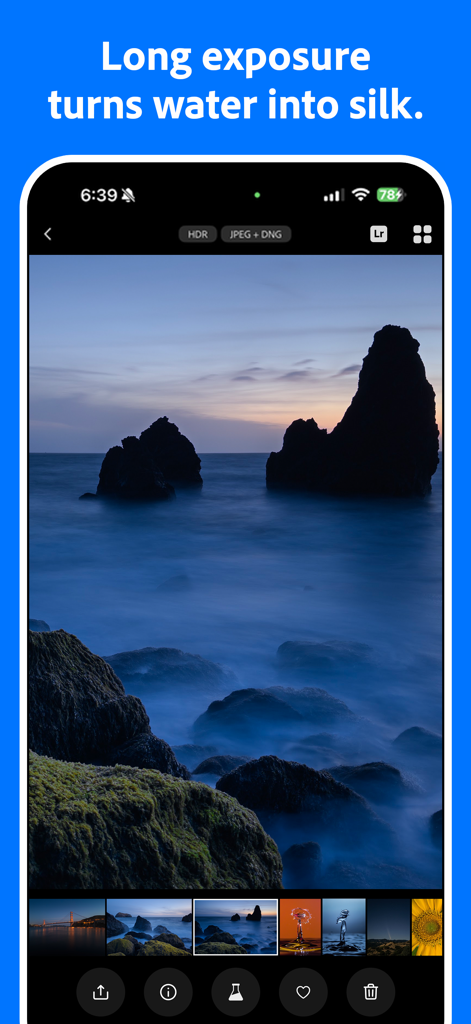
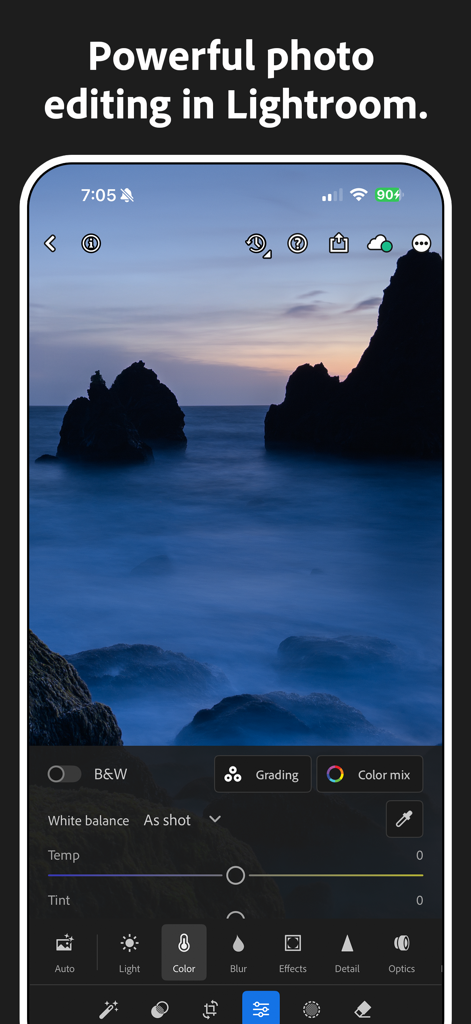
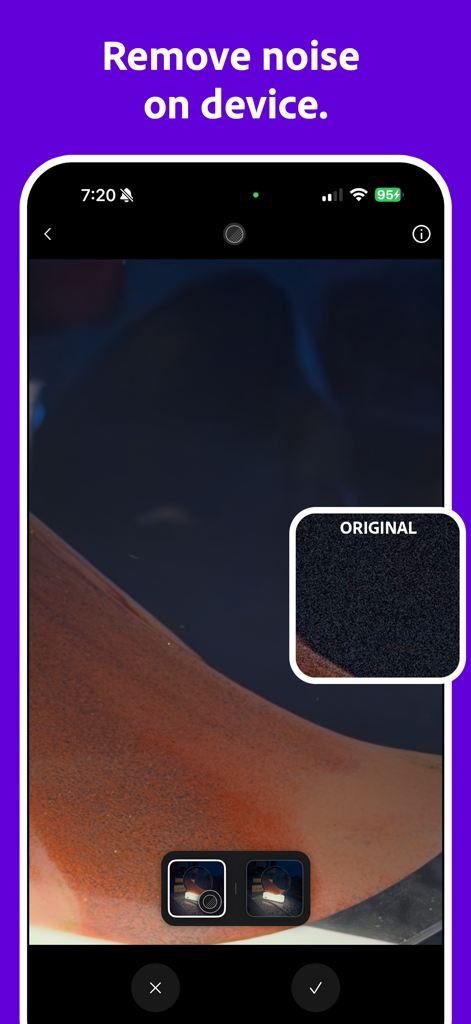

The tools that make this app stand out, trusted by 2M+ users.
Avoid the 'crunchy' look of standard phone cameras with a custom computational pipeline that produces natural textures and soft, realistic skies.
Take total command of your hardware with granular controls for ISO, shutter speed, and focus, including a magnified loupe for razor-sharp accuracy.
Be the first to test Adobe's cutting-edge AI Denoise and Reflection Removal tools, pushing the boundaries of what your iPhone sensor can achieve.
Everything you need to know about Project Indigo.
Description
Latest Version
1.0.10
Size
246.9 MB
First Released
Jun 12, 2025
Experience Adobe’s latest innovations in AI and manual control. Download Project Indigo today and give your iPhone Pro the natural, SLR-quality look it deserves.
Everything you need to know about Project Indigo
Project Indigo is a new camera experience from Adobe Labs, offering a custom computational photography pipeline, natural image look, and full manual controls for photographers.
Project Indigo is compatible with iPhone 12/13 Pro/Pro Max, and all 14, 15, 16, or 17-series devices. The iPhone 15 Pro or newer is recommended for optimal performance.
Project Indigo's computational photography captures a burst of photos and combines them. This process produces a high-quality image with reduced noise and an increased dynamic range.
Photo mode in Project Indigo is for everyday use in good lighting with zero shutter lag. Night mode is for low light, using longer exposures to further reduce noise.
Yes, Project Indigo uses computational photography and AI to produce a natural, SLR-like look. This visual style is applied to JPEGs and embedded as a rendering suggestion in raw DNG files.
Yes, Project Indigo provides Pro Controls for manual specification of focus, exposure time, ISO, exposure compensation, and white balance, including a magnified loupe for precise focus.
Yes, Project Indigo offers a Long Exposure mode. With a tripod, users can achieve synthetic long exposure effects like “water-into-silk” by merging an infinite number of frames.
Project Indigo improves zoom image quality using multi-frame super-resolution to recover lost quality from pinch-to-zoom. An 'SR' indicator on zoom buttons confirms its activation.
Yes, Project Indigo supports Macro Mode. Users can enable this feature directly from the viewfinder to capture stunning close-up shots.
Project Indigo's viewfinder displays camera parameters, a live histogram, zebra striping for over-exposed areas, and a level to assist in capturing straight images.
Yes, Project Indigo integrates with Adobe Lightroom. Its filmstrip allows direct image transfer to the Lightroom mobile app for editing, and raw DNGs ensure maximum compatibility.
Yes, Project Indigo includes AI Denoise, a variant of the technology found in Camera Raw and Lightroom desktop clients. It requires raw DNG input and saves a new DNG file.
Yes, Project Indigo features an AI-based Remove Reflections technology. It processes DNG input to address reflections through plate glass windows, saving a medium-resolution JPEG.
Apps with similar features and user experience

Blackmagic Design Inc

Hangzhou Ostar Media Co.,Ltd.

Panda Apps Limited

Pixl Concerto Technology Limited

Leica Camera AG

Shenzhen Fotorgear Technology Co., Ltd.

北北 宋

BRAND CELLAR HOLDINGS PTE LTD

森 林
App information, icons, screenshots, and descriptions displayed on this page are sourced from the Apple App Store and are the property of their respective developers. Download estimates and rankings are based on MWM's proprietary models and may not reflect actual figures. This page is provided for informational and analytical purposes only.
Believe this page infringes your intellectual property? File a dispute