
This page is not an official page of the app or its developer, but an independent editorial publication created for informational and commentary purposes. Unless expressly stated otherwise, neither the app nor its developer is affiliated with, endorsed by, sponsored by, authorized by, or otherwise officially connected with MWM, Apple, Google Play, the app publisher, or the app's developer, and nothing on this page implies that the app was developed using MWM's services. Any trademarks, logos, screenshots, and other content remain the property of their respective owners.

Unsharp
Tired of over-processed, crunchy digital photos? Capture soft, natural, and film-like memories with Zero Processing mode and authentic CCD filters designed for the aesthetic purist.
Downloads
372K+User Rating
Total Ratings
400Publisher
Category
Photo & VideoLocales
3Latest Version
2.2.3Size
28.7 MBFirst Released
Aug 9, 2024Ditch the Digital Crunch
Modern phones over-process your memories. Unsharp bypasses aggressive AI to bring back the organic texture, soft light, and authentic soul of real photography.
Zero Processing Mode
Bypass the "over-sharpened" look of modern smartphones. Capture raw, unrefined images that feel like they were shot on a professional camera, not a digital sensor.
Nostalgic CCD & Film Aesthetics
Recreate the viral Y2K digicam glow and classic film textures. Our filters prioritize natural skin tones and happy colors for an effortless, non-filtered vibe.
Frequently Asked Questions
Everything you need to know about Unsharp
What is the main purpose of the Unsharp app?
The Unsharp app primarily reduces image sharpening, resulting in softer and more natural photos. It also offers features like Zero Processing, new filters, and advanced video controls.
Does the Unsharp app allow users to turn off all image processing?
Yes, the Unsharp app includes a 'Zero Processing' mode. This feature completely disables all internal processing, providing the most original possible photo capture.
What kind of video features does the Unsharp app offer?
The Unsharp app provides extensive video options, including five color modes, various resolutions for newer phones, and a 4:3 aspect ratio suitable for selfie vlogs. It also features brand-new Unsharp video.
Can users access professional manual camera controls in the Unsharp app?
Yes, Unsharp includes 'More Pro' features such as manual controls, Bayer RAW support, and custom filters. These options enable advanced users to fine-tune their photography.
Does Unsharp support Live Photos without color shifting?
Yes, Unsharp ensures that Live Photos do not change color when settling into a still frame. Photos are unsharpened by default upon downloading the app.
The following screenshots and description are sourced directly from the app's official store listing and are the property of the app developer.
App Store
Screenshots
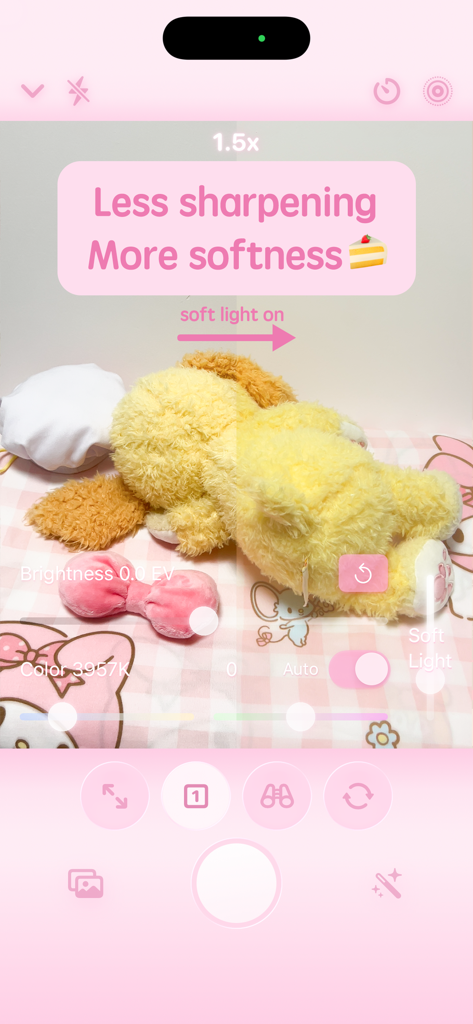
A camera app interface showing a side by side comparison of a soft light filter effect on a plush toy with pink UI elements
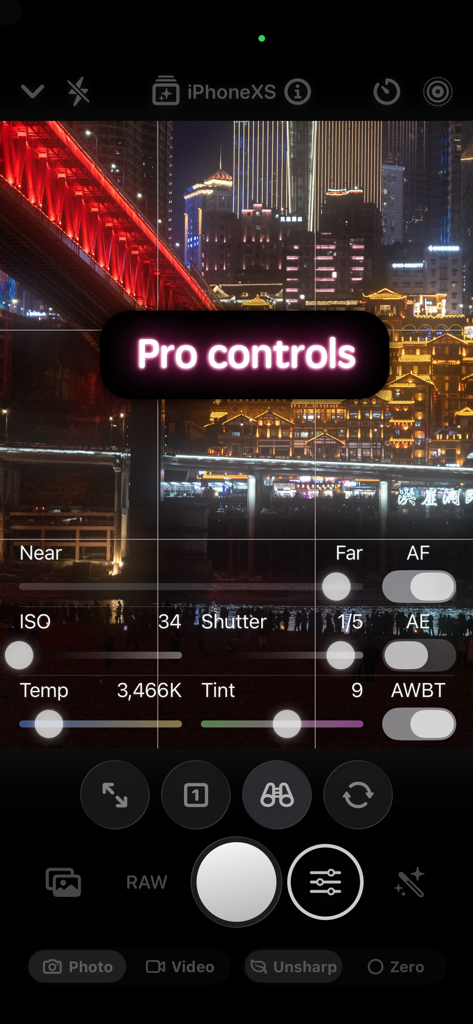
Unsharp app interface displaying professional manual camera settings over a night city view
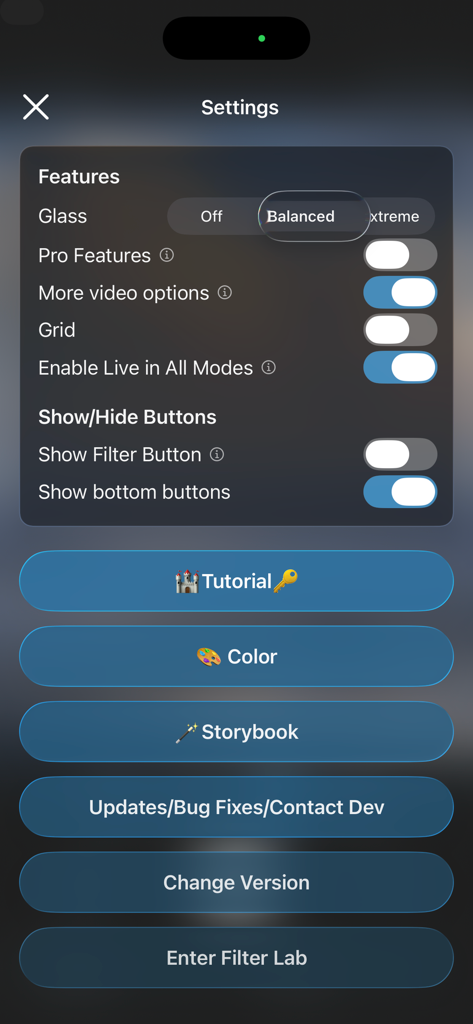
Settings screen of the Unsharp app showing various photography and video feature toggles
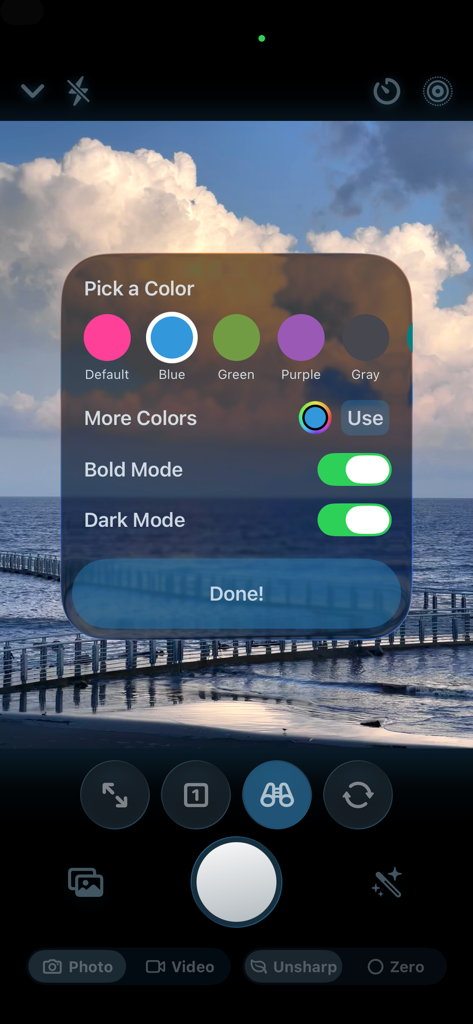
Custom UI color picker and theme settings in the Unsharp camera app.
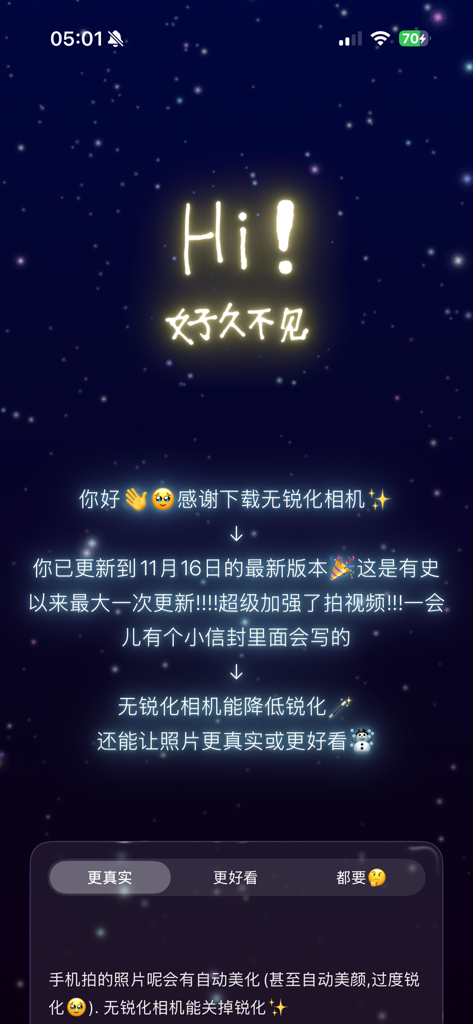
Welcome screen for Unsharp camera app with a glowing starry background
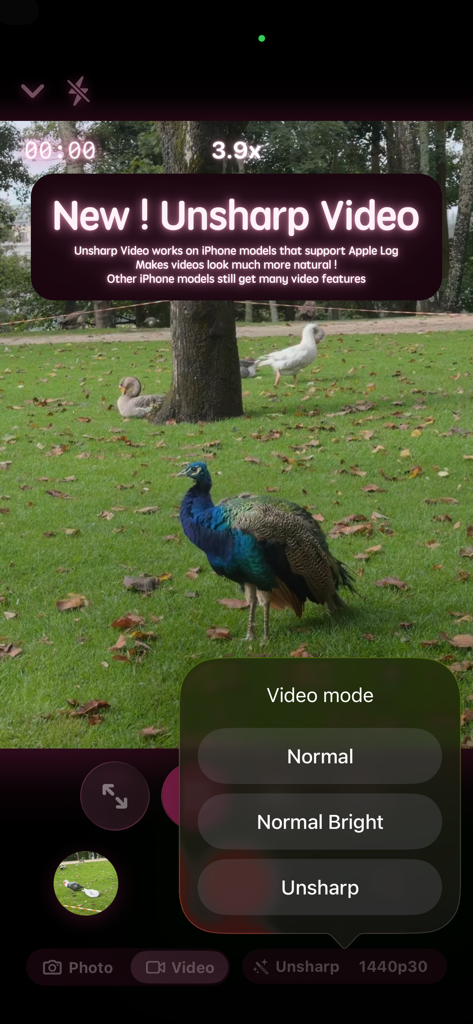
Unsharp app interface showing the new video mode feature with a peacock in a park setting.
Description
Download
More Like This
Apps with similar features and user experience

Blackmagic Camera
Blackmagic Design Inc

飓风相机
Hangzhou Ostar Media Co.,Ltd.

ProMovie Recorder
Panda Apps Limited

ReLens Camera-DSLR Portrait
Pixl Concerto Technology Limited

Leica LUX - Pro Manual Camera
Leica Camera AG

FotorGear - Camera in Pocket
Shenzhen Fotorgear Technology Co., Ltd.

ProCam:Professional RAW Camera
BRAND CELLAR HOLDINGS PTE LTD

Vibe Cam - Moments Never Fade
森 林
Final Cut Camera
Apple Inc.
This page is not an official page of the app or its developer, but an independent editorial publication created for informational and commentary purposes. Unless expressly stated otherwise, neither the app nor its developer is affiliated with, endorsed by, sponsored by, authorized by, or otherwise officially connected with MWM, Apple, Google Play, the app publisher, or the app's developer, and nothing on this page implies that the app was developed using MWM's services. Any trademarks, logos, screenshots, and other content remain the property of their respective owners.