
This page is not an official page of the app or its developer, but an independent editorial publication created for informational and commentary purposes. Unless expressly stated otherwise, neither the app nor its developer is affiliated with, endorsed by, sponsored by, authorized by, or otherwise officially connected with MWM, Apple, Google Play, the app publisher, or the app's developer, and nothing on this page implies that the app was developed using MWM's services. Any trademarks, logos, screenshots, and other content remain the property of their respective owners.


QC Time
The essential tool for Team Members to manage shifts, bid on extra hours, and balance work with life—anytime, anywhere.
Downloads
100User Rating
Total Ratings
0Publisher
Category
ProductivityLocales
9Latest Version
4.1.100Size
53.3 MBFirst Released
Feb 21, 2018Master Your Work-Life Balance
Manage your QuickChek shifts, maximize your earnings, and stay in control of your time, all from the palm of your hand.
Instant Schedule Visibility
Access your latest roster 24/7. Share your work hours with family and friends instantly to keep your social life on track.
Flexible Shift Swapping
Life happens. Swap shifts with teammates or request time off effortlessly without the stress of manual coordination.
The following screenshots and description are sourced directly from the app's official store listing and are the property of the app developer.
App Store
Screenshots
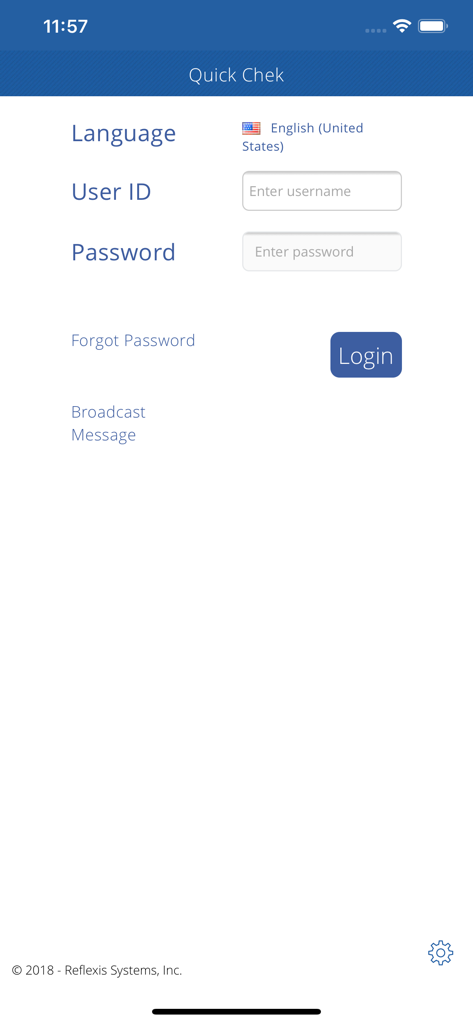
QC Time app login screen for QuickChek employees
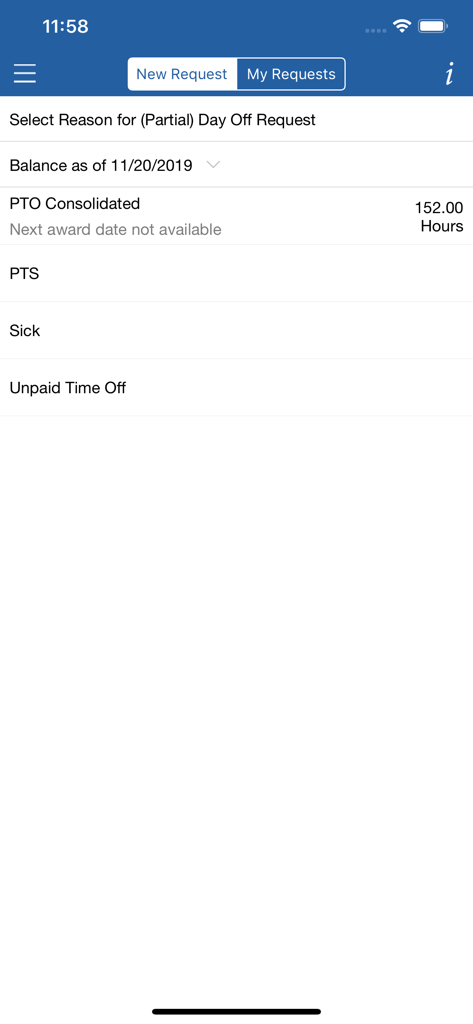
QC Time app screen for selecting a reason for a time off request showing PTO balance
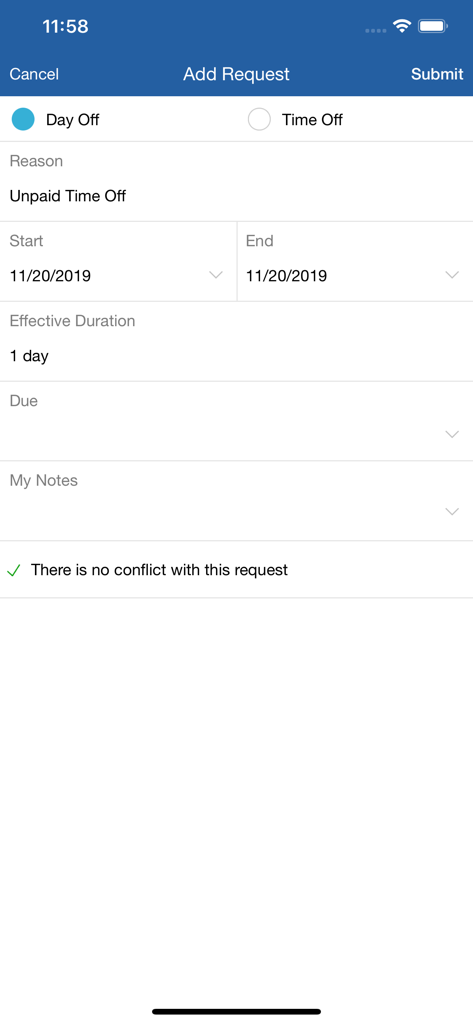
QuickChek QC Time app interface for submitting an unpaid time off request showing no schedule conflicts
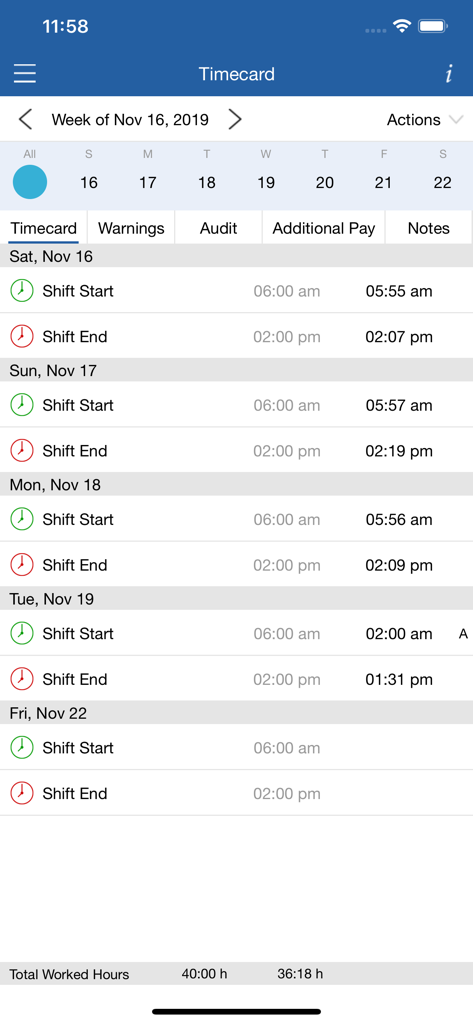
QC Time app interface showing an employee timecard with scheduled and actual shift times
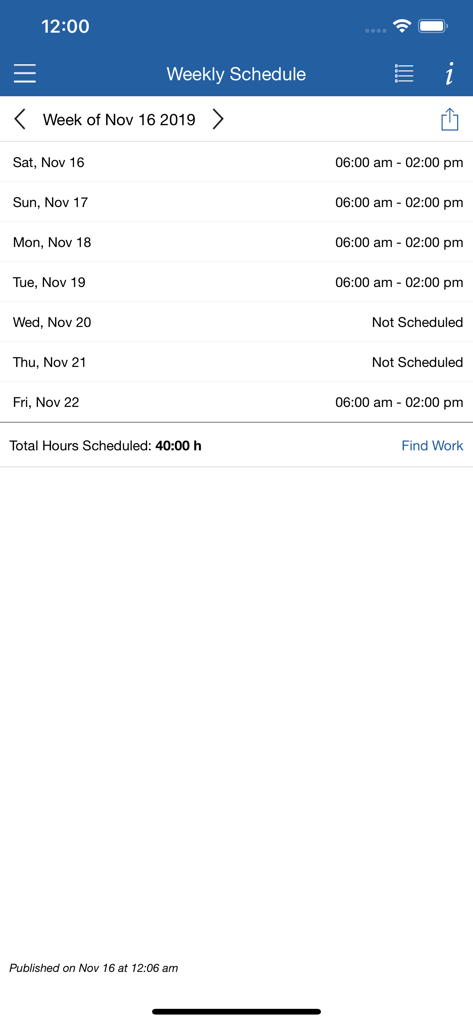
A mobile app screen showing a weekly work schedule for QuickChek employees
Description
Download
More Like This
Top-ranked apps in the same category

ChatGPT
OpenAI OpCo, LLC

Google Gemini
Google LLC

Grok
X.AI Corporation

Gmail - Email by Google
Google LLC

千问 - 阿里最强大模型官方AI助手
Shanghai Zhixin Puhui Technology Co., Ltd.

Google Drive
Google LLC

Microsoft Authenticator
Microsoft Corporation

Google Sheets
Google LLC

Google Docs
Google LLC
This page is not an official page of the app or its developer, but an independent editorial publication created for informational and commentary purposes. Unless expressly stated otherwise, neither the app nor its developer is affiliated with, endorsed by, sponsored by, authorized by, or otherwise officially connected with MWM, Apple, Google Play, the app publisher, or the app's developer, and nothing on this page implies that the app was developed using MWM's services. Any trademarks, logos, screenshots, and other content remain the property of their respective owners.