QR Code Inspector

QR Code Inspector

Download on App Store
Logo of QR Code Inspector

QR Code Inspector: Preview and Secure Your Scans

Take control of your digital safety. See exactly where a QR code leads before you visit, and never lose an important link with automatic history saving and easy sharing.

Download on App Store

Publisher

Easy Simple Smart

Category

Utilities

Downloads

100

User Rating

1.0/5

Total Ratings

0

Locales

1

See Before You Click

Discover the interface used by 100 users.
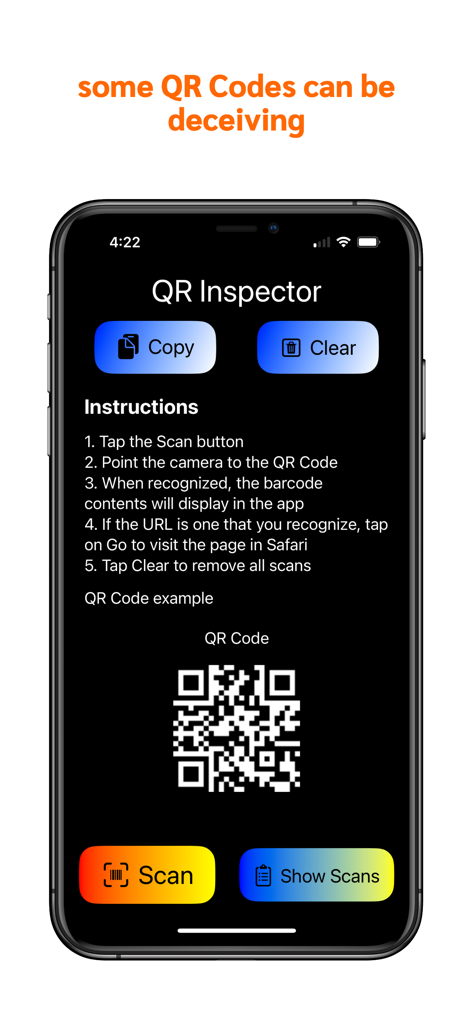
QR Code Inspector home screen displaying security instructions and scan buttons

QR Code Inspector home screen displaying security instructions and scan buttons

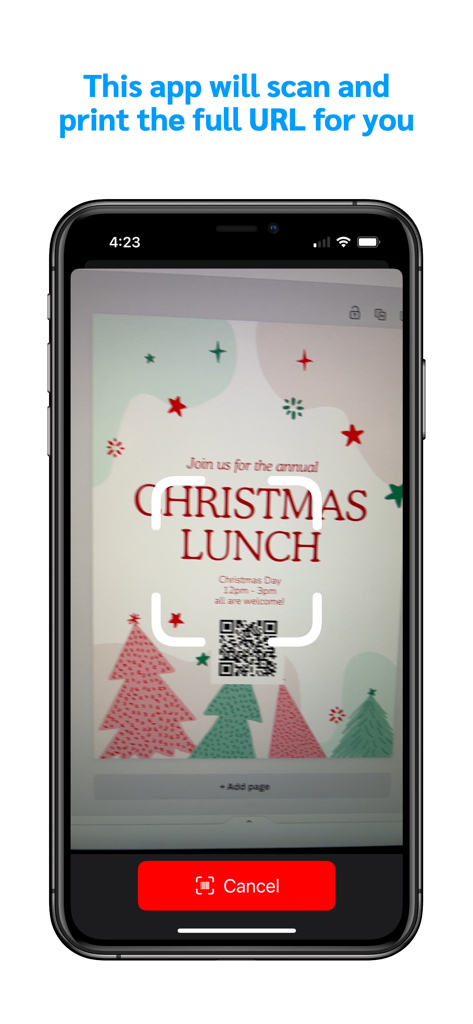
QR Code Inspector app scanning a QR code on a Christmas lunch invitation flyer.

QR Code Inspector app scanning a QR code on a Christmas lunch invitation flyer.

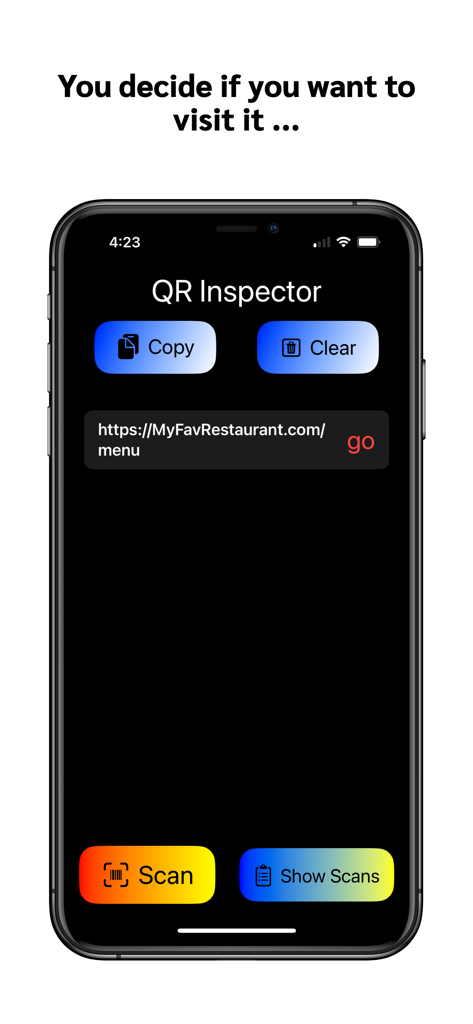
A mobile screen showing the QR Code Inspector app previewing a scanned restaurant menu URL before visiting.

A mobile screen showing the QR Code Inspector app previewing a scanned restaurant menu URL before visiting.

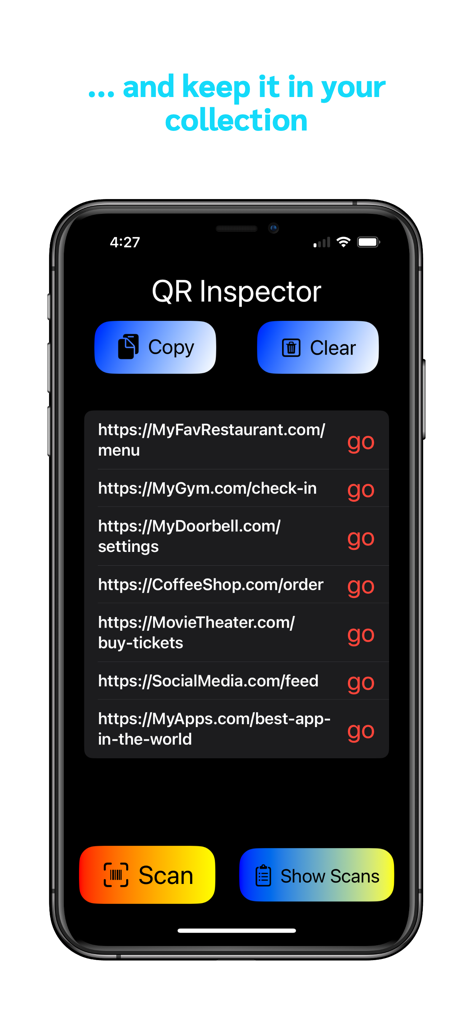
A list of scanned QR code URLs saved in the history log of the QR Code Inspector app

A list of scanned QR code URLs saved in the history log of the QR Code Inspector app

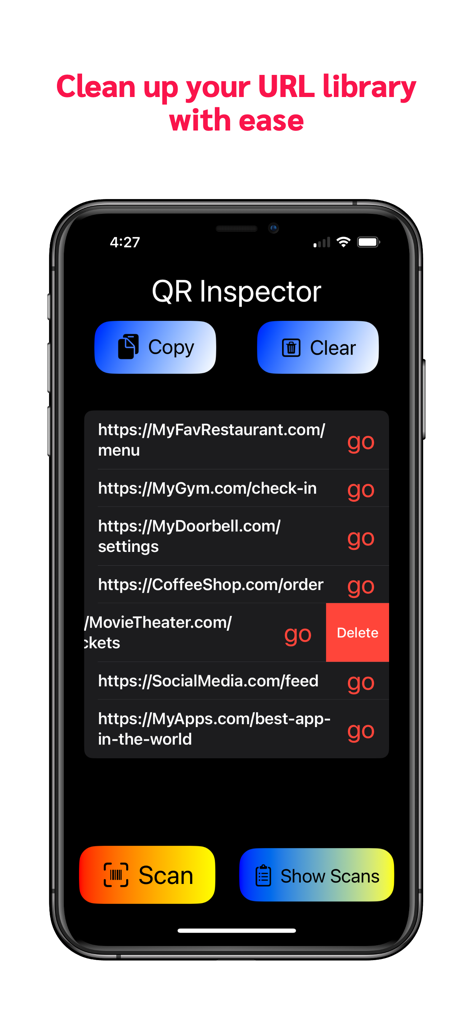
Manage and delete saved links in the QR Code Inspector history library

Manage and delete saved links in the QR Code Inspector history library

Scan Smarter, Not Just Faster

The tools that make this app stand out, trusted by 100 users.

🛡️

Safety-First Previews

Stop 'Quishing' in its tracks. Inspect every destination URL before you visit to ensure you never land on a malicious or fraudulent website.

🕒

Persistent Scan History

Never lose a restaurant menu or product page again. Your scans are automatically saved for instant access, eliminating the need to rescan.

📋

Seamless Data Export

Move your mobile findings to your desktop effortlessly. Copy and paste your entire scan log into Notes or email for research and archiving.

About the app

Everything you need to know about QR Code Inspector.

Description

Scan and preview URLs for secure online navigation. Make sure you see the link before you visit it. You can swipe and delete or hit "Go" to visit the website. Frequently visited sites are saved automatically in history for instant access, eliminating the need to rescan QR codes. Why QR Inspector? Safety: Some QR codes can lead you to harmful or unsafe website. It is best to see the full URL before deciding to open the link in your browser. Convenience: No need to have the QR code once you scanned it once. It is automatically saved in the app history until you choose to delete it. This way you can visit that page over and over again. More than that, you can copy all the URL's in the app and paste them to your Notes or email for sending them to your friends and family, or just to bookmark them on your computer browser.

Latest Version

1.1

Size

6.7 MB

First Released

Dec 20, 2023

Stop Scanning Blindly. Start Scanning Safely.

Join security-conscious professionals who inspect every link before they click. Protect your data and organize your scan history with QR Code Inspector—download now for total control.

Download on App Store

App information, icons, screenshots, and descriptions displayed on this page are sourced from the Apple App Store and are the property of their respective developers. Download estimates and rankings are based on MWM's proprietary models and may not reflect actual figures. This page is provided for informational and analytical purposes only.

Believe this page infringes your intellectual property? File a dispute