
This page is not an official page of the app or its developer, but an independent editorial publication created for informational and commentary purposes. Unless expressly stated otherwise, neither the app nor its developer is affiliated with, endorsed by, sponsored by, authorized by, or otherwise officially connected with MWM, Apple, Google Play, the app publisher, or the app's developer, and nothing on this page implies that the app was developed using MWM's services. Any trademarks, logos, screenshots, and other content remain the property of their respective owners.

QR Code Scanner - Smart Scan
Experience the fastest, ad-free way to scan. Instantly save contacts, join WiFi, and manage events with zero data collection and total security.
Downloads
3K+User Rating
Total Ratings
0Publisher
Category
ProductivityLocales
2Latest Version
0.7.3Size
55.4 MBFirst Released
Feb 28, 2023Smart Scanning for Busy Professionals
Swiss-engineered for total privacy and peak productivity. Transform any QR code or barcode into immediate action with zero tracking and no intrusive ads.
Swiss-Made Privacy
Experience peace of mind with Swiss engineering. We collect zero data, ensuring your scanning history and personal information remain 100% private.
Instant Smart Actions
Go beyond just links. Automatically save contacts, join Wi-Fi networks, add calendar events, or send emails directly from any scan.
Frequently Asked Questions
Everything you need to know about QR Code Scanner - Smart Scan
Is QR Code Scanner - Smart Scan free to use?
Yes, the QR Code Scanner - Smart Scan app is completely free to download and use. There are no hidden fees or in-app purchases, granting full access to all features.
Does QR Code Scanner - Smart Scan collect user data?
No, QR Code Scanner - Smart Scan does not collect or share any user data. The app is developed in Switzerland, prioritizing user privacy and data security.
What types of codes can QR Code Scanner - Smart Scan scan?
QR Code Scanner - Smart Scan scans both QR codes and barcodes. It provides a versatile solution for all standard code scanning requirements.
Can I review past scans in QR Code Scanner - Smart Scan?
Yes, QR Code Scanner - Smart Scan maintains a history of all scanned codes. Users access this feature to easily refer back to any previous scan.
Does QR Code Scanner - Smart Scan offer actions after scanning?
Yes, after scanning, QR Code Scanner - Smart Scan recognizes content and suggests specific actions. These include saving contacts, making calls, or adding calendar events.
Can users generate QR codes with QR Code Scanner - Smart Scan?
Yes, QR Code Scanner - Smart Scan includes a feature to create QR codes. Users can generate QR codes from various data types, such as URLs, and customize their color.
How fast is the QR Code Scanner - Smart Scan app?
The QR Code Scanner - Smart Scan app operates with exceptional speed. It processes codes in a matter of seconds, ensuring quick and efficient scanning experiences.
Does QR Code Scanner - Smart Scan provide product information from barcodes?
Yes, QR Code Scanner - Smart Scan retrieves product information by scanning barcodes. It displays details like vendor, ingredients, and nutritional scores, sourced from databases.
Can QR Code Scanner - Smart Scan automatically connect to Wi-Fi?
Yes, QR Code Scanner - Smart Scan can automatically connect to Wi-Fi networks directly from a scanned code. This functionality is configurable within the app's settings.
The following screenshots and description are sourced directly from the app's official store listing and are the property of the app developer.
App Store
Screenshots
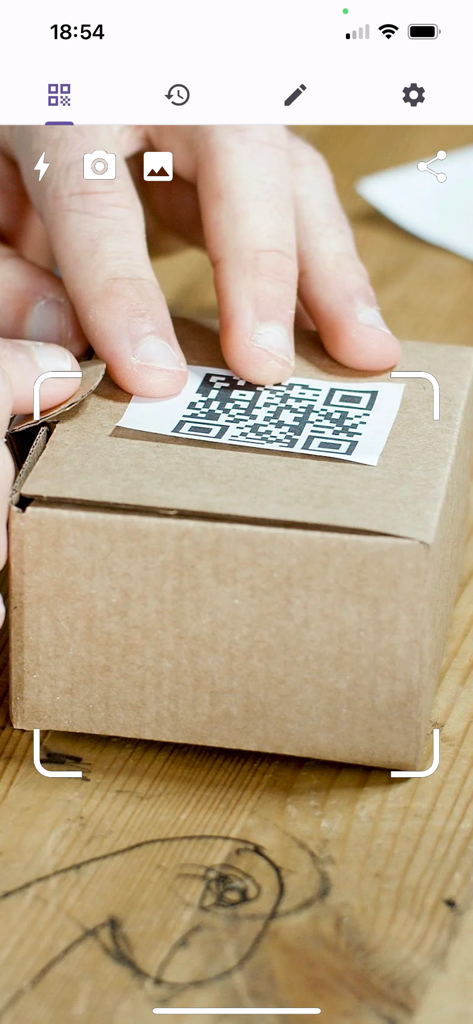
A mobile application interface scanning a QR code on a small cardboard package
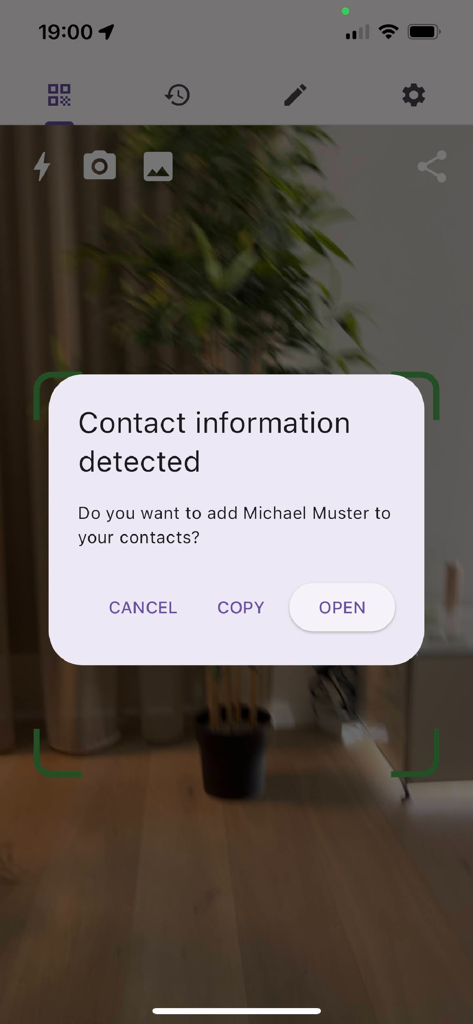
Mobile app interface showing contact information detected after scanning a QR code with an option to add the name Michael Muster to contacts
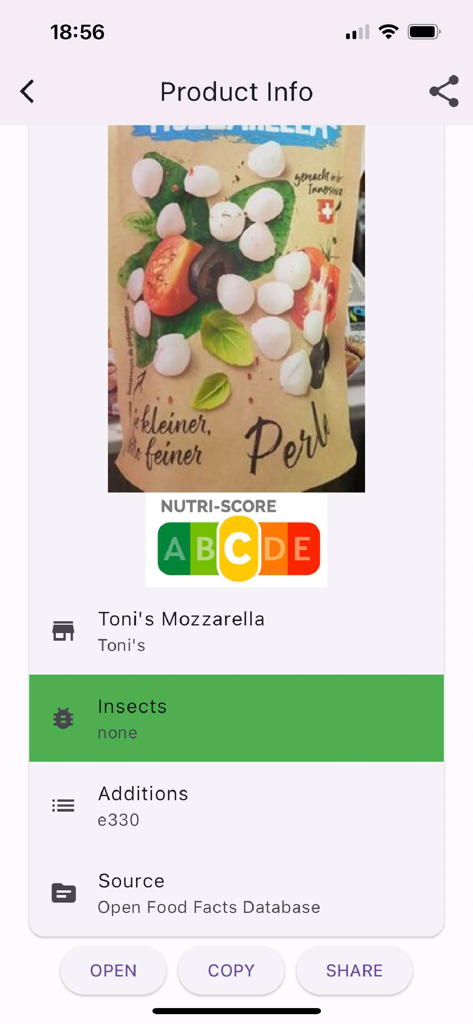
Product details interface of the QR Code Scanner app showing Nutri-Score for a scanned food item.
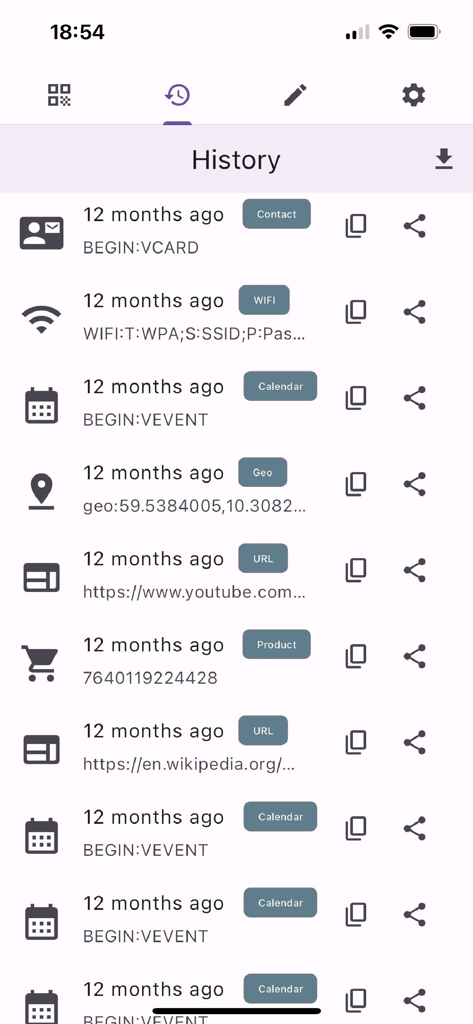
History screen of QR Code Scanner app showing a list of scanned items including contacts, wifi networks, and calendar events
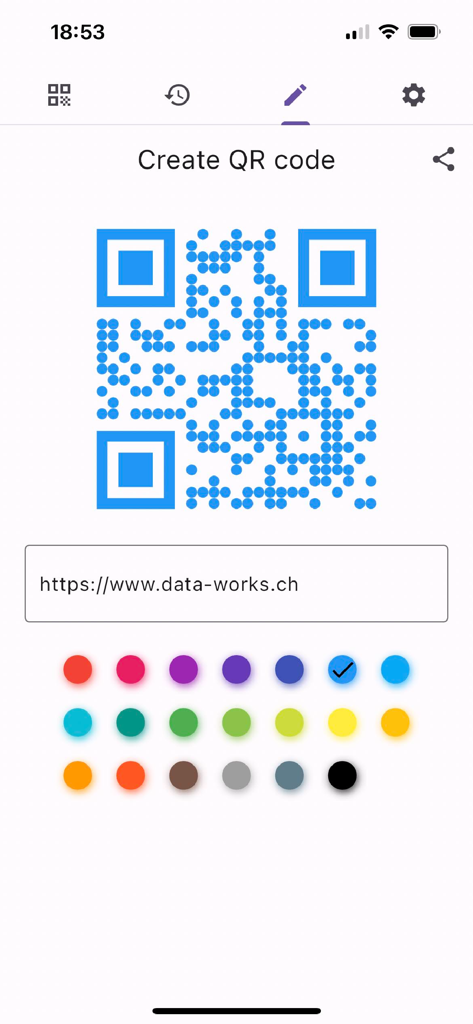
Mobile app screen for creating a custom blue QR code with various color options
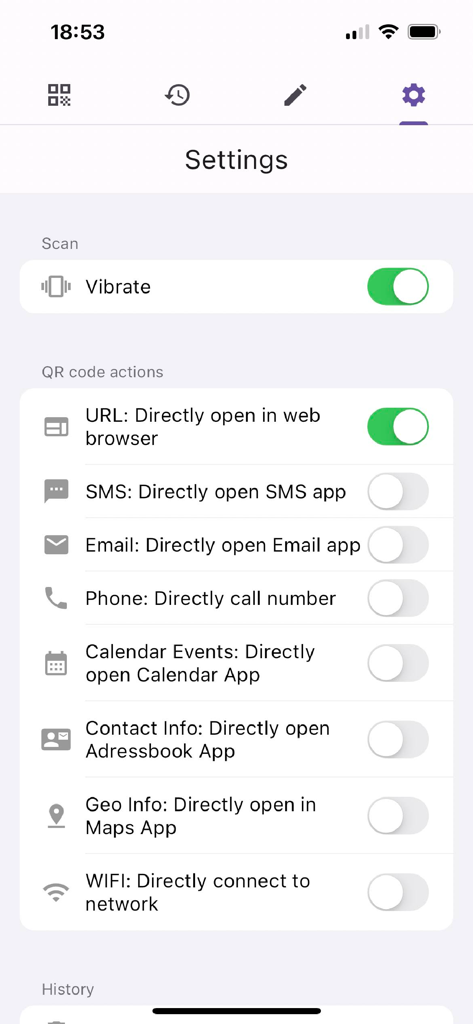
Settings menu of the QR Code Scanner app showing various smart action toggles for URLs, SMS, and WIFI connection
Description
Download
More Like This
Top-ranked apps in the same category

ChatGPT
OpenAI OpCo, LLC

Google Gemini
Google LLC

Grok
X.AI Corporation

Gmail - Email by Google
Google LLC

千问 - 阿里最强大模型官方AI助手
Shanghai Zhixin Puhui Technology Co., Ltd.

Google Drive
Google LLC

Microsoft Authenticator
Microsoft Corporation

Google Sheets
Google LLC

Google Docs
Google LLC
This page is not an official page of the app or its developer, but an independent editorial publication created for informational and commentary purposes. Unless expressly stated otherwise, neither the app nor its developer is affiliated with, endorsed by, sponsored by, authorized by, or otherwise officially connected with MWM, Apple, Google Play, the app publisher, or the app's developer, and nothing on this page implies that the app was developed using MWM's services. Any trademarks, logos, screenshots, and other content remain the property of their respective owners.