QR Studio(Pro)

QR Studio(Pro)

Download on App Store
Logo of QR Studio(Pro)

QR Studio(Pro): The Professional Designer for Custom Branded QR Codes

Elevate your business with fully customizable designs. Add logos, change shapes, and manage your history with the most powerful QR toolkit built for entrepreneurs and creators.

Download on App Store

Publisher

Hrishi Suthar

Category

Utilities

Downloads

0

User Rating

1.0/5

Total Ratings

0

Locales

1

Branding in Every Pixel

Discover the interface used by 0 users.
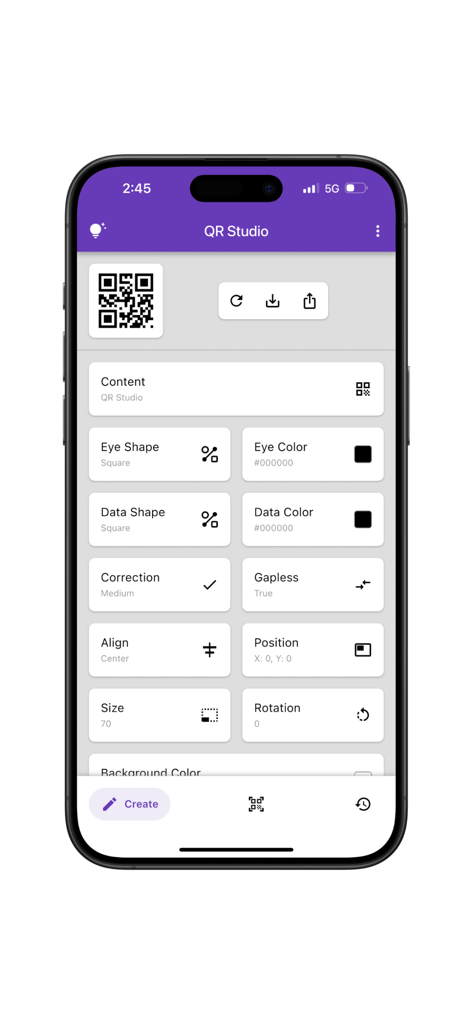
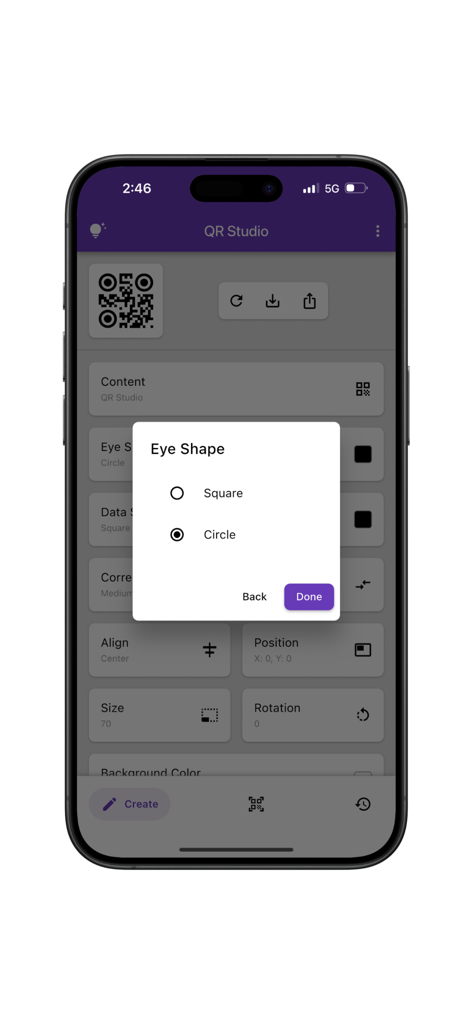
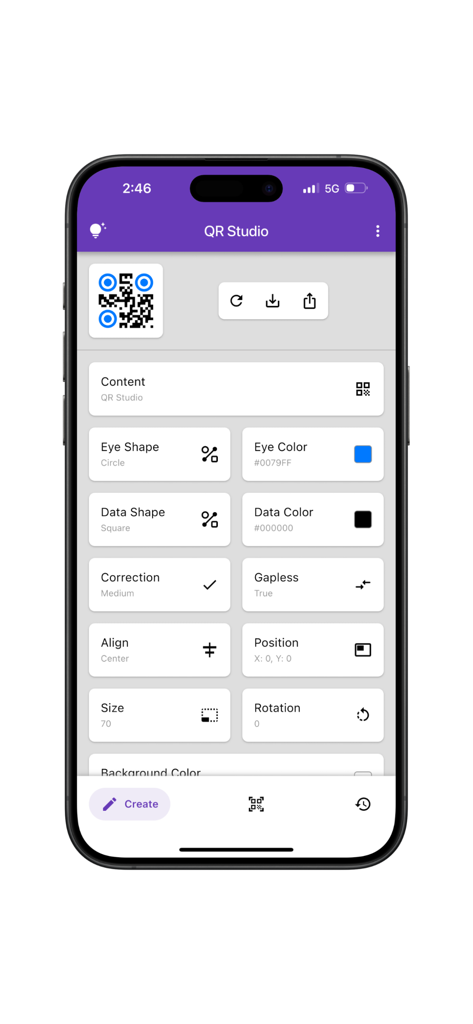
A mobile interface for the QR Studio Pro app showing various QR code customization options like eye shape, data color, and alignment settings.

A mobile interface for the QR Studio Pro app showing various QR code customization options like eye shape, data color, and alignment settings.

Interface of QR Studio Pro app displaying eye shape customization options for a QR code

Interface of QR Studio Pro app displaying eye shape customization options for a QR code

A mobile interface for the QR Studio Pro app displaying detailed customization settings for a QR code including eye shape and color

A mobile interface for the QR Studio Pro app displaying detailed customization settings for a QR code including eye shape and color

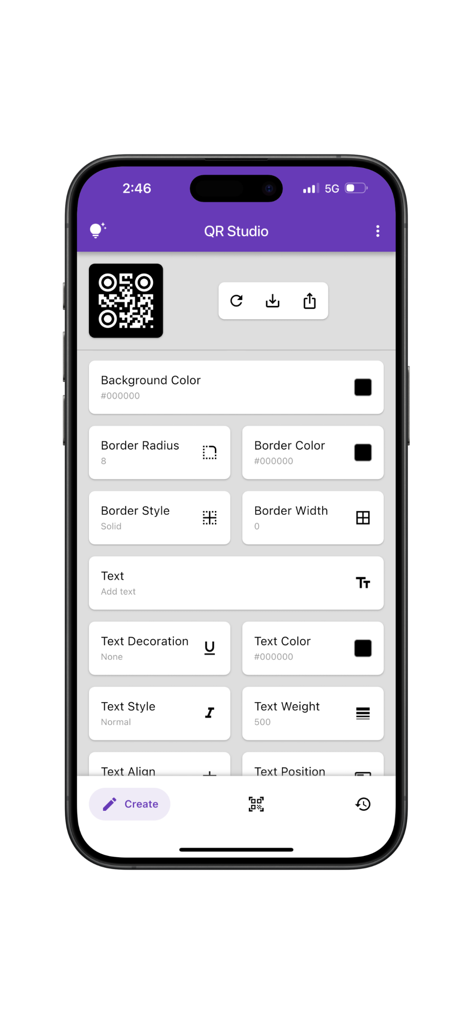
A mobile app screen for designing custom QR codes with options for background color borders and text styling

A mobile app screen for designing custom QR codes with options for background color borders and text styling

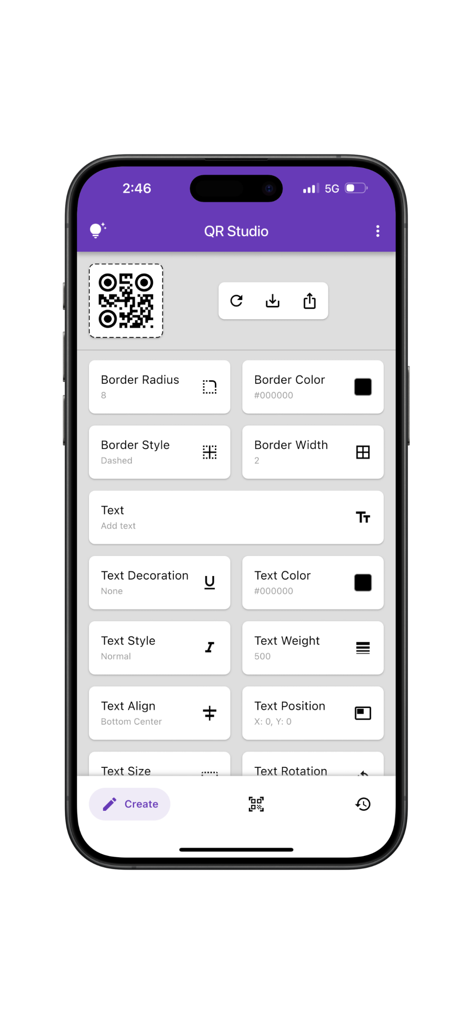
Interface of the QR Studio Pro app showing various tools to customize QR code borders and text styles.

Interface of the QR Studio Pro app showing various tools to customize QR code borders and text styles.

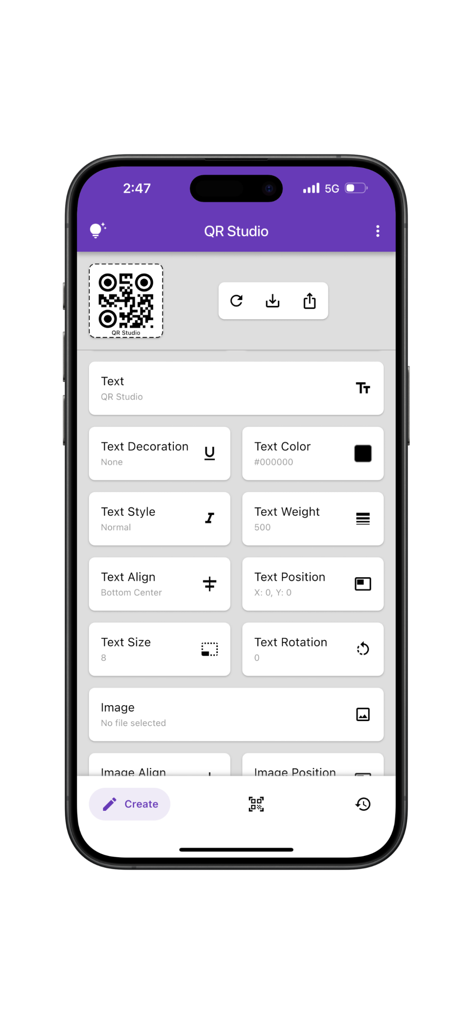
Interface of the QR Studio Pro app showing advanced text customization options for a QR code including color style and alignment

Interface of the QR Studio Pro app showing advanced text customization options for a QR code including color style and alignment

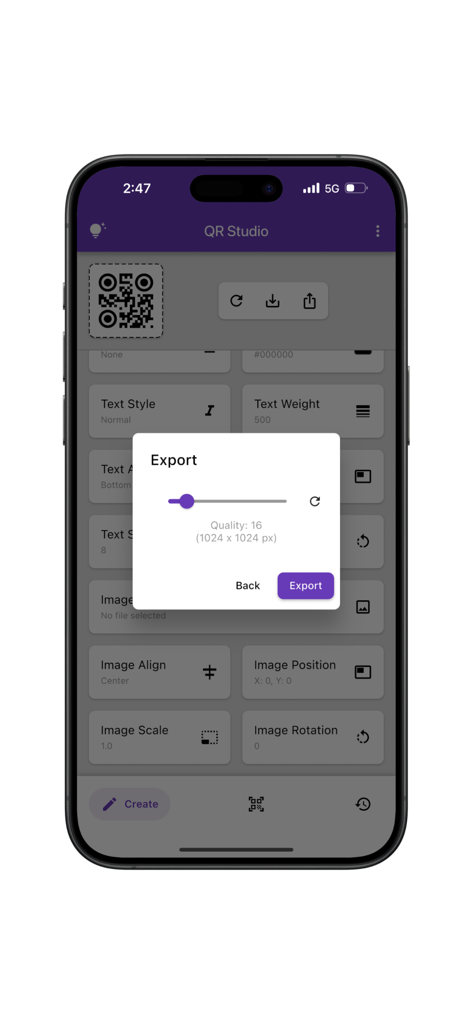
Export settings modal in QR Studio Pro app showing high quality image resolution for a custom QR code.

Export settings modal in QR Studio Pro app showing high quality image resolution for a custom QR code.

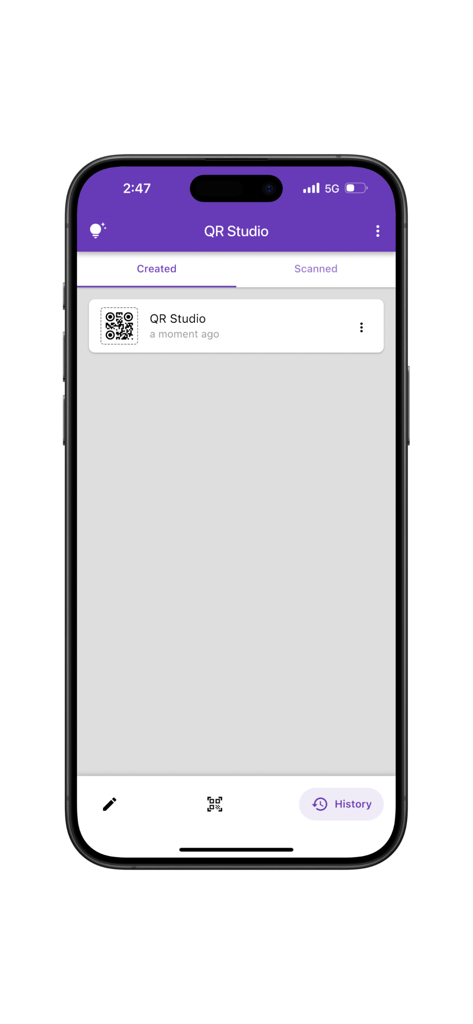
History screen of the QR Studio Pro app displaying a list of created QR codes

History screen of the QR Studio Pro app displaying a list of created QR codes

Craft Stunning, Professional QR Codes

The tools that make this app stand out, trusted by 0 users.

🎨

Precision Design Control

Customize every detail from eye shapes to color palettes and logos, ensuring your QR codes look as premium as your brand.

📐

Pro-Grade Reliability

Built for professionals who need accuracy. Adjust error correction and structure for codes that scan perfectly across all media.

📂

Smart History Tracking

Never lose a design again. Organize, revisit, and reshare your entire library of custom codes and scans in a single tap.

About the app

Everything you need to know about QR Studio(Pro).

Description

QR Studio is a powerful and easy-to-use app for creating, scanning, and managing custom QR codes. Whether you’re designing for business, branding, or personal use, QR Studio gives you full control over how your QR codes look and function. The app is divided into three main tabs: Create Tab: The Create tab offers a wide range of customization options for generating QR codes. Users can adjust visual elements such as eye shape and color, data shape and color, and choose the desired error correction level. Additional settings include control over QR structure (gapless or standard), position, size, and rotation. The app also supports background customization, including color and border properties like radius, color, style, and width. Text can be added with flexible styling options—covering decoration, color, font style, weight, alignment, position, and rotation. Images can also be incorporated into the QR code, with control over their position, alignment, scale, and rotation, enabling the creation of designs tailored to individual branding or personal preferences. Scan Tab: Quickly scan any QR code using your camera or by selecting an image from your gallery. The scanner is fast, reliable, and compatible with all standard QR formats. History Tab: Access a complete history of all the QR codes you’ve created or scanned. This makes it easy to revisit, reuse, or share previous designs and scans. QR Studio is built for designers, developers, marketers, and everyday users who want complete freedom in how they create and manage QR codes. Developed by Anvaysoft Programmers – Nishita Panchal, Hrishi Suthar Made with love in India

Latest Version

1.0.1

Size

29.4 MB

First Released

Jul 3, 2025

Elevate Your Brand Identity with QR Studio(Pro)

Transform every scan into a professional brand experience. Join thousands of entrepreneurs designing custom QR codes that stand out from the crowd.

Download on App Store

App information, icons, screenshots, and descriptions displayed on this page are sourced from the Apple App Store and are the property of their respective developers. Download estimates and rankings are based on MWM's proprietary models and may not reflect actual figures. This page is provided for informational and analytical purposes only.

Believe this page infringes your intellectual property? File a dispute