Quick Scan Pro:Scanner for Doc
Download on App Store

This page is not an official page of the app or its developer, but an independent editorial publication created for informational and commentary purposes. Unless expressly stated otherwise, neither the app nor its developer is affiliated with, endorsed by, sponsored by, authorized by, or otherwise officially connected with MWM, Apple, Google Play, the app publisher, or the app's developer, and nothing on this page implies that the app was developed using MWM's services. Any trademarks, logos, screenshots, and other content remain the property of their respective owners.

Logo of Quick Scan Pro:Scanner for Doc
Download on App Store

Quick Scan Pro:Scanner for Doc

Transform your phone into a secure mobile office. Scan, sign, and brand documents in seconds with advanced editing and 100% offline privacy.

Key Figures

Downloads

2K+

User Rating

1.0/5

Total Ratings

0

Publisher

Asadullah Yaseen

Category

Lifestyle

Locales

1

Latest Version

1.0.13

Size

113.4 MB

First Released

Aug 25, 2020
Features

Your Entire Office, Right in Your Pocket

From lightning-fast scans to professional e-signatures, Quick Scan Pro gives you the tools to manage documents securely anywhere—no internet required.

Total Privacy & Offline Control

Your data stays on your device. Scan sensitive documents without an internet connection and keep your files 100% private and secure.

Instant E-Sign & Branding

Sign contracts with a tap and add your organization’s logo. Streamline your workflow by editing and branding documents without switching apps.

The following screenshots and description are sourced directly from the app's official store listing and are the property of the app developer.

App Store

Screenshots
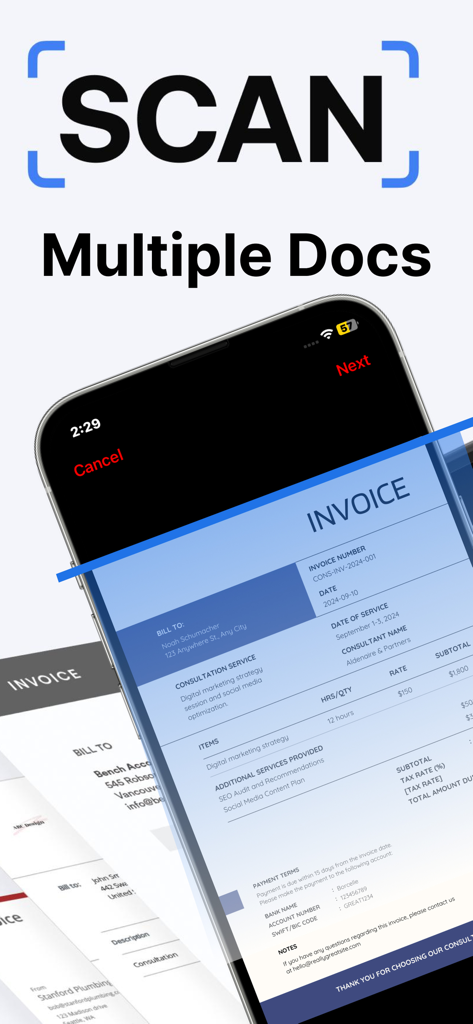
Quick Scan Pro:Scanner for Doc - Quick Scan Pro app interface scanning multiple professional invoices on an iPhone screen.
Quick Scan Pro app interface scanning multiple professional invoices on an iPhone screen.

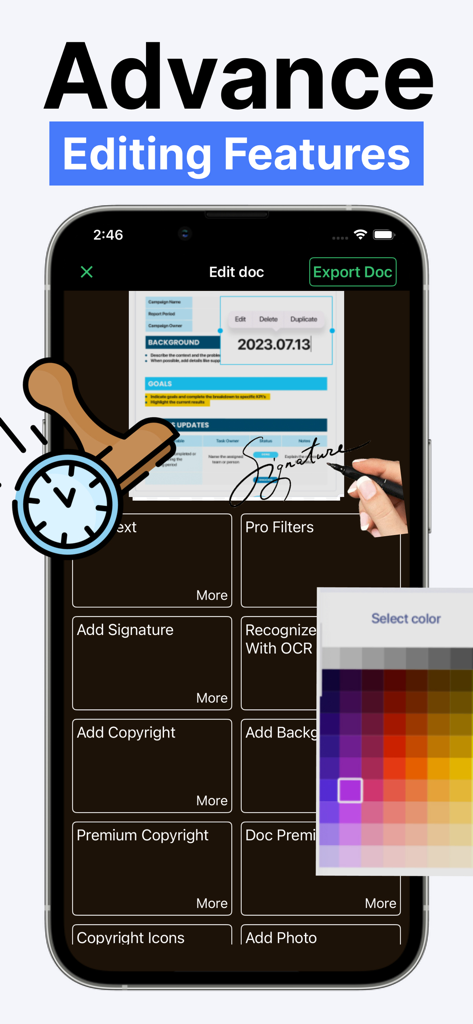
Quick Scan Pro:Scanner for Doc - Quick Scan Pro app interface showing advanced document editing tools including e-signature and OCR

Quick Scan Pro app interface showing advanced document editing tools including e-signature and OCR
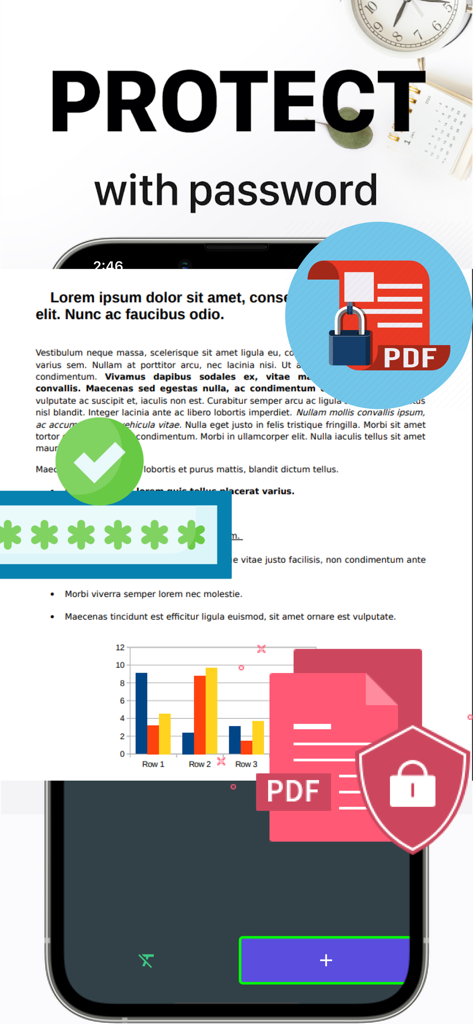
Quick Scan Pro:Scanner for Doc - Mobile app interface showing how to secure PDF documents with a password for privacy
Mobile app interface showing how to secure PDF documents with a password for privacy

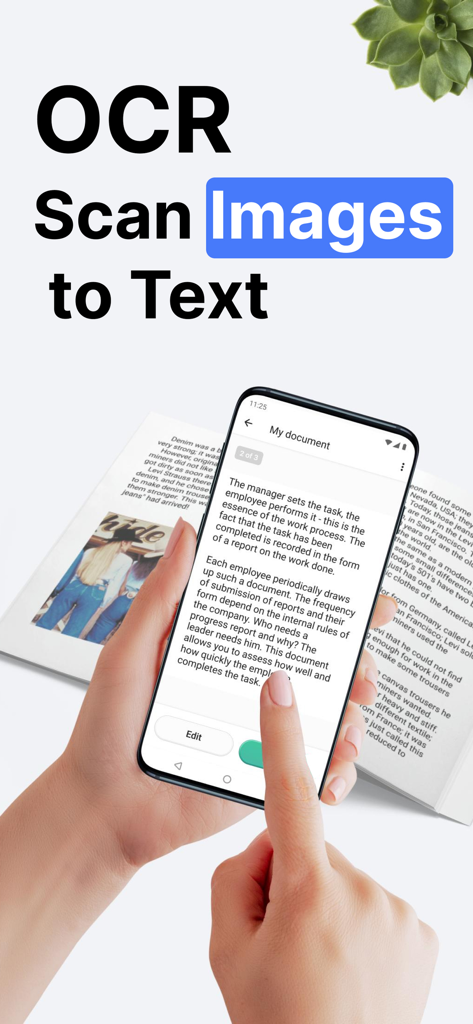
Quick Scan Pro:Scanner for Doc - Smartphone scanning a document to convert images into text using Quick Scan Pro OCR
Smartphone scanning a document to convert images into text using Quick Scan Pro OCR

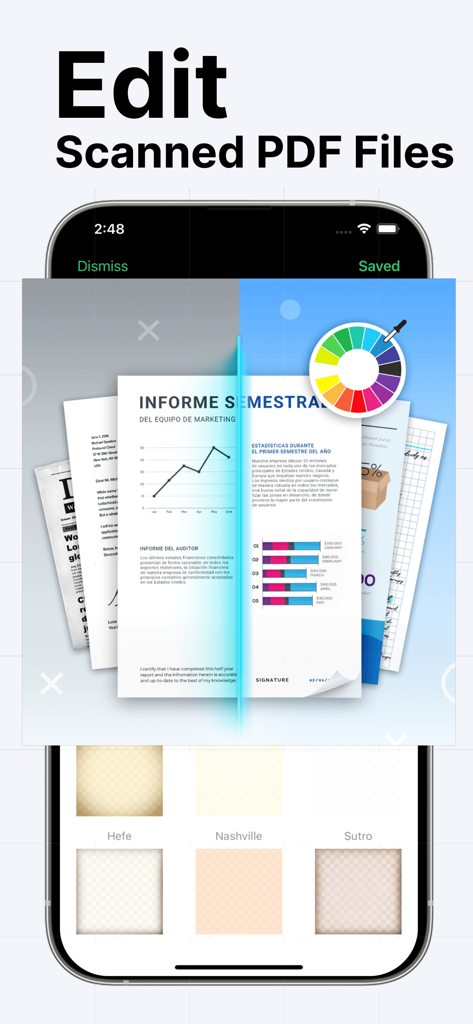
Quick Scan Pro:Scanner for Doc - Interface showing professional PDF editing tools with color wheel and document filters in Quick Scan Pro
Interface showing professional PDF editing tools with color wheel and document filters in Quick Scan Pro

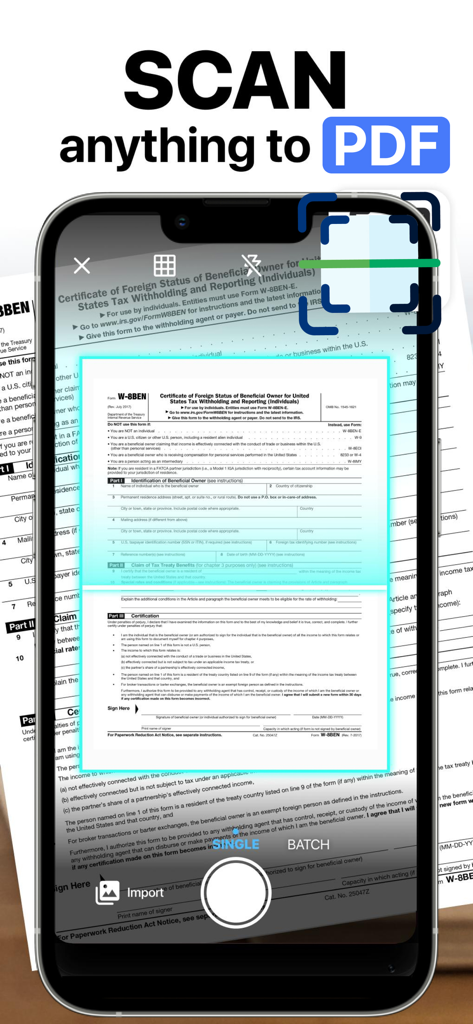
Quick Scan Pro:Scanner for Doc - A smartphone using the Quick Scan Pro app to scan a physical tax document and convert it into a digital PDF format.

A smartphone using the Quick Scan Pro app to scan a physical tax document and convert it into a digital PDF format.

Description

Scan and share documents and photos with Quick Scan Pro, one of the best mobile scanner app with a lot of powerful editing features that you can’t find elsewhere. Scan any document, business cards, receipts, notes, faxes, books, photos, pictures at lightning-fast speed. Save and share scanned documents in PDF or JPEF formats, or edit them first with our built-in document editor and photo editor. One of our best features is the e-sign feature. You can add your e-signature to the electronic documents easily with just a few taps of your fingers. Quick Scan Pro also doesn’t require an internet connection to work, except when you want to share the files with other users. FEATURES OF QUICK SCAN PRO FOR DOCUMENT AND PHOTOS: 1. Advanced Document Scanner: - Works Offline, no connection is needed unless you want to share docs. - Ultra-fast, high quality document scanner for everyone - Scan and save documents in grayscale, black and white, or color. - Save in high quality PDF or JPEG. - Automatic shutter and border detection for any scannable object. - Professional document processing features: enhancement, color correction, noise removing, automatic perspective corrections and more! - Add Premium Logo of your Organizations to mark your documents. 2. Document Editing Tools: - E-sign your documents with your signature. - Change fonts, colors, sizes, and styles. - Change the thickness and color of the pen when you add an autograph. - Add different frames & backgrounds to your photos or documents. 3. Document Save and Sharing Tools: -Save scans to Photos. - Share files via Instagram, Facebook, Twitter, Whatsapp, etc -Share files via Email 4. Photo Editing Tools: - Photo adjustment for better result - Add Time Stamps - Add or Blur Background - Alpha Channel Effect - Create collages with your scanned photos -Rotate images and documents. Your scanned documents and photos are saved in your device unless you share them. We don’t have access to your documents. That’s why you can feel safe about your data and privacy. So, you see that Quick Scan Pro has functions beyond other similar apps that only offer the most basic scanning functions. With Quick Scan Pro, you don’t have to download multiple apps to get these tools. You will also be amazed with the quality of the scanned documents. That’s why we are confident that Quick Scan Pro is a leading document scanner for iOS Device. Try it out now and be confident that you can use your mobile phone as a powerful office scanner through Quick Scan Pro. We love to hear from you! Do you want any features that you think will improve Quick Scan Pro? Do you encounter any issue when using our app? Write to us! We try to solve the issue as fast as we can. If you love using Quick Scan Pro, please take a minute to leave us a rating and review.

Download

Download on App Store

This page is not an official page of the app or its developer, but an independent editorial publication created for informational and commentary purposes. Unless expressly stated otherwise, neither the app nor its developer is affiliated with, endorsed by, sponsored by, authorized by, or otherwise officially connected with MWM, Apple, Google Play, the app publisher, or the app's developer, and nothing on this page implies that the app was developed using MWM's services. Any trademarks, logos, screenshots, and other content remain the property of their respective owners.








