
This page is not an official page of the app or its developer, but an independent editorial publication created for informational and commentary purposes. Unless expressly stated otherwise, neither the app nor its developer is affiliated with, endorsed by, sponsored by, authorized by, or otherwise officially connected with MWM, Apple, Google Play, the app publisher, or the app's developer, and nothing on this page implies that the app was developed using MWM's services. Any trademarks, logos, screenshots, and other content remain the property of their respective owners.


Quick Share: Fast File Sharing
Break free from the walled garden. Securely beam photos, videos, and documents to any device in seconds, manage dual social accounts, and streamline your workflow with lightning-fast transfers.
Downloads
102K+User Rating
Total Ratings
700Publisher
Category
ProductivityLocales
10Latest Version
3.0Size
49.0 MBFirst Released
Oct 8, 2024Seamlessly Connect Your Digital World
Experience the freedom of lightning-fast transfers and smart tools designed to bridge the gap between your iPhone, PC, and professional life.
iPhone to PC, Effortlessly
Break free from the Apple ecosystem. Transfer high-res files to your Windows PC instantly without cables, emails, or slow cloud syncs.
Double Your Productivity
Manage dual WhatsApp or Facebook accounts within one app. Keep your personal life private while staying responsive to your business clients.
Frequently Asked Questions
Everything you need to know about Quick Share: Fast File Sharing
What is Quick Share: Fast File Sharing?
Quick Share is an app designed for quick and secure file sharing. It enables users to transfer photos, music, contacts, and other files with an easy-to-use interface and fast speeds.
Does Quick Share provide secure file transfers?
Yes, Quick Share offers secure file transfers. It integrates advanced encryption to ensure the privacy of all shared files during instant transfers.
Can I share files using QR codes with Quick Share?
Yes, Quick Share supports QR Code Sharing. Users can generate a QR code directly within the app to send and receive files quickly and easily.
What types of files can I transfer with Quick Share?
Quick Share allows users to transfer various file types including photos, videos, music, and contacts. It also offers general file management capabilities.
Does Quick Share offer file management functionalities?
Yes, Quick Share includes robust file management features. It enables users to organize their files in one central place with a user-friendly system.
Can Quick Share manage multiple social media accounts?
Yes, Quick Share features Dual Social Chats. This allows users to manage multiple social media accounts like WhatsApp and Facebook directly from within the app.
Does Quick Share support cross-device file transfers?
Yes, Quick Share supports cross-device synchronization. It provides easy connection and file transfer capabilities between your phone and a PC.
Is Quick Share a free application?
Quick Share operates on an auto-renewing subscription model for access to all ad-free features. Subscriptions are available on a weekly, monthly, or yearly basis.
How do I manage my Quick Share subscription settings?
You can manage your Quick Share subscription settings and turn off auto-renewal within your iTunes Account Settings after making a purchase.
Can I cancel my Quick Share subscription at any time?
No, you cannot cancel your current Quick Share subscription during its active period. However, you can manage future auto-renewal settings in your iTunes Account Settings.
Where can I find the Quick Share Privacy Policy?
The Privacy Policy for Quick Share is accessible online at https://ssapps01.blogspot.com/p/privacy-policy.html.
The following screenshots and description are sourced directly from the app's official store listing and are the property of the app developer.
App Store
Screenshots
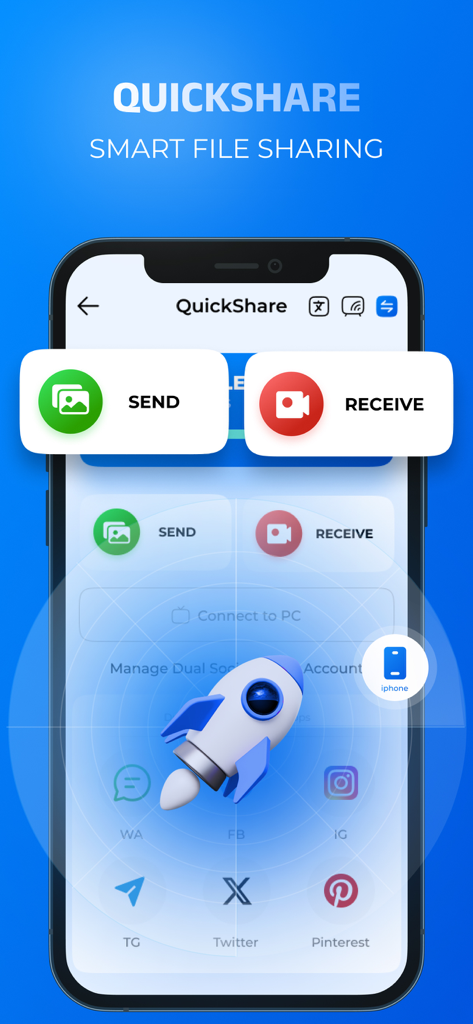
Interface of the Quick Share app displaying Send and Receive buttons with a rocket icon representing fast file transfers.
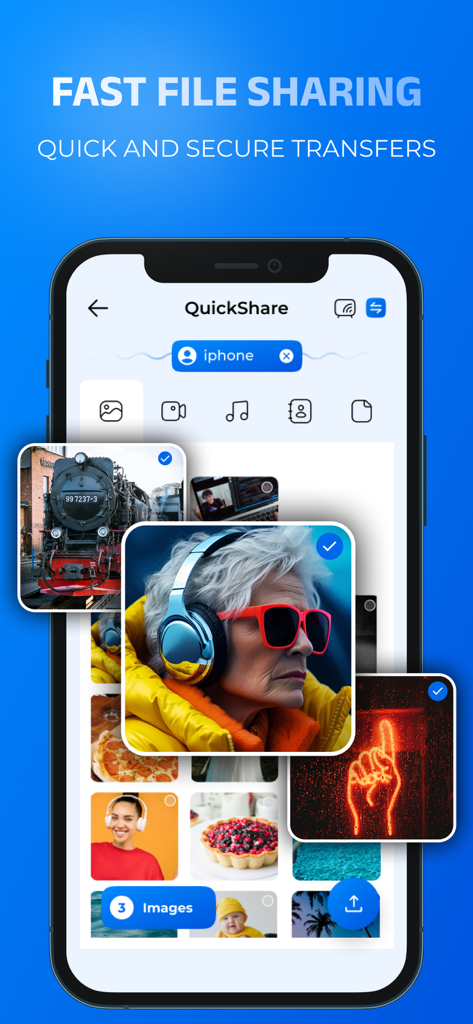
Quick Share app interface on a smartphone showing photo gallery selection for fast file sharing
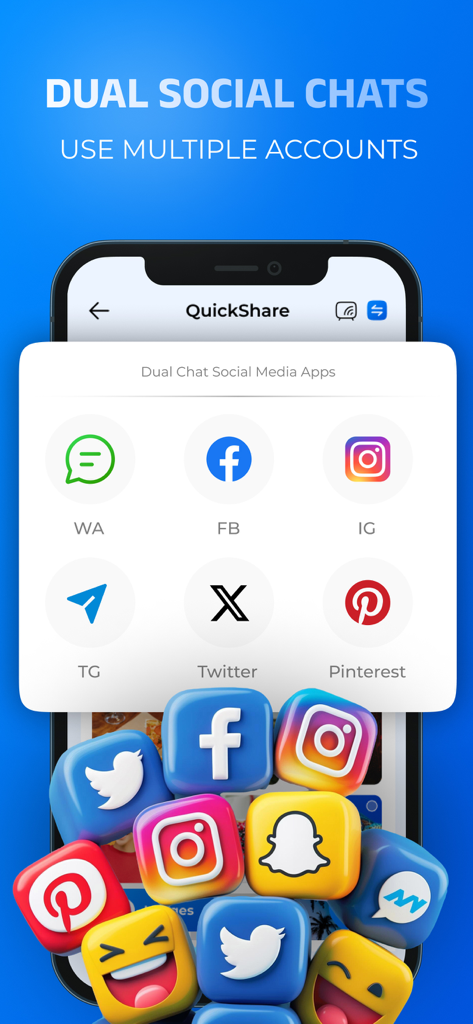
Interface showing the dual social chats feature for managing multiple accounts
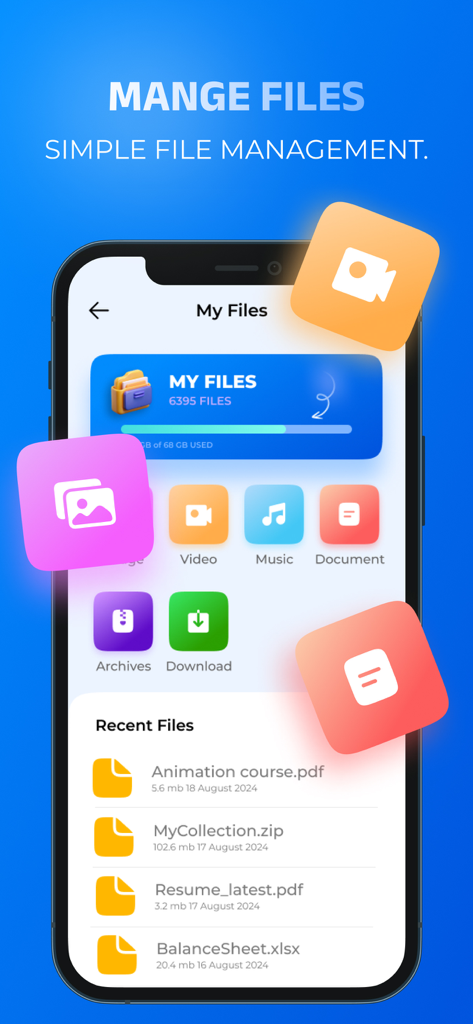
Quick Share app interface displaying organized file categories and a list of recently used documents
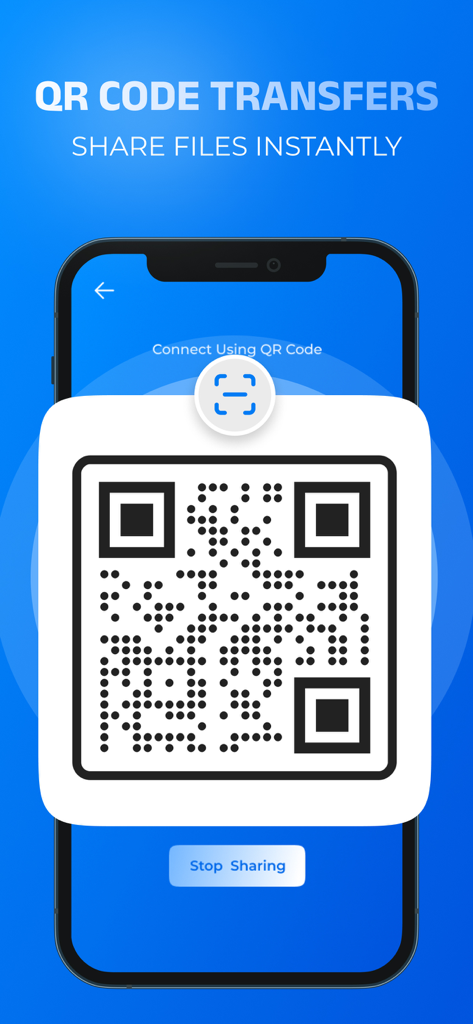
A smartphone screen showing the Quick Share app with a QR code generated for instant file sharing.
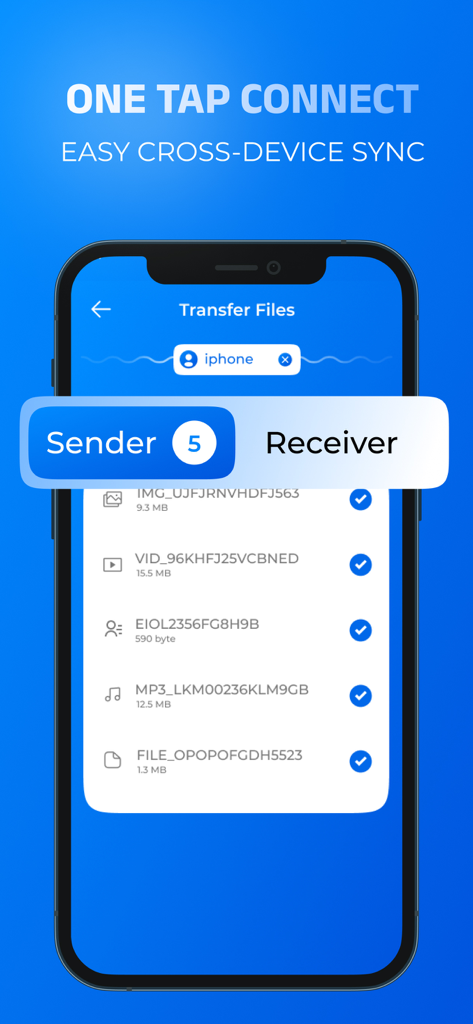
Quick Share app interface for easy cross device file sync and transfer
Description
Download
More Like This
Apps with similar features and user experience

WeTransfer: Transfer Files
Wetransfer B.V.

Send Anywhere - File Transfer
Rakuten Symphony Korea, Inc.

Blip: Send Files in a Click
Blip Studio Inc.

Zapya - File Sharing
Lindong Network Technology(Beijing) Co.,Ltd.

Files Transfer - Quick share
梦洋 崔

Air File Share & Drop
Best Free and Fun Games, LLC

手机克隆-极速换机助手免流量数据迁移
军甫 贺

Photo Transfer: Send via WiFi
Mobileware Studio SL

SHAREit: Transfer, Share Files
SHAREit Technologies Co. Ltd
This page is not an official page of the app or its developer, but an independent editorial publication created for informational and commentary purposes. Unless expressly stated otherwise, neither the app nor its developer is affiliated with, endorsed by, sponsored by, authorized by, or otherwise officially connected with MWM, Apple, Google Play, the app publisher, or the app's developer, and nothing on this page implies that the app was developed using MWM's services. Any trademarks, logos, screenshots, and other content remain the property of their respective owners.