
This page is not an official page of the app or its developer, but an independent editorial publication created for informational and commentary purposes. Unless expressly stated otherwise, neither the app nor its developer is affiliated with, endorsed by, sponsored by, authorized by, or otherwise officially connected with MWM, Apple, Google Play, the app publisher, or the app's developer, and nothing on this page implies that the app was developed using MWM's services. Any trademarks, logos, screenshots, and other content remain the property of their respective owners.


RayBoxUI
The professional tool for DevOps and self-hosters to manage S-UI, X-UI, and Sing-box configurations. Monitor performance and logs with a native, powerful iOS interface.
Downloads
300User Rating
Total Ratings
0Publisher
Category
Developer ToolsLocales
1Latest Version
3.0.3Size
35.6 MBFirst Released
Sep 10, 2025Master Your Infrastructure from Anywhere
RayBoxUI brings professional-grade server management to your pocket, supporting modern protocols and native panel integration for the ultimate DIY network control.
Unified Node Control
Manage S-UI, X-UI, and 3X-UI panels with a fast, native iOS interface built specifically for mobile power users.
Live Performance Monitoring
Track server metrics in real-time and access xray-core or sing-box logs instantly for rapid, on-the-go debugging.
The following screenshots and description are sourced directly from the app's official store listing and are the property of the app developer.
App Store
Screenshots
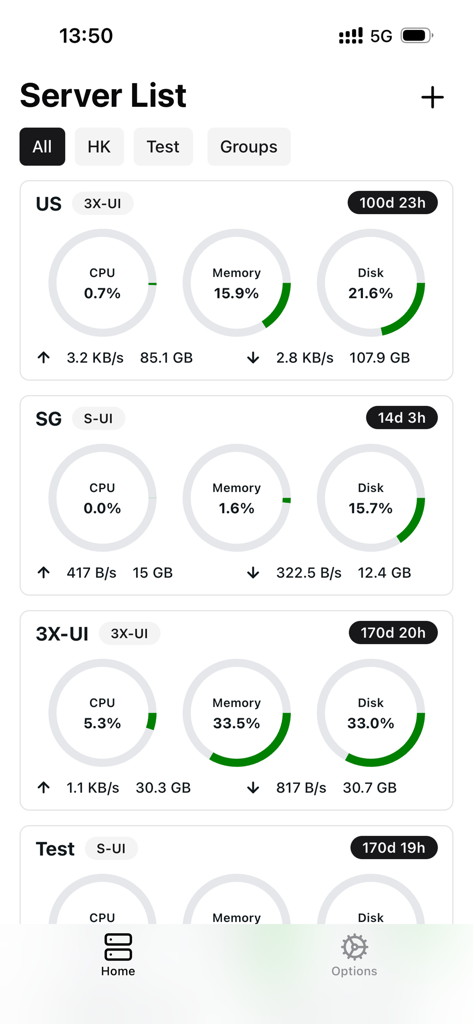
RayBoxUI mobile app interface showing a list of remote servers with real time CPU memory and disk usage metrics
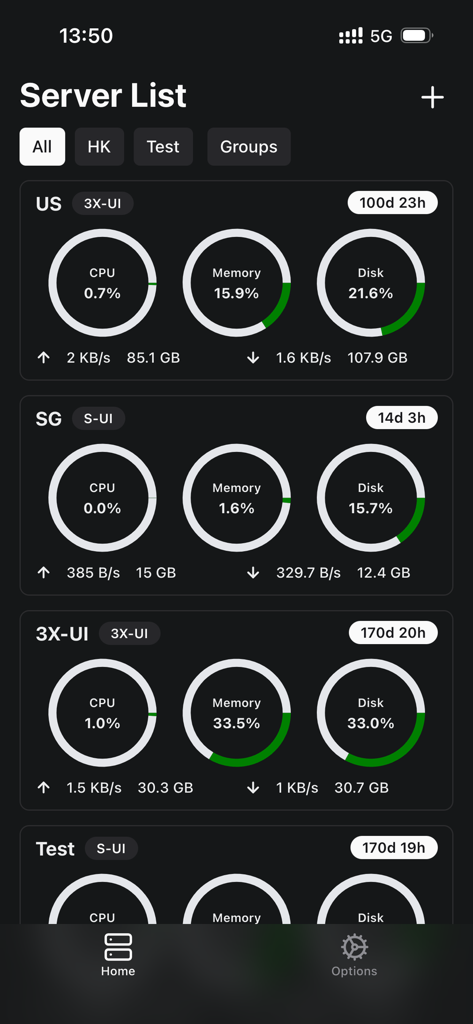
RayBoxUI server list showing real time performance metrics for remote servers
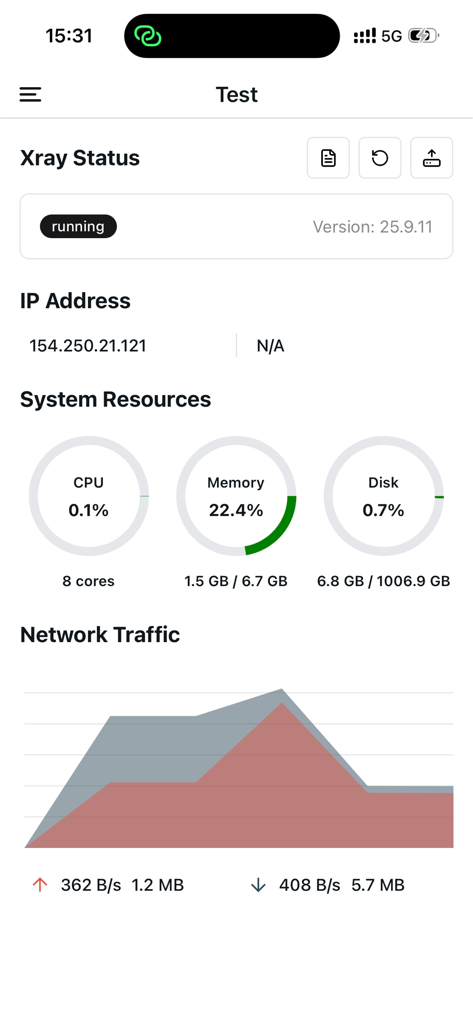
RayBoxUI app interface showing real-time server status monitoring with system resources and network traffic graphs
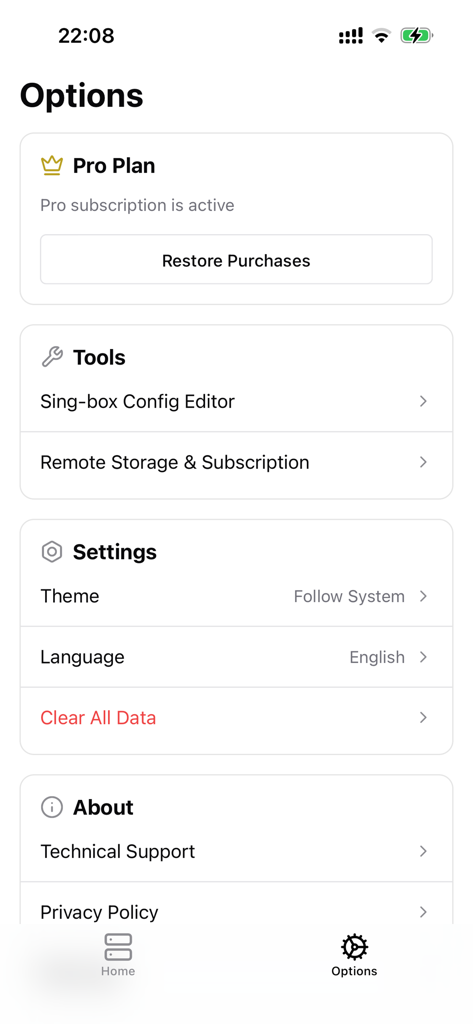
RayBoxUI options screen with tools settings and pro plan status
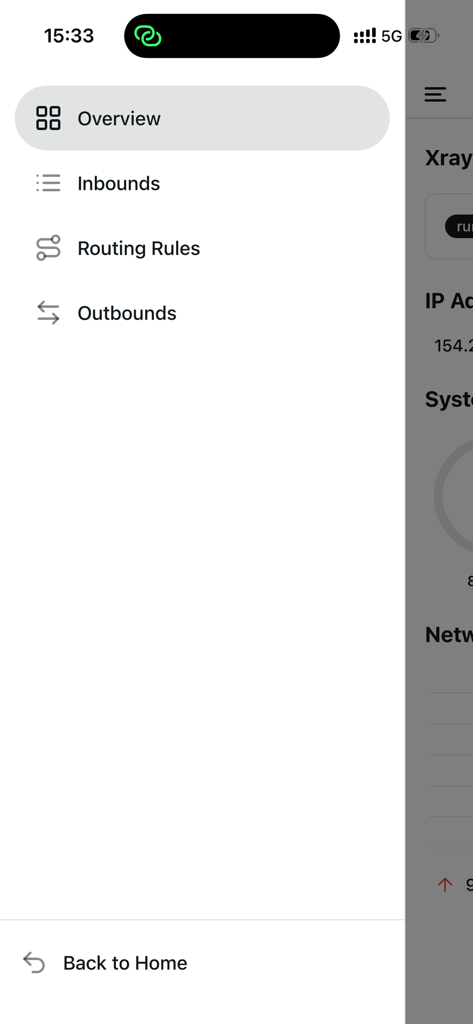
Side navigation menu of RayBoxUI app showing server management categories like routing rules and inbounds

Network routing rules management interface in the RayBoxUI app
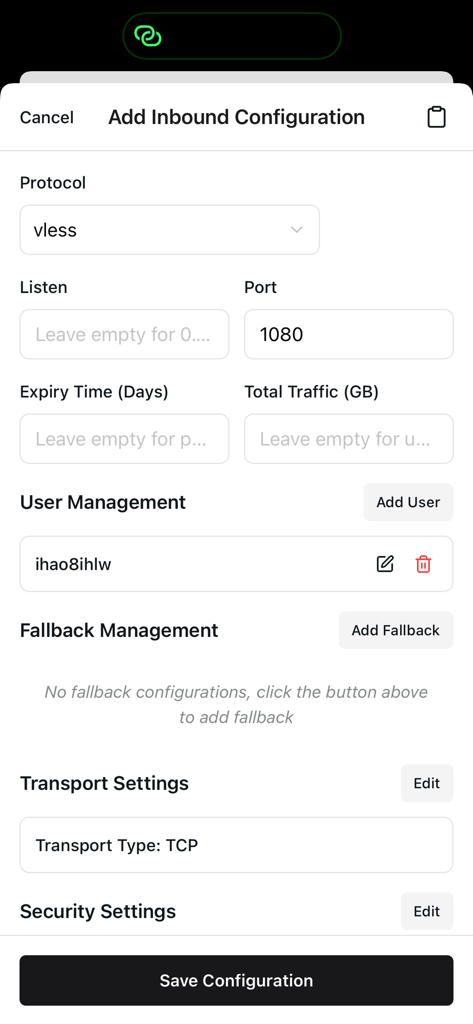
Interface for adding a new inbound configuration using the vless protocol in RayBoxUI
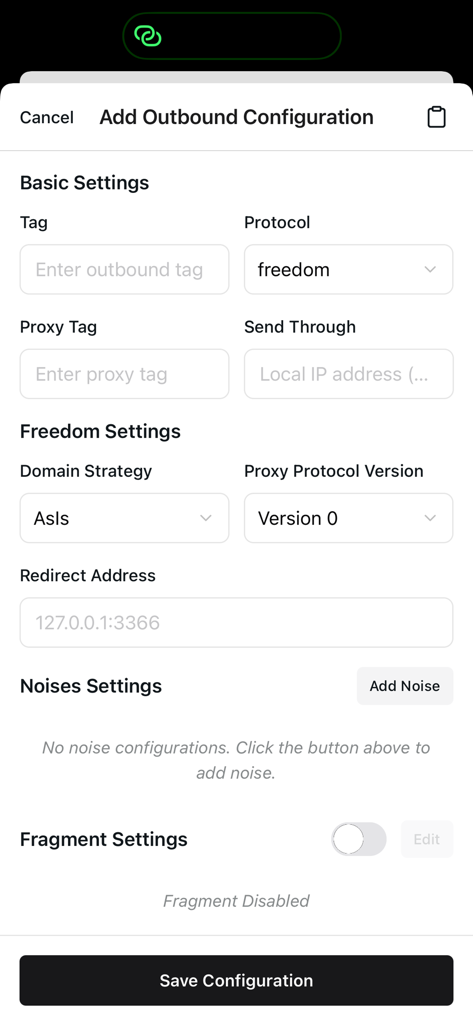
Interface of RayBoxUI app displaying outbound configuration settings for a server node.
Description
Download
More Like This
Top-ranked apps in the same category

TestFlight
Apple Inc.

Replit: Vibe Code Apps
Replit, Inc

GitHub
GitHub

O-KAM Pro
Shenzhen VeePai IoT Intelligent Technology LLC

Apple Developer
Apple Inc.

Expo Go
650 Industries, Inc.

Scriptable
Simon Stovring

App Store Connect
Apple Inc.

Sekai: Create · Remix · Play
Versa AI, Inc.
This page is not an official page of the app or its developer, but an independent editorial publication created for informational and commentary purposes. Unless expressly stated otherwise, neither the app nor its developer is affiliated with, endorsed by, sponsored by, authorized by, or otherwise officially connected with MWM, Apple, Google Play, the app publisher, or the app's developer, and nothing on this page implies that the app was developed using MWM's services. Any trademarks, logos, screenshots, and other content remain the property of their respective owners.