
This page is not an official page of the app or its developer, but an independent editorial publication created for informational and commentary purposes. Unless expressly stated otherwise, neither the app nor its developer is affiliated with, endorsed by, sponsored by, authorized by, or otherwise officially connected with MWM, Apple, Google Play, the app publisher, or the app's developer, and nothing on this page implies that the app was developed using MWM's services. Any trademarks, logos, screenshots, and other content remain the property of their respective owners.

Reference Tracker
The essential tool for students, researchers, and writers to automate citations, organize source materials, and generate perfectly formatted reference lists in seconds on Mac and iPad.
Downloads
0User Rating
Total Ratings
0Publisher
Category
ProductivityLocales
1Latest Version
3.5.2Size
7.2 MBFirst Released
Oct 28, 2013Master Your Bibliography Without the Busywork
Stop wasting hours on manual citations. Reference Tracker automates your research workflow on Mac and iPad, ensuring every reference is perfectly formatted and every document is right where you need it.
Instant Publication Lookup
Create full, accurate references in seconds. Simply enter an ISBN or DOI to automatically pull all publication details, eliminating tedious manual entry.
One-Tap Formatting
Generate flawless bibliographies in APA, MLA, Chicago, Harvard, and more. Meet strict academic standards instantly and export to Word, BibTex, or PDF.
The following screenshots and description are sourced directly from the app's official store listing and are the property of the app developer.
App Store
Screenshots
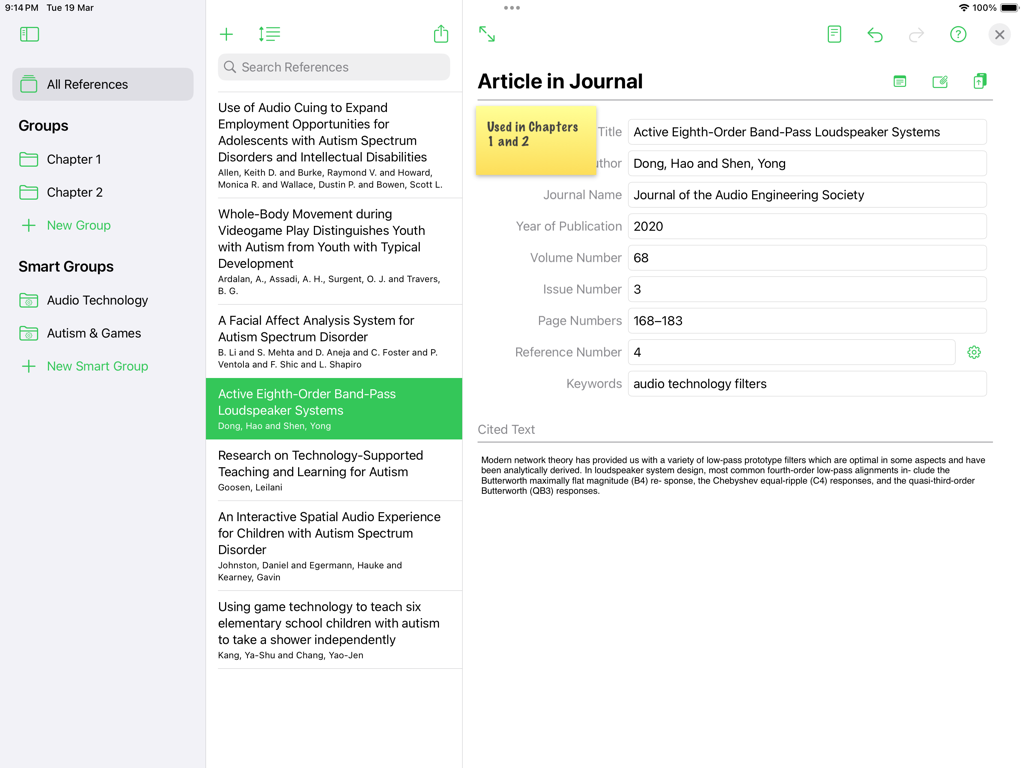
Reference Tracker iPad app interface showing journal article details and research categories.
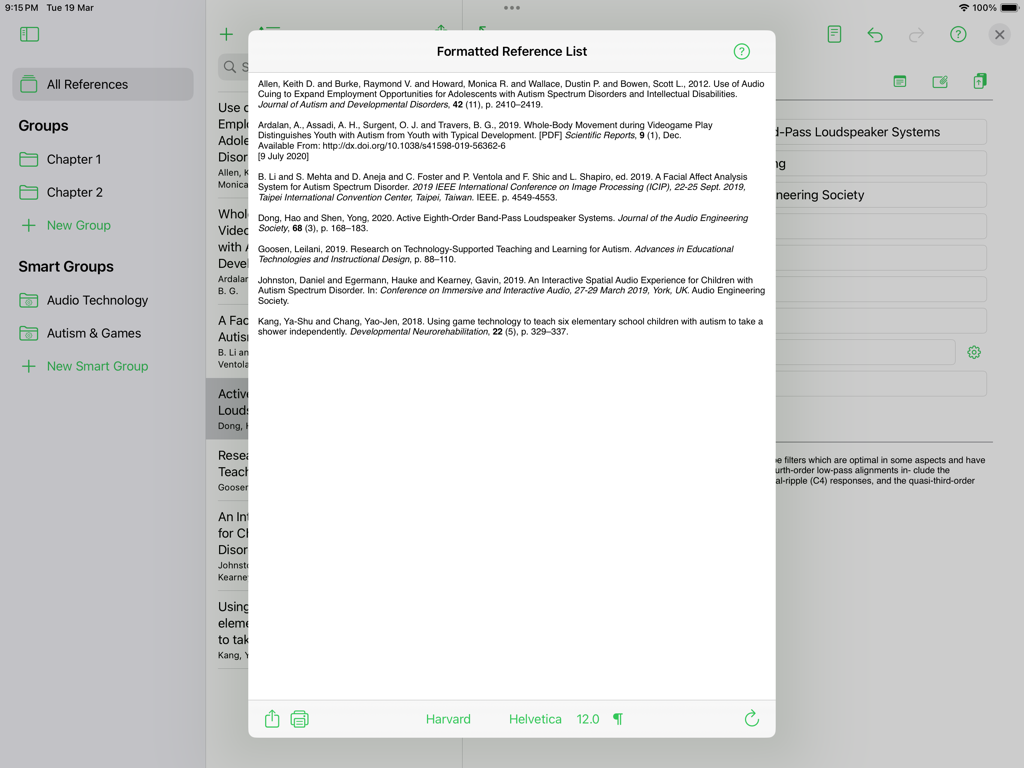
A formatted academic reference list in Harvard style displayed on the Reference Tracker iPad app interface.
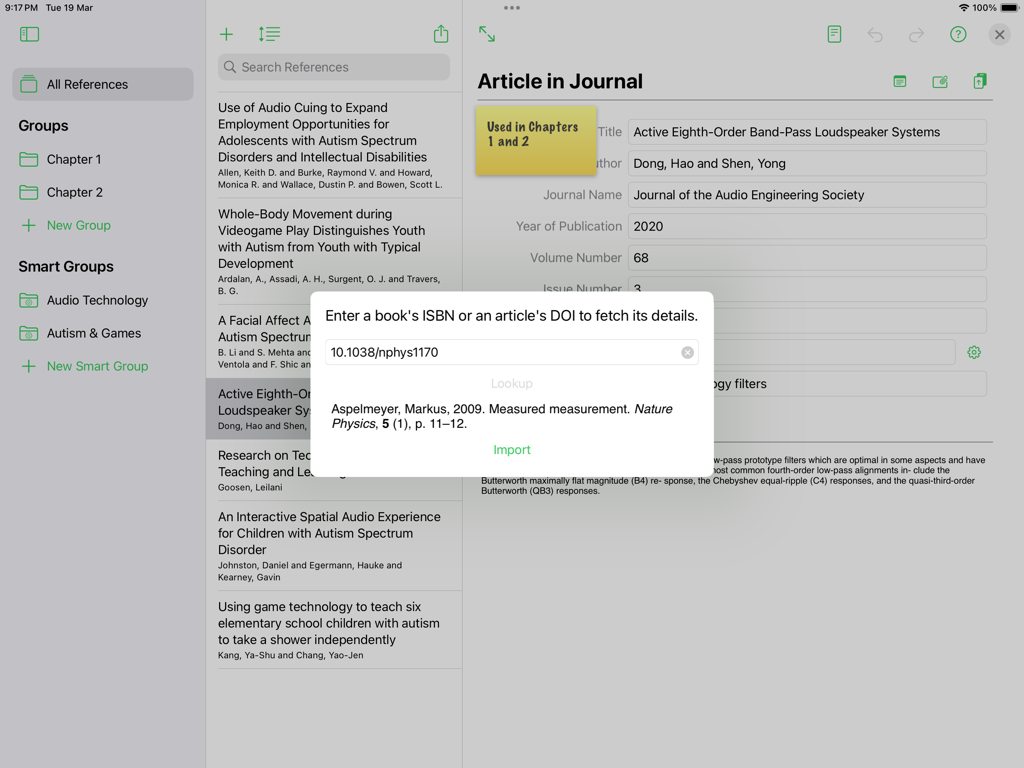
Reference Tracker app interface on iPad showing the publication lookup tool for DOI and ISBN
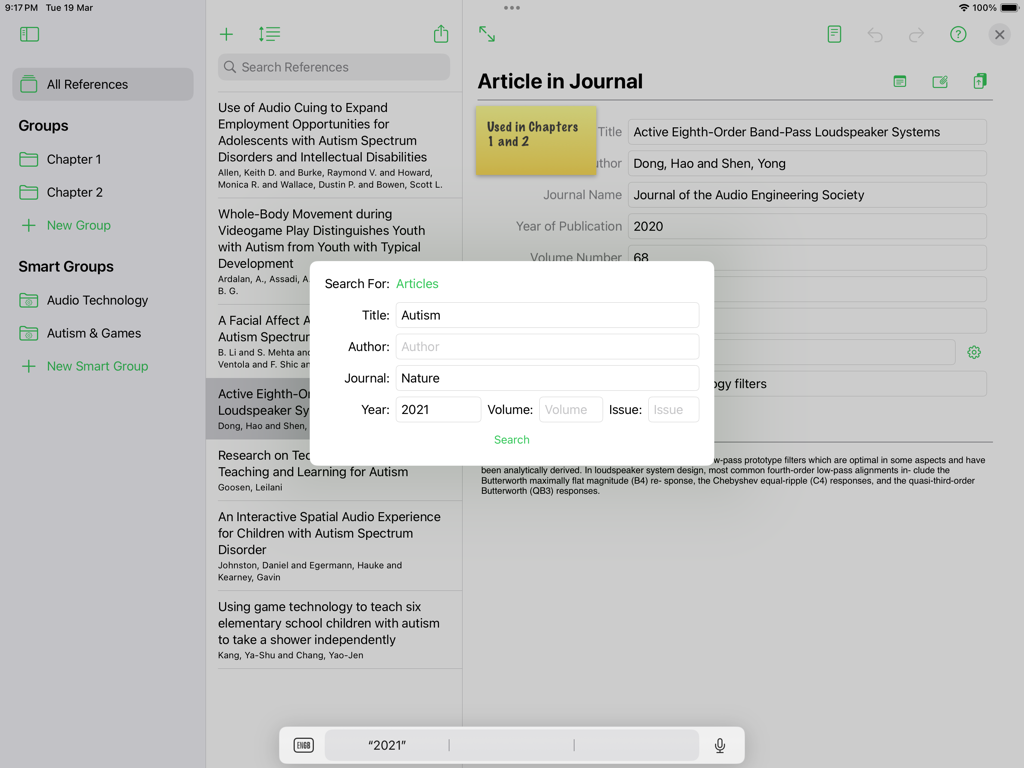
Reference Tracker app on iPad showing an article search window over a list of academic references and bibliographic details.
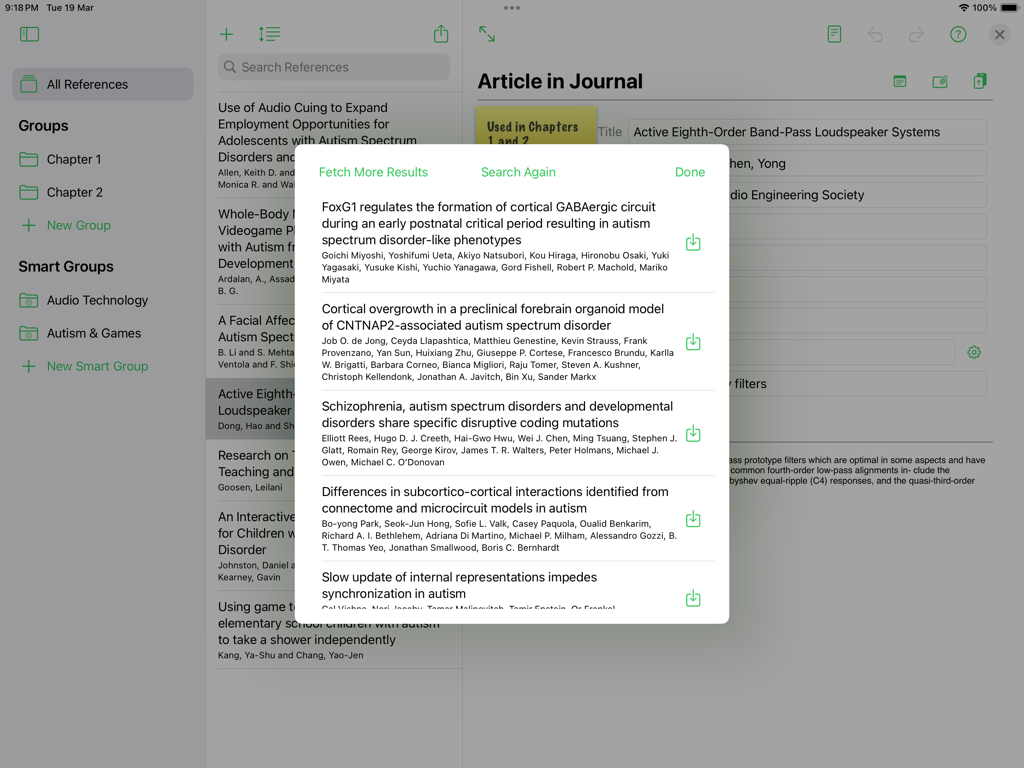
iPad screenshot showing academic journal search results within the Reference Tracker app
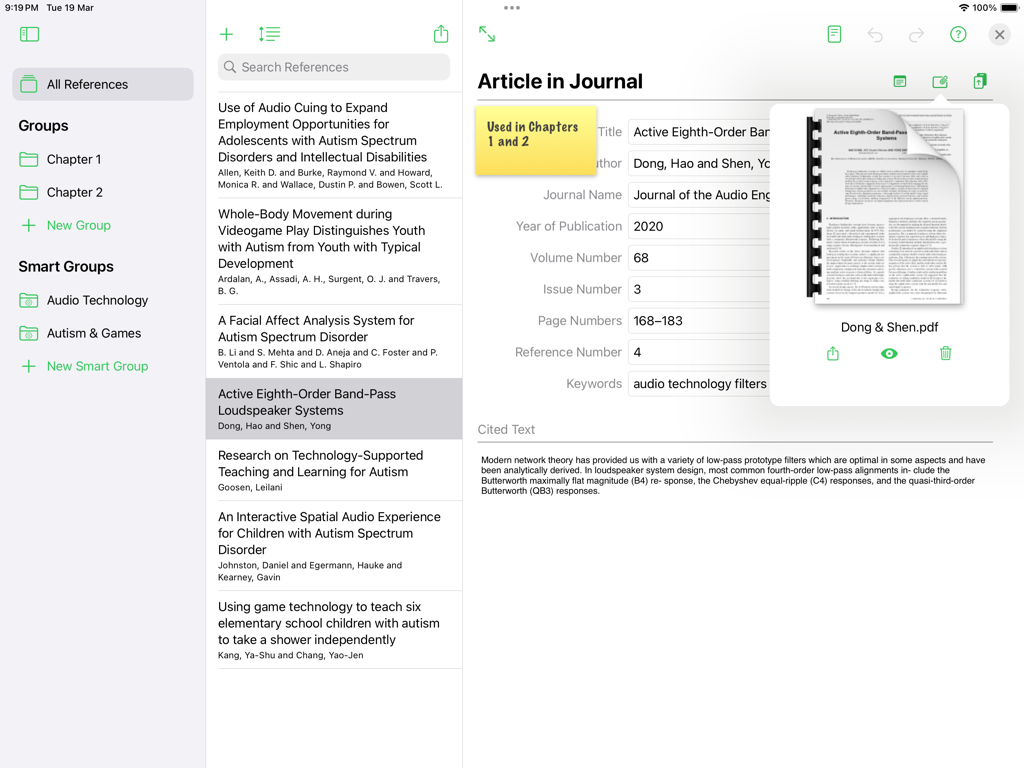
iPad interface of Reference Tracker showing detailed journal article entry and PDF attachment preview
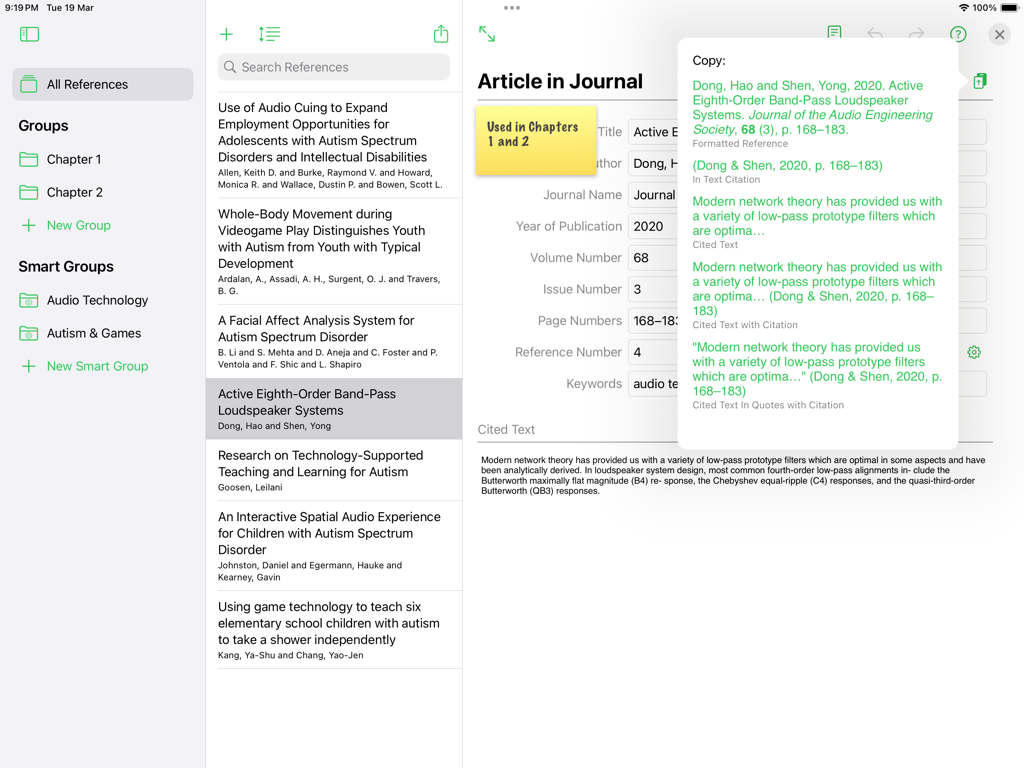
Reference Tracker app on iPad showing academic reference management and formatted citation copy options.
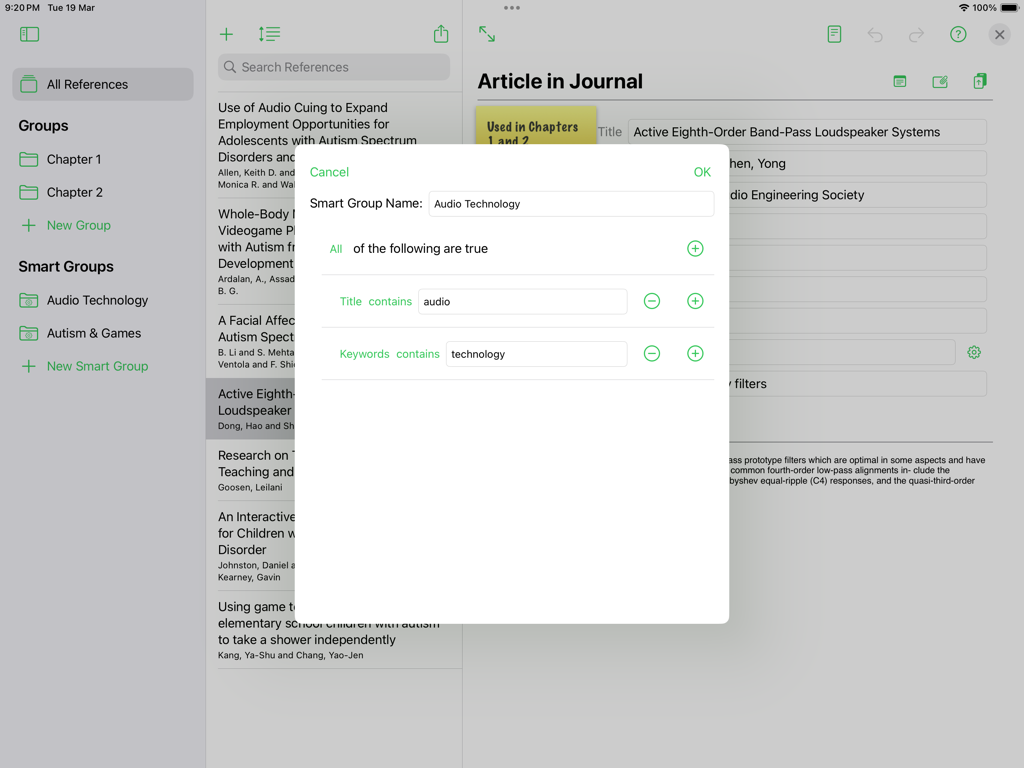
A modal window in Reference Tracker on iPad showing settings for creating a smart group to automatically organize research references.
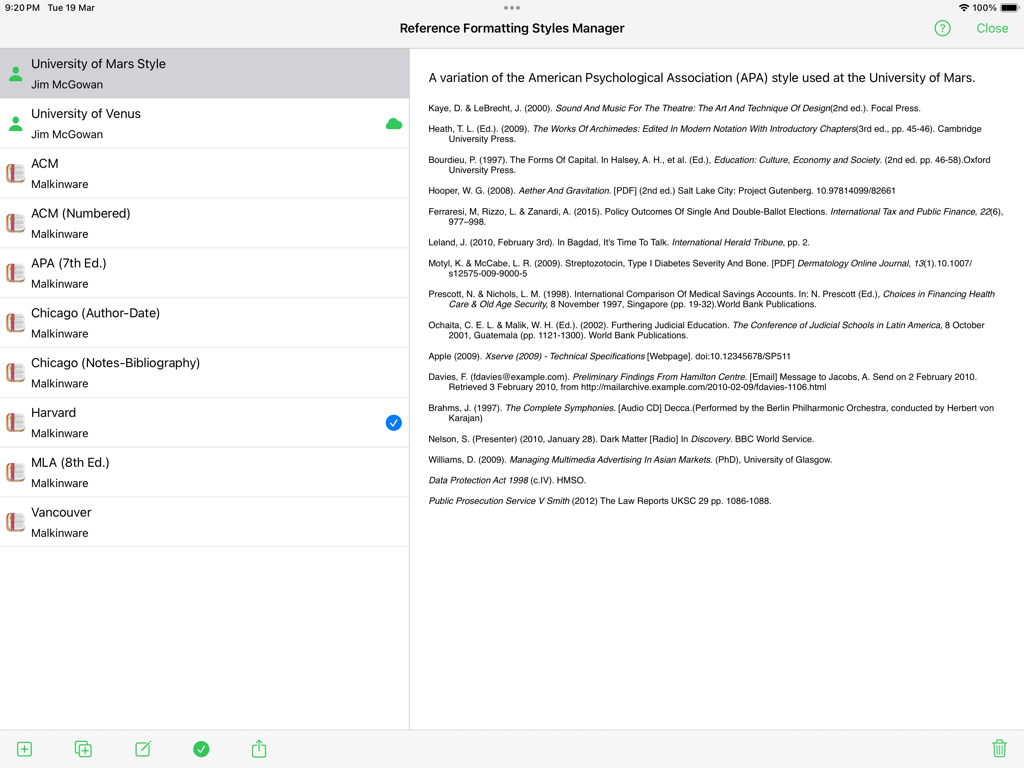
The Reference Formatting Styles Manager in the Reference Tracker app displaying various citation formats and previews.
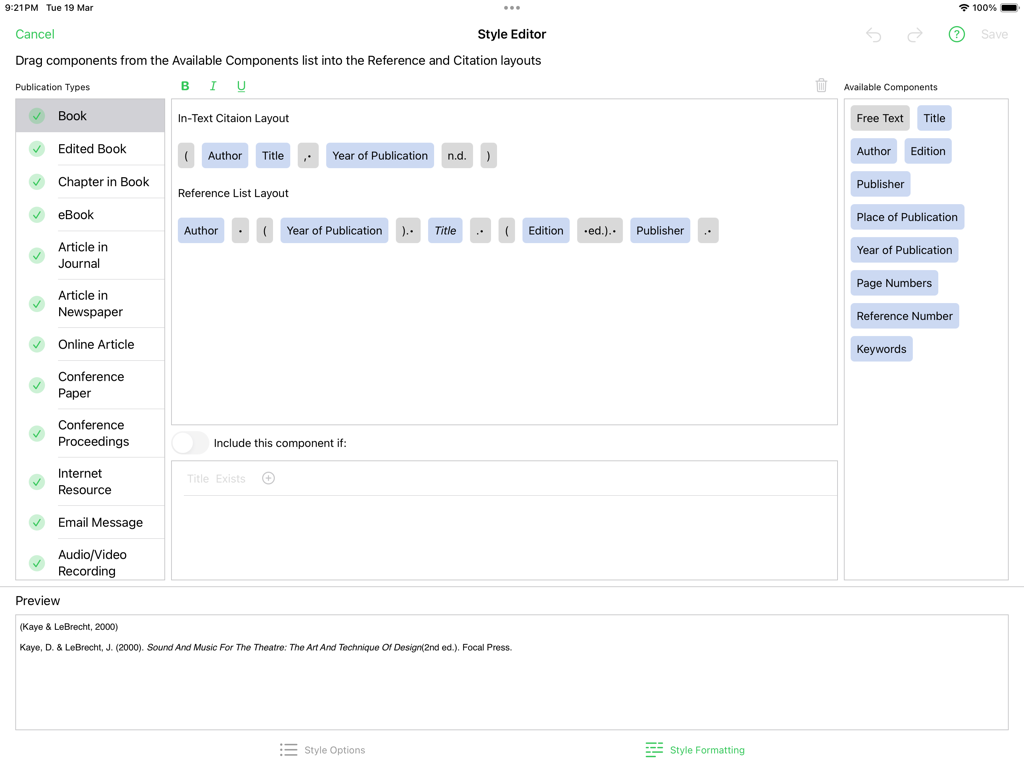
A screenshot of the Reference Tracker Style Editor showing citation and reference list layout customization on an iPad
Description
Download
More Like This
Top-ranked apps in the same category
ChatGPT
OpenAI OpCo, LLC
Google Gemini
Google LLC

Claude by Anthropic
Anthropic PBC

Gmail - Email by Google
Google LLC

千问 - 阿里最强大模型官方AI助手
Shanghai Zhixin Puhui Technology Co., Ltd.

Grok
X.AI Corporation

Google Drive
Google LLC

Microsoft Authenticator
Microsoft Corporation

Google Sheets
Google LLC
This page is not an official page of the app or its developer, but an independent editorial publication created for informational and commentary purposes. Unless expressly stated otherwise, neither the app nor its developer is affiliated with, endorsed by, sponsored by, authorized by, or otherwise officially connected with MWM, Apple, Google Play, the app publisher, or the app's developer, and nothing on this page implies that the app was developed using MWM's services. Any trademarks, logos, screenshots, and other content remain the property of their respective owners.