
This page is not an official page of the app or its developer, but an independent editorial publication created for informational and commentary purposes. Unless expressly stated otherwise, neither the app nor its developer is affiliated with, endorsed by, sponsored by, authorized by, or otherwise officially connected with MWM, Apple, Google Play, the app publisher, or the app's developer, and nothing on this page implies that the app was developed using MWM's services. Any trademarks, logos, screenshots, and other content remain the property of their respective owners.


Reminder, Reminders with Voice
Cut through notification noise with personalized voice alerts and custom songs. From complex medical cycles to daily chores, stay on track with auto-snooze and pre-alarms—all in a private, offline app with one simple lifetime purchase.
Downloads
1M+User Rating
Total Ratings
62K+Publisher
Category
ProductivityLocales
4Latest Version
7.8Size
10.6 MBFirst Released
Mar 14, 2016Master Your Daily Routine with Precision
Experience the ultimate personal assistant that combines your own voice recordings with the most flexible scheduling tools on the App Store.
Personal Voice Alerts
Record your own voice to hear exactly what needs to be done. No more guessing what a generic notification ping means.
Schedules for Real Life
From birth control cycles to complex medical routines, our granular repeat options handle the schedules other apps can’t.
The following screenshots and description are sourced directly from the app's official store listing and are the property of the app developer.
App Store
Screenshots
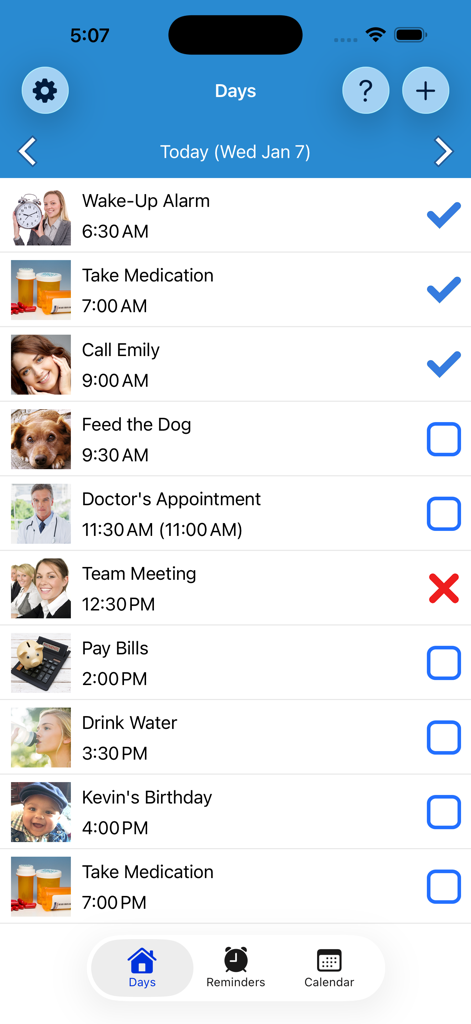
Daily schedule of tasks and medication reminders in the Reminder app
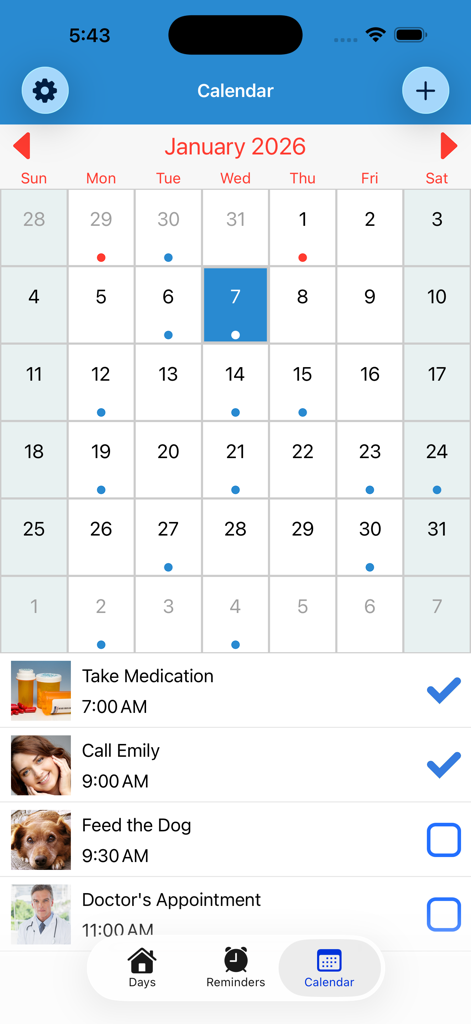
Calendar interface of the Reminder app displaying a monthly schedule and a daily task list including medication and appointments
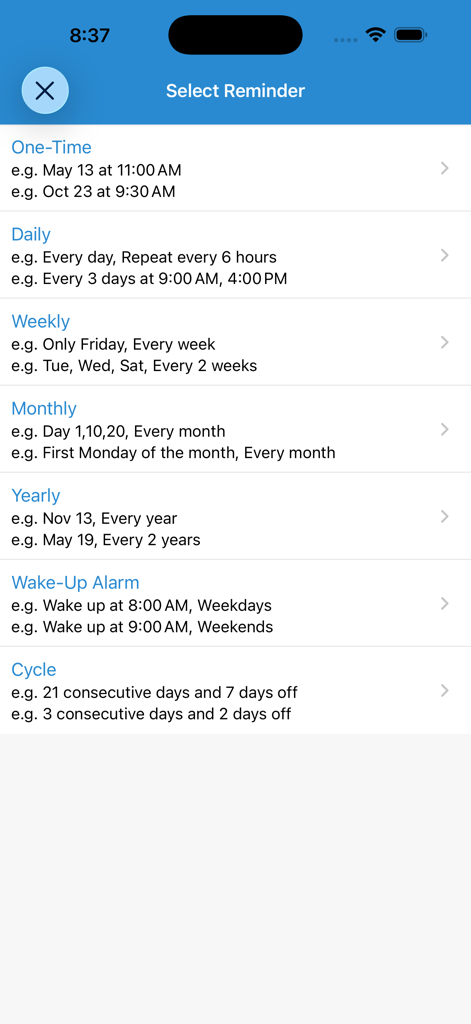
Interface for selecting reminder types including daily, monthly, and custom cycle alerts
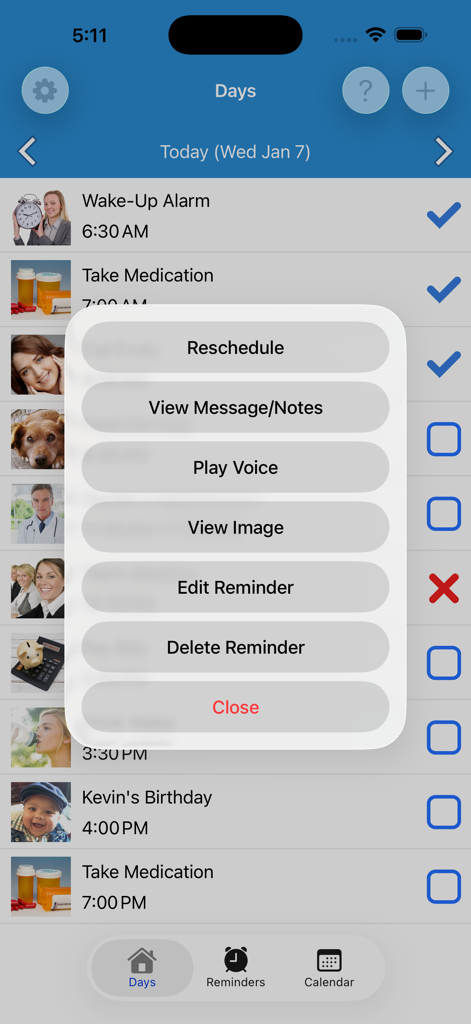
Daily reminder list with an options menu for voice playback and editing.
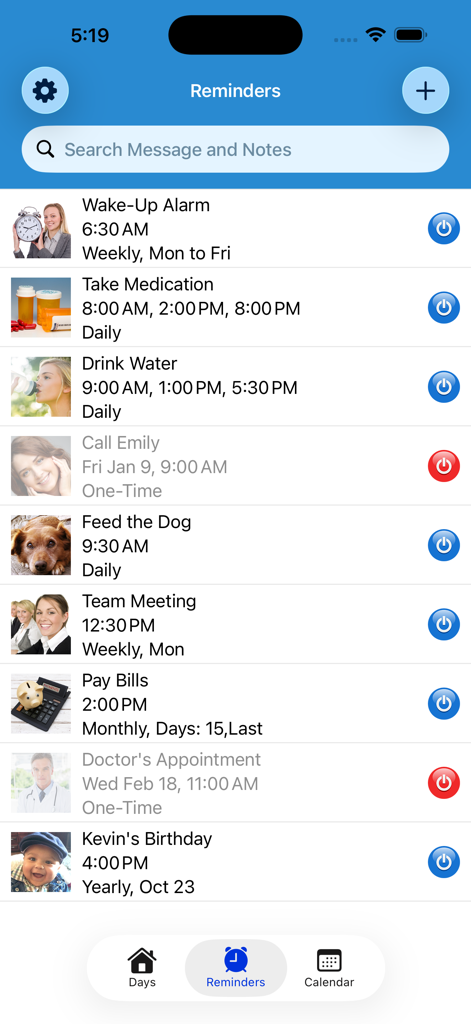
A list of daily reminders with icons and times in the Reminder app interface
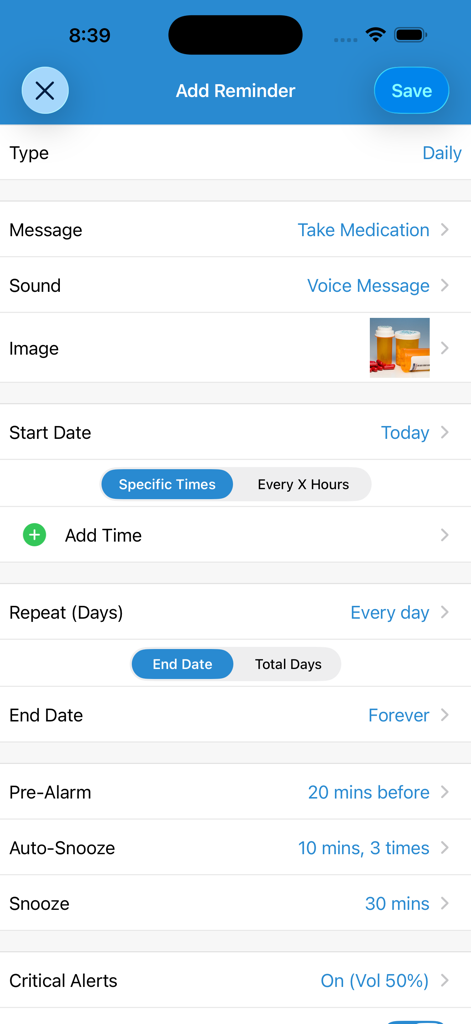
User interface for setting up a daily medication reminder with a voice message and custom snooze settings
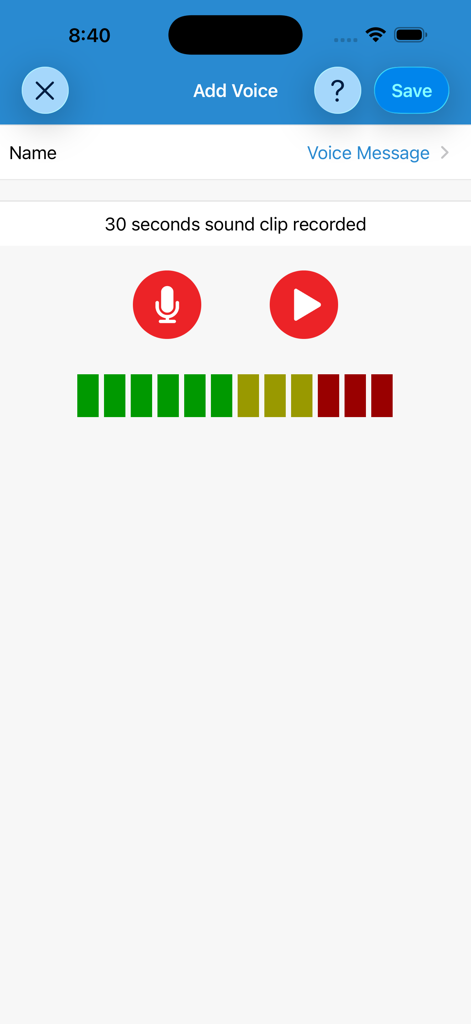
Interface of the Reminder app showing the voice recording screen with record and play buttons for a 30 second sound clip
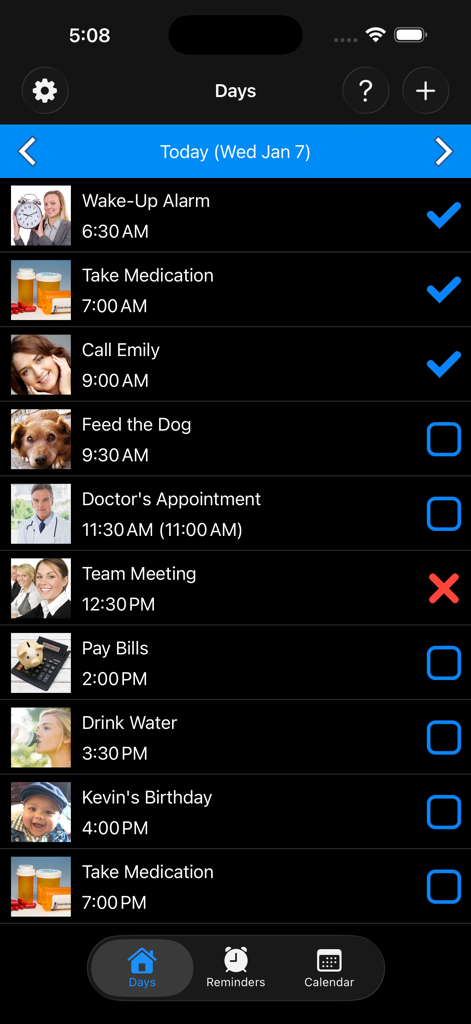
Daily schedule screen in the Reminders with Voice app showing a list of tasks with custom images and status checkmarks.
Description
Download
More Like This
Top-ranked apps in the same category

ChatGPT
OpenAI OpCo, LLC

Google Gemini
Google LLC

Grok
X.AI Corporation

Gmail - Email by Google
Google LLC

千问 - 阿里最强大模型官方AI助手
Shanghai Zhixin Puhui Technology Co., Ltd.

Google Drive
Google LLC

Microsoft Authenticator
Microsoft Corporation

Google Sheets
Google LLC

Google Docs
Google LLC
This page is not an official page of the app or its developer, but an independent editorial publication created for informational and commentary purposes. Unless expressly stated otherwise, neither the app nor its developer is affiliated with, endorsed by, sponsored by, authorized by, or otherwise officially connected with MWM, Apple, Google Play, the app publisher, or the app's developer, and nothing on this page implies that the app was developed using MWM's services. Any trademarks, logos, screenshots, and other content remain the property of their respective owners.