
This page is not an official page of the app or its developer, but an independent editorial publication created for informational and commentary purposes. Unless expressly stated otherwise, neither the app nor its developer is affiliated with, endorsed by, sponsored by, authorized by, or otherwise officially connected with MWM, Apple, Google Play, the app publisher, or the app's developer, and nothing on this page implies that the app was developed using MWM's services. Any trademarks, logos, screenshots, and other content remain the property of their respective owners.
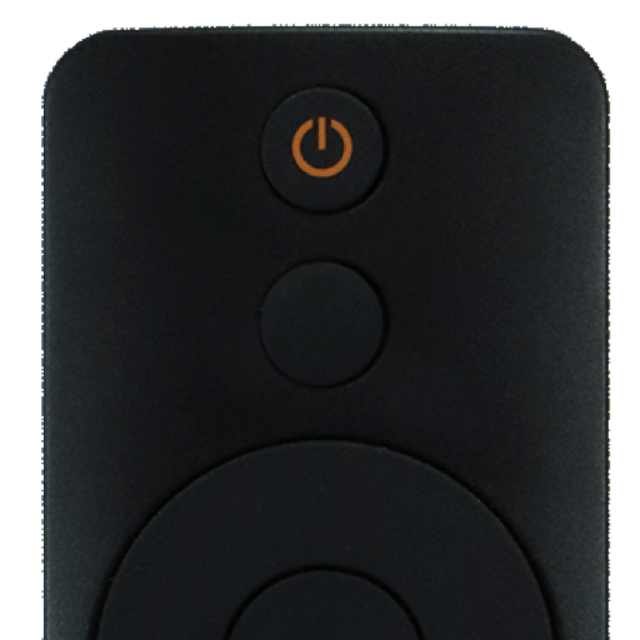

Remote control for Mi Box
Stop hunting for lost remotes. Control your Mi Box instantly from your iPhone with a lightning-fast touchpad and a built-in keyboard for effortless searching.
Downloads
1M+User Rating
Total Ratings
18K+Publisher
Category
UtilitiesLocales
1Latest Version
17.9Size
92.0 MBFirst Released
May 21, 2021The Smartest Way to Control Your Mi Box
Ditch the clunky hardware. Turn your iPhone into a high-performance remote with instant setup and a sleek interface designed for speed.
Lightning-Fast Search
Stop struggling with directional pads. Use your iPhone’s keyboard to type movie titles and search for content in seconds.
Instant Connectivity
No complex pairing required. Just click and play to enjoy seamless control over your home Wi-Fi network immediately.
Frequently Asked Questions
Everything you need to know about Remote control for Mi Box
Is the Remote control for Mi Box app the official Mi Box remote application?
No, this app is not the official Mi Box app. It is a third-party application designed to provide an improved control experience for Mi Box users.
What are the main features of the Remote control for Mi Box app?
The Remote control for Mi Box app offers features like saving the last used remote, no installation required, a fast touchpad and keyboard, and an intuitive design.
How do I set up the Remote control for Mi Box app with my device?
Setting up the Remote control for Mi Box app involves ensuring your TV is on and connected to the same WiFi network as your phone, then selecting the Mi Box device from the app's interface.
Does the Remote control for Mi Box app support voice commands?
Yes, the Remote control for Mi Box app includes voice command functionality. Users can control their Mi Box by speaking commands into their mobile device.
Can I use a keyboard to type on my TV with the Remote control for Mi Box app?
Yes, the Remote control for Mi Box app provides a keyboard feature to send text directly from your mobile device to your TV, facilitating quick typing for search or login fields.
Does the Remote control for Mi Box app offer a Dark Mode feature?
Yes, the Remote control for Mi Box app has a Dark Mode option. This visual setting provides an alternative interface theme.
Can I create and cast slideshows using the Remote control for Mi Box app?
Yes, the Remote control for Mi Box app allows users to create and customize slideshows. It also supports casting these slideshows to the TV.
How can I get support for the Remote control for Mi Box app?
For questions or if the remote isn't working, users can contact support via email at support@os-apps.com.
The following screenshots and description are sourced directly from the app's official store listing and are the property of the app developer.
App Store
Screenshots
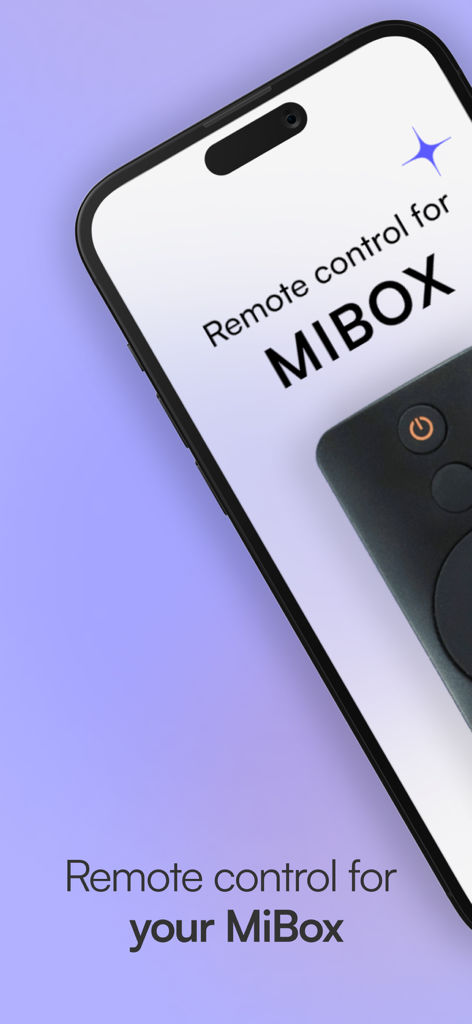
Remote control for Mi Box app displayed on an iPhone screen
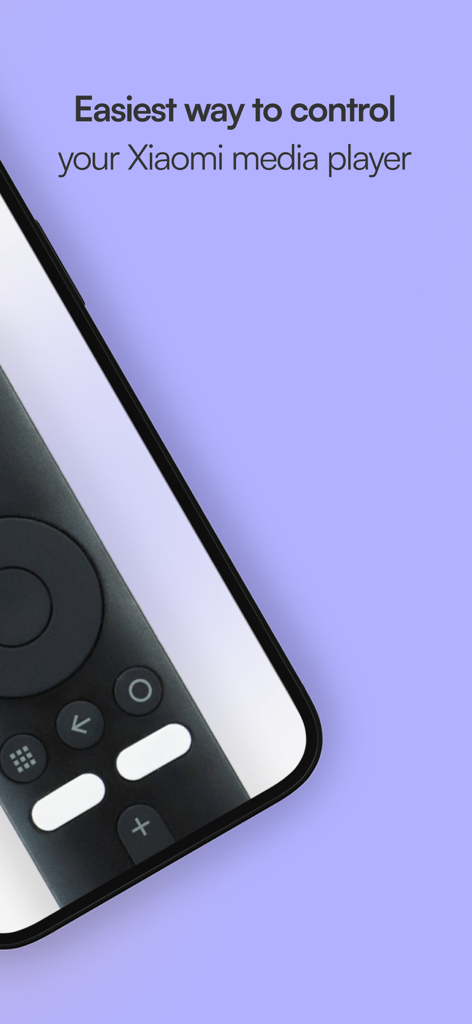
iPhone showing remote control interface for Xiaomi media player
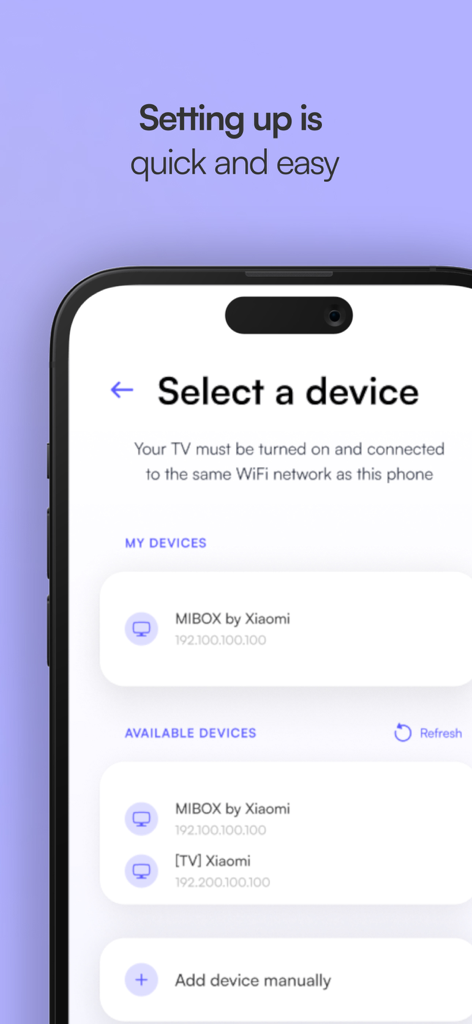
Mobile app screen showing the device selection interface for connecting a Mi Box to an iPhone.
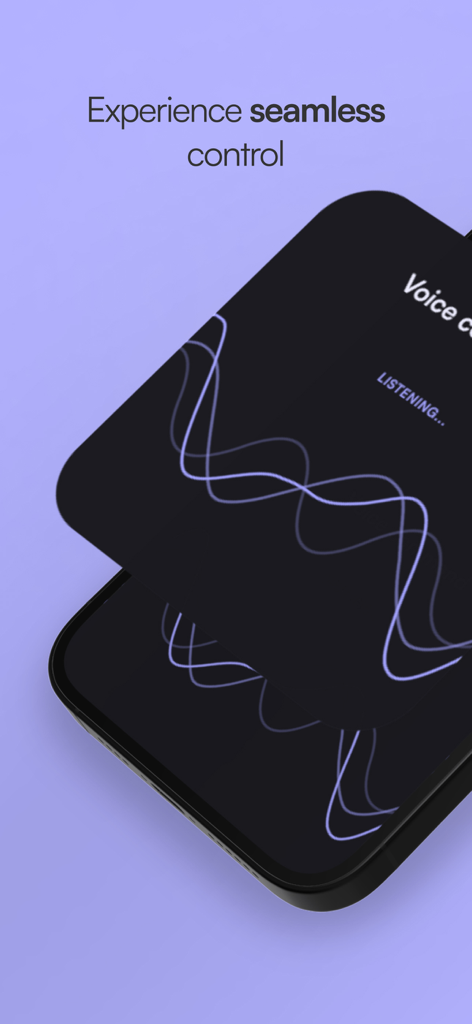
A smartphone interface displaying the voice control and listening feature of the Mi Box remote app
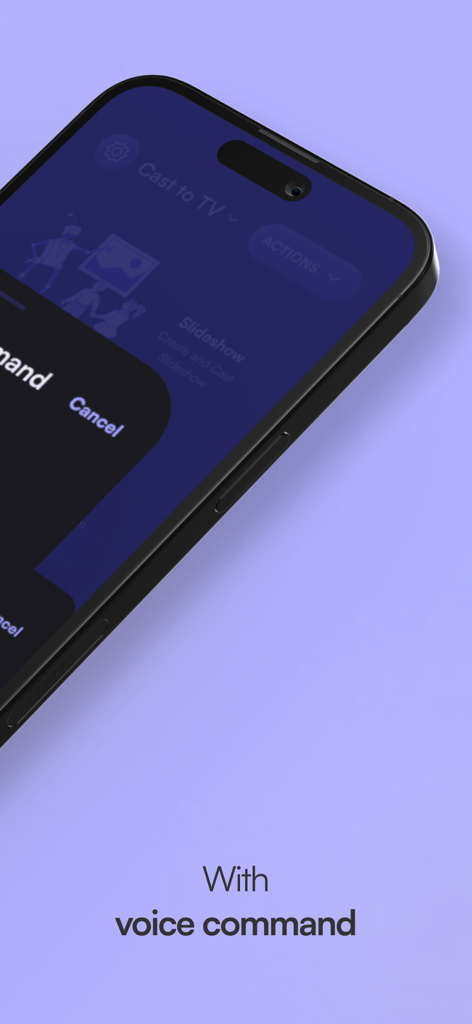
iPhone displaying the voice command interface for the Mi Box remote control app.
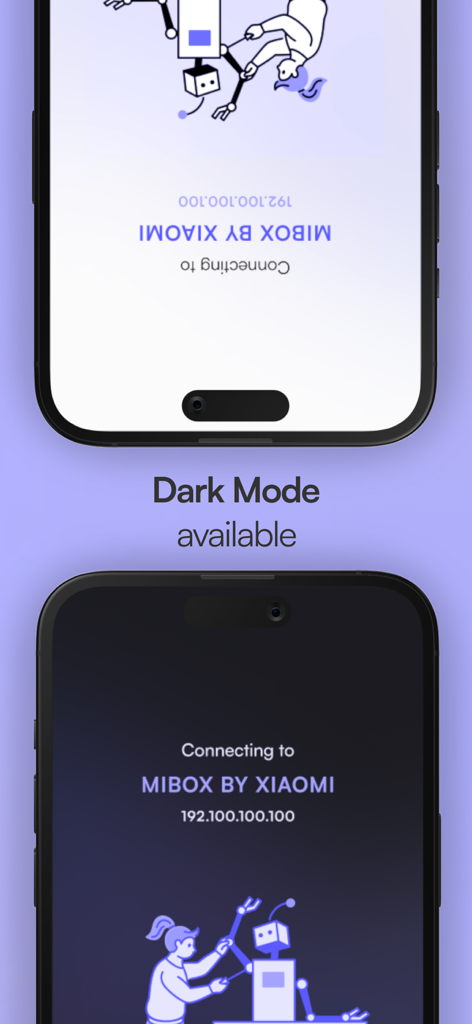
Remote control for Mi Box app showing light and dark mode interface on iPhone
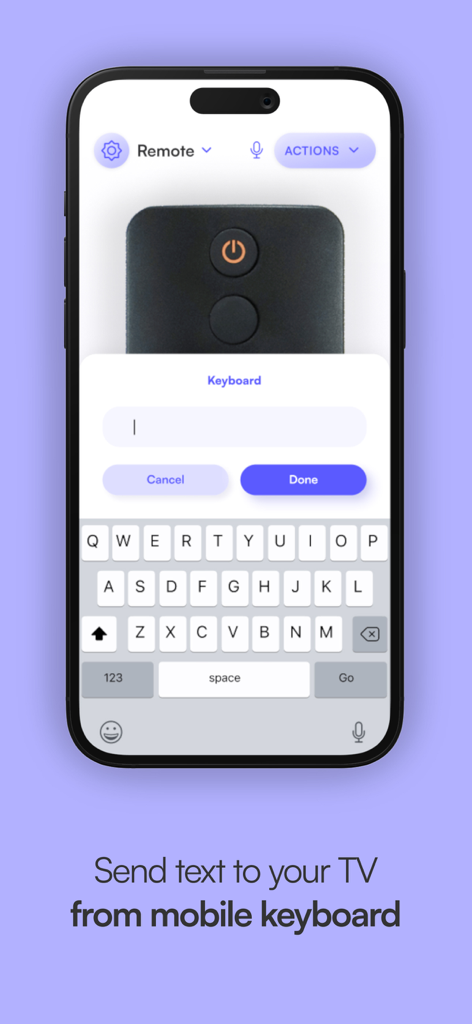
Smartphone app showing a keyboard interface to send text to a Mi Box TV
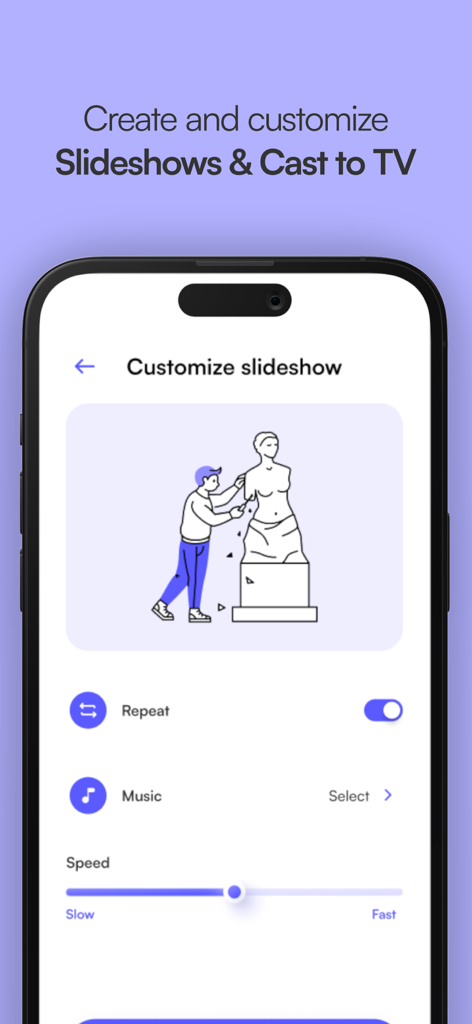
iPhone screenshot showing slideshow customization options in the Mi Box remote app including speed and music settings
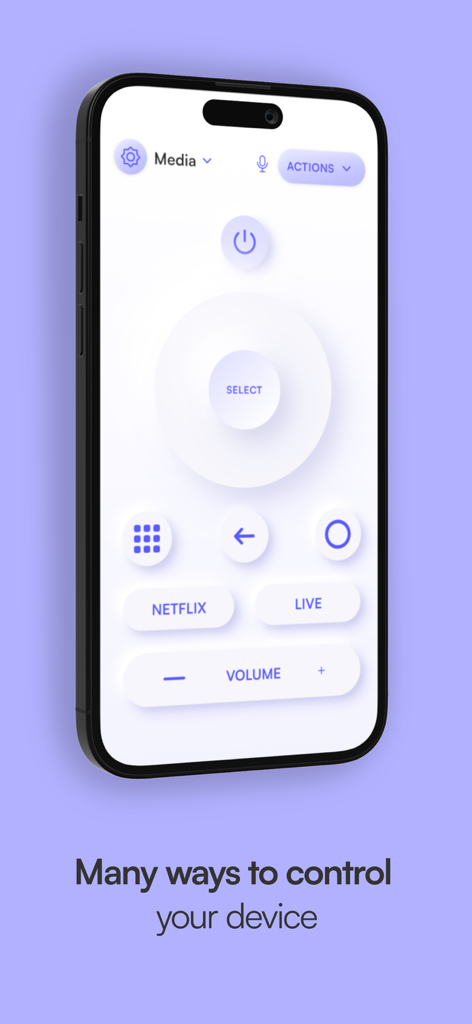
User interface of the Mi Box remote control app on an iPhone showing navigation and volume controls.
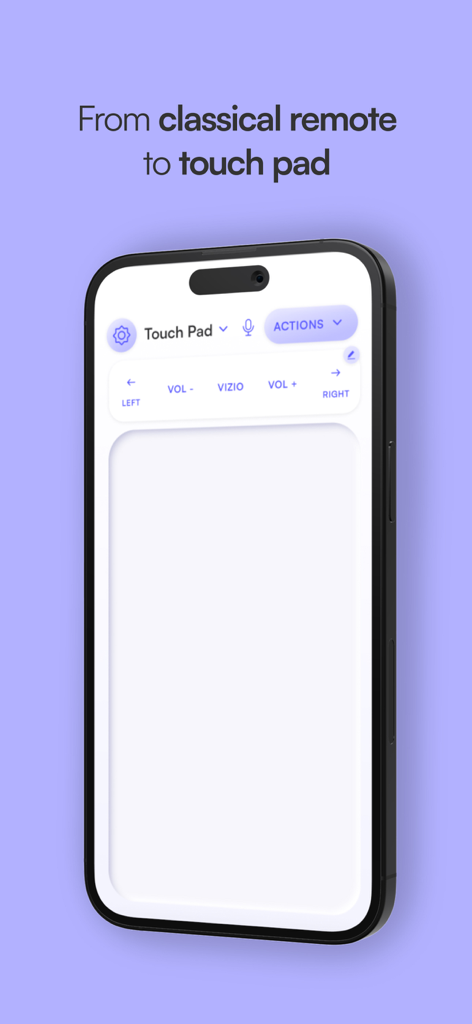
Interface of the Mi Box remote control app showing a touch pad for navigation on an iPhone.
Description
Download
More Like This
Apps with similar features and user experience

The Roku App (Official)
ROKU INC

TV Remote & Smart TV Control
To Ngoc Mai

Universal TV Remote Control .
Apps Venture Inc.

TV Remote, Universal Remote
Hangzhou Yingshitong Technology Co., Ltd.

TV Remote Control “Universo”
Nemo Apps LLC

TV Remote・Universal Control #1
Mihai Turlea

Remote Smart Tv Universal
clement gasner

Remote TV Control TCL Onn App
CEMAL CAGLAR KIRICI

TV Remote Control Universal AI
Anh Ngo
This page is not an official page of the app or its developer, but an independent editorial publication created for informational and commentary purposes. Unless expressly stated otherwise, neither the app nor its developer is affiliated with, endorsed by, sponsored by, authorized by, or otherwise officially connected with MWM, Apple, Google Play, the app publisher, or the app's developer, and nothing on this page implies that the app was developed using MWM's services. Any trademarks, logos, screenshots, and other content remain the property of their respective owners.