
This page is not an official page of the app or its developer, but an independent editorial publication created for informational and commentary purposes. Unless expressly stated otherwise, neither the app nor its developer is affiliated with, endorsed by, sponsored by, authorized by, or otherwise officially connected with MWM, Apple, Google Play, the app publisher, or the app's developer, and nothing on this page implies that the app was developed using MWM's services. Any trademarks, logos, screenshots, and other content remain the property of their respective owners.

Remote Shutter: camera connect
Turn your secondary device into a live monitor and remote. Capture professional angles, adjust zoom, and snap high-quality shots from up to 50ft away—no cameraman required.
Downloads
23K+User Rating
Total Ratings
100Publisher
Category
Photo & VideoLocales
5Latest Version
4.13Size
8.3 MBFirst Released
Apr 29, 2013Your Professional Camera Crew in Your Pocket
Stop settling for awkward selfies and the 10-second timer scramble. Remote Shutter turns your Apple devices into a powerful remote monitoring system so you can capture the perfect shot, alone or with friends.
Real-Time Remote Preview
See exactly what your camera sees on your second device. Monitor your pose, framing, and lighting in real-time from up to 50 feet away for that perfect 'candid' look.
Pro-Level Camera Control
Don't just click the shutter. Remotely adjust zoom, swap lenses, and toggle the flash or torch to get professional results without walking back to your tripod.
The following screenshots and description are sourced directly from the app's official store listing and are the property of the app developer.
App Store
Screenshots
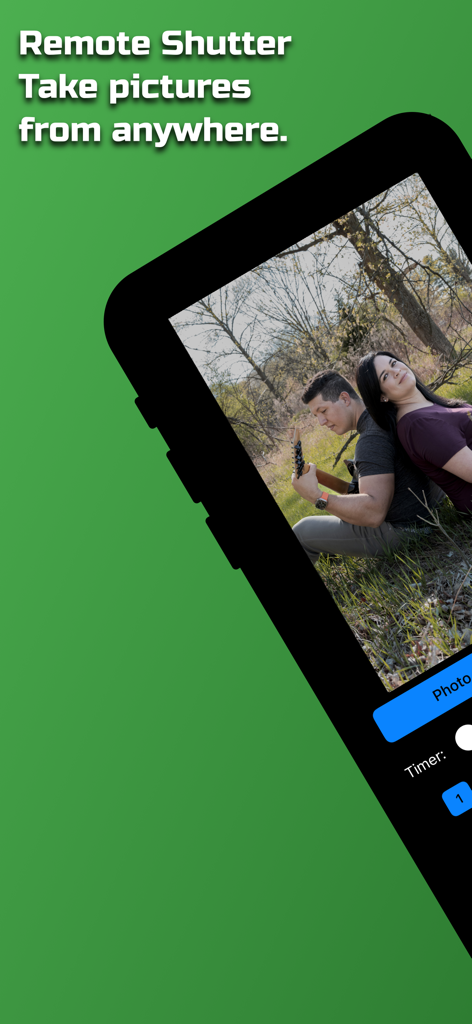
Remote Shutter app interface showing a couple posing for a photo outdoors with remote camera controls
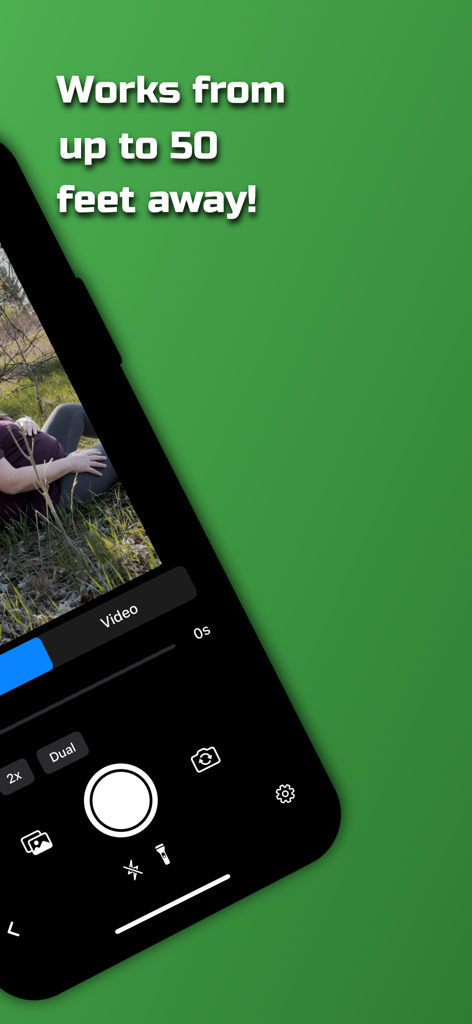
A smartphone displaying the Remote Shutter app interface showing camera controls and a fifty feet range message
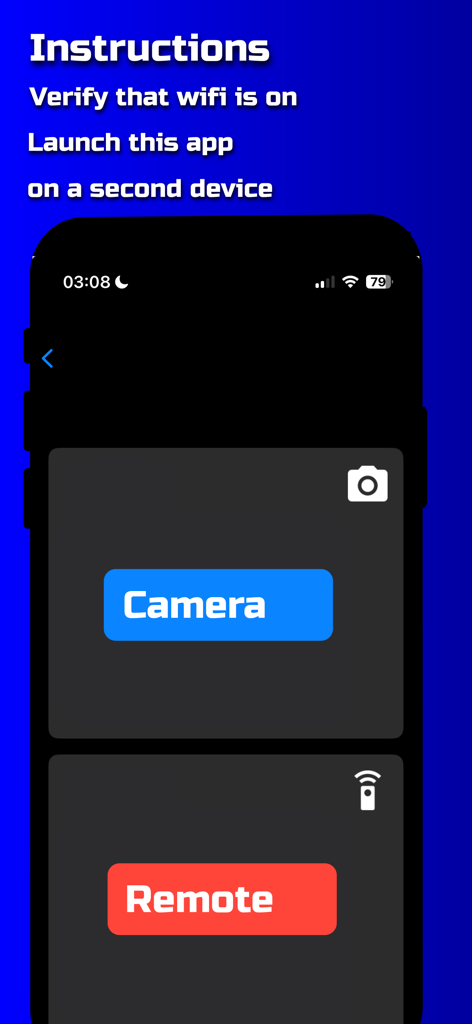
Remote Shutter app setup screen with buttons to choose between Camera and Remote modes
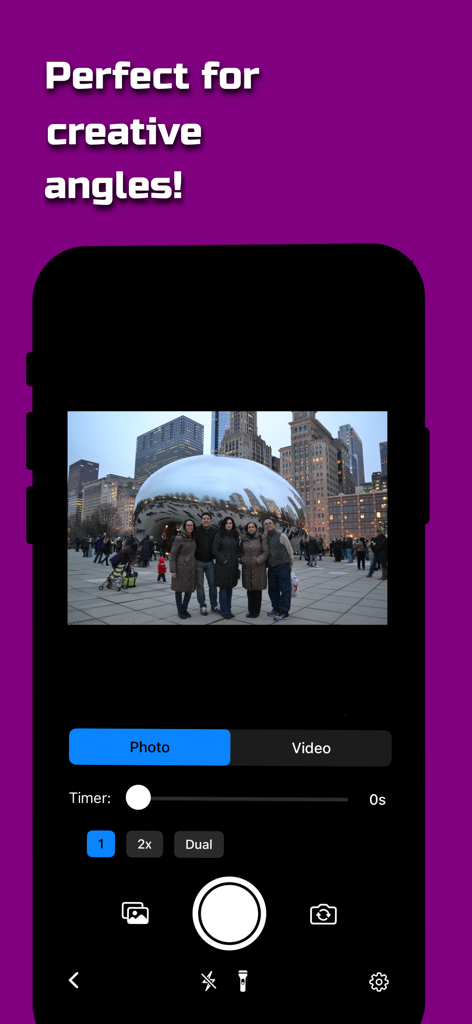
Interface of the Remote Shutter app displaying a group photo at Cloud Gate in Chicago with camera control settings
Description
Download
More Like This
Top-ranked apps in the same category

CapCut: Photo & Video Editor
BYTEDANCE PTE. LTD.

Instagram, Inc.

YouTube
Google LLC

Canva: AI Photo & Video Editor
Canva Pty Ltd

Snapchat
Snap, Inc.

快手
Beijing Kwai Technology Co., Ltd.

Edits: Video Editor
Instagram, Inc.

Meitu- AI Photo & Video Editor
Xiamen Meitu Technology Co., Ltd.

Google Photos: Backup & Edit
Google LLC
This page is not an official page of the app or its developer, but an independent editorial publication created for informational and commentary purposes. Unless expressly stated otherwise, neither the app nor its developer is affiliated with, endorsed by, sponsored by, authorized by, or otherwise officially connected with MWM, Apple, Google Play, the app publisher, or the app's developer, and nothing on this page implies that the app was developed using MWM's services. Any trademarks, logos, screenshots, and other content remain the property of their respective owners.