

Stop wasting time with messy filenames like IMG_1234. Effortlessly rename, format, and export your photos with custom numbering—all processed locally on your device for total privacy.
Publisher
Category
UtilitiesDownloads
100+User Rating
Total Ratings
0Locales
1Discover the interface used by 100+ users.
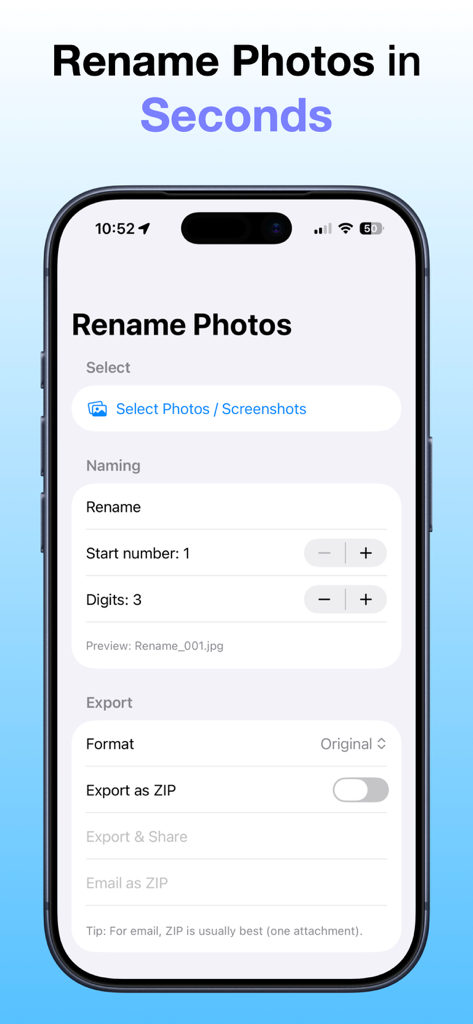
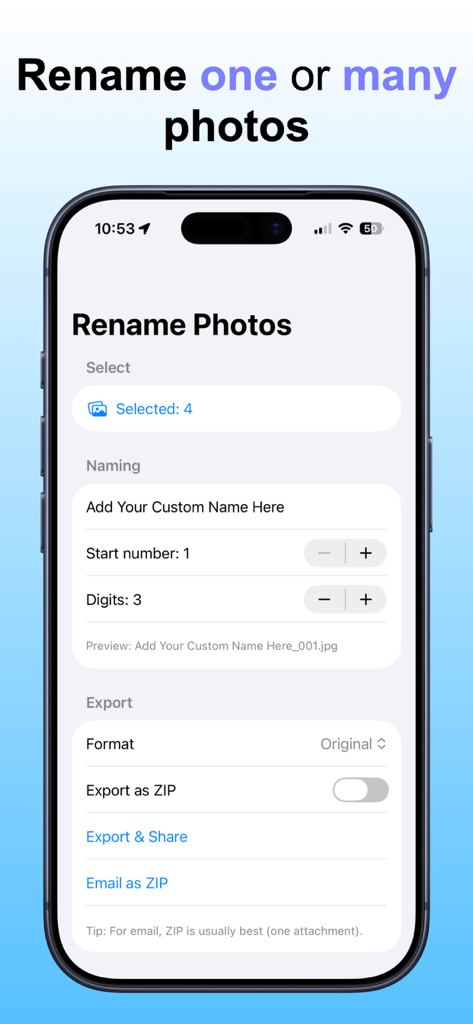
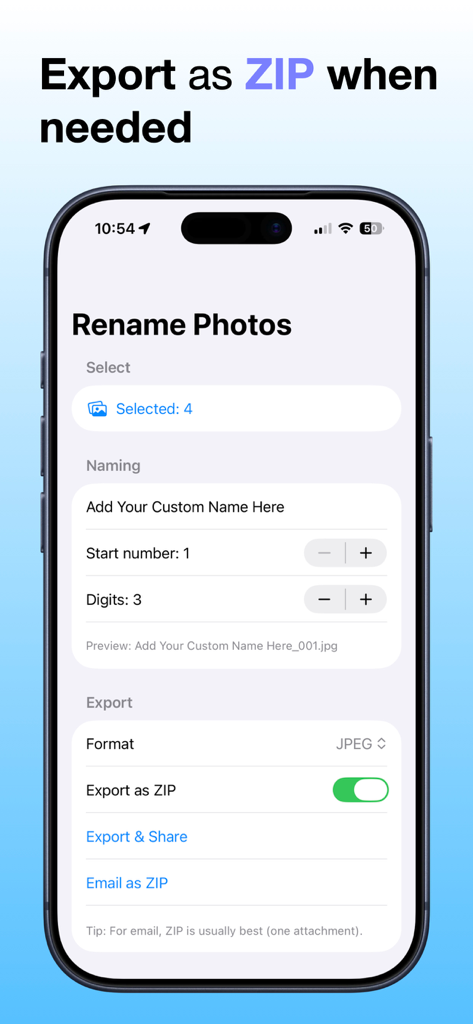
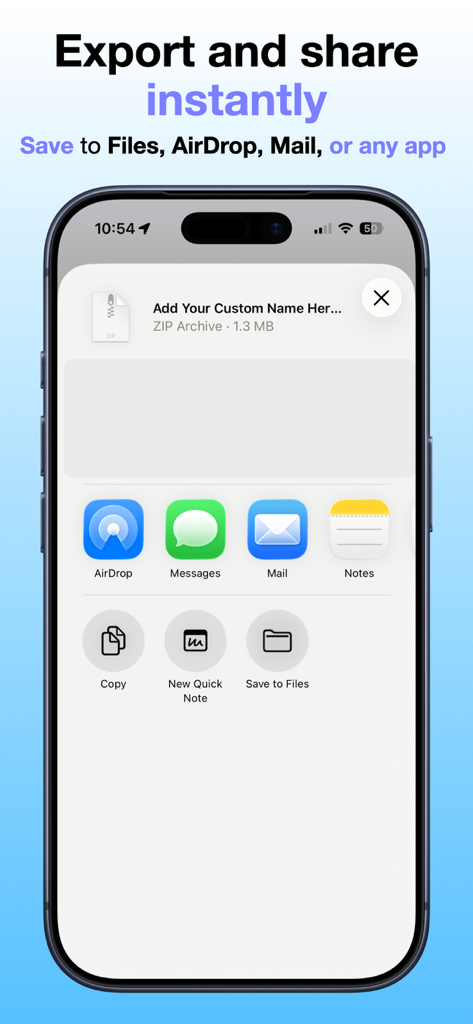
The tools that make this app stand out, trusted by 100+ users.
Replace 'IMG_1234' with descriptive names and custom numbering sequences in just a few taps.
Everything runs locally on your device with no accounts, no tracking, and no cloud uploads required.
Convert to JPEG/PNG or bundle multiple files into a ZIP for professional sharing via Mail or the Files app.
Everything you need to know about Rename Photos.
Description
Latest Version
1.1
Size
0.4 MB
First Released
Jan 7, 2026
Join thousands of creators and professionals organizing their photos with speed and privacy. No accounts, no tracking—just clean files in a few taps.
Top-ranked apps in the same category

Google LLC

Google LLC

China Mobile Online Services Co., Ltd.

Google LLC

Servicos e Informacoes do Brasil

Frederic Hennes Sprl

DEEP FLOW SOFTWARE SERVICES - FZCO

Microsoft Corporation

Beijing Baidu Netcom Science & Technology Co.,Ltd
App information, icons, screenshots, and descriptions displayed on this page are sourced from the Apple App Store and are the property of their respective developers. Download estimates and rankings are based on MWM's proprietary models and may not reflect actual figures. This page is provided for informational and analytical purposes only.
Believe this page infringes your intellectual property? File a dispute