
This page is not an official page of the app or its developer, but an independent editorial publication created for informational and commentary purposes. Unless expressly stated otherwise, neither the app nor its developer is affiliated with, endorsed by, sponsored by, authorized by, or otherwise officially connected with MWM, Apple, Google Play, the app publisher, or the app's developer, and nothing on this page implies that the app was developed using MWM's services. Any trademarks, logos, screenshots, and other content remain the property of their respective owners.


Replica・Screen Mirroring・Cast
Unleash your iPhone on any screen, anywhere. The app offers a direct path from your device to virtually any display.
Downloads
10M+User Rating
Total Ratings
123.7KPublisher
Category
UtilitiesLocales
33Latest Version
20260409Size
96.8 MBFirst Released
Jan 23, 2020An analytical overview of the application's core features and their impact on screen mirroring for iOS users.
Replica・Screen Mirroring・Cast: Key Capabilities
Broad Device Compatibility
It enables screen mirroring to a wide range of devices, including popular streaming sticks (Google Chromecast, Amazon Fire TV, Android TV), numerous smart TV brands (Samsung, LG, Sony), and even car screens like Tesla, without requiring Apple AirPlay.
Versatile Content Sharing
The app allows users to display various content types from their iPhone or iPad, such as Keynote presentations, vacation photos, home movies, web-based videos, social media feeds, and messaging app screens on larger displays.
AirPlay Independent Mirroring
This tool features the ability to mirror iPhone and iPad screens to TVs and other devices without the need for AirPlay, overcoming limitations often faced by users outside the Apple ecosystem.
Seamless User Experience
It offers a straightforward setup process, requiring users only to download the app and follow simple on-screen instructions to connect and begin mirroring their device.
High-Quality Streaming Performance
The app provides great video quality and low latency during screen mirroring, ensuring a smooth and enjoyable viewing experience for shared content.
Cross-Browser Compatibility
It enables mirroring to any device equipped with common web browsers like Apple Safari, Google Chrome, or Microsoft Edge, significantly expanding potential display targets.
Frequently Asked Questions
Everything you need to know about Replica・Screen Mirroring・Cast
What is Replica・Screen Mirroring・Cast?
Replica is an app that allows users to mirror video from their iPhone or iPad to almost any TV or computer. It enables screen mirroring without requiring AirPlay and supports a wide range of smart TVs and streaming devices.
What devices does Replica・Screen Mirroring・Cast support?
Replica supports Google Chromecast, Amazon Fire TV, Android TV, Samsung, LG, TCL, Xiaomi, Sony Bravia, Philips, Hitachi, and Toshiba smart TVs. It also works with any device running Apple Safari, Google Chrome, or Microsoft Edge.
Does Replica・Screen Mirroring・Cast require AirPlay?
No, Replica does not require AirPlay. The app allows users to send video from an iPhone or iPad to a TV or computer without needing AirPlay-compatible hardware.
Can Replica・Screen Mirroring・Cast mirror copyrighted content like Netflix?
No, Replica cannot mirror copyrighted content from apps such as Apple TV, Fitness, Music, Netflix, or Prime Video. These content providers implement features that result in a black screen during mirroring.
Is Replica・Screen Mirroring・Cast compatible with Tesla vehicles?
Yes, Replica can cast video to Tesla's big screen. A Tesla with MCU2 hardware is required for screen mirroring. The app should only be used when the car is parked.
What types of content can Replica・Screen Mirroring・Cast mirror?
Replica can mirror Keynote presentations, vacation photos, home movies, web-based videos, social media apps like Instagram and TikTok, and messaging apps such as Whatsapp and Telegram to a larger screen.
How can I get a discounted annual plan for Replica・Screen Mirroring・Cast?
Replica offers a referral program. By inviting a friend, users can receive an extended free trial and a discounted annual plan for the app.
The following screenshots and description are sourced directly from the app's official store listing and are the property of the app developer.
App Store
Screenshots
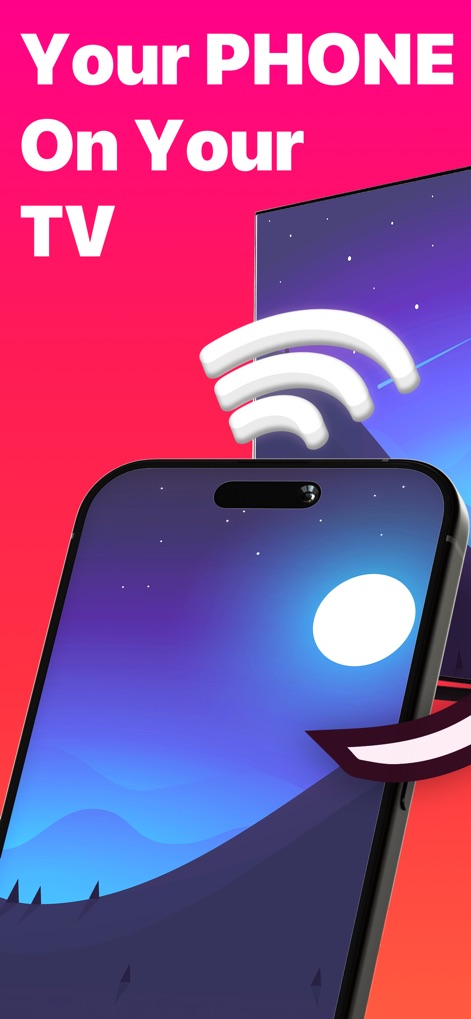
See how the app seamlessly connects an iPhone screen to a larger TV display, utilizing the strong signal indicator for reliable mirroring.
Phone to TV
Discover the app's straightforward approach to screen mirroring, showcasing how simple it is to cast a phone's vibrant display to a large TV.
Effortless Mirroring
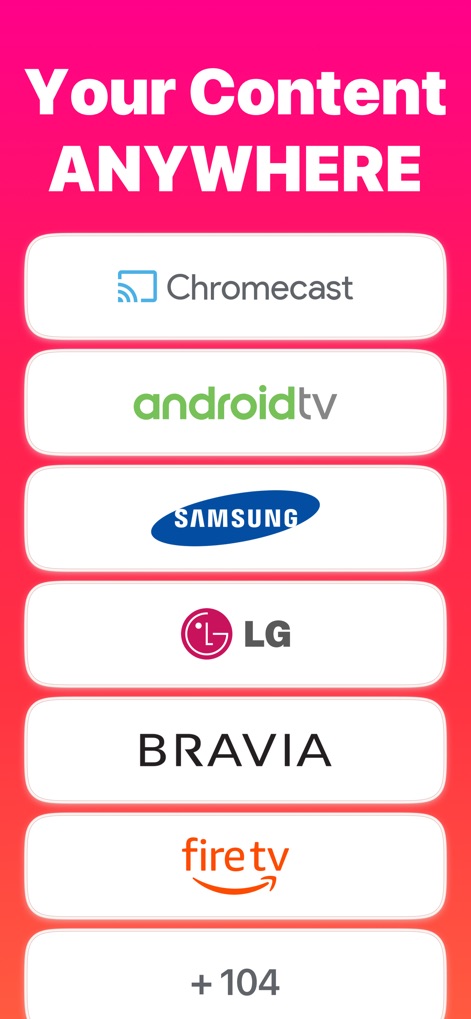
Explore the app's vast compatibility, demonstrating support for popular streaming devices like Chromecast and a multitude of Smart TV brands like Samsung and LG.
Universal Compatibility
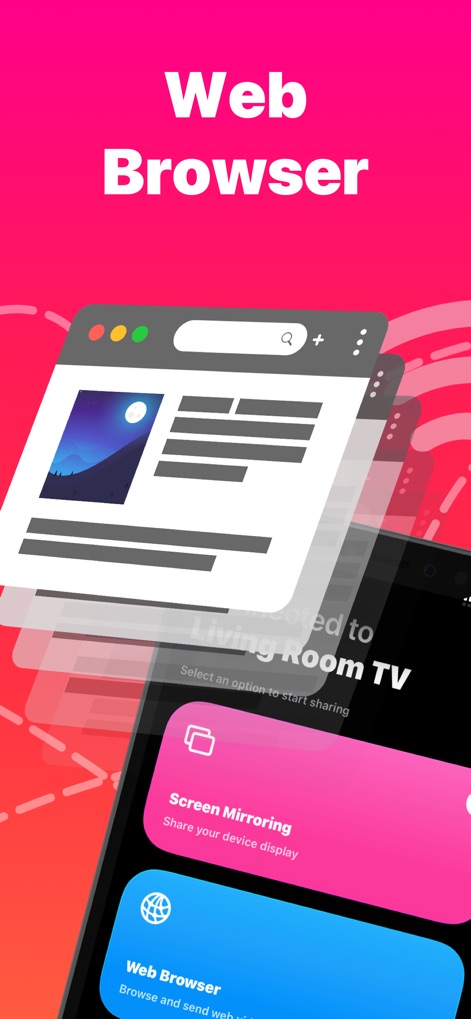
Observe how users can project web browser content onto a TV, alongside the clear 'Screen Mirroring' option, making online browsing a shared experience.
Browser on Big Screen
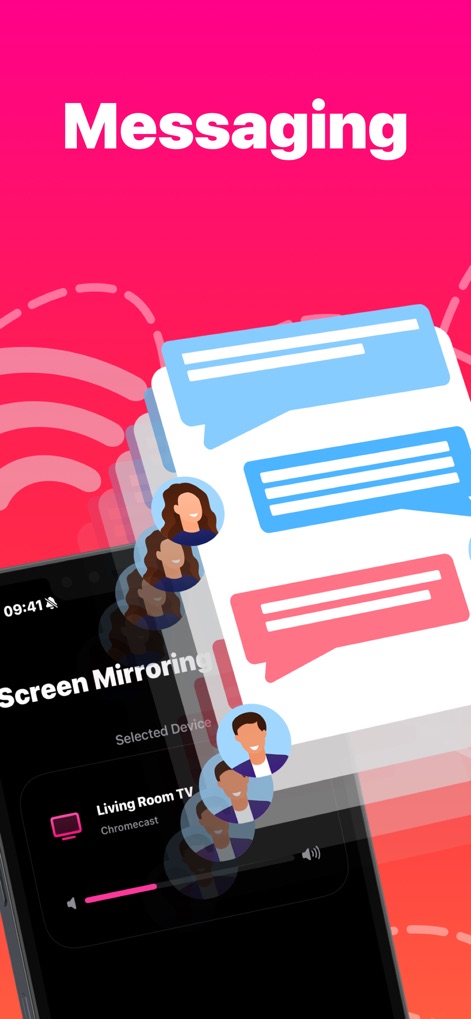
Witness the ability to share messaging app content, represented by chat bubbles, directly to a connected 'Living Room TV' via the app's interface.
Messaging Displayed
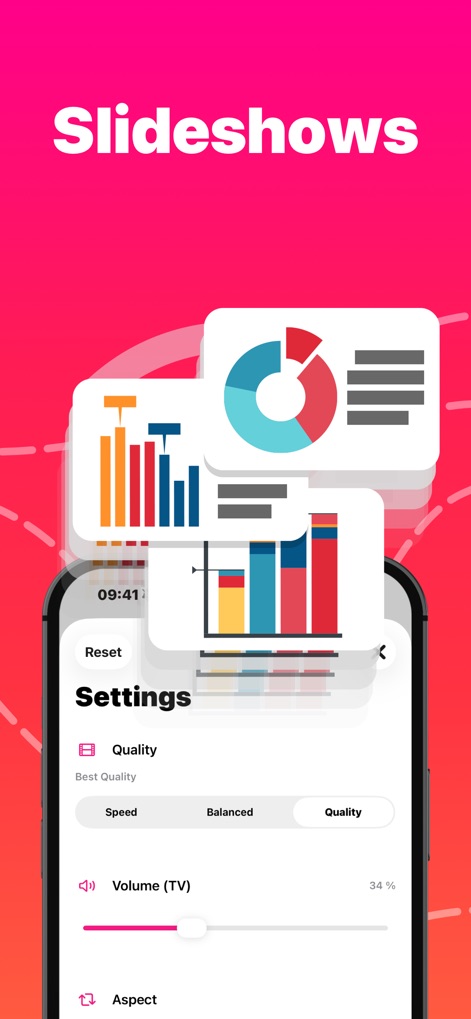
Understand how the app facilitates presentations with detailed charts and graphs, featuring customizable 'Quality' settings for optimal clarity.
Present with Precision
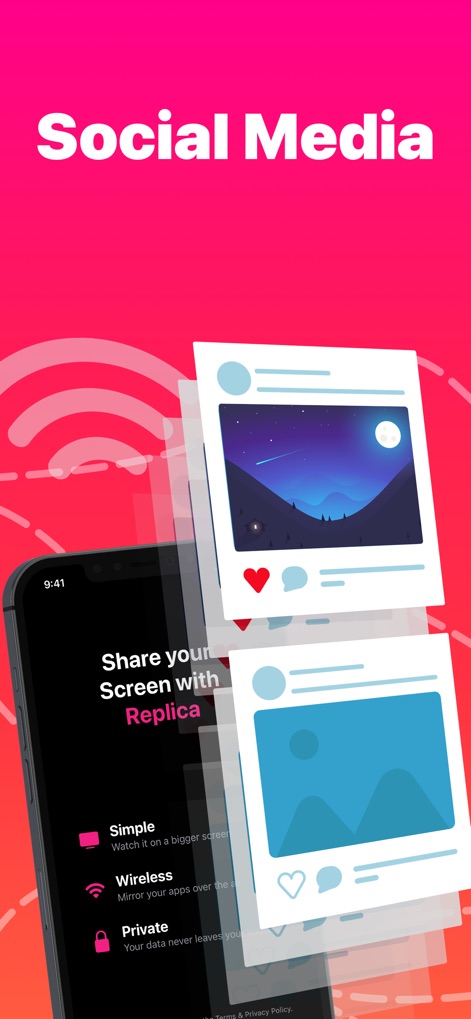
See how social media posts, like photo updates, can be effortlessly mirrored, highlighting the app's 'Wireless' and 'Private' sharing capabilities.
Social Media Showcase
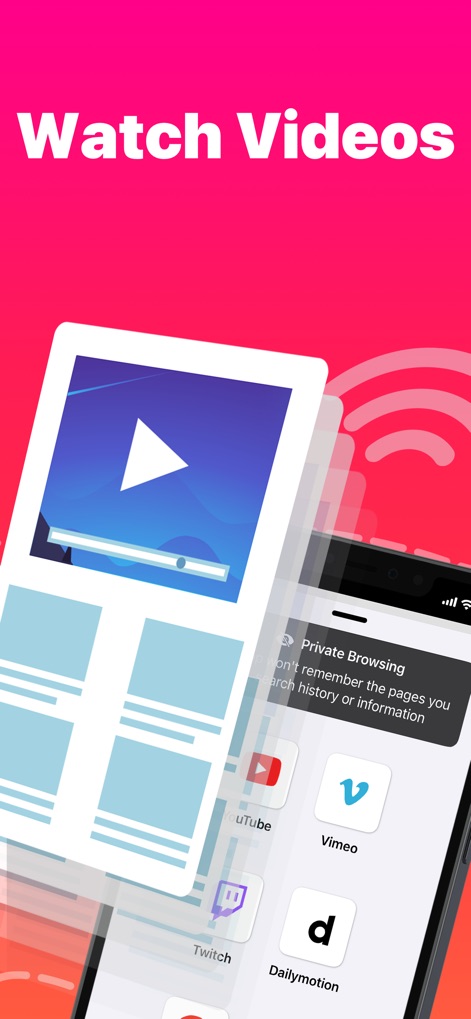
Examine the app's capability to stream videos from various platforms like YouTube and Vimeo, along with the discreet 'Private Browsing' feature.
Video Streaming Extended
Description
Download
More Like This
Apps with similar features and user experience

Web Video Cast | Browser to TV
InstantBits Inc

PigeonCast:Send by Google Cast
Sichuan FalconAI Technology Co., Ltd.

Screen Mirroring • Smart TV
Mihkel Pikk

Screen Mirroring | Cast to TV
Ozuna Limited

Screen Mirroring・Smart View TV
TOGGLE APPS SP Z O O

UbeCast: Music Streamer & PiP
AER SOFTWARE COMPANY LIMITED

AirDroid Cast-screen mirroring
SAND STUDIO CORPORATION LIMITED

Miracast: Screen Mirroring TV
Hainan Delta Software Co., Ltd

Screen Mirroring・Air Cast TV
Dalma Innovation Solutions d.o.o.
This page is not an official page of the app or its developer, but an independent editorial publication created for informational and commentary purposes. Unless expressly stated otherwise, neither the app nor its developer is affiliated with, endorsed by, sponsored by, authorized by, or otherwise officially connected with MWM, Apple, Google Play, the app publisher, or the app's developer, and nothing on this page implies that the app was developed using MWM's services. Any trademarks, logos, screenshots, and other content remain the property of their respective owners.