Reverse Audio: Record & Play
Download on App Store

This page is not an official page of the app or its developer, but an independent editorial publication created for informational and commentary purposes. Unless expressly stated otherwise, neither the app nor its developer is affiliated with, endorsed by, sponsored by, authorized by, or otherwise officially connected with MWM, Apple, Google Play, the app publisher, or the app's developer, and nothing on this page implies that the app was developed using MWM's services. Any trademarks, logos, screenshots, and other content remain the property of their respective owners.

Logo of Reverse Audio: Record & Play
Download on App Store

Reverse Audio: Record & Play

Turn your voice into epic reverse talk for TikTok and Reels. Join thousands of creators using the fastest, one-tap audio flipper to spark the next big social media trend.

Key Figures

Downloads

37K+

User Rating

4.7/5

Total Ratings

200

Publisher

芳 王

Category

Utilities

Locales

17

Latest Version

1.0.5

Size

113.3 MB

First Released

Sep 23, 2025
Features

Flip Your Sound, Go Viral

The ultimate toolkit for creators to craft hilarious reverse talk, secret messages, and viral audio effects for TikTok and Instagram Reels.

Instant One-Tap Flip

Record any sound and reverse it instantly. No editing skills needed—just tap, flip, and laugh.

Studio-Quality Recording

Capture crystal-clear vocals and instruments. Perfect for professional-sounding TikTok challenges and music intros.

The following screenshots and description are sourced directly from the app's official store listing and are the property of the app developer.

App Store

Screenshots
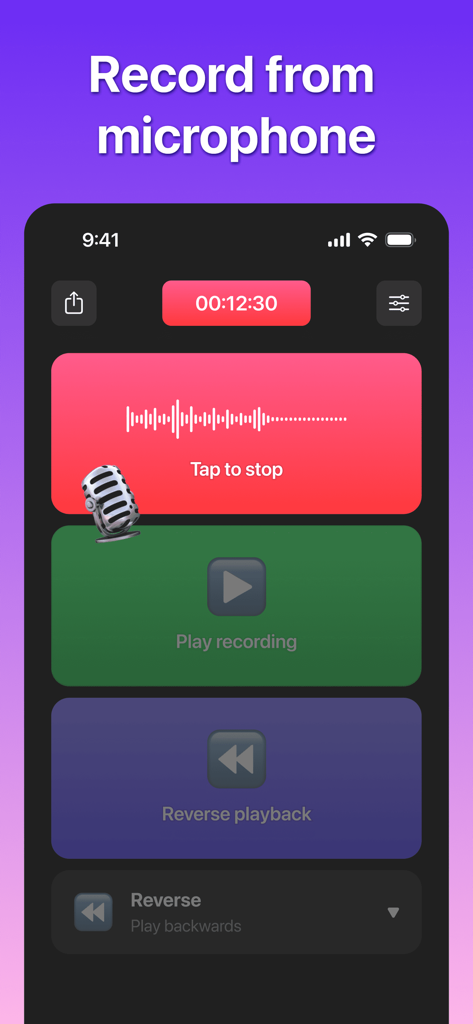
Reverse Audio: Record & Play - User interface of the Reverse Audio app showing buttons for recording from the microphone and playing or reversing audio.
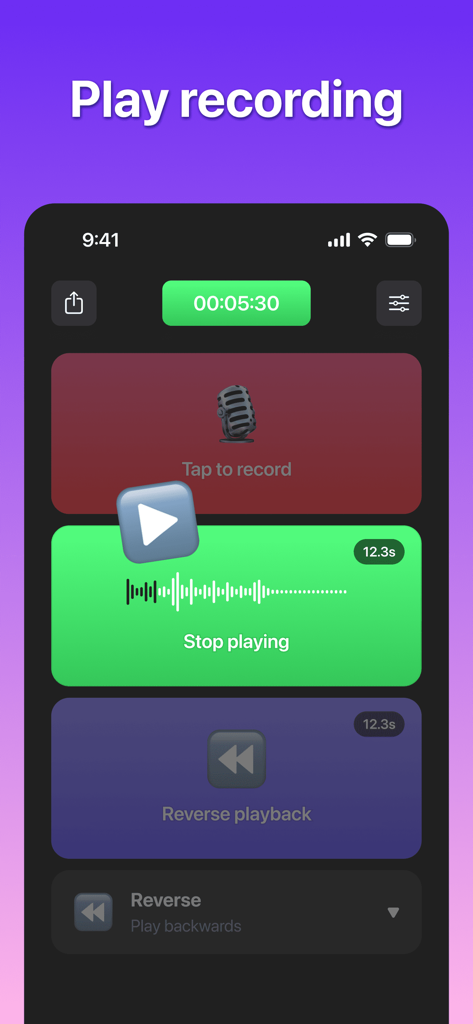
User interface of the Reverse Audio app showing buttons for recording from the microphone and playing or reversing audio.

Reverse Audio: Record & Play - Interface of the Reverse Audio app showing recording playback and reverse options
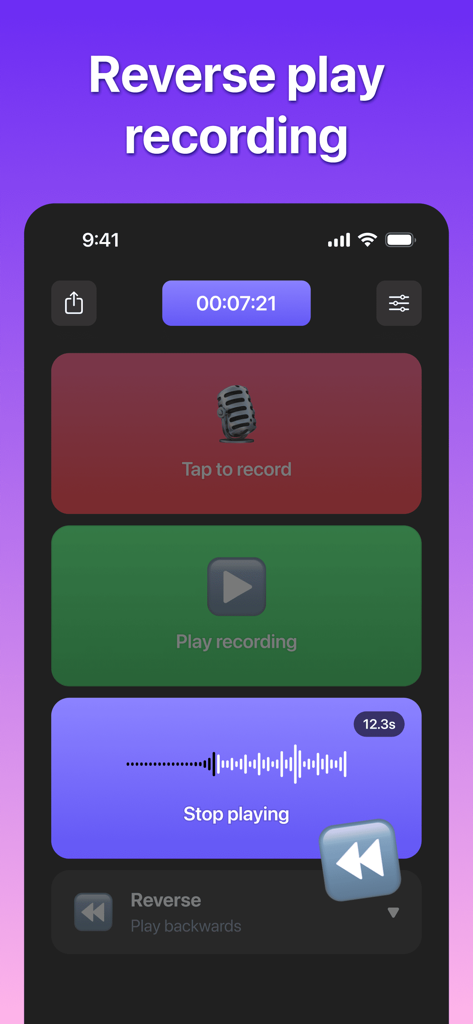
Interface of the Reverse Audio app showing recording playback and reverse options

Reverse Audio: Record & Play - Interface of Reverse Audio app showing record and reverse play buttons
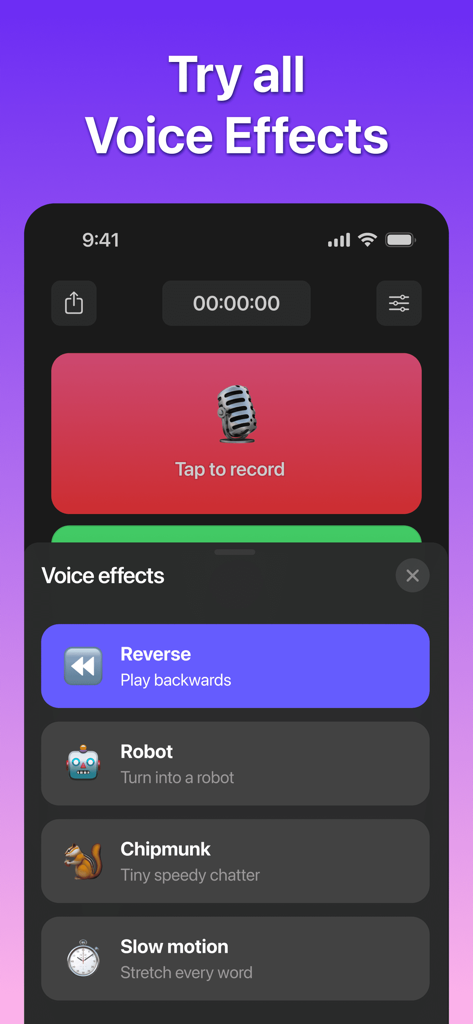
Interface of Reverse Audio app showing record and reverse play buttons

Reverse Audio: Record & Play - A mobile app interface for Reverse Audio showing various voice effects like reverse robot chipmunk and slow motion
A mobile app interface for Reverse Audio showing various voice effects like reverse robot chipmunk and slow motion

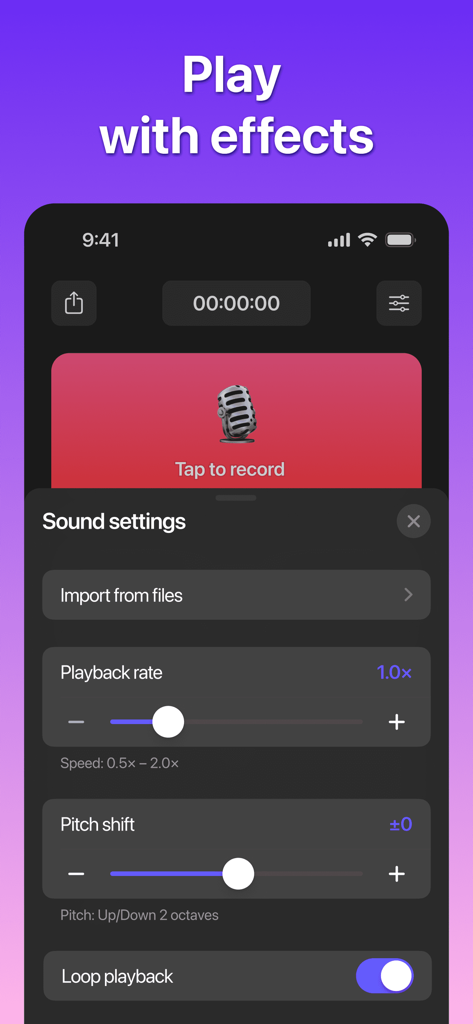
Reverse Audio: Record & Play - Reverse Audio app interface showing sound settings for playback rate and pitch shift effects

Reverse Audio app interface showing sound settings for playback rate and pitch shift effects

Description

Create epic backwards audio with Reverse Audio: Record & Play! Record and flip your voice or sound in seconds to make viral reverse talk for TikTok and Instagram Reels. Perfect for creators, musicians, or anyone craving audio flip fun! With one tap, turn vocals or sounds into unique backwards voice effects and share instantly. Our sleek app makes voice reverser effortless—record high-quality audio, reverse it fast, and post your backwards sound effects to social media. Start flipping your voice for viral reverse sound today! Key Features: Instant Audio Flip: Record any sound or voice and reverse it with one tap for stunning backwards audio effects. Crystal-Clear Recording: Capture vocals, instruments, or ambient sounds in high quality for flawless reverse talk results. Save & Share Instantly: Export your backwards voice creations to your music library or share on TikTok, Instagram, and more. Effortless Design: Sleek, user-friendly interface makes voice reverser fun for all ages, no skills needed. Creative Fun: Record, reverse, and create hilarious reverse talk clips for laughs or social media trends. Usage Scenarios: Perfect for TikTok creators, musicians, and fun-lovers! With Reverse Audio: Record & Play, you can: ●Create viral backwards audio clips for social media. ●Craft unique reverse sound effects for music or intros. ●Record hilarious reverse talk messages to prank friends. ●Discover hidden messages with backwards voice playback. ●Add creative effects to podcasts, videos, or beats. ●Ride trends with original reverse sound creations! How to use Reverse Audio? 1. Open the app and tap to record your voice, music, or any sound. 2. Instantly flip your recording to hear it as backwards audio or reverse talk. 3. Save to your device or share your reverse sound creations on social media. 4. Experiment with sounds to create unique backwards voice effects! Pro Version: Level up with Reverse Audio Pro for epic backwards audio! ●Upload music to create custom backwards sound effects. ●Customize speed and effects for unique voice reverser results. ●Get exclusive backwards sound effects and dynamic filters. ●Record longer for pro-level reverse talk projects. Enjoy ad-free flipping for non-stop fun. Unlock Pro with monthly or lifetime plans. Auto-renews unless canceled 24 hours prior. Privacy: Your privacy is our priority. Reverse Audio: Record & Play stores recordings locally on your device, with no data sent to external servers. Feedback: Love flipping backwards audio? Got ideas to make your voice reverser even more epic? Share feedback via our in-app form or email us at spinmaster616@gmail.com. Your input fuels our updates to enhance your reverse talk experience! Privacy Policy: https://asmyapp.com/reverseaudio/privacy Terms of Use: https://asmyapp.com/reverseaudio/terms Flip your audio world now! Download Reverse Audio: Record & Play and create viral backwards voice and reverse talk moments. Join the fun today!

Download

Download on App Store

This page is not an official page of the app or its developer, but an independent editorial publication created for informational and commentary purposes. Unless expressly stated otherwise, neither the app nor its developer is affiliated with, endorsed by, sponsored by, authorized by, or otherwise officially connected with MWM, Apple, Google Play, the app publisher, or the app's developer, and nothing on this page implies that the app was developed using MWM's services. Any trademarks, logos, screenshots, and other content remain the property of their respective owners.