
This page is not an official page of the app or its developer, but an independent editorial publication created for informational and commentary purposes. Unless expressly stated otherwise, neither the app nor its developer is affiliated with, endorsed by, sponsored by, authorized by, or otherwise officially connected with MWM, Apple, Google Play, the app publisher, or the app's developer, and nothing on this page implies that the app was developed using MWM's services. Any trademarks, logos, screenshots, and other content remain the property of their respective owners.


Ridmik Keyboard
Fast, private, and 100% ad-free. Master your messages with Avro and Jatiyo layouts, designed specifically for the global Bengali community.
Downloads
2M+User Rating
Total Ratings
2K+Publisher
Category
ProductivityLocales
2Latest Version
6.8Size
97.8 MBFirst Released
Aug 7, 2019Connect with Your Roots in Every Message
The most intuitive way for the Bengali-American community to type in Bangla on iOS. Fast, phonetic, and completely free.
Effortless Phonetic Typing
Type 'ami' to get 'আমি'. Use the familiar Avro layout to message family and friends in Dhaka or Kolkata faster than ever.
Privacy You Can Trust
No ads and no sensitive data collection. We prioritize your digital security so you can focus on staying connected with loved ones.
Frequently Asked Questions
Everything you need to know about Ridmik Keyboard
Is Ridmik Keyboard free to use?
Yes, Ridmik Keyboard is totally free to use. It does not contain any advertisements, providing an uninterrupted writing experience for iOS users.
What layouts does Ridmik Keyboard support for Bangla writing?
Ridmik Keyboard supports three layouts for writing in Bangla: Avro, Jatiyo, and Probhat. Users can select their preferred layout for a tailored typing experience.
How do I set up Ridmik Keyboard on my iOS device?
To set up Ridmik Keyboard, go to iOS Settings, then Ridmik Keyboard, Keyboards, Enable, and finally Allow Full Access. This activates the keyboard for use.
Does Ridmik Keyboard collect sensitive user data?
No, Ridmik Keyboard does not collect or send any sensitive user data. The app's privacy policy confirms its commitment to user data security.
How many themes are available in Ridmik Keyboard?
Ridmik Keyboard offers 7 colorful themes to personalize the keyboard's appearance. Users can choose themes like Light, Dark, Dark Lime, and Yosemite.
What is 'Allow Full Access' for Ridmik Keyboard?
'Allow Full Access' permits the Ridmik Keyboard extension to access settings from its container app. This is standard for third-party keyboards and enables full functionality.
Can I customize the appearance of Ridmik Keyboard?
Yes, users can customize the appearance of Ridmik Keyboard. It includes 7 colorful themes and settings for personalization to match individual styles.
Does Ridmik Keyboard have a number row?
Yes, Ridmik Keyboard includes an optional number row. This feature provides quick access to numbers directly from the main keyboard layout when needed.
The following screenshots and description are sourced directly from the app's official store listing and are the property of the app developer.
App Store
Screenshots
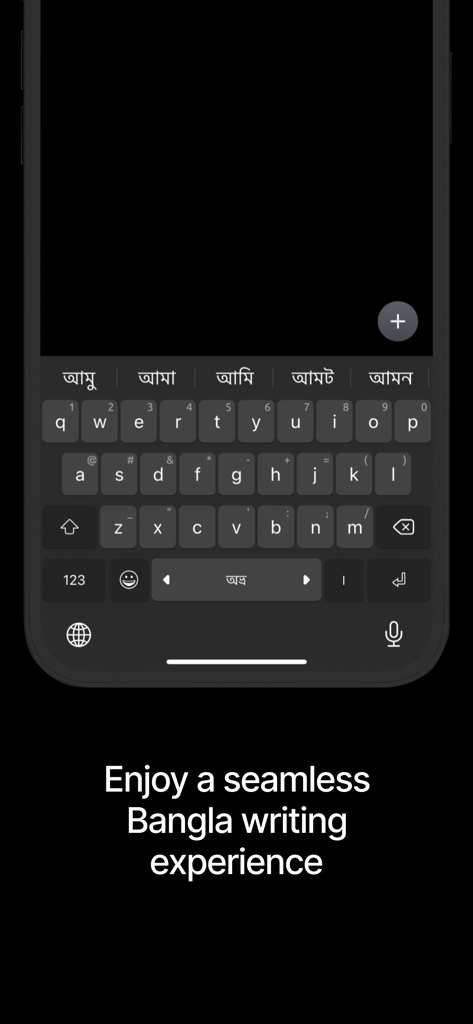
Ridmik Keyboard app interface for seamless Bangla writing on iOS
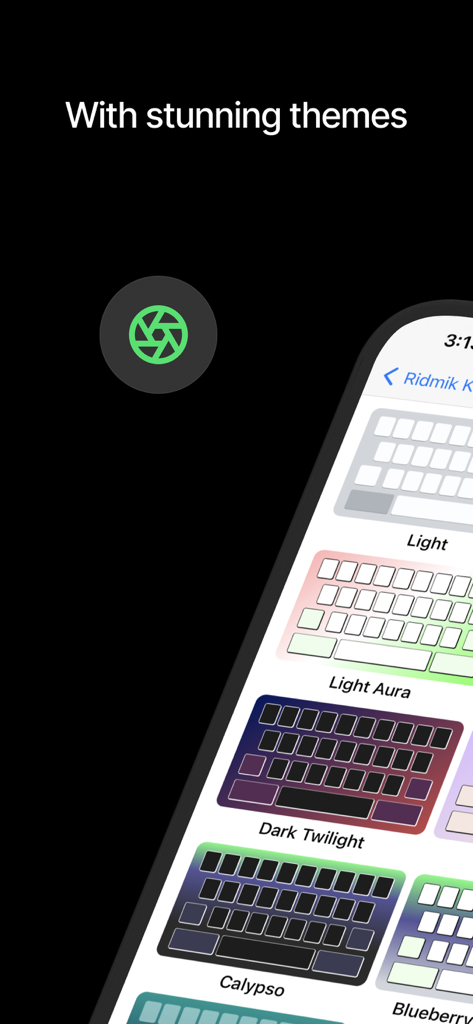
Selection of colorful themes for Ridmik Keyboard on iPhone
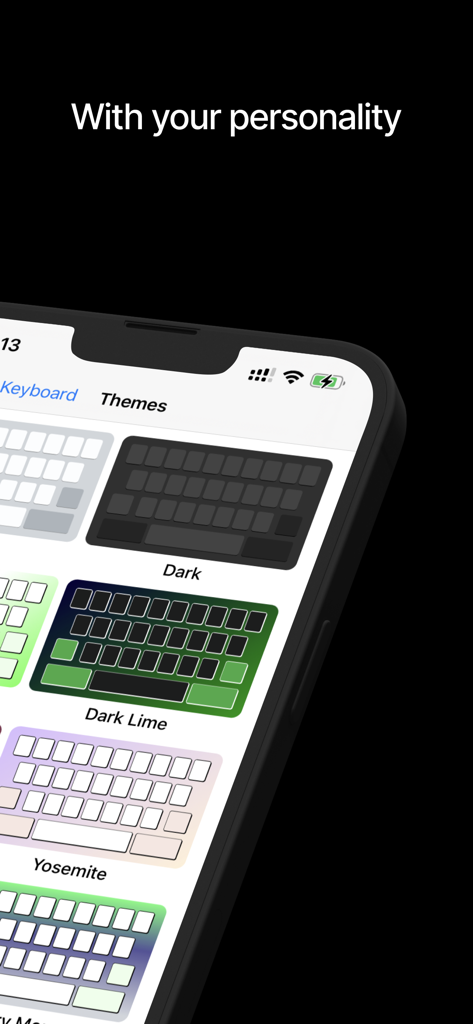
Ridmik Keyboard app interface displaying several colorful keyboard theme options
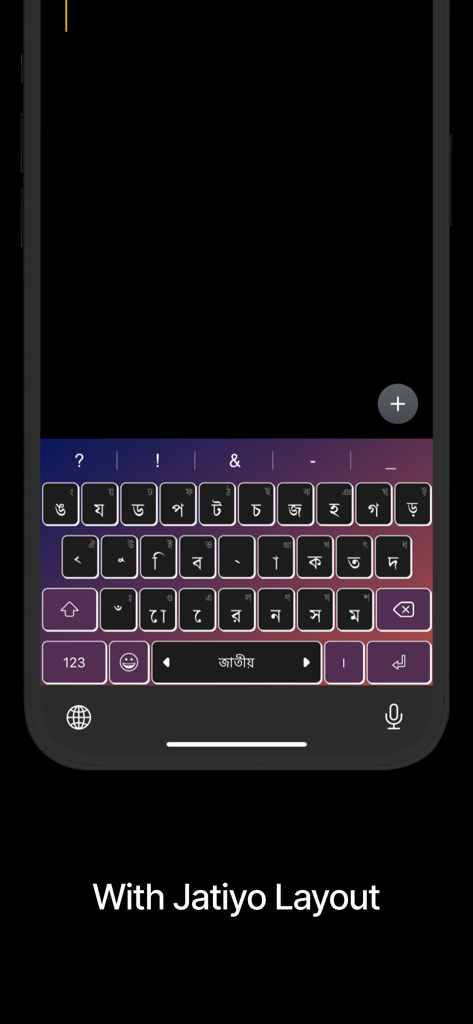
Bengali Jatiyo layout interface on Ridmik Keyboard app
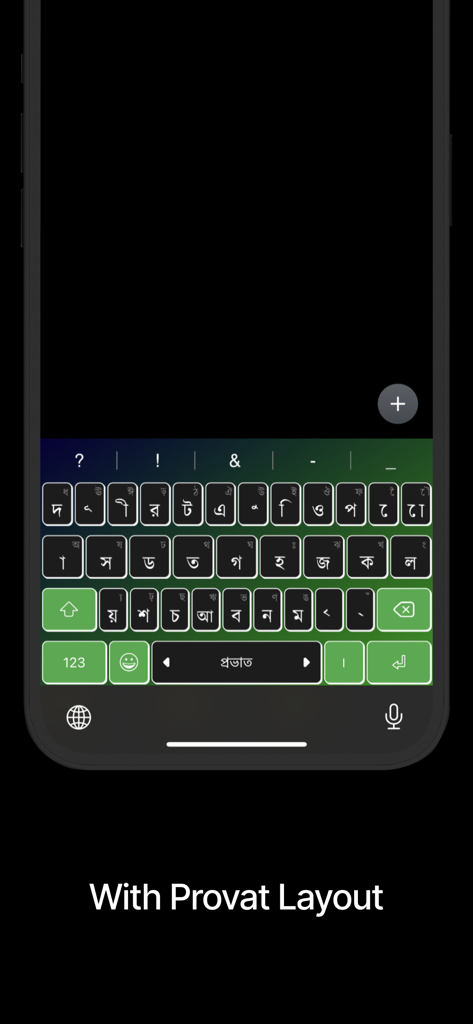
Ridmik Keyboard displaying the Provat layout with a green color theme.
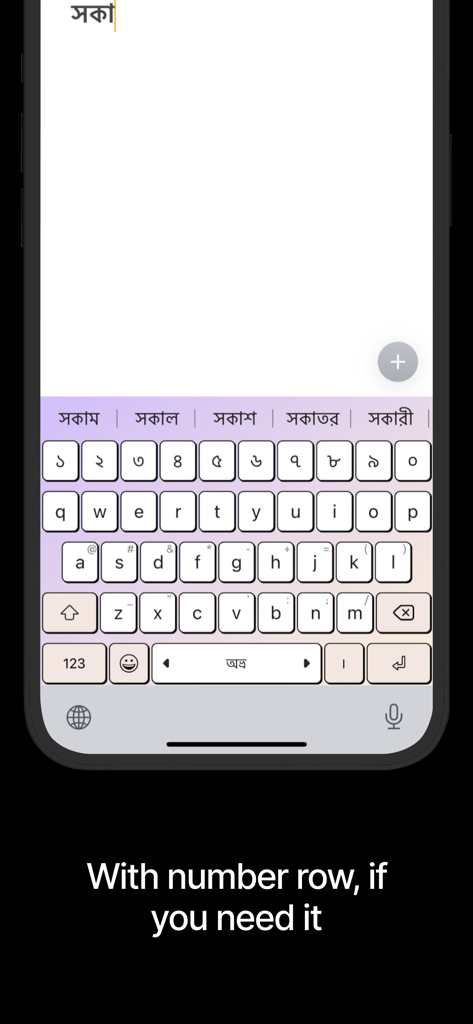
Ridmik Keyboard interface featuring a dedicated number row and Bengali word predictions on an iPhone
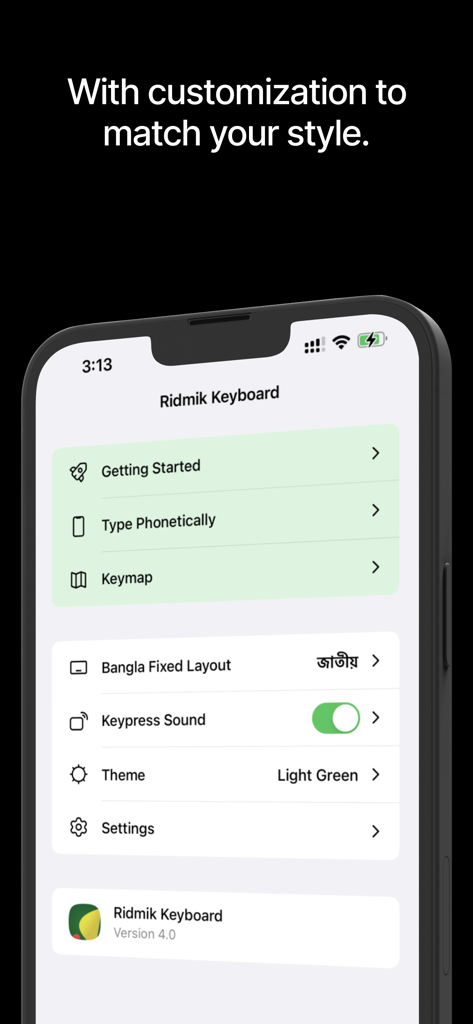
Ridmik Keyboard app settings screen showing customization options for themes and typing layouts
Description
Download
More Like This
Apps with similar features and user experience

This page is not an official page of the app or its developer, but an independent editorial publication created for informational and commentary purposes. Unless expressly stated otherwise, neither the app nor its developer is affiliated with, endorsed by, sponsored by, authorized by, or otherwise officially connected with MWM, Apple, Google Play, the app publisher, or the app's developer, and nothing on this page implies that the app was developed using MWM's services. Any trademarks, logos, screenshots, and other content remain the property of their respective owners.