
This page is not an official page of the app or its developer, but an independent editorial publication created for informational and commentary purposes. Unless expressly stated otherwise, neither the app nor its developer is affiliated with, endorsed by, sponsored by, authorized by, or otherwise officially connected with MWM, Apple, Google Play, the app publisher, or the app's developer, and nothing on this page implies that the app was developed using MWM's services. Any trademarks, logos, screenshots, and other content remain the property of their respective owners.


Khmer Smart Keyboard
Join over 1 million users and master the Khmer script with award-winning flick gestures, smart word prediction, and seamless language switching designed for your modern lifestyle.
Downloads
1M+User Rating
Total Ratings
2K+Publisher
Category
UtilitiesLocales
1Latest Version
2.4.9Size
206.5 MBFirst Released
Oct 16, 2014Type Faster, Connect Closer
The award-winning keyboard designed to make Khmer script as fast and intuitive as English, perfect for staying in touch with your community and heritage.
Effortless Flick Typing
Access complex Khmer characters instantly with intuitive flick gestures, cutting down typing time by more than half.
Seamless Language Switch
Perfect for your bilingual lifestyle, switch between Khmer and English with a simple swipe on the spacebar.
Frequently Asked Questions
Everything you need to know about Khmer Smart Keyboard
What is Khmer Smart Keyboard?
Khmer Smart Keyboard is a highly-rated, user-friendly keyboard app for smartphones, with over 1 million downloads. It provides features like flick gesture typing, word prediction, and easy language switching.
What features does Khmer Smart Keyboard provide?
Khmer Smart Keyboard offers fast flick typing, word prediction, delete by swiping left, change mode by swiping right, and language switching by swiping the Spacebar. It also supports 4/5 row switching, themes, and emoji.
Does Khmer Smart Keyboard have word prediction?
Yes, Khmer Smart Keyboard supports word prediction. This feature helps users type more efficiently by suggesting words as they enter text.
How do I switch languages on Khmer Smart Keyboard?
Users switch between English and Khmer languages on Khmer Smart Keyboard by swiping the Spacebar left or right. Screenshot #3 visually confirms the English language option on the spacebar.
Can I change the keyboard row layout on Khmer Smart Keyboard?
Yes, Khmer Smart Keyboard allows users to easily switch between 4 and 5 rows. This adjustment is performed by swiping two fingers up or down on the keyboard.
When was Khmer Smart Keyboard made available on the Apple Store again?
Khmer Smart Keyboard was re-released to the Apple Store by AlienDev in 2017. The application had been unavailable for a period due to technical challenges.
The following screenshots and description are sourced directly from the app's official store listing and are the property of the app developer.
App Store
Screenshots
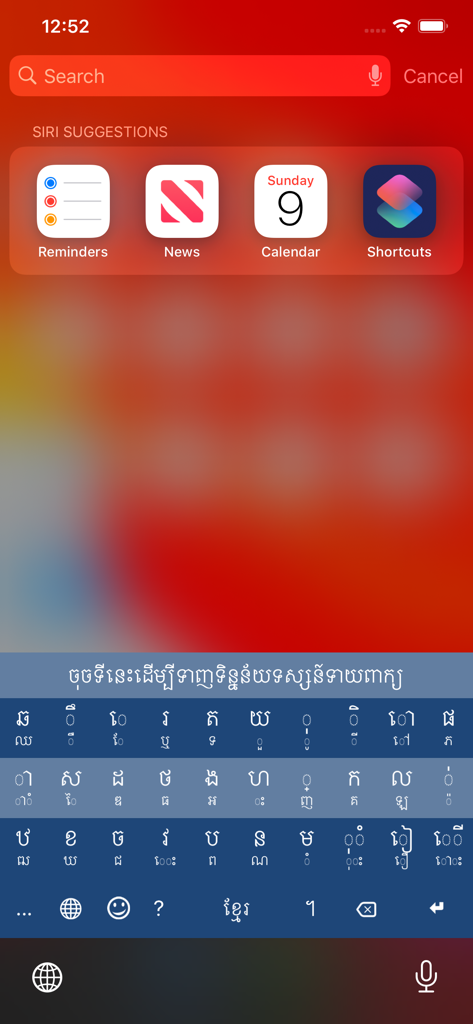
Khmer Smart Keyboard interface with Khmer script on an iOS search screen
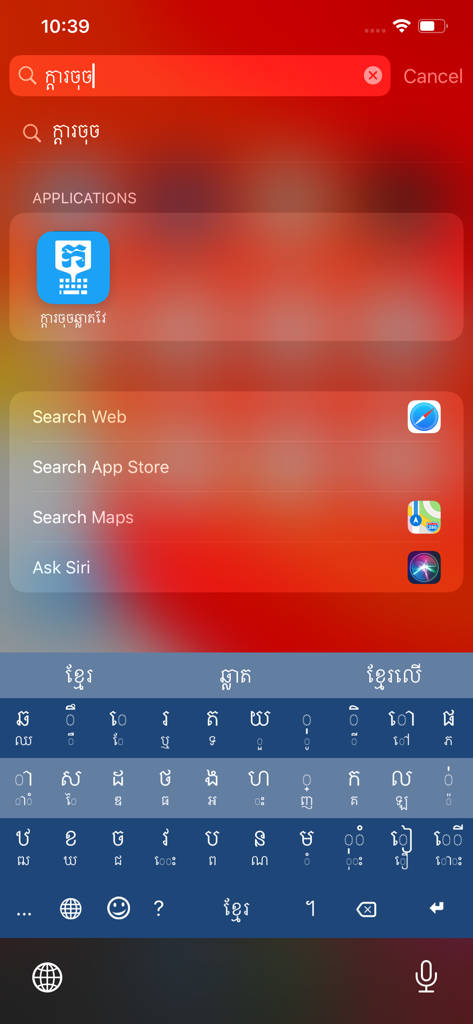
Khmer Smart Keyboard interface on an iPhone showing the Khmer script character layout and search bar
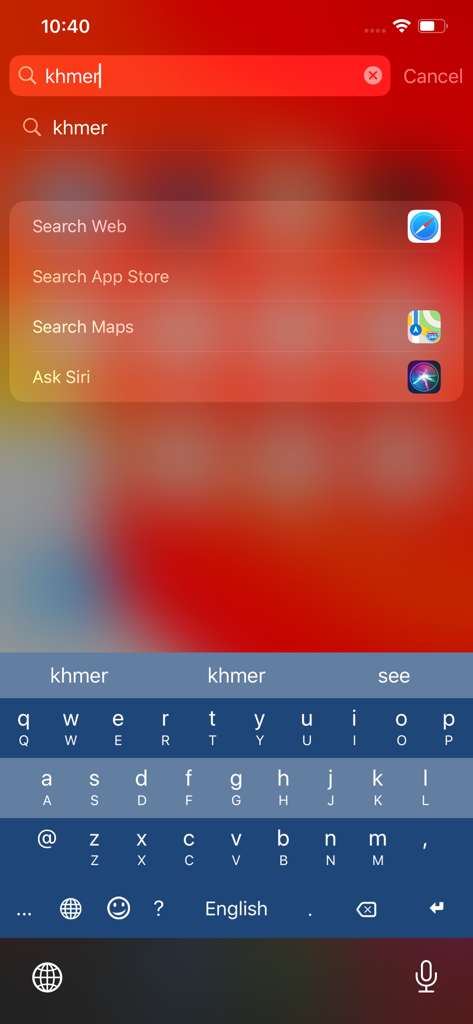
The Khmer Smart Keyboard app shown on an iPhone search screen with English layout and word suggestions.
Description
Download
More Like This
Apps with similar features and user experience





This page is not an official page of the app or its developer, but an independent editorial publication created for informational and commentary purposes. Unless expressly stated otherwise, neither the app nor its developer is affiliated with, endorsed by, sponsored by, authorized by, or otherwise officially connected with MWM, Apple, Google Play, the app publisher, or the app's developer, and nothing on this page implies that the app was developed using MWM's services. Any trademarks, logos, screenshots, and other content remain the property of their respective owners.