Roku TV Remote, Control Play

Roku TV Remote, Control Play

Download on App Store
Logo of Roku TV Remote, Control Play

Roku TV Remote, Control Play: The Smarter Way to Navigate Your Entertainment

Stop digging through couch cushions. Instantly transform your iPhone into a powerful, responsive remote with a full keyboard and touchpad for effortless streaming.

Publisher

Erica Hughes

Category

Utilities

Downloads

118K+

User Rating

4.5/5

Total Ratings

600

Locales

1

Control at Your Fingertips

Discover the interface used by 118K+ users.
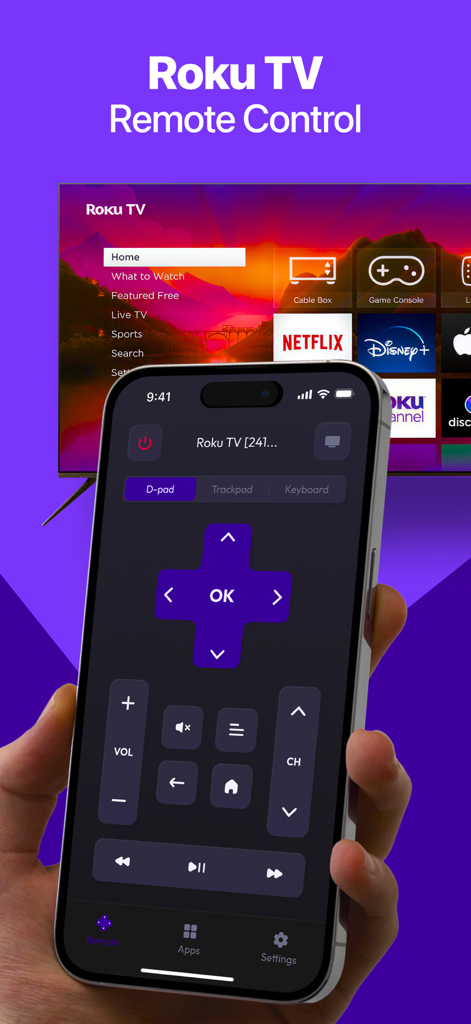
A hand holding an iPhone displaying a Roku TV remote interface with a D-pad and volume controls in front of a television

A hand holding an iPhone displaying a Roku TV remote interface with a D-pad and volume controls in front of a television

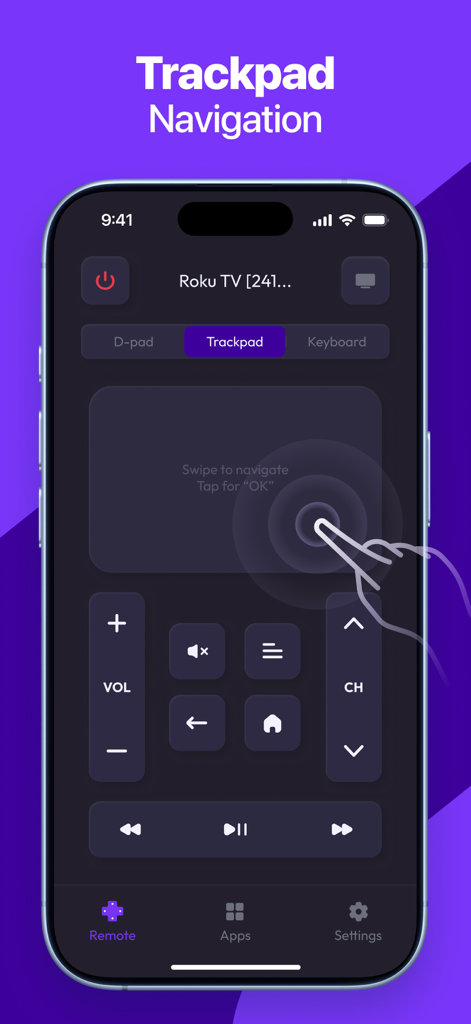
iPhone interface of a Roku TV remote app highlighting the trackpad navigation feature

iPhone interface of a Roku TV remote app highlighting the trackpad navigation feature

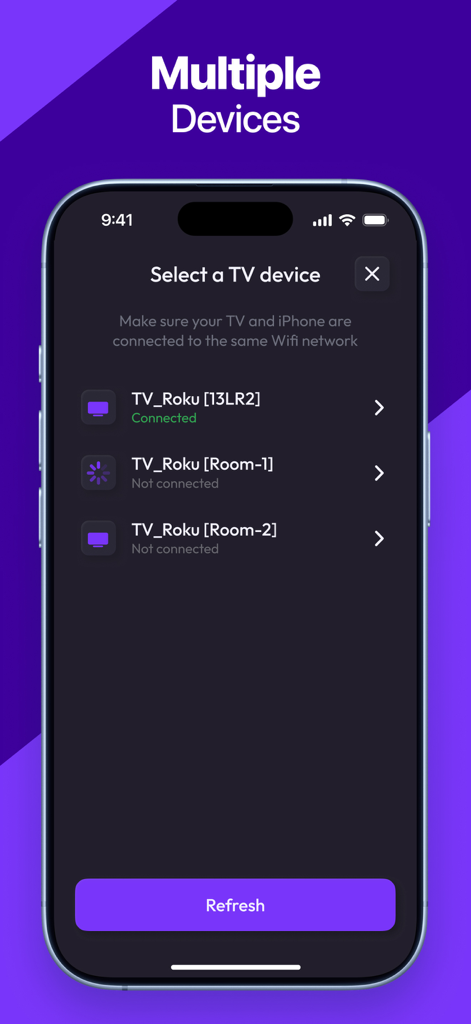
App interface for selecting and connecting to different Roku TV devices

App interface for selecting and connecting to different Roku TV devices

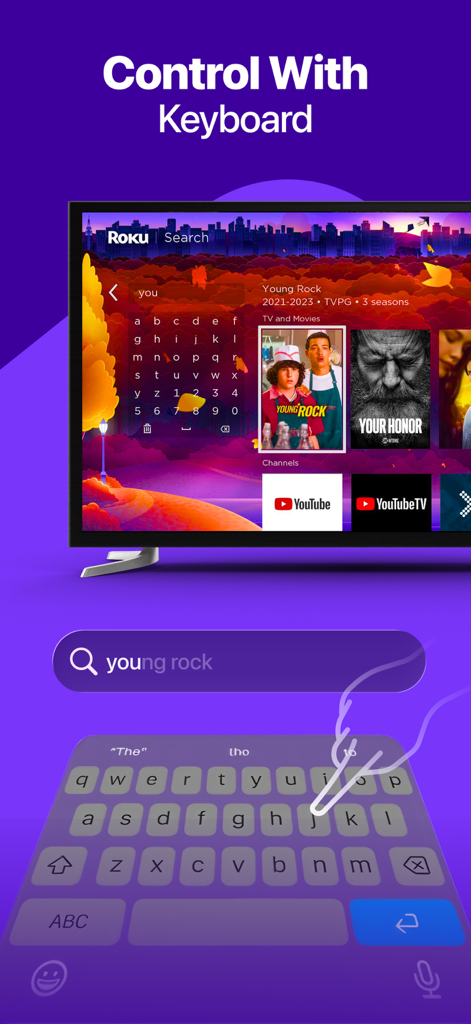
User typing on a smartphone keyboard to search for a movie on a Roku TV

User typing on a smartphone keyboard to search for a movie on a Roku TV

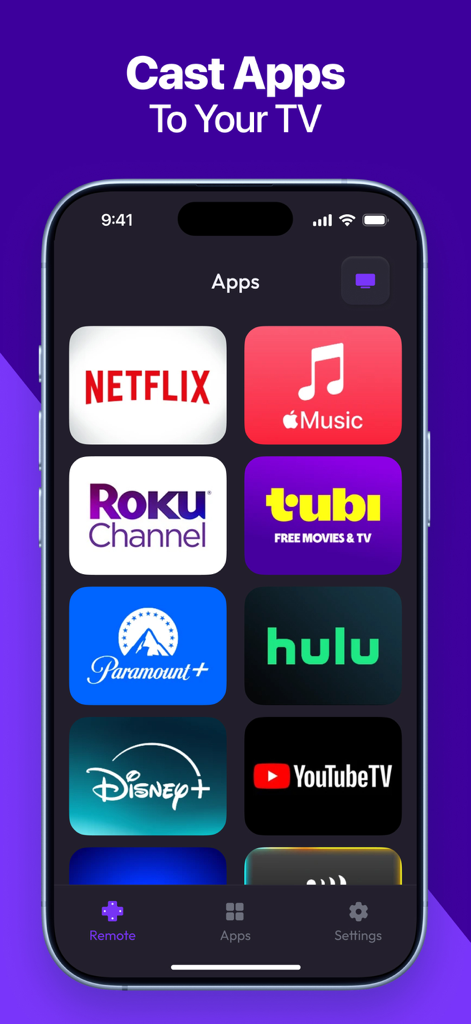
Smartphone screen showing various streaming app icons like Netflix Disney Plus and Hulu for quick casting to a Roku TV

Smartphone screen showing various streaming app icons like Netflix Disney Plus and Hulu for quick casting to a Roku TV

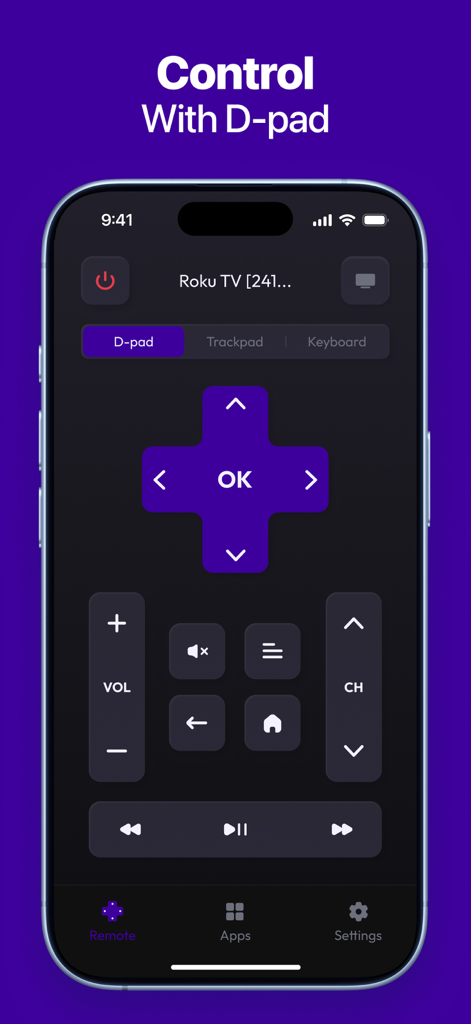
Roku TV Remote app showing the digital D-pad controller on an iPhone

Roku TV Remote app showing the digital D-pad controller on an iPhone

Take Full Control of Your Roku Experience

The tools that make this app stand out, trusted by 118K+ users.

⌨️

Type and Talk to Search

Ditch the slow on-screen keyboard. Use your iPhone keyboard or voice to find your favorite movies and shows in seconds.

🖱️

Precision Touchpad Control

Navigate your TV with smooth swipes and gestures. It's more responsive than a physical remote and fits perfectly in your hand.

🚀

Instant Channel Switching

Browse and launch your favorite streaming apps like Netflix, Hulu, and Max with a single tap, directly from your mobile dashboard.

About the app

Everything you need to know about Roku TV Remote, Control Play.

Description

Roku TV Remote, Control Play is a fast and easy-to-use app that transforms your smartphone into a fully functional remote for your Roku TV or streaming device. Whether you’ve misplaced your physical remote or simply want a more convenient way to control your TV, this app gives you instant access to all key features — right from your phone. KEY FEATURES: - Full Remote Control: Power on/off, change channels, adjust volume, and control playback. - Touchpad Navigation: Smooth and responsive control with an intuitive touch interface. - Quick App Launch: Open your favorite Roku channels with one tap. - Keyboard & Voice Input: Type or speak for faster search and navigation. - Fast Pairing: Instantly connect your phone to any Roku device on the same network. - Simple & Clean Interface: Designed for ease of use and quick access to controls. Download Roku TV Remote, Control Play today and enjoy a smarter, more convenient way to control your Roku experience! Subscription terms: The App offers auto-renewing subscriptions to provide you with unlimited access to all features with no limits while you maintain an active subscription. Payment will be charged to the credit card connected to your iTunes Account when you confirm the initial subscription purchase. Subscriptions automatically renew unless auto-renew is turned off at least 24-hours before the end of the current subscription period. Your account will be charged for renewal within 24-hours prior to the end of the current period, and the cost of the renewal will be identified. You may manage your subscription and auto-renewal may be turned off by going to your Account Settings after the purchase. Any unused portion of a free trial period, if offered, will be forfeited when you purchase a subscription, where applicable. Privacy Policy: https://docs.google.com/document/d/1shtewogzyXFtpvUPpgdX2ye3YvnthE5LgSCuCkH_i8o/edit?usp=sharing Terms of Use: https://docs.google.com/document/d/1dDhIHxJWI3qWR52FcgKFLCbGHAnd6hW_L_oCBZNyno8/edit?usp=sharing

Latest Version

1.5

Size

49.8 MB

First Released

Dec 6, 2023

The Only Roku Remote You’ll Never Lose

Join over 118,000 users who have upgraded their entertainment. Download now to enjoy instant pairing, easy typing, and full control of your Roku TV directly from your iPhone.

Download on App Store

App information, icons, screenshots, and descriptions displayed on this page are sourced from the Apple App Store and are the property of their respective developers. Download estimates and rankings are based on MWM's proprietary models and may not reflect actual figures. This page is provided for informational and analytical purposes only.

Believe this page infringes your intellectual property? File a dispute