
Rollbar Error Simulator


Experience the power of real-time error tracking at your fingertips. Instantly simulate errors with a single tap to verify your Rollbar setup and dashboard—no technical expertise required.
Publisher
Category
Developer ToolsDownloads
4K+User Rating
Total Ratings
0Locales
1Discover the interface used by 4K+ users.
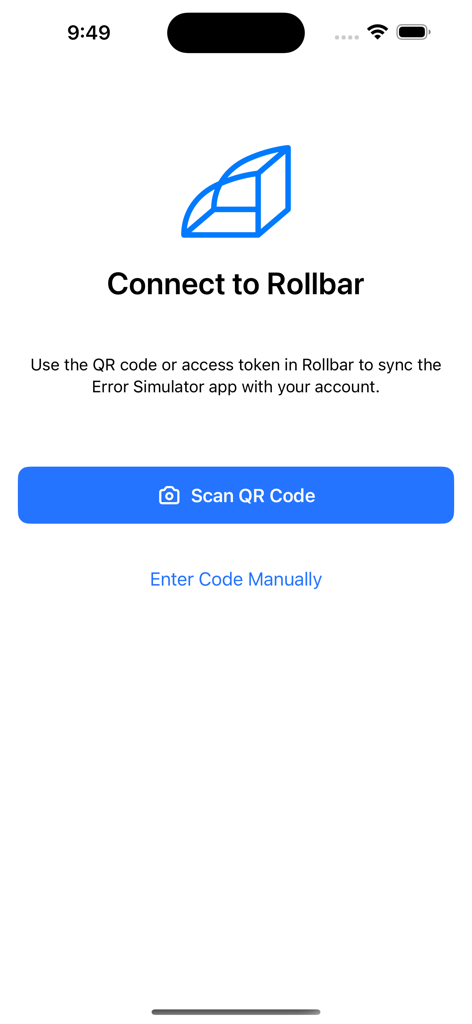

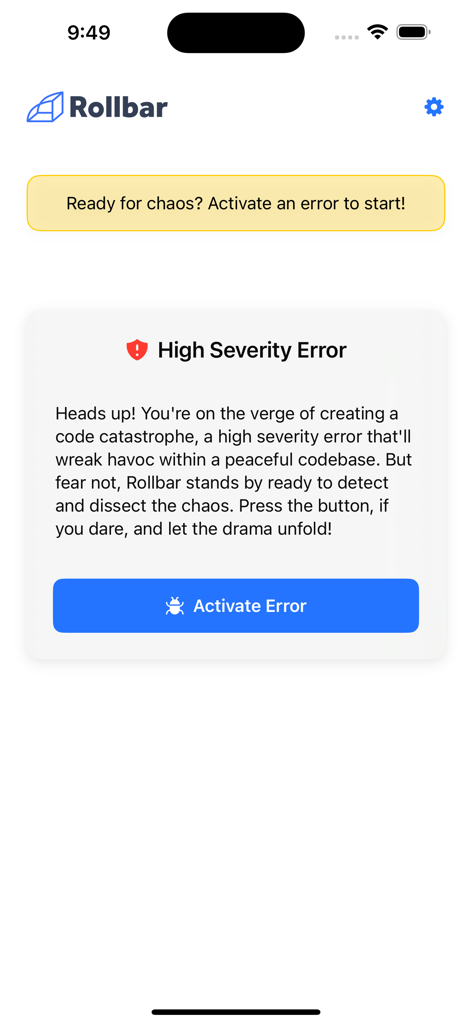
The tools that make this app stand out, trusted by 4K+ users.
Trigger real-world error scenarios instantly. No technical expertise or environment setup needed to see Rollbar in action.
Verify that your alerts are firing and dashboards are populated correctly. Get immediate proof that your monitoring is working as intended.
Explore Rollbar's capabilities in a safe sandbox. Test your integration workflows without any impact on your live production codebase or user experience.
Everything you need to know about Rollbar Error Simulator.
Description
Latest Version
1.2.0
Size
2.7 MB
First Released
Oct 30, 2023
Join thousands of product managers and non-technical stakeholders who use our mobile simulator to validate their error tracking setup in seconds—no coding required.
Everything you need to know about Rollbar Error Simulator
The Rollbar Error Simulator app allows users without coding experience to effortlessly simulate errors. It connects to your Rollbar account, enabling you to test your Rollbar setup and ensure seamless error tracking with a single tap.
You connect the Rollbar Error Simulator app to your Rollbar account by using a QR code or an access token. The app provides options to scan a QR code or manually enter the code for synchronization.
No, coding experience is not required to use the Rollbar Error Simulator. The app is specifically designed for users without technical expertise to simulate errors and test their Rollbar setup.
The Rollbar Error Simulator app can activate a 'High Severity Error'. This allows users to test how Rollbar detects and dissects errors within a codebase, ensuring robust error tracking functionality.
Users can find documentation for the Rollbar Error Simulator at the provided URL: https://docs.rollbar.com/docs/trying-rollbar-with-the-error-simulator. Direct support is also available for any encountered problems.
Top-ranked apps in the same category

Apple Inc.

Replit, Inc

GitHub

Shenzhen VeePai IoT Intelligent Technology LLC

Apple Inc.

650 Industries, Inc.

Simon Stovring

Apple Inc.

Stream Lab Inc.
App information, icons, screenshots, and descriptions displayed on this page are sourced from the Apple App Store and are the property of their respective developers. Download estimates and rankings are based on MWM's proprietary models and may not reflect actual figures. This page is provided for informational and analytical purposes only.
Believe this page infringes your intellectual property? File a dispute